

Updated August 20, 2026
This article is continuously updated as new information about iOS 26.6.1 problems, battery life, bug fixes and security issues becomes available.
iOS 26.6.1 is now available for supported iPhones. Apple released the update on August 17, 2026 with build number 23G83.
This is not a major feature update. Apple describes iOS 26.6.1 as a security update, with fixes covering WebKit, Kernel, ImageIO, Telephony and other parts of iOS.
For most iPhone users, that makes the decision fairly simple: install iOS 26.6.1 rather than waiting for iOS 27, provided you have a recent backup and do not need your phone for something critical during the update.

Quick Answer
- Release date: August 17, 2026
- Build number: 23G83
- Latest public iOS: iOS 26.6.1
- Main purpose: Security fixes
- Security issues addressed: 29 reported CVEs
- WebKit fixes: 21 reported CVEs
- New features: No major new features
- Should you update? Yes for most users
- Battery or overheating issue: No widespread iOS 26.6.1-specific problem has been confirmed by Apple
- Shortcuts fix: Apple has not officially listed a Shortcuts Automation fix
Latest status: Apple says iOS 26.6.1 delivers security fixes that were first made available in the iOS 27 beta. It is therefore better understood as a late-cycle security release than a conventional feature update.
What Is New in iOS 26.6.1?
The main change is security.
Apple's public iOS 26 release notes simply state that iOS 26.6.1 provides security fixes for the iPhone.
The company's separate security documentation reveals a much larger list of fixes affecting several important system components.
| Area | What Was Fixed | Why It Matters |
|---|---|---|
| WebKit | Memory corruption, crashes and other web-content vulnerabilities | WebKit powers Safari and web content across many iPhone apps |
| Kernel | Memory and system-termination vulnerabilities | Kernel flaws affect a core part of iOS |
| ImageIO | Image-processing vulnerabilities | One issue could potentially allow arbitrary code execution |
| Telephony | IPSec authentication vulnerability | Could allow network traffic interception in specific conditions |
| Audio | Sensitive-information exposure | A malicious app could potentially leak information |
According to published security analysis, the update addresses 29 CVEs in total, including 21 related to WebKit.
Apple says these fixes were first made available in the iOS 27 beta, meaning Apple chose to bring them to users on iOS 26 instead of waiting for the next major operating-system release.
Is iOS 26.6.1 a Security Update?
Yes. Security is the main reason iOS 26.6.1 exists.
Unlike iOS 26.6, which also included bug fixes and Spotlight indexing changes ahead of iOS 27, Apple's public description of iOS 26.6.1 focuses specifically on security.
That distinction matters because users should not expect visible interface changes, new apps or major new iPhone features after installation.
Are any iOS 26.6.1 vulnerabilities actively exploited?
There is currently no indication that the vulnerabilities listed for iOS 26.6.1 were known to be actively exploited when the update was released.
However, once vulnerabilities are publicly documented, keeping an iPhone on an older version for longer provides little benefit for most users.
Ultra-Thin MagSafe Back Plate Series
ZEERA MagSkin Air Ultra-Thin Magnetic Plate
- Only 0.3mm thin
- MagSafe compatible
- Preserves Air feel
- Light back guard
- Case-free carry

ZEERA MagSkin Pro Ultra-Thin Magnetic Back Plate
- Ultra-thin Pro fit
- MagSafe compatible
- Bare-phone feeling
- Camera deco guard
- Minimal daily carry

ZEERA AirFlat Lens Cover for iPhone Air
- Makes back flat
- Stops desk wobble
- Protects camera lens
- Slim matching look
- Easy clean design

Should You Update to iOS 26.6.1?
For most users, yes.
iOS 26.6.1 does not introduce a major interface redesign or experimental feature set. Its main purpose is to patch security vulnerabilities already identified by Apple.
That makes the risk-to-benefit decision different from installing a major release such as iOS 27 on day one.
Update now if:
- You are currently running iOS 26.6.
- You want Apple's latest security fixes.
- You regularly use Safari or apps that display web content.
- You have a recent iCloud or computer backup.
- Your iPhone is not needed for a critical task during installation.
You may want to wait briefly if:
- You are traveling today.
- Your iPhone is essential for an important work task.
- You use specialized enterprise apps or hardware.
- You cannot troubleshoot the phone if an installation problem occurs.
This is general update caution rather than evidence of a specific iOS 26.6.1 problem.
Should You Wait for iOS 27 Instead?
For security reasons, there is little benefit in staying on iOS 26.6 just to wait for iOS 27.
Apple specifically says that the security fixes in iOS 26.6.1 were first made available in the iOS 27 beta.
In other words, iOS 26.6.1 brings some of those protections to users who are staying on the stable iOS 26 release.
If you do not want to install an iOS 27 beta on your main iPhone, iOS 26.6.1 is the safer stable path.
Does iOS 26.6.1 Fix the Shortcuts Automation Bug?
Apple has not officially confirmed a Shortcuts Automation fix in iOS 26.6.1.
Before the update was released, users and developers reported that iOS 26.6 could break certain Shortcuts Automations, particularly workflows triggered when opening an app.
This made Shortcuts one of the most widely discussed possible reasons for Apple to prepare iOS 26.6.1.
However, Apple's final public release notes describe iOS 26.6.1 as a security update and do not specifically list the Shortcuts problem as resolved.
If you rely heavily on automations for work, productivity or app blocking, test your most important workflows after updating rather than assuming the problem has been fixed.
Does iOS 26.6.1 Cause Battery Drain?
There is currently no confirmed widespread iOS 26.6.1-specific battery drain problem.
Battery complaints exist across the broader iOS 26 cycle and were also reported by some users after iOS 26.6.
Apple notes that software updates can temporarily affect battery life and performance while background tasks finish after installation.
Why can battery life be worse after an iOS update?
After an update, your iPhone may perform additional background work such as indexing data, updating apps and processing system information.
That can temporarily increase power use.
If battery life feels different immediately after installing iOS 26.6.1, avoid judging the update based only on the first few hours.
What if battery drain continues?
Check Settings → Battery to see which apps or system activities are using the most power.
Also update your apps, restart the iPhone and check whether an individual app is responsible for unusually high background activity.
If battery drain remains severe several days after installation, it becomes more reasonable to investigate the issue rather than assuming it is normal post-update activity.
Does iOS 26.6.1 Cause Overheating?
Apple has not documented a widespread overheating issue specific to iOS 26.6.1.
An iPhone can temporarily feel warmer after updating because installation and background processing increase processor activity.
Heavy gaming, navigation, charging, camera use and high ambient temperatures can make that effect more noticeable.
If your iPhone remains unusually hot during light use long after installation has finished, check Battery settings for unusually active apps and restart the device.
ZEERA MagSafe Wireless Charging Series
ZEERA MagTri Gen2 Qi2.2 Foldable MagSafe Charger
- 25W Qi2.2
- 3-in-1 fold
- Active cooling
- Travel size
- 3-device ready

ZEERA MagSion 5-in-1 Dual MagSafe Charger Stand
- Dual MagSafe
- 5-in-1 stand
- Watch charging
- Angle adjust
- Clean setup

ZEERA SuVolt Gen5 Qi2.2 Active Cooling Car Charger
- 25W Qi2.2
- Active cooling
- Strong magnet
- CarPlay ready
- Heat control

Which iPhones Support iOS 26.6.1?
iOS 26.6.1 is available for iPhone 11 and later.
That includes current iPhones running iOS 26, while older devices that cannot install iOS 26 receive separate security releases.
If your iPhone is eligible for iOS 26 and currently runs an earlier iOS 26 version, check Software Update for the latest available build.
How to Install iOS 26.6.1
To check for the update:
- Open Settings.
- Tap General.
- Tap Software Update.
- Select iOS 26.6.1 if it is available.
Back up important data before installing, keep enough free storage available and connect the iPhone to power if the battery is low.
What if iOS 26.6.1 will not download or install?
First check your internet connection, available storage and battery level.
If Software Update remains stuck, restart the iPhone and check again.
A busy Apple update server shortly after release can also temporarily slow downloads.
Will iOS 26.6.1 Fix the macOS Screen Sharing Vulnerability?
No direct connection has been announced.
Apple released macOS Tahoe 26.6.1 earlier in August to fix a Screen Sharing authentication vulnerability identified as CVE-2026-65400.
Apple's iOS 26.6.1 security notes do not list that Mac Screen Sharing vulnerability as an iPhone issue.
The two updates therefore should not be described as fixing the same vulnerability simply because they share the 26.6.1 version number.

What Problems Are Users Reporting After iOS 26.6.1?
iOS 26.6.1 has only been available for a short time, so it is too early to draw strong conclusions from individual reports.
Current discussions include the usual post-update questions about battery life, heat, installation problems and bugs that remained from earlier iOS 26 releases.
There is currently no clear evidence of a new, widespread iOS 26.6.1-specific failure affecting most users.
This section will be updated if a repeatable problem becomes widely documented.
iOS 26.6.1 FAQ
Is iOS 26.6.1 out?
Yes. Apple released iOS 26.6.1 on August 17, 2026.
What is the iOS 26.6.1 build number?
The public build is 23G83.
What does iOS 26.6.1 fix?
Apple describes the release as a security update. Published security information covers WebKit, Kernel, ImageIO, Telephony, Audio and other components.
How many security fixes are in iOS 26.6.1?
Published analysis of Apple's security document identifies 29 CVEs, with 21 related to WebKit.
Should I update to iOS 26.6.1?
Yes for most users. It is a stable security update rather than a major feature release, and staying current reduces exposure to known vulnerabilities.
Should I wait for iOS 27?
Most users should not remain on iOS 26.6 simply to wait for iOS 27. Apple says the security fixes in iOS 26.6.1 were first made available in iOS 27 beta.
Does iOS 26.6.1 fix Shortcuts Automations?
Apple has not officially listed the iOS 26.6 Shortcuts Automation problem as fixed. Users who depend on Shortcuts should test important workflows after updating.
Does iOS 26.6.1 cause battery drain?
No widespread iOS 26.6.1-specific battery problem has been confirmed. Temporary battery changes can occur after software updates while background processes finish.
Does iOS 26.6.1 cause overheating?
Apple has not documented a widespread overheating problem specific to iOS 26.6.1. Temporary warmth can occur during and shortly after installation.
Does iOS 26.6.1 have new features?
No major new user-facing features have been announced. The update is focused on security.
Which iPhones get iOS 26.6.1?
Apple lists iPhone 11 and later as supported.
How do I get iOS 26.6.1?
Go to Settings → General → Software Update.
Bottom Line
iOS 26.6.1 is a security update that most users should install.
Apple released it on August 17 with fixes affecting WebKit, Kernel, ImageIO, Telephony and other important parts of iOS.
There are no major new features, and Apple has not officially confirmed that the Shortcuts Automation problem from iOS 26.6 was fixed.
Battery drain and overheating remain useful issues to monitor, but there is currently no evidence of a widespread iOS 26.6.1-specific problem.
We will continue updating this article as new iOS 26.6.1 bugs, user reports, fixes and iOS 27 information become available.
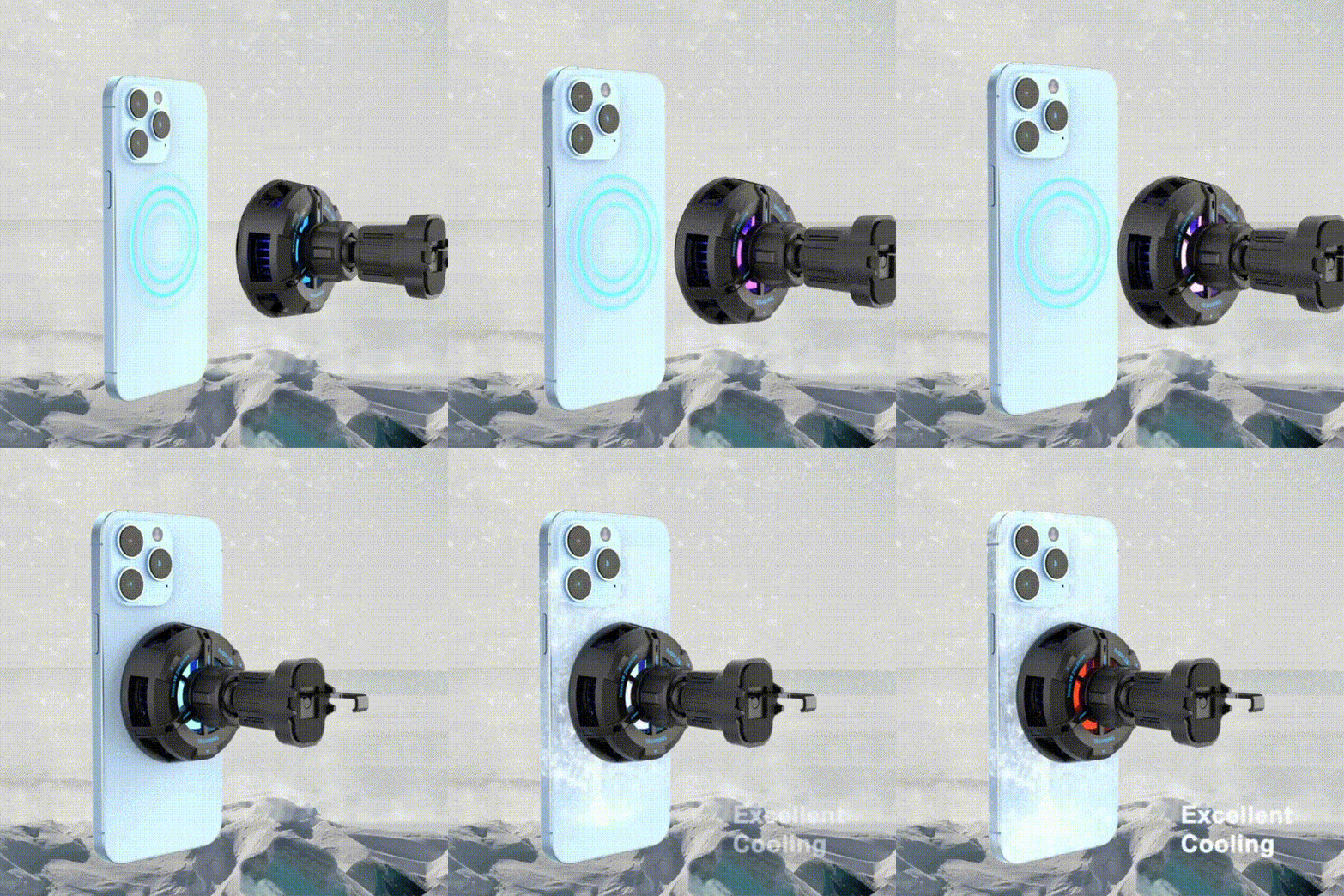
While using navigation, CarPlay or other power-intensive apps, heat can also affect sustained wireless charging performance. The ZEERA SuVolt Gen5 Qi2.2 25W MagSafe Car Charger combines Qi2.2 charging with active cooling for longer charging sessions.


Related Reading









