
Updated: August 22, 2026
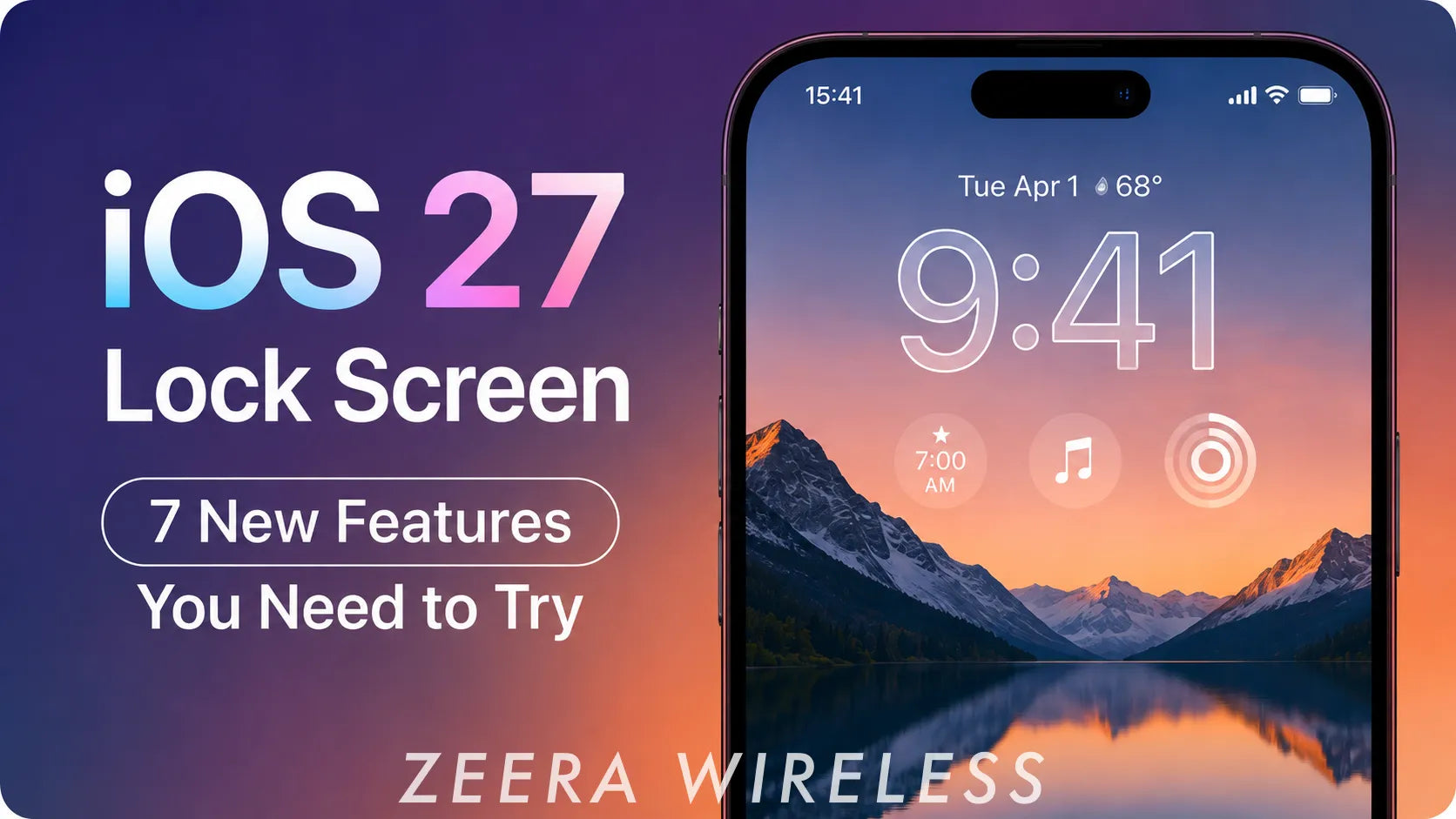
Quick Answer: iOS 27 brings several useful Lock Screen upgrades, including a smaller clock layout, AI-powered wallpaper expansion, Image Playground wallpapers, a removable Now Playing panel, adjustable Liquid Glass transparency, and a redesigned Siri interface. Some AI wallpaper features require an Apple Intelligence-compatible iPhone.
iOS 27 is still in beta ahead of its expected public release in September 2026, so smaller interface details may change before the final version arrives.

1. iOS 27 Lets You Make the Lock Screen Clock Smaller
One of the most noticeable iOS 27 Lock Screen changes is a new compact clock option.
Instead of keeping the time large and centered on the screen, you can shrink it and move it into the top row alongside the date and Lock Screen widgets. This leaves much more of your wallpaper visible.

2. AI Can Extend a Wallpaper to Fit Your iPhone
iOS 27 introduces an Extend tool powered by Apple Intelligence that can expand a photo beyond its original edges.
If a picture is too narrow, cropped too tightly, or does not match your iPhone's screen ratio, iOS 27 can generate additional content around the image instead of forcing you to zoom in and crop more of the original photo.
The Lock Screen can also suggest Extend automatically when it detects that a photo does not fit the wallpaper area well.
This should be particularly useful for landscape photos, older pictures, and images where you want to keep the main subject fully visible.

3. You Can Generate AI Lock Screen Wallpapers From a Prompt
Image Playground is becoming much more integrated with the Lock Screen in iOS 27.
You can create a new wallpaper simply by describing what you want in natural language. For example, you could ask for a minimalist city at night, a futuristic landscape, or another visual style and use the generated image as your Lock Screen wallpaper.
Apple has officially confirmed that the new Image Playground can create images specifically for Lock Screen wallpapers and Contact Posters.
Because this relies on Apple Intelligence, availability depends on your iPhone model, language, and region.

4. Image Playground Can Restyle Your Existing Photos
You do not have to start with a text prompt. iOS 27 can also use pictures from your Photos library as the starting point for a new Lock Screen design.
Inside the wallpaper picker, Image Playground can create stylized versions of existing photos, including looks such as Retro Illustration and Animation.
This gives you another way to personalize an iPhone Lock Screen without replacing the people, places, or memories you already want to use as your wallpaper.
iPhone 18 Pro Max MagSafe Charger & Stand
ZEERA MagTri Gen2 Qi2.2 Foldable MagSafe Charger
- 25W Qi2.2
- 3-in-1 fold
- Active cooling
- Travel size
- 3-device ready

ZEERA MagSion 5-in-1 Dual MagSafe Charger Stand
- Dual MagSafe
- 5-in-1 stand
- Watch charging
- Angle adjust
- Clean setup

ZEERA SuVolt Gen5 Qi2.2 Active Cooling Car Charger
- 25W Qi2.2
- Active cooling
- Strong magnet
- CarPlay ready
- Heat control

5. You Can Finally Remove Now Playing From the Lock Screen
If the music player keeps staying on your iPhone Lock Screen after you start listening to music or a podcast, iOS 27 gives you more control.
You can now swipe away the Now Playing panel from the Lock Screen. The important part is that removing the panel does not stop the audio — your music or podcast can continue playing in the background.
How to remove the music player from the Lock Screen in iOS 27
Swipe left on the Now Playing panel and choose the option to clear it. If you start interacting with playback again, the Now Playing controls can return when needed.
This is a small change, but it makes the Lock Screen feel much cleaner when you do not need media controls taking up a large part of the display.

6. Liquid Glass Transparency Is More Customizable
iOS 27 expands customization of Apple's Liquid Glass interface with a new system-wide transparency slider.
You can move between a clearer, more transparent appearance and a more tinted, opaque look. The setting also changes how elements such as Lock Screen notifications, buttons, widgets, and other glass-style controls appear over your wallpaper.
The control is available under Settings > Appearance > Liquid Glass.
If notifications or Lock Screen controls are difficult to read against a bright wallpaper, increasing the tint can improve contrast. If you prefer the more transparent glass effect, you can move in the opposite direction.
7. Siri Has a New Lock Screen Interface
The new Siri AI experience also changes how Siri appears when you activate it from the Lock Screen.
Instead of the previous glowing animation around the edges of the entire display, the new Siri interface is more closely centered around the Dynamic Island, with requests and responses appearing in a more compact area.
The result is a Siri experience that occupies less of the Lock Screen while still keeping the conversation visible.

Which iPhones Support the New iOS 27 Lock Screen Features?
Apple says iOS 27 supports the iPhone 11 and later, plus the iPhone SE (2nd generation) and newer.
However, getting iOS 27 does not mean every iPhone receives every feature. AI-powered tools such as Image Playground and intelligent image expansion require an Apple Intelligence-compatible device.
Basic changes such as the compact Lock Screen clock and other non-AI interface improvements have broader availability.


Will the iPhone 18 Pro and iPhone 18 Pro Max Come With iOS 27?
Apple has not announced the iPhone 18 Pro lineup yet, but the iPhone 18 Pro and iPhone 18 Pro Max are widely expected to launch in September 2026, around the same period as the public release of iOS 27.
That makes iOS 27's new Lock Screen one of the software changes buyers are likely to experience immediately when moving to Apple's next Pro iPhones.
If you are preparing for the upgrade, you can also browse iPhone 18 Pro Max MagSafe cases designed for magnetic charging, everyday protection, and the upcoming Pro lineup.
Getting Ready for iPhone 18 Pro Max?
Planning to upgrade this fall? Explore accessories built around magnetic charging and everyday use with the new Pro models.
 iOS 27 Lock Screen FAQ
What is new on the iOS 27 Lock Screen?
Major changes include a compact clock layout, AI-powered wallpaper extension, Image Playground wallpapers, removable Now Playing controls, adjustable Liquid Glass transparency, and a redesigned Siri interface.
Can you make the Lock Screen clock smaller in iOS 27?
Yes. iOS 27 adds an option that shrinks the Lock Screen clock and moves it into the top row near the date and widgets.
Can iOS 27 create AI wallpapers?
Yes. On compatible Apple Intelligence devices, Image Playground can generate new Lock Screen wallpapers from a text description or create stylized versions of existing photos.
How do I remove music from the Lock Screen in iOS 27?
You can swipe away the Now Playing panel without stopping the music or podcast that is currently playing.
Can iOS 27 extend a photo to fit the Lock Screen?
Yes. The new Extend feature can use Apple Intelligence to generate additional content around the edges of a photo so it better matches the iPhone display.
Does iPhone 18 Pro Max support iOS 27?
The iPhone 18 Pro Max has not been officially announced yet, but it is expected to launch around September 2026 and would be expected to run Apple's current-generation iOS 27 software.









