
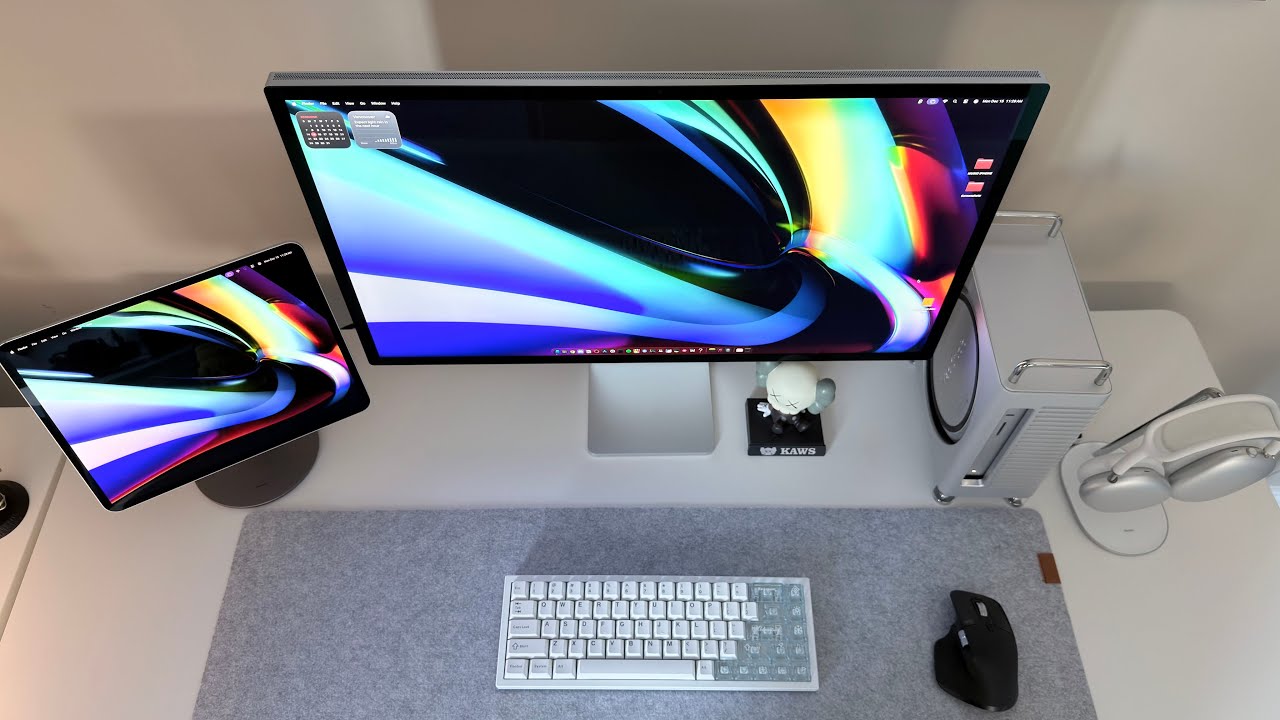
Apple Inc. has officially released macOS 26.4, also known as macOS Tahoe 26.4, on March 24, 2026. This update focuses on practical improvements, system stability, and security enhancements rather than major new features or interface redesigns.
If you’re a Mac user, understanding what’s new in this release will help you decide whether to update immediately.

Safari Tab Improvements
One of the most requested features has returned: compact Safari tabs.
- Users can now choose between the standard and compact tab layouts.
- This improves screen space usage and browsing organization.
- Particularly useful for MacBook users who work with multiple tabs at once.
These enhancements make Safari more efficient without changing your workflow drastically.

Battery Charge Limit Feature
macOS 26.4 introduces a Battery Charge Limit setting, allowing users to:
- Cap the battery at a specific percentage (e.g., 80%–100%)
- Reduce battery wear over time
- Improve long-term battery health
This is especially valuable for MacBook users who want to extend the lifespan of their device and avoid early battery degradation.

New Emoji Set
Similar to iOS 26.4, macOS 26.4 adds a set of new emojis, enhancing communication across apps like Messages, Mail, and Notes.
- Express yourself more vividly in chats
- Compatible with cross-device Apple communication
This small but fun addition makes your system feel fresher and more up-to-date.

Security Updates and Rosetta 2 Warnings
Security is a key focus of macOS 26.4:
- Apple patched multiple vulnerabilities in system services
- Users now see warnings for apps relying on Rosetta 2, which may not be supported in future macOS versions
- Ensures that older Intel apps are flagged so users can prepare for future upgrades
These updates strengthen the system and help users avoid potential compatibility issues.

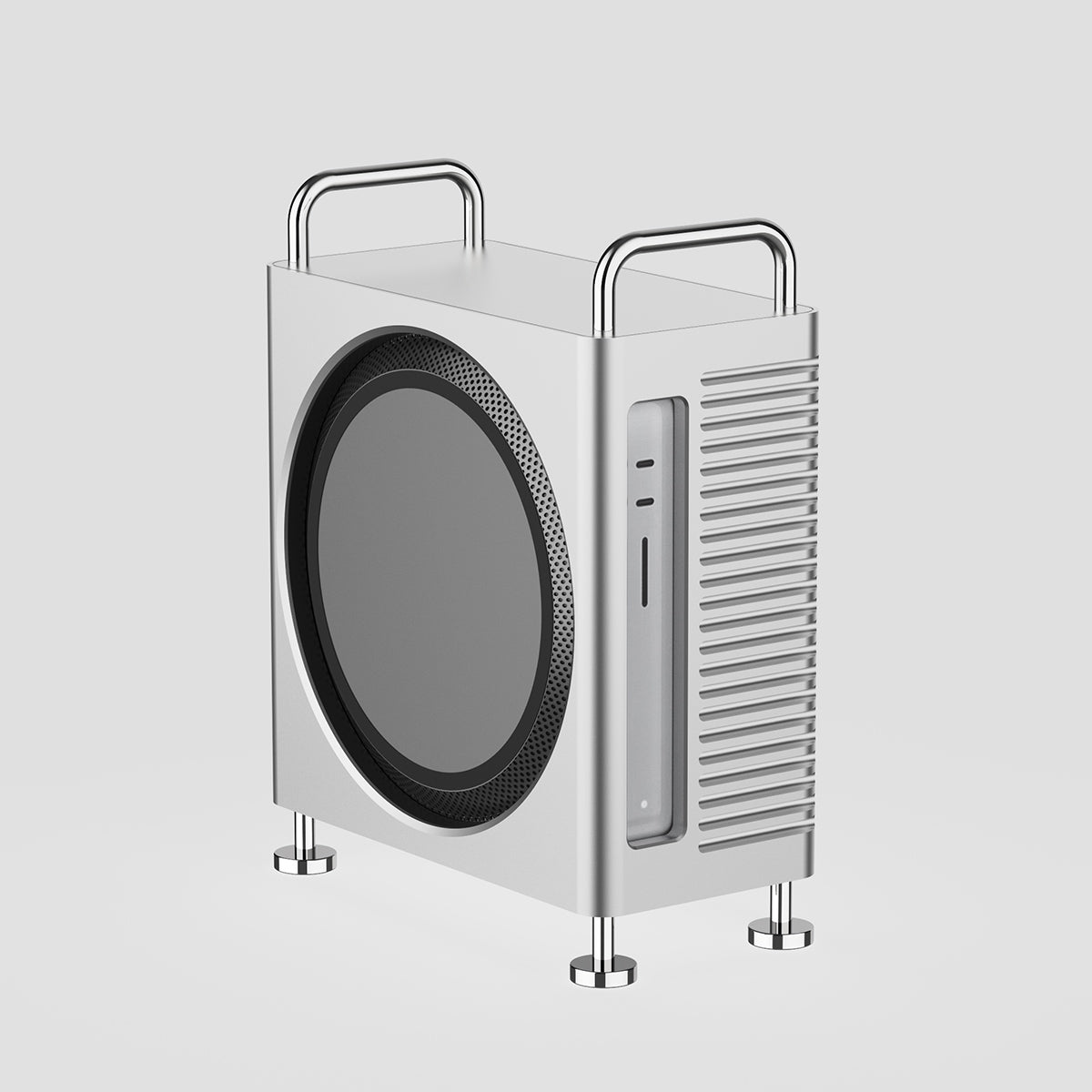
Upgrade Your Mac Experience with ZEERA Aluminum Accessories
For Mac users looking to elevate their setup, ZEERA Aluminum Accessories offer a perfect blend of style and function. Inspired by Mac Pro’s iconic design, these accessories not only look sleek but are also crafted from high-quality aluminum to provide excellent heat dissipation, keeping your devices cool during heavy use. Fully compatible with Apple’s ecosystem, they maintain the original Apple aesthetic and feel, making them a seamless addition to any workspace.


Other Quality-of-Life Enhancements
macOS 26.4 also includes several smaller improvements:
- Performance optimizations
- Bug fixes for window rendering and display issues
- Improved system stability across multiple Mac models
Together, these refinements ensure a smoother experience, even if you don’t notice all of them immediately.
Who Should Install macOS 26.4?
✅ Recommended for all compatible Mac users, especially:
- Users who rely on Safari for work or research
- MacBook owners who want better battery management
- Anyone concerned with system security and app compatibility
Even if your Mac is running smoothly, updating helps ensure your device is secure and ready for future macOS releases.
Final Thoughts
macOS 26.4 may not introduce major visual changes, but it brings several meaningful improvements that enhance the overall Mac experience. With better Safari navigation, battery longevity control, new emojis for more expressive communication, and critical security updates including Rosetta 2 compatibility warnings, this update ensures that your Mac remains secure, efficient, and prepared for future software releases. Even if your device seems to be running smoothly, installing macOS 26.4 is a simple step that provides peace of mind and helps maintain long-term system stability.






