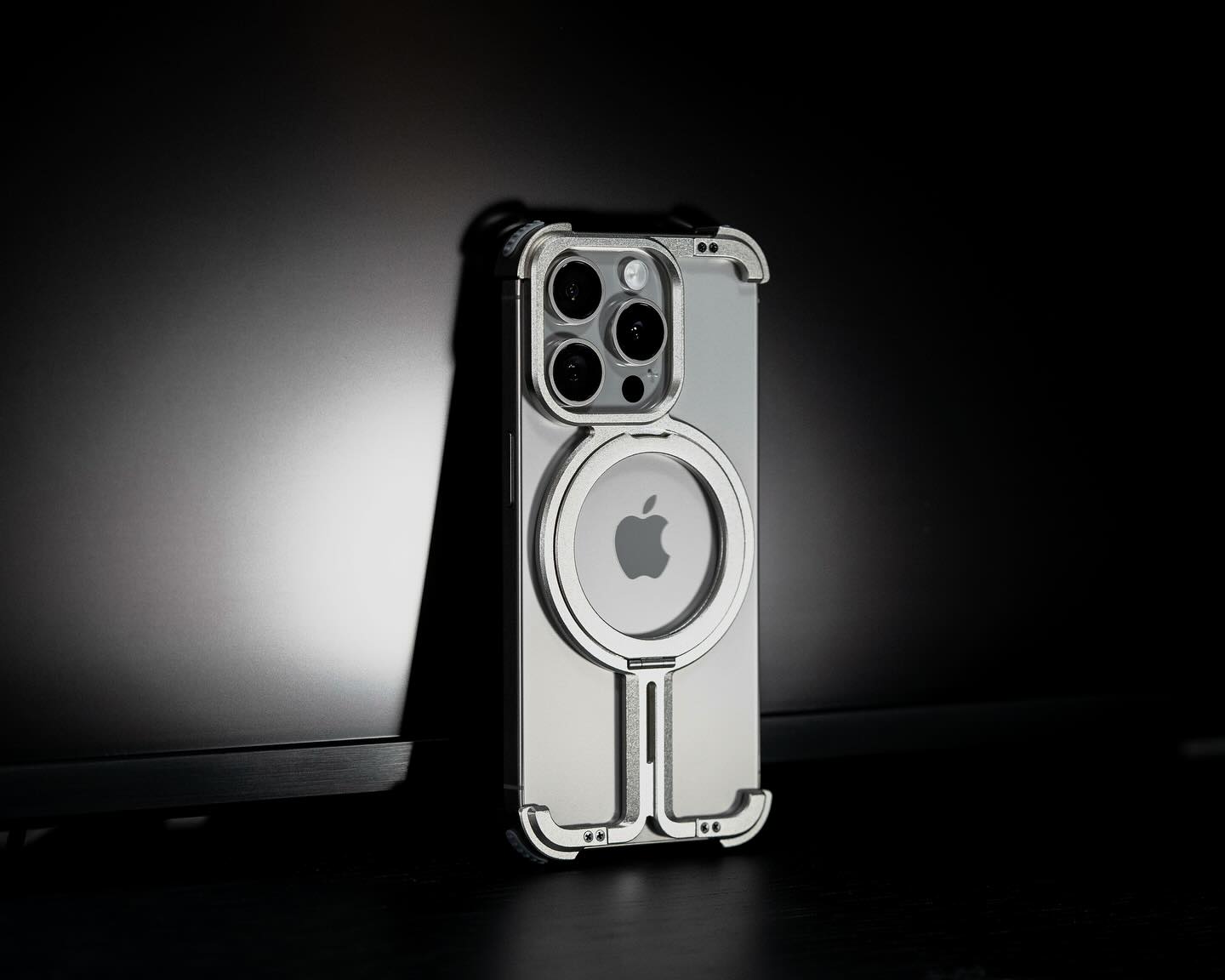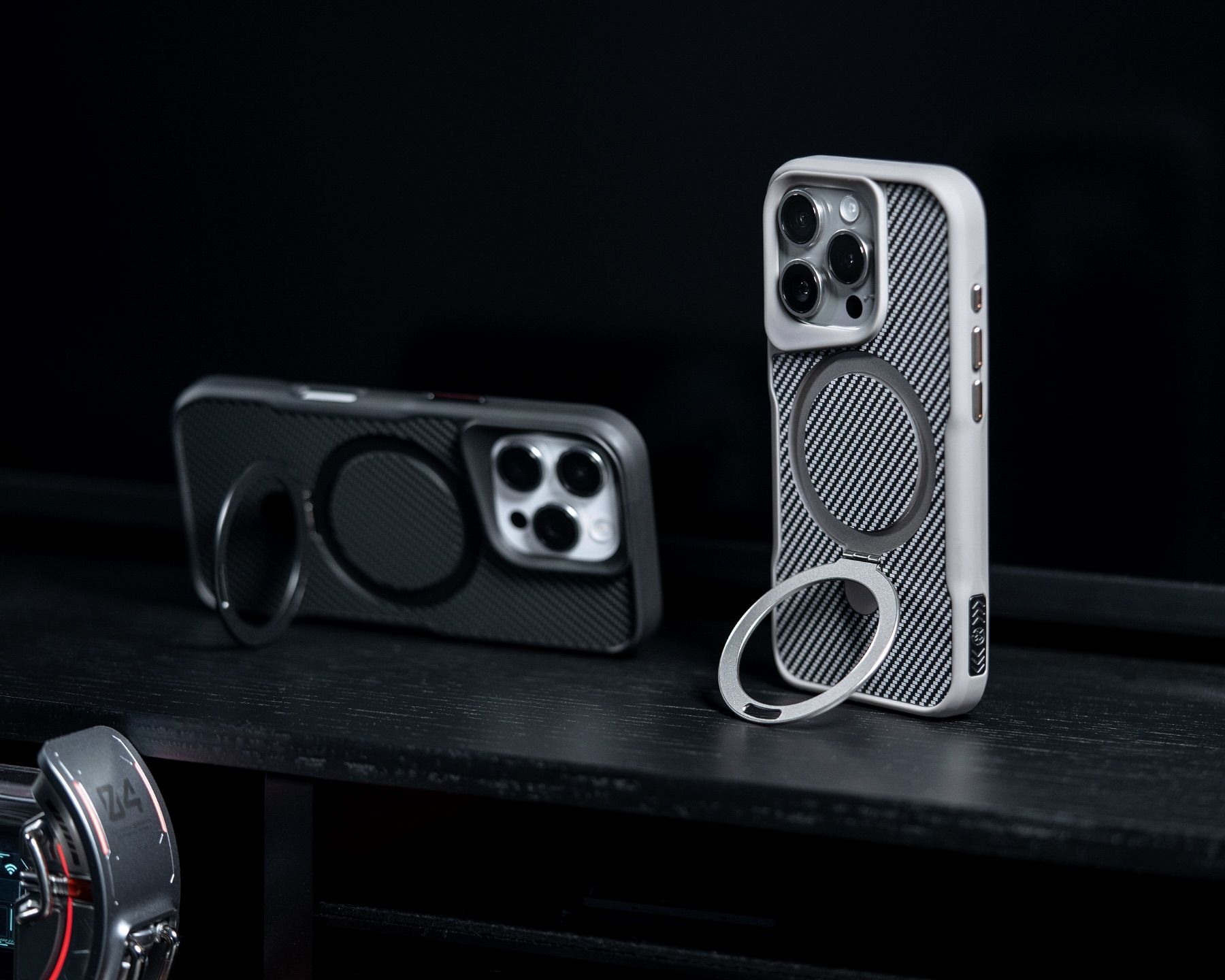



Product Features
Description
ZEERA MagSkin Pro
Ultra-Thin Magnetic Back Plate for iPhone 17 Pro
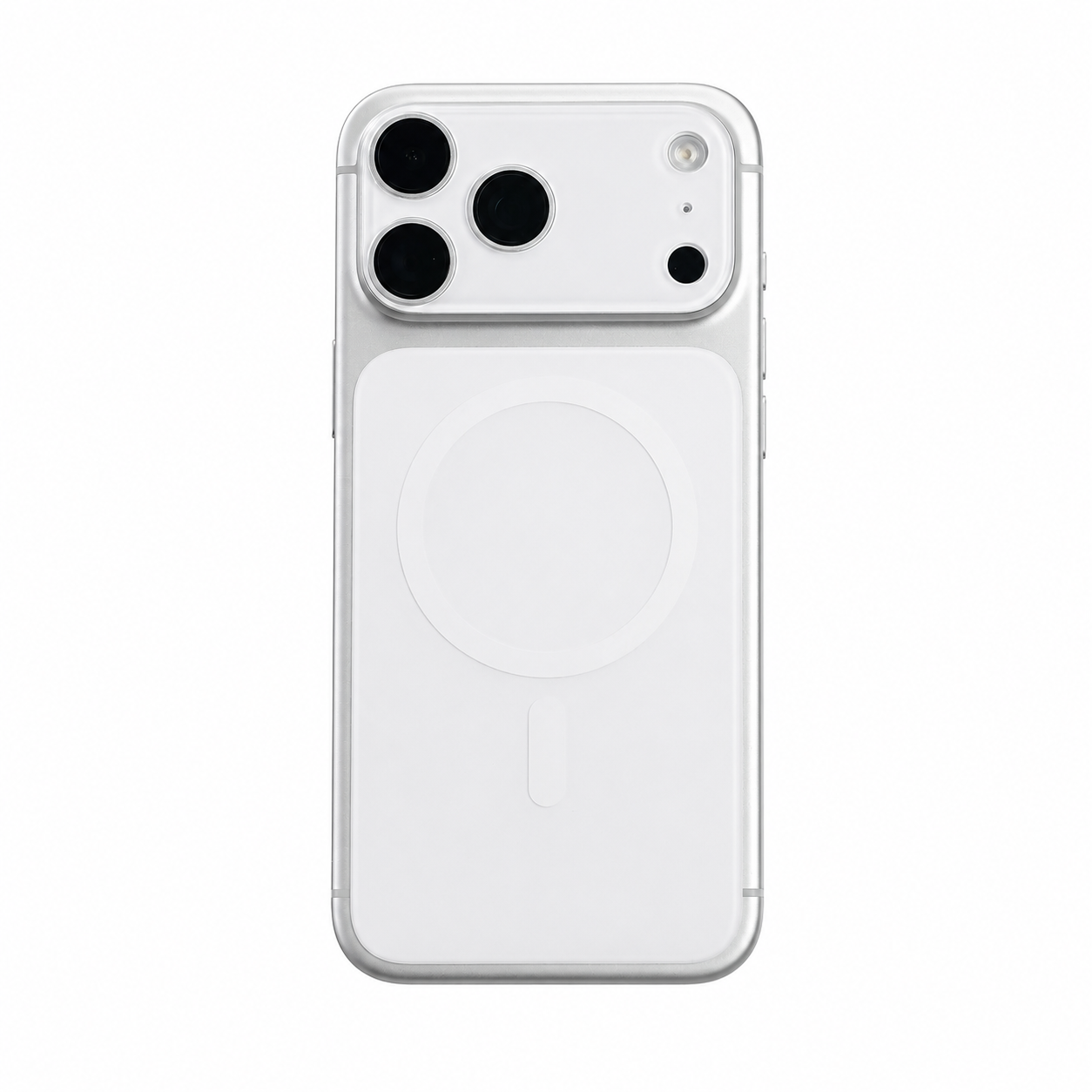
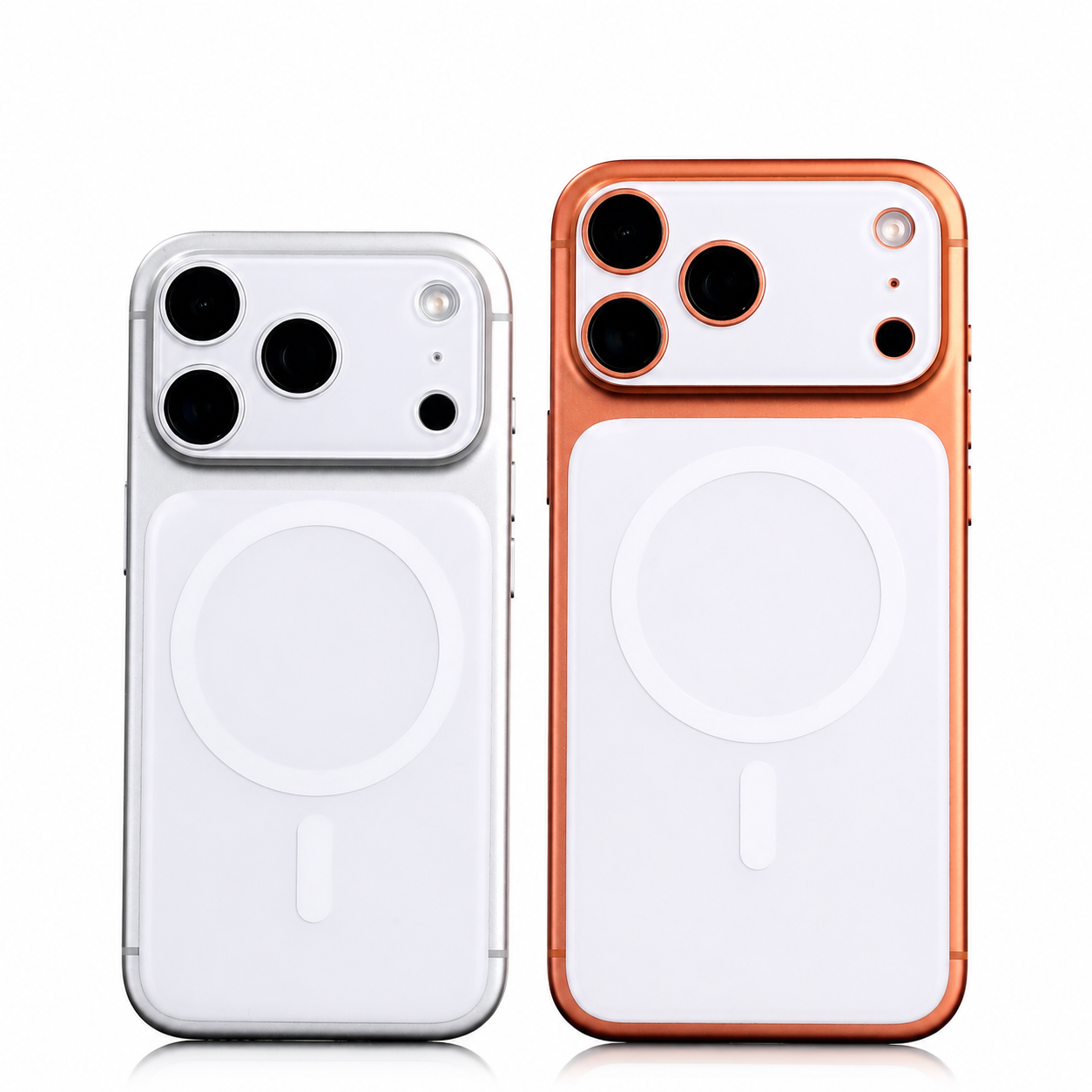
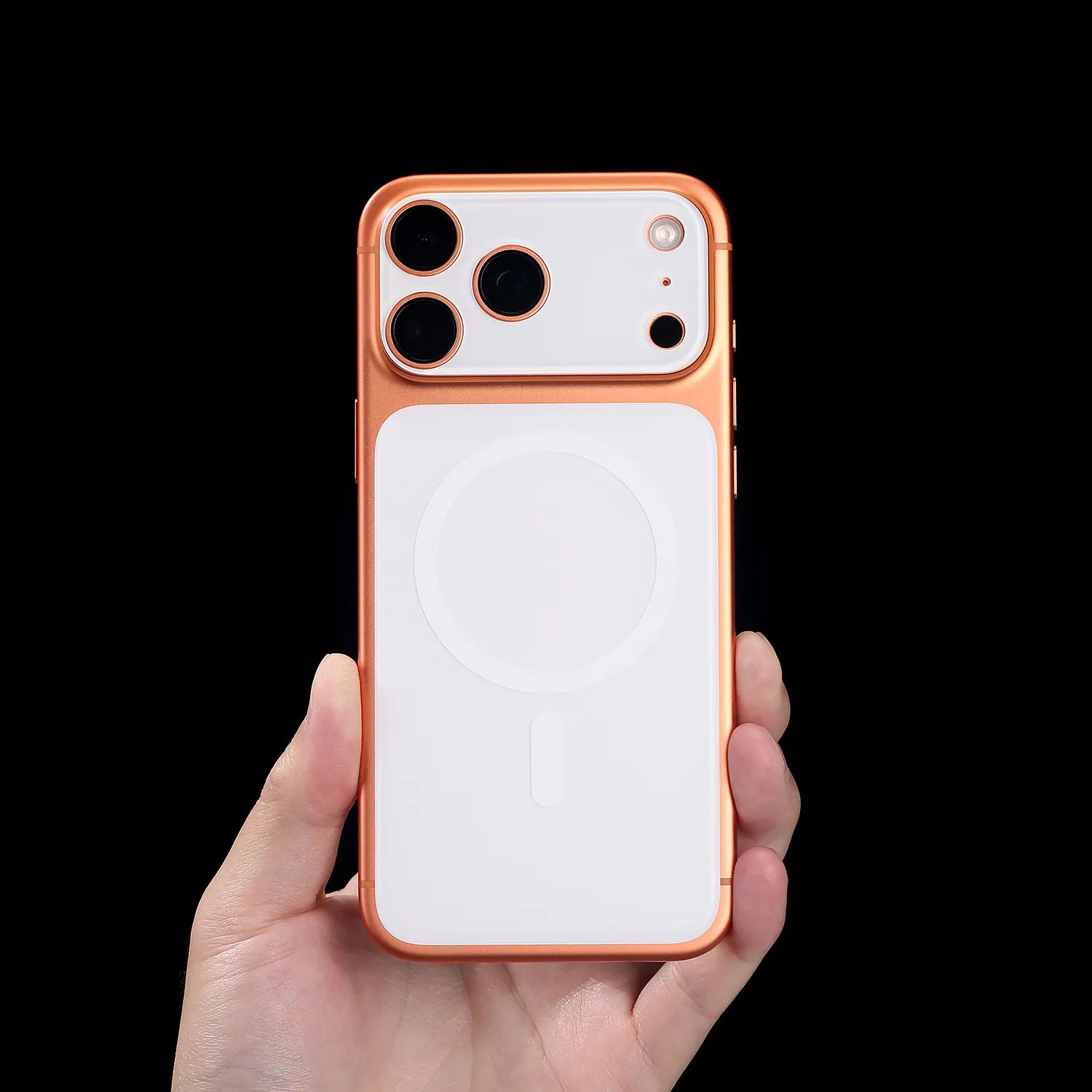
An ultra-thin magnetic back plate designed for iPhone 17 Pro and iPhone 17 Pro Max users who want a stronger MagSafe experience, a cleaner bare-phone feel, and a flatter, more stable back without using a bulky case.
Built for users who love the original iPhone design, MagSkin Pro enhances magnetic strength, helps reduce camera wobble, protects the camera area, and keeps your iPhone feeling slim, clean, and minimal.

Designed Around iPhone 17 Pro
Why iPhone 17 Pro Needs MagSkin Pro
The iPhone 17 Pro and iPhone 17 Pro Max feature a larger camera deco area, which can make the phone wobble when placed on a flat surface. For users who prefer using their iPhone without a case, this can affect both daily use and camera protection.
ZEERA MagSkin Pro solves this with a thin magnetic back plate that creates a more stable surface while improving MagSafe grip for chargers, car mounts, wallets, and other magnetic accessories.
Bare-Phone Feel
Keeps the original iPhone profile clean and minimal.
Stronger Grip
Improves magnetic alignment and everyday stability.
Less Wobble
Creates a more balanced surface for desks and tables.
Camera Care
Helps shield the camera deco area from surface contact.

Slim by Design
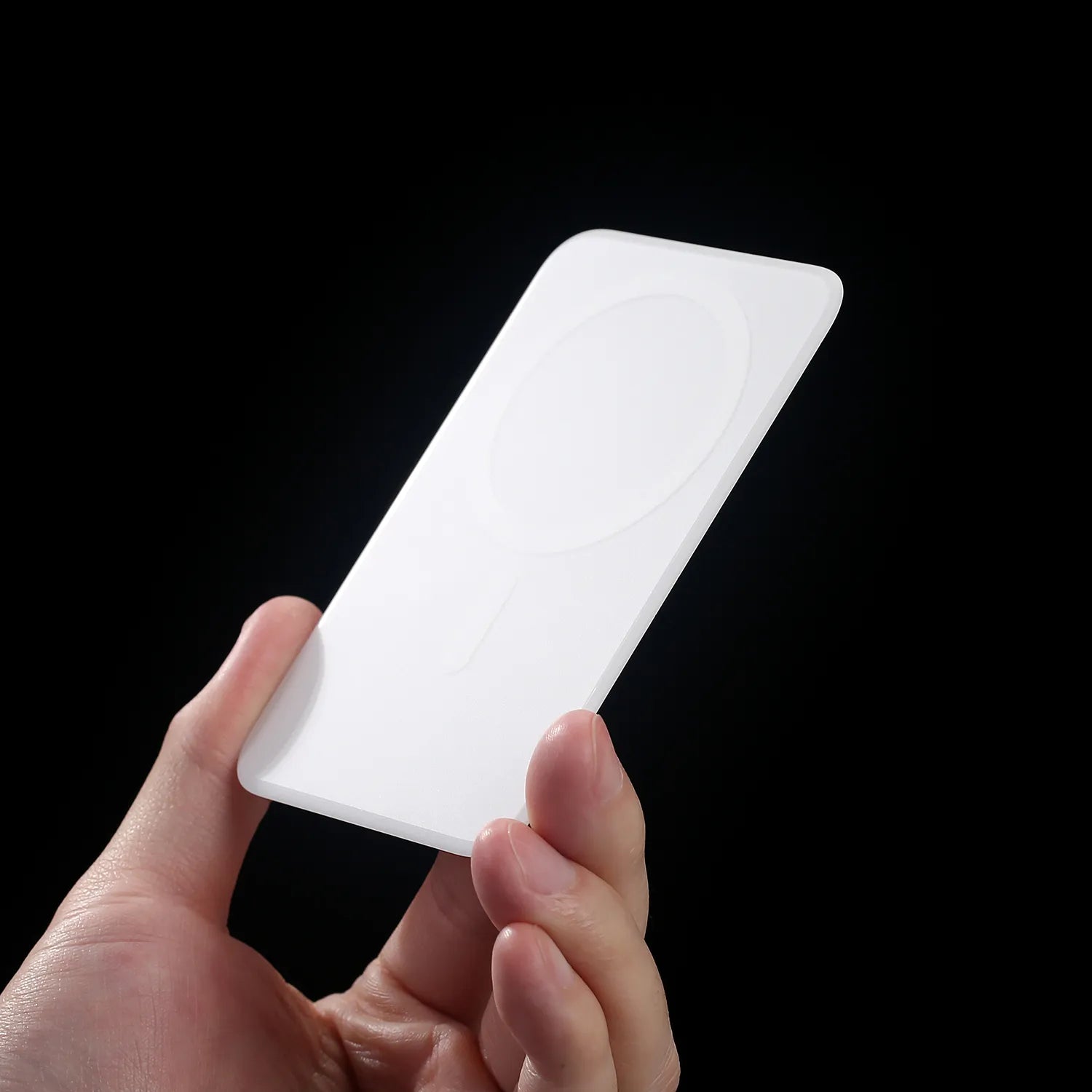
Ultra-Thin Bare-Phone Feel
MagSkin Pro is made for users who want to keep the original feel of their iPhone. Its ultra-thin structure adds functional magnetic strength and back protection without making your phone feel bulky.
It gives you the freedom to enjoy a case-free iPhone experience while still improving daily usability.

More Secure Connections
Stronger MagSafe Magnetic Grip
With a built-in magnetic array, MagSkin Pro helps strengthen the connection between your iPhone and MagSafe accessories.
It improves magnetic alignment for wireless chargers, car mounts, MagSafe stands, wallets, and magnetic grips, giving you a more stable and reliable everyday experience.

More Stable on Every Surface
Camera Wobble Reduction
The raised camera area on the iPhone 17 Pro series can make the phone unstable on desks, tables, or flat surfaces.
MagSkin Pro helps reduce this wobble by adding a flatter, more balanced contact surface, making your iPhone easier to use when typing, tapping, or placing it on a desk.

Protection Without the Bulk
Camera Area Protection
MagSkin Pro is not just about magnetism. It also helps protect the camera deco area from daily scratches, friction, and direct surface contact.
For users who do not like using a full phone case, it offers a cleaner way to add practical protection while keeping the iPhone’s original design visible.

Everyday MagSafe, Refined
Made for a Cleaner MagSafe Experience
ZEERA MagSkin Pro improves the everyday MagSafe experience by making magnetic contact stronger and more stable. Whether you charge at home, mount your iPhone in the car, or use MagSafe accessories every day, the connection feels more secure.
Charger Alignment
More confident placement on MagSafe chargers.
Car Mount Stability
A firmer hold during everyday driving.
Wallet Attachment
More dependable magnetic contact.
Stand Reliability
Stable support for magnetic stands and grips.
Accessory Grip
Stronger hold across compatible MagSafe accessories.

Know the Difference
Not a Phone Case. A Magnetic Back Plate.
ZEERA MagSkin Pro is designed for users who want a minimal iPhone setup. It is not a traditional protective case and does not cover the sides, buttons, or full frame of the phone.
Instead, it works as a large ultra-thin magnetic enhancement plate that improves MagSafe strength, adds back protection, reduces wobble, and keeps the original iPhone feel.
Case-Free Feel
No bulky side frame or full-device enclosure.
MagSafe Boost
Improves magnetic strength and accessory grip.
Flatter Contact
Helps reduce camera wobble on flat surfaces.
Targeted Protection
Protects the back and camera deco area.
Four Simple Steps
Installation Guide
Clean Your iPhone
Make sure the back of your iPhone is clean and free of dust, oil, or debris.
Peel the Adhesive Film
Remove the protective film from the back of MagSkin Pro.
Align with Your iPhone
Gently place MagSkin Pro onto the back of your iPhone. The magnetic structure helps guide it into position.
Press to Secure
Once aligned, press around the edges and corners to secure it firmly in place.
Tip: If you frequently use magnetic mounts, car mounts, tripods, or MagSafe rings, we recommend using the adhesive layer for a more secure and stable hold.

Product Details
Specifications
Magnetic Back Plate
- Type: Adhesive flush magnetic back plate
- Main Materials: PC + Magnetic Array
- Weight: iPhone 17 Pro Max: approx. 12.8g / iPhone 17 Pro: approx. 11g
- iPhone 17 Pro Max Dimensions: approx. 111.3 × 70.7 × 1.15 mm
- iPhone 17 Pro Dimensions: approx. 97.8 × 64.6 × 1.15 mm
Lens Cover
- Type: Adhesive flush camera leveling cover
- Main Material: PC
- Design: Sits nearly flush with the camera area after installation
- Weight: iPhone 17 Pro Max: approx. 3.6g / iPhone 17 Pro: approx. 3.3g
- iPhone 17 Pro Max Dimensions: approx. 67.5 × 37.8 × 1.9 mm
- iPhone 17 Pro Dimensions: approx. 61.1 × 37.5 × 1.9 mm
Before and After Use
Care & Removal
Important Notes Before Use
- MagSkin Pro is not a full protective case.
- It does not provide side frame or drop protection.
- It is designed for users who prefer a slim, case-free iPhone feel.
- Keep dust or sand away from the space between your iPhone and MagSkin Pro.
- Adhesion may become weaker after repeated removal and reuse.
Removal
- Gently peel from the edge with your fingernail.
- If needed, apply slight heat for easier removal.
- Use the original protective film to cover the adhesive layer for storage.
Note: Adhesion may weaken after multiple reuses. This is normal.

Questions, Answered
FAQ
Does MagSkin Pro affect wireless charging?
No. MagSkin Pro is designed to maintain wireless charging compatibility while improving MagSafe alignment and magnetic stability.
Will it improve MagSafe strength?
Yes. MagSkin Pro works as a MagSafe magnetic enhancement plate, helping improve grip strength with chargers, mounts, wallets, and stands.
Can it reduce iPhone 17 Pro camera wobble?
Yes. MagSkin Pro helps create a flatter and more stable back surface, reducing wobble when the phone is placed on a desk or flat surface.
Is MagSkin Pro a phone case?
No. MagSkin Pro is not a phone case. It is an ultra-thin magnetic back plate designed for users who prefer a bare-phone feel.
Does it protect the camera area?
Yes. It helps protect the camera deco area from scratches, friction, and direct contact with flat surfaces.
Is it compatible with MagSafe car mounts?
Yes. MagSkin Pro improves magnetic grip and stability when used with MagSafe car mounts and other magnetic accessories.
Does it leave residue after removal?
MagSkin Pro uses a clean adhesive system designed for safe removal. For best results, remove it slowly from the edge.
Payment Method

Payment Security
Your payment information is processed securely. We do not store credit card details nor have access to your credit card information.