
Use Auto if you simply want the iPhone 18 Pro Max to choose the aperture for you.
Choose ƒ/1.48 for dark interiors and night scenes, ƒ/1.8 for everyday photos and single-person portraits, ƒ/2.8 when several subjects need to stay sharp, and ƒ/4 for groups, landscapes, architecture and maximum depth of field.
A smaller ƒ-number means a wider physical opening and more light. A larger ƒ-number means a narrower opening, less light and more of the scene appearing in focus.
These four settings belong to the 48MP Fusion Main camera on iPhone 18 Pro and iPhone 18 Pro Max.
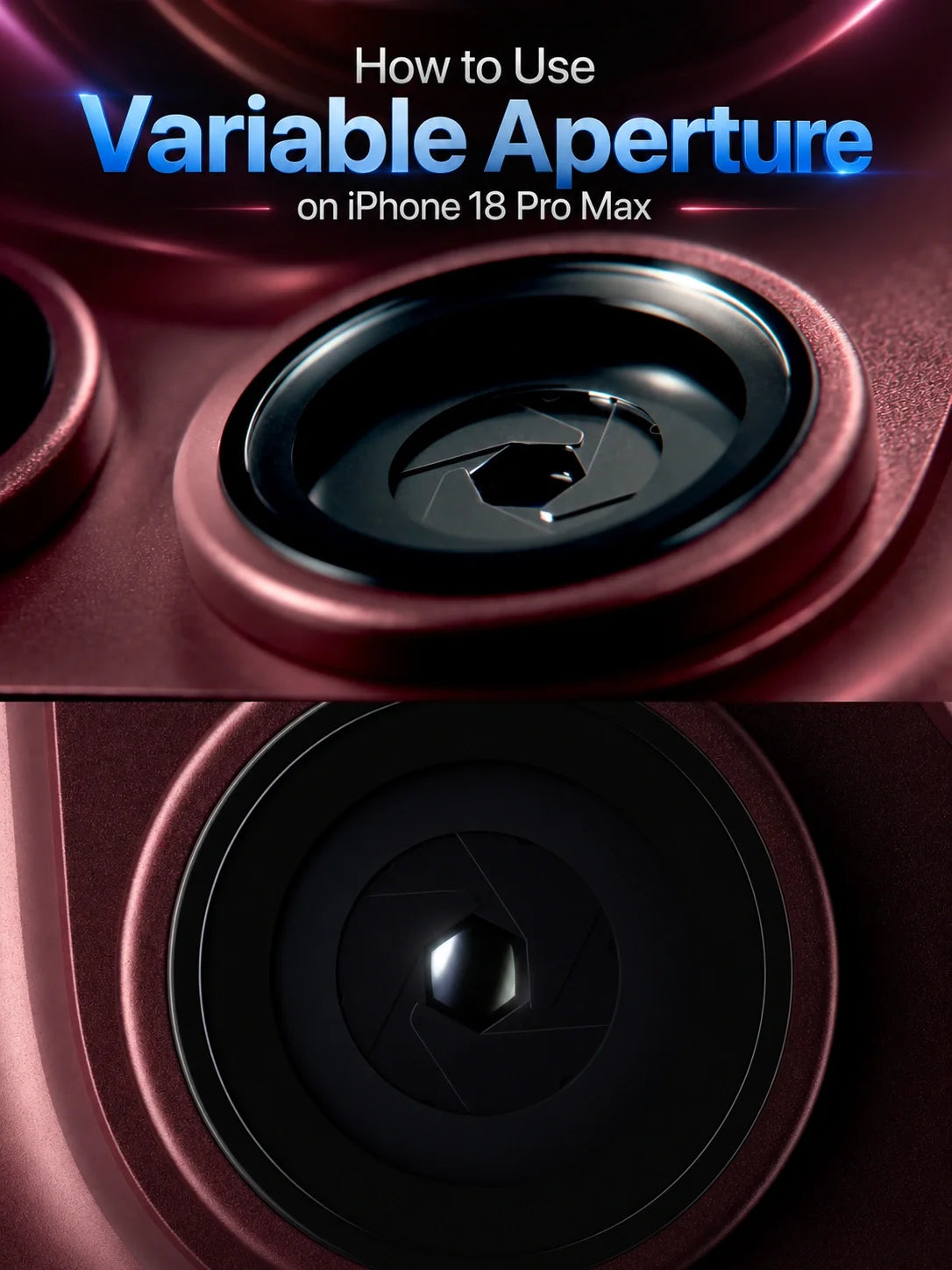
The variable-aperture camera is one of the biggest practical changes in the iPhone 18 Pro series. Previous iPhones largely decided exposure and depth through fixed lens hardware plus computational photography. The iPhone 18 Pro and iPhone 18 Pro Max add a real six-blade aperture to the Main camera.
Apple can change that opening automatically, or you can select one of four physical aperture settings in the Camera app: ƒ/1.48, ƒ/1.8, ƒ/2.8 or ƒ/4.0.
You do not need to learn professional camera theory to use it. The useful question is simply: Do you need more light, or do you need more of the scene in focus?
Let iPhone balance available light and depth of field automatically.
Use for restaurants, indoor pets, night streets and scenes where a faster exposure may help.
Use for candid photos, food, people and general shooting when you want a balanced result.
Use for two or three people, street scenes, products and subjects with important background detail.
Use for group photos, landscapes, architecture and bright point lights when you want a starburst effect.
How Do You Change the Aperture on iPhone 18 Pro Max?
The stock Camera app can adjust aperture automatically. Manual aperture selection is available through the customizable Pro Controls on iPhone 18 Pro and iPhone 18 Pro Max.
- Open Camera and choose Photo or Video mode.
- Select the Main camera. Use 1×, or 2× when you want the optical-quality crop from the Main sensor.
- Open Camera Controls. Tap the controls button or swipe up from the camera-mode strip, then open Pro Controls.
- Choose Aperture. If the aperture control is not visible at the top, customize your Pro Controls and add it to your frequently used settings.
- Select Auto, ƒ/1.48, ƒ/1.8, ƒ/2.8 or ƒ/4.0. Watch the live preview while changing the setting.
- Tap your subject to focus, check the exposure and take the photo or start recording.
Using the physical Camera Control button: Go to Settings > Camera > Camera Control > Customize and make Aperture available in the overlay. In Camera, lightly press Camera Control twice, slide to Aperture, lightly press to select it, then slide to change the setting.
The layout may look slightly different if you have reordered the iOS 27 Pro Controls. The setting you need is the lens-aperture control marked with an ƒ-number.
Why Is the Aperture Setting Missing?
First, confirm that you are using an iPhone 18 Pro or iPhone 18 Pro Max. The four physical aperture settings are a hardware feature of the Pro models’ Fusion Main camera, not a general iOS 27 feature that can be added to older iPhones.
Next, switch to the 1× Main camera. The 0.5× Ultra Wide and 4×/8× Telephoto cameras have their own fixed apertures, so they do not offer the same ƒ/1.48-to-ƒ/4 selection.
If you are on the Main camera and still cannot see it, open the Camera app’s Pro Controls customization and add Aperture to the top controls. Also make sure iOS is up to date.
What Does Variable Aperture Actually Change?
Aperture is the opening inside a camera lens. On iPhone 18 Pro, six physical blades change the size of that opening before the photo or video is captured.
A wider opening gathers more light. A narrower opening increases depth of field, which helps subjects at different distances appear sharp at the same time.
Wider opening, more light, shallower optical depth of field.
Narrower opening, less light, more near-to-far detail in focus.
At the same shutter speed and ISO, ƒ/1.48 admits about 48% more light than ƒ/1.8, roughly 3.6 times as much as ƒ/2.8, and about 7.3 times as much as ƒ/4. In real shooting, however, the iPhone can compensate by changing shutter speed, ISO and computational processing, so brightness alone does not tell the whole story.
The most visible practical differences will often be motion quality, noise, Night mode capture time, background separation and how much of a group or scene stays sharp.
When Should You Use ƒ/1.48 on iPhone 18 Pro Max?
ƒ/1.48 is the widest aperture and the best starting point when light is limited. Apple describes it as the maximum-light setting and says the new Main camera delivers around 50% better low-light performance.
Use ƒ/1.48 for indoor family photos, dim restaurants, pets at home, evening streets, concerts and night scenes. Because more light reaches the sensor, the phone may be able to use a faster shutter speed or lower ISO than it could with ƒ/2.8 or ƒ/4.
That can help reduce motion blur when a person or pet moves. It can also shorten some Night mode captures, which makes handheld shooting easier.
When ƒ/1.48 is not the best choice
Do not choose ƒ/1.48 automatically just because it sounds like the “best” aperture. If several people stand at different distances, the wider opening may leave the back row less sharp.
Bright daylight can also give the camera more light than it needs. Auto, ƒ/2.8 or ƒ/4 may produce more useful depth and give Pro users more freedom to balance shutter speed and exposure.
When Should You Use ƒ/1.8 on iPhone 18 Pro Max?
ƒ/1.8 is Apple’s default and the safest manual setting for everyday photography. It balances light gathering with enough depth of field for most single-subject photos.
Use ƒ/1.8 for candid portraits, food, pets that are not moving quickly, travel snapshots and general indoor or outdoor scenes. If you want to choose one setting and stop thinking about aperture, ƒ/1.8 is the sensible option.
For a single person against a background, ƒ/1.8 can create more natural optical separation than ƒ/4. It will not produce the same background blur as a large-sensor camera with a long portrait lens, but it gives the iPhone more physical control before computational processing begins.
When Should You Use ƒ/2.8 on iPhone 18 Pro Max?
ƒ/2.8 is the useful middle step when you want more of the scene sharp without closing the lens all the way to ƒ/4.
Choose it for two or three people standing at slightly different distances, street scenes with foreground and background detail, tabletop photos, documents, products and daytime travel photography.
ƒ/2.8 is also a practical option when ƒ/1.8 makes the background softer than you want but ƒ/4 forces the phone toward a slower shutter speed or higher ISO.
For many daytime scenes, this will be the most underrated aperture setting on iPhone 18 Pro Max.
When Should You Use ƒ/4 on iPhone 18 Pro Max?
ƒ/4 provides the greatest depth of field among the four stock Camera settings. Choose it when keeping several distances sharp matters more than gathering maximum light.
It is the best starting point for large group photos, landscapes with a close foreground, architecture, city scenes, flat-lay product photos and bright outdoor conditions.
ƒ/4 can also turn bright point lights into a more visible six-ray starburst. Try it with the sun partly hidden behind a building, a streetlamp at night or small decorative lights. The effect is strongest when the light source is small, bright and clearly defined.
Why ƒ/4 can look worse in low light
Closing from ƒ/1.48 to ƒ/4 dramatically reduces the incoming light. In a dark scene, iPhone may compensate with a slower shutter speed, higher ISO or longer computational capture.
That can increase motion blur or noise. Use ƒ/4 at night only when you specifically need the extra depth or starburst effect, and stabilize the phone when possible.
Auto vs Manual Aperture: Which Should You Use?
Auto is the best choice for most photos. The iPhone can widen the aperture in low light and narrow it when a scene needs more depth. You keep the benefit of variable aperture without adding another decision before every shot.
Manual aperture becomes useful when the iPhone’s priority is different from yours.
- Choose ƒ/1.48 when Auto keeps too much depth but you want maximum light or stronger subject separation.
- Choose ƒ/2.8 or ƒ/4 when Auto focuses on the front person but the back row also needs to be sharp.
- Choose ƒ/4 when you deliberately want a starburst from bright point lights.
- Lock a manual aperture for video when you do not want the visual character to change during one continuous shot.
A good beginner workflow is to stay on Auto, then override it only when you see a specific problem in the preview.
Does a Lower ƒ-Number Mean More Background Blur?
Usually, yes—but subject distance matters.
ƒ/1.48 gives a shallower optical depth of field than ƒ/4 when the camera position, focus distance and subject remain the same. The difference becomes easier to see when you move closer to the subject and place the background farther away.
If the subject and background are both far from the camera, changing from ƒ/4 to ƒ/1.48 may not create dramatic blur. For stronger separation, move closer, keep the subject away from the background or use the Telephoto camera when the light allows.
Simple rule: A wider aperture helps, but distance creates the look. Move closer to the subject and keep more space behind it.
Physical Aperture vs Portrait Mode Depth Control
The physical lens aperture and the Portrait mode ƒ-number are not the same control.
The iPhone 18 Pro’s variable aperture physically changes the lens opening when the image is captured. It affects incoming light and real optical depth of field.
Portrait mode Depth Control uses depth information and computational photography to simulate background blur. That simulated effect can be adjusted later in Photos on supported portrait images.
You cannot reopen the physical lens after the shot has been taken. If you used ƒ/4 and wanted the light-gathering or optical depth of ƒ/1.48, editing the Portrait slider afterward does not recreate the same capture.
Does Variable Aperture Work With 48MP ProRAW?
Yes. Apple lists variable aperture and ProRAW as capabilities of the 48MP Fusion Main camera. Choose your physical aperture before capture, then enable the resolution or ProRAW format you need.
Remember that aperture does not replace exposure judgment. At ƒ/4 in low light, inspect the histogram, watch for motion blur and stabilize the phone if the shutter becomes slow.
ProRAW preserves more image information for editing, but it cannot reverse subject motion or restore optical depth that was not captured.
Does Variable Aperture Work for Video?
Yes. Apple lists lens-aperture Pro Controls for video on iPhone 18 Pro and iPhone 18 Pro Max, and describes variable aperture as improving both photos and video.
Use ƒ/1.48 for dark video when gathering light is the priority. Use ƒ/2.8 or ƒ/4 in brighter scenes when you want more of the frame in focus.
For a single clip, a locked manual aperture can prevent the depth-of-field character from changing while you move between brighter and darker parts of a scene. You may still need to manage shutter speed, ISO, exposure and white balance for a consistent professional result.
In strong daylight, an ND filter can be useful when you want a wide aperture and a slower, cinematic shutter speed at the same time. A narrower aperture reduces light too, but it also increases depth of field, which may not match the look you want.
Best Aperture Settings for Common iPhone Photos
Start at ƒ/1.48. Switch to ƒ/4 only for a deliberate starburst and stabilize the phone.
Use ƒ/1.48 for more light and a better chance of freezing movement.
Use ƒ/1.8 for a natural balance of light, detail and background separation.
Try ƒ/2.8, focus between the nearest and farthest faces, and check both before shooting.
Use ƒ/4 in good light. Keep people from standing too far apart front to back.
Use ƒ/4 for maximum near-to-far detail, or ƒ/2.8 if light is becoming limited.
Use ƒ/1.8 for separation or ƒ/2.8 when the entire object must stay sharp.
Choose aperture for the desired depth, then use an ND filter to control incoming light if needed.
Three Variable-Aperture Mistakes to Avoid
1. Thinking ƒ/1.48 is always the highest-quality setting
It gathers the most light, but it also gives the least depth of field. A sharper front face does not help if the people behind it are out of focus.
2. Using ƒ/4 indoors without checking motion blur
Maximum depth requires less light. If people are moving, the phone may not be able to keep both the desired exposure and a fast shutter speed.
3. Confusing optical aperture with software blur
The physical aperture changes the image at capture. Portrait and Cinematic depth controls can add or edit a computational effect, but they are not a replacement for choosing the right physical setting.
Frequently Asked Questions
What is the best aperture for iPhone 18 Pro Max?
Use Auto for the easiest result or ƒ/1.8 as the most versatile manual setting. Choose another aperture when low light, group depth or a specific creative effect calls for it.
Is ƒ/1.48 better than ƒ/1.8?
Not always. ƒ/1.48 gathers about 48% more light at the same shutter speed and ISO, while ƒ/1.8 gives slightly more depth of field and is Apple’s balanced default.
Should I use ƒ/2.8 or ƒ/4 for a group photo?
Use ƒ/2.8 for a small group or limited light. Use ƒ/4 for a larger group in good light, especially when people stand in more than one row.
Can iPhone 18 Pro Max change aperture automatically?
Yes. The Main camera can automatically adjust aperture for lighting and depth of field. Manual selection is optional.
Does variable aperture work on the Ultra Wide and Telephoto cameras?
No. The selectable ƒ/1.48, ƒ/1.8, ƒ/2.8 and ƒ/4 settings belong to the 48MP Fusion Main camera. The Ultra Wide and dedicated Telephoto cameras use fixed apertures.
Can I change the real aperture after taking a photo?
No. Physical aperture is set when the image is captured. You may adjust simulated depth blur later on supported Portrait photos, but that does not change the original lens opening.
Does ƒ/4 always create a starburst?
No. The effect depends on the size, brightness and shape of the light source. Small, intense point lights against a darker scene usually show it most clearly.
Do iPhone 18 Pro and iPhone 18 Pro Max have the same aperture settings?
Yes. Apple lists the same four Fusion Main camera settings—ƒ/1.48, ƒ/1.8, ƒ/2.8 and ƒ/4.0—on both Pro models.
Bottom Line
The iPhone 18 Pro Max variable aperture is easiest to understand as a choice between light and depth.
Use ƒ/1.48 when you need the most light. Leave it at ƒ/1.8 for everyday photography. Move to ƒ/2.8 when more of the scene needs to stay sharp. Choose ƒ/4 for groups, landscapes, architecture and starbursts.
If you do not have a specific reason to override it, leave aperture on Auto. The manual settings matter most when you can clearly describe the result you want before pressing the shutter.
Related Reading






