Letzte Aktualisierung: Mai 2026
Dieser Artikel wird aktualisiert, sobald neue Gerüchte zum M5 Mac Studio, Details zur WWDC 2026 und Berichte über Apple Silicon verfügbar sind.
Für wen ist dieser Leitfaden gedacht?
Dieser Leitfaden richtet sich an Mac-Käufer, die sich entscheiden müssen, ob sie das aktuelle Mac Studio kaufen oder auf das nächste Mac Studio-Update warten.
Es ist besonders nützlich, wenn Sie:
- ein Videoeditor, der mit langen Timelines, ProRes-Medien oder externen SSD-Scratch-Disks arbeitet
- Ein Entwickler, der große Xcode-Builds, iOS-Simulatoren, Docker-Container oder lokale Server ausführt.
- ein 3D-Künstler, der mit Verzögerungen im Blender-Viewport oder langen Renderwarteschlangen zu kämpfen hat
- ein Musikproduzent mit großen Logic Pro-Sessions
- Ein Entwickler vergleicht Mac Studio, Mac mini und zukünftige Ultra-Klasse-Optionen
- Ein Käufer, der sich überlegt, ob es sich lohnt, auf die WWDC 2026 zu warten, bevor er ein Mac Studio kauft

Kurzantwort: Sollten Sie auf das M5 Mac Studio warten?
Wenn Ihr aktueller Mac Ihre Arbeit noch problemlos bewältigt, ist es ratsam, bis nach der WWDC 2026 zu warten. Apple könnte dort seine Mac-Roadmap, die Entwicklertools und die Ausrichtung der High-End-Desktop-Geräte erläutern.
Wenn Ihr aktueller Mac Ihre Arbeit bereits verlangsamt, kann sich der Kauf des aktuellen Mac Studio dennoch lohnen. Ein Gerät, das Ihnen heute Zeit spart, ist möglicherweise wertvoller als monatelanges Warten auf ein angekündigtes Upgrade.
Die beste Antwort hängt von drei Dingen ab:
| Frage | Warum das wichtig ist |
|---|---|
| Kostet Sie Ihr aktueller Mac mittlerweile Zeit? | Falls ja, hat das Warten mit realen Kosten für das Unternehmen zu tun. |
| Benötigen Sie eine Workstation mit einer Lebensdauer von 4–5 Jahren? | Wenn ja, könnte es klüger sein, auf die nächste Generation zu warten. |
| Stoßen Ihre Projekte bereits an Speicher-, Export-, Kompilierungs- oder Rendering-Grenzen? | Falls ja, könnte der nächste Mac Studio der Ultra-Klasse von größerer Bedeutung sein. |
Was ist bestätigt, was wird gemunkelt und was ist spekulativ?
Gerüchteartikel verlieren an Glaubwürdigkeit, wenn jedes zukünftige Detail gleich sicher klingt. Hier ist der aktuelle Stand der Vertrauenswürdigkeit.
Bestätigt
- Die WWDC 2026 findet im Juni statt.
- Die WWDC 2026 wird sich stark auf macOS und Entwicklertools konzentrieren.
- Der aktuelle Mac Studio unterstützt bereits die hohe Leistung von Apple-Silicon-Chips der Spitzenklasse und Thunderbolt-Konnektivität.
Nicht bestätigt
- Ob Apple auf der WWDC einen M5 Mac Studio ankündigen wird
- Endgültige Leistungsziele für M5 / M5 Ultra
- Preis- und Konfigurationsänderungen
Spekulativ
- Ein Mac Studio-Aktualisierungsfenster Ende 2026
- Positionierung der M5 Ultra für professionelle Workloads
- Verbesserungen bei der Speicher- und GPU-Skalierung
Das aktuelle Mac Studio ist nicht schwächer, nur weil Gerüchte über ein neues Modell kursieren. Die eigentliche Frage ist, ob Ihr Arbeitsaufwand das Warten rechtfertigt.
Veröffentlichungsgeschichte von Mac Studio: Warum der Zeitpunkt schwer vorherzusagen ist
Mac Studio folgt keinem vorhersehbaren jährlichen Upgrade-Zyklus wie die iPhone- oder MacBook-Reihe.
-
2022 : Die erste Generation des Mac Studio stellte Apples kompakten Profi-Desktop-PC mit Leistung der Max- und Ultra-Klasse vor.
-
2023: Im Rahmen der WWDC-Konferenz aktualisiert mit verbesserter Leistung des Apple-Siliziums
-
2025 : Die neueste Generation positioniert den Mac Studio weiterhin als Apples High-End-Desktop-Computer für professionelle Arbeitsabläufe.
Einblick:
Apple aktualisiert Mac Studio in der Regel erst, wenn neue Apple Silicon-Leistungsstufen verfügbar sind, anstatt einem festen Jahresplan zu folgen.
Das bedeutet:
Die WWDC 2026 mag zwar ein wichtiges Ereignis für die Roadmap von Software und Entwicklern sein, sollte aber eher als ein Zeitfenster für Möglichkeiten denn als verlässlicher Prognosepunkt für die Mac Studio-Hardware betrachtet werden.

Warum die WWDC 2026 auch ohne den Start von Mac Studio wichtig ist
Die WWDC könnte die Kaufentscheidung dennoch beeinflussen, selbst wenn Apple keine neue Mac Studio-Hardware ankündigt.
Apple könnte Änderungen an macOS, Xcode, Entwicklertools, Apple Intelligence, datenschutzorientierter Datenverarbeitung oder leistungsstarken Kreativ-Apps vorstellen. Diese Updates könnten zeigen, welche Mac-Leistung Apple in den nächsten Jahren von professionellen Anwendern erwartet.
Für Käufer stellt sich nicht nur die Frage:
Wird Apple im Juni ein neues Mac Studio ankündigen?
Die bessere Frage lautet:
Wird das Warten durch die WWDC 2026 wertvoller?
Wenn Apples Softwarestrategie den Fokus stärker auf lokale Leistung, Arbeitsspeicher, externen Speicher oder Entwicklerwerkzeuge legt, lässt sich das Warten leichter rechtfertigen. Sollte die WWDC hauptsächlich der Plattformoptimierung dienen, bleibt der aktuelle Mac Studio eine überzeugende Kaufempfehlung.
ZEERA Mac Aluminum Case Series
ZEERA MacForge CNC Mac Studio Aluminum Case
- CNC aluminum
- Mac Pro style
- Cooling grille
- Tool-free fit
- Studio guard

ZEERA MacForge Gen3 CNC Aluminum Mac Mini Case
- Mac Pro grille
- CNC chassis
- Better airflow
- SSD expansion
- Front ports

M5 Mac Studio vs Aktuelles Mac Studio
| Kategorie | Aktuelles Mac Studio | Future M5 Mac Studio |
|---|---|---|
| Verfügbarkeit | Jetzt erhältlich | Nicht angekündigt |
| Preisgestaltung | Feste Preise; mögliche Rabatte | Unbekannte Preisgestaltung und Konfigurationskosten |
| Leistung | Für die meisten professionellen Arbeitsabläufe bereits bestens geeignet | Wahrscheinlich besser geeignet für langfristige, anspruchsvolle Arbeitslasten. |
| Risiko | Könnte später im Jahr 2026 ersetzt werden. | Erfordert Wartezeit ohne bestätigte Spezifikationen. |
| Optimale Passform | Menschen, die jetzt einen Arbeitsplatz benötigen | Menschen, die warten können und einen maximalen Lebenszykluswert benötigen. |
Für viele Nutzer ist nicht der Chip der größere Flaschenhals. Vielmehr kann es an der Geschwindigkeit der externen SSD , der Projektorganisation , der Speicherauslastung, der Softwareoptimierung oder einfach daran liegen, ob der Rechner verfügbar ist, wenn die Arbeit erledigt werden muss.

Wenn das aktuelle Mac Studio ausreicht
Das aktuelle Mac Studio ist nach wie vor eine gute Wahl, wenn Ihre Arbeit so aussieht:
- 4K-Videobearbeitung mit normalen Timelines
- leichte DaVinci Resolve- oder Final Cut Pro-Projekte
- Photoshop, Lightroom, Figma oder Designarbeit
- Logic Pro-Sessions, die groß, aber stabil sind
- App-Entwicklung ohne ständige Kompilierungsverzögerungen
- allgemeine kreative Arbeit mit einem oder zwei externen Displays
Viele Kreative bevorzugen stabile Hardware gegenüber dem Warten auf ein angekündigtes Update. Freiberufler rüsten außerdem eher auf, wenn ein Gerät ihnen Zeit kostet, und nicht, wenn Gerüchte über ein neues Modell die Runde machen.
Manche Menschen mögen Warten einfach nicht. Auch das ist ein wichtiger Kauffaktor.
Wann es sinnvoller ist, auf das M5 Ultra zu warten
Warten wird umso sinnvoller, wenn Ihr aktueller Mac nicht nur auf dem Papier langsamer ist, sondern die Produktion sichtbar verlangsamt.
Beispiele:
- 8K-Timelines, deren Export zu lange dauert
- Multicam-Projekte mit Wiedergabe-Einblendungen
- Blender-Szenen mit Verzögerungen im Ansichtsfenster oder langen Renderwarteschlangen
- große Xcode-Builds, die die tägliche Arbeit unterbrechen
- mehrere Docker-Container, Simulatoren und lokale Server gleichzeitig ausführen
- Externe SSD-Scratch-Disks werden zu einem Flaschenhals beim Bearbeiten
- große Modelltests oder speicherintensive lokale Arbeitslasten
Hier könnte ein zukünftiger M5 Ultra Mac Studio von Bedeutung sein. Manche Arbeitsabläufe bestrafen jede Verzögerung.
Die meisten Nutzer benötigen wahrscheinlich keine Ultra-Class-Chips. Diejenigen, die sie benötigen, wissen in der Regel bereits, warum.
Beispiele von Käufern aus der Praxis
-
8K-Videoeditor – Warten (GPU- und Speicherreserven sind bei langen Timelines wichtig)
-
Designer (Photoshop / Figma) — Kaufen Sie das aktuelle Mac Studio (für einfache kreative Arbeiten bereits mehr als ausreichend)
-
Xcode-Entwickler – Warten (Einsparungen bei der Kompilierzeit sind bei langfristigen Builds wichtig)
-
Docker-/DevOps-Nutzer — Kommt darauf an (der Speicherdruck ist der eigentliche Flaschenhals, nicht die Chipgeneration).
-
Musikproduzent – Kaufen oder warten (abhängig davon, ob die aktuellen Sessions bereits das Limit erreicht haben)
-
Lokaler KI-/ML-Nutzer – Warten (die einheitliche Speicherkapazität ist die wichtigste Einschränkung)
Könnte der M5 Mac Studio teurer sein?
Das Warten auf den M5 Mac Studio könnte eine bessere Leistung bringen. Es muss aber nicht unbedingt einen besseren Preis bringen.
Die High-End-Konfigurationen des Mac Studio sind bereits teuer, sobald Käufer mehr Arbeitsspeicher, größeren SSD-Speicher oder Ultra-Leistung hinzufügen. Ein zukünftiger M5 Ultra Mac Studio könnte die Preise für die Top-Konfigurationen noch weiter in die Höhe treiben, insbesondere wenn Apple die Speicherklassen ändert oder die Lieferengpässe bestehen bleiben.
Das ist wichtig, weil vielen professionellen Käufern der Arbeitsspeicher genauso wichtig ist wie die Leistung von CPU oder GPU. Große Lightroom-Exporte, ProRes-Bibliotheken, lokale Modelltests und die gleichzeitige Bearbeitung mehrerer Anwendungen können die Speichergrenzen schnell erreichen, bevor der Prozessor an seine Grenzen stößt.
Bevor Sie einen Kauf aufschieben, vergleichen Sie:
- Aktuelle Mac Studio-Rabatte
- Lieferzeiten
- Speicherkonfigurationsanforderungen
- SSD-Speicherpreise
- ob Ihre Arbeit bereits Zeit verliert
Für manche Nutzer könnte ein reduziertes aktuelles Modell mit dem passenden Arbeitsspeicher und Speicherplatz die klügere Wahl sein.
Warum sich Warten möglicherweise nicht lohnt
Es gibt gute Gründe zu warten. Es gibt aber auch gute Gründe, es nicht zu tun.
Die Leistungssteigerungen von Apple Silicon sind zwar nützlich, aber nicht jeder Nutzer profitiert gleichermaßen davon. Jemand, der kurze 4K-Videos bearbeitet oder mit Design-Apps arbeitet, bemerkt möglicherweise weniger Unterschied als jemand, der lange 8K-Projekte exportiert oder rechenintensive Daten über Nacht rendert.
Software kann auch wichtiger sein als Hardware. Einige Engpässe entstehen durch Plug-ins, Speicherplatz, Projektorganisation, Anwendungsoptimierung oder externe Laufwerke.
Es besteht noch ein weiteres praktisches Risiko: Käufer der ersten Welle könnten mit längeren Lieferzeiten, eingeschränkten Konfigurationsmöglichkeiten oder höheren Preisen konfrontiert werden.
Die Wartezeiten sind am größten für Nutzer mit tatsächlichen Engpässen und flexibler Zeitplanung. Für alle anderen bleibt das aktuelle Mac Studio ein leistungsstarkes Gerät.
Mac Studio für Entwickler: Worauf es wirklich ankommt
Für Entwickler sind die relevanten Fragen praktischer Natur:
- Stören große Xcode-Builds Ihren Arbeitsablauf?
- Verlangsamen sich Simulatoren, wenn andere Tools geöffnet sind?
- Erzeugen Docker-Container Speicherengpässe?
- Bleiben lokale Server, Browser und Testumgebungen reaktionsfähig?
- Benötigen Sie mehrere Bildschirme, ohne den Desktop in ein Kabelchaos zu verwandeln?
Für viele Entwickler ist ein aktueller, schneller Mac Studio bereits ausreichend. Warten lohnt sich eher, wenn Ihr aktueller Rechner regelmäßig Builds, Simulatoren oder Tests in verschiedenen Umgebungen verlangsamt.
Die WWDC ist hier relevant, da Apple möglicherweise aufzeigt, wohin die Reise bei macOS und den Entwicklertools geht. Hardware muss nicht zwingend auf der WWDC vorgestellt werden, damit die Veranstaltung die Kaufentscheidung von Entwicklern beeinflusst.
Mac Studio für Videobearbeitung, 3D- und kreative Arbeiten
Kreative sollten sich auf spürbare Verzögerungen konzentrieren.
Es kann von Vorteil sein, abzuwarten, wenn Ihr aktueller Mac folgende Probleme hat:
- 8K-Timelines exportieren
- lange Multicam-Wiedergabe
- große ProRes- oder ProRes-RAW-Bibliotheken
- aufwändige Farbkorrektur in DaVinci Resolve
- Blender- oder Cinema 4D-Renderwarteschlangen
- After Effects-Vorschau
- Leistung externer SSD-Scratch-Disks
Für einfache 4K-Bearbeitung, YouTube-Thumbnails, Fotobearbeitung oder grundlegendes Design ist das aktuelle Mac Studio möglicherweise schon überdimensioniert.
Mac Studio vs. Mac mini: Auf welchen sollten Sie warten?
Manche Käufer sollten gar nicht auf Mac Studio warten.
Für alltägliche Arbeiten, leichtere kreative Aufgaben, Schreiben, Surfen, Büroarbeiten und allgemeines Programmieren ist der Mac mini nach wie vor die bessere Wahl. Er ist kleiner, günstiger und für viele Nutzer leistungsstark genug.
Mac Studio ist sinnvoller, wenn Sie Folgendes benötigen:
- nachhaltigere Leistung
- mehr Speicherkapazität
- mehr Anschlüsse
- mehrere externe Displays
- größere kreative Projekte
- eine langfristige Desktop-Workstation
Der beste Zeitpunkt, um 2026 ein Mac Studio zu kaufen
| Timing | Praktische Ratschläge | Warum |
|---|---|---|
| Vor der WWDC 2026 | Warten Sie, ob Ihr aktueller Mac noch verwendbar ist. | Die WWDC könnte Apples Software- und Mac-Strategie verdeutlichen. |
| Unmittelbar nach der WWDC | Neu bewerten | Falls keine Hardware angezeigt wird, prüfen Sie, ob Apple stärkere Pro-Mac-Signale gesendet hat. |
| Sommer 2026 | Kaufen Sie es nur, wenn es beruflich erforderlich ist. | Sommerkäufe können riskant sein, solange Mac-Updates im Herbst noch möglich sind. |
| Oktober Mac-Fenster | Schauen Sie genau hin. | Apple nutzt häufig den Herbst als Zeitpunkt für Mac-Updates. |
| Weihnachtszeit | Vergleichen Sie Verfügbarkeit und Liefertermine | Bei High-End-Konfigurationen kann es zu Lieferverzögerungen kommen. |
Die Anschaffung eines Mac Studio ist zum Teil eine Leistungsentscheidung, aber auch eine terminliche.
Ein Freelancer mit Kundenprojekten im Juni kann möglicherweise nicht warten. Ein Studio, das eine Modernisierung der Workstations für 2027 plant, kann das wahrscheinlich.
Optional: Bauen Sie die Workstation um den Mac herum auf.
Beim Kauf eines Mac Studio geht es nicht nur um den Chip.
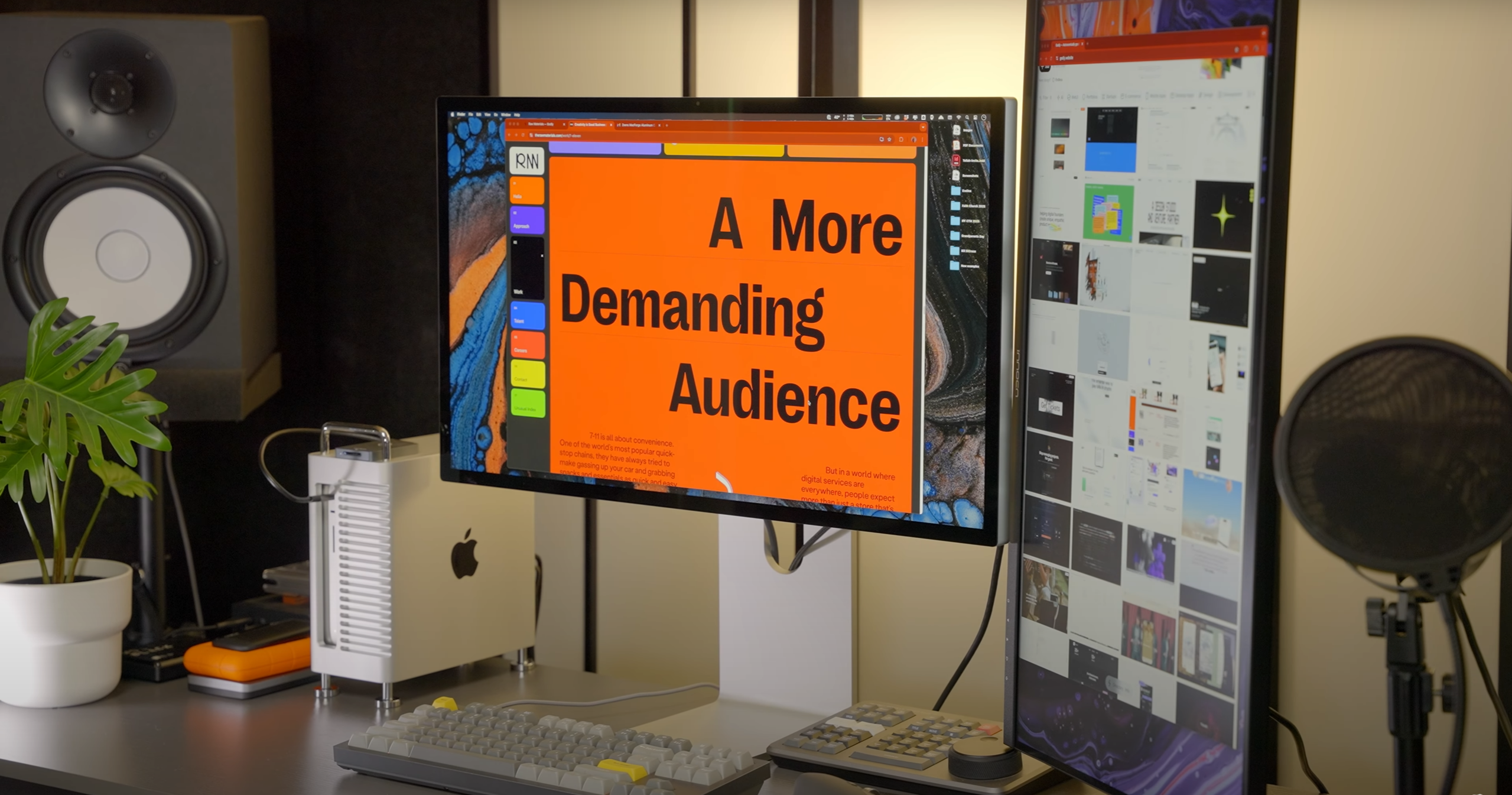
Das gesamte Setup ist wichtig: Bildschirm, externer Speicher, Schreibtischlayout, Luftzirkulation, Kabel, Tastatur, Maus, Lautsprecher, Monitorarm und wie einfach man während der eigentlichen Arbeit auf die Laufwerke zugreifen kann.
Dies ist besonders wichtig für Nutzer, die mit externen Festplatten, Dockingstationen und mehreren Monitoren arbeiten. Ein schnellerer Chip behebt weder einen unordentlichen Schreibtisch noch eine schlechte Kabelführung oder mangelhafte Luftzirkulation.
Empfohlenes ZEERA-Zubehör für Mac Studio Workstations
Wenn Sie jetzt eine Mac Studio Workstation aufbauen – oder ein späteres Upgrade planen – spielt auch die Einrichtung rund um Ihren Mac eine Rolle.
Das ZEERA MacForge Studio CNC Aluminium-Kühlgehäuse wurde für Anwender entwickelt, die einen aufgeräumteren und besser organisierten Mac Studio-Arbeitsplatz wünschen.
Die CNC-gefräste Aluminiumkonstruktion verleiht dem Mac Studio einen vom Mac Pro inspirierten Look und sorgt gleichzeitig für einen erhöhten, luftzirkulationsfreundlichen Arbeitsplatz . Für Kreative, Entwickler und Power-User ist es ein praktisches Upgrade für mehr Ordnung auf dem Schreibtisch, bessere Kühlung und eine optimierte langfristige Arbeitsplatzplanung.


Verwandte Mac Studio-Anleitungen
- Gerüchte zum Erscheinungsdatum des M5 Mac Studio und Erwartungen an den M5 Ultra
- Apples Mac-Roadmap für 2026: Mac Studio, Mac mini und OLED MacBook Pro
- Gerüchte über RAM- und Speicherkonfigurationen des Mac Studio
- Bestes Zubehör für ein aufgeräumtes Mac Studio-Setup
Endgültiges Urteil: Sollte man auf den M5 Mac Studio warten?
Für die meisten Käufer, die nicht sofort einen neuen Mac benötigen, ist es am sichersten, bis nach der WWDC 2026 zu warten.
Aber auf M5 zu warten ist nicht automatisch die klügste Entscheidung.
Kaufen Sie das aktuelle Mac Studio, wenn Ihr aktuelles Gerät Sie Zeit kostet, Sie jetzt stabile Hardware benötigen oder Sie einen hohen Rabatt auf die richtige Konfiguration gefunden haben.
Warten Sie auf das nächste Mac Studio, wenn Ihr aktueller Rechner noch brauchbar ist, Sie eine Workstation für vier bis fünf Jahre benötigen oder Ihre Arbeit regelmäßig an Speicher-, Export-, Kompilierungs- oder Rendergrenzen stößt.
Einfache Kaufberatung
Kaufen Sie das aktuelle Mac Studio, wenn:
- Ihr aktueller Mac verlangsamt die Arbeit an bezahlten Projekten.
- Sie benötigen jetzt stabile Hardware.
- Sie bearbeiten hauptsächlich 4K-Videos oder leichtere kreative Projekte.
- Sie haben einen hohen Rabatt oder die passende Konfiguration auf Lager gefunden.
- Sie benötigen keine maximale Leistung der Ultraklasse.
Warten Sie auf das nächste Mac Studio, wenn:
- Sie wünschen sich eine professionelle Workstation mit einer Lebensdauer von vier bis fünf Jahren.
- Sie arbeiten mit 8K-Timelines, 3D-Rendering oder speicherintensiven Workloads.
- Sie benötigen maximalen Speicherspielraum.
- Sie verfolgen den Veröffentlichungstermin des M5 Ultra Mac Studio aufmerksam.
- Sie können bis Ende 2026 warten, ohne dass Ihre Arbeit darunter leidet.
Die beste Wahl ist nicht der neueste Mac.
Es ist der Mac, der Ihnen die Arbeit am meisten erleichtert – zum richtigen Zeitpunkt und zum richtigen Preis.
FAQ: M5 Mac Studio und WWDC 2026
Ist die WWDC 2026 ein guter Zeitpunkt, um einen Mac zu kaufen?
Die WWDC ist ein sinnvoller Orientierungspunkt vor dem Kauf eines High-End-Macs. Selbst ohne neue Hardware kann Apple Software, Entwicklertools oder die strategische Ausrichtung der Plattform vorstellen, die langfristige Kaufentscheidungen beeinflussen.
Wie viel schneller wird der M5 Ultra Mac Studio sein?
Apple hat die endgültigen Spezifikationen noch nicht bekannt gegeben. Die wichtigere Frage ist, ob Ihr aktueller Mac bereits bei Exporten, Renderings, Builds oder speicherintensiven Aufgaben an seine Grenzen stößt.
Sollte ich auf das nächste Mac Studio warten, wenn ich hauptsächlich 4K-Videos bearbeite?
Vermutlich nicht, es sei denn, Ihre aktuellen Projekte fühlen sich bereits langsam an. Für normale 4K-Bearbeitung ist das aktuelle Mac Studio mit der richtigen Speicher- und Festplattenkonfiguration wahrscheinlich mehr als ausreichend.
Wird der M5 Mac Studio für die 8K-Bearbeitung eine Rolle spielen?
Für 8K-Workflows könnte dies relevanter sein als für gelegentliche kreative Arbeiten. Lange Timelines, ProRes-Medien, Multicam-Projekte, externe SSD-Scratch-Disks und Farbkorrektur profitieren allesamt von einer höheren, dauerhaften Leistung.
Eignet sich Mac Studio für lokale Modelltests?
Mac Studio eignet sich aufgrund der Leistungsfähigkeit von Apple Silicon und des integrierten Speichers gut für lokale Modelltests. Die richtige Konfiguration hängt von der Modellgröße, dem Speicherbedarf und der Ausrichtung des Projekts (experimentell oder produktionsorientiert) ab.
Wird das Mac Studio Thunderbolt 5 erhalten?
Der aktuelle Mac Studio unterstützt bereits Thunderbolt 5, daher werden zukünftige Modelle voraussichtlich weiterhin über professionelle Hochgeschwindigkeitsverbindungen verfügen. Dies ist wichtig für externe SSDs, Monitore, Dockingstationen und größere kreative Setups.
Könnte das nächste Mac Studio teurer sein?
Ja. Hochwertige Apple-Chips, größere Speicherkapazitäten und größere SSD-Konfigurationen können schnell teuer werden. Warten kann zwar die Leistung verbessern, aber auch höhere Preise oder längere Lieferzeiten nach sich ziehen.
Soll ich Mac Studio jetzt kaufen, wenn ich ein Angebot finde?
Ein hoher Rabatt kann die Entscheidung beeinflussen. Wenn die Konfiguration zu Ihren Arbeitsanforderungen passt und Ihr aktueller Mac Sie ausbremst, ist ein Kauf jetzt möglicherweise sinnvoller als das Warten auf ein noch nicht bestätigtes Modell.
Welches Zubehör ist für ein Mac Studio-Setup am wichtigsten?
Das nützlichste Zubehör sind in der Regel ein hochwertiger Monitor, ein schneller externer Speicher, ein Kabelmanagementsystem, ausreichend Platz für die Luftzirkulation und ein stabiler Ständer oder ein Aluminiumgehäuse, das für Ordnung am Arbeitsplatz sorgt.
ZEERA MagSafe Wireless Charging Series
ZEERA MagTri Gen2 Qi2.2 Foldable MagSafe Charger
- 25W Qi2.2
- 3-in-1 fold
- Active cooling
- Travel size
- 3-device ready
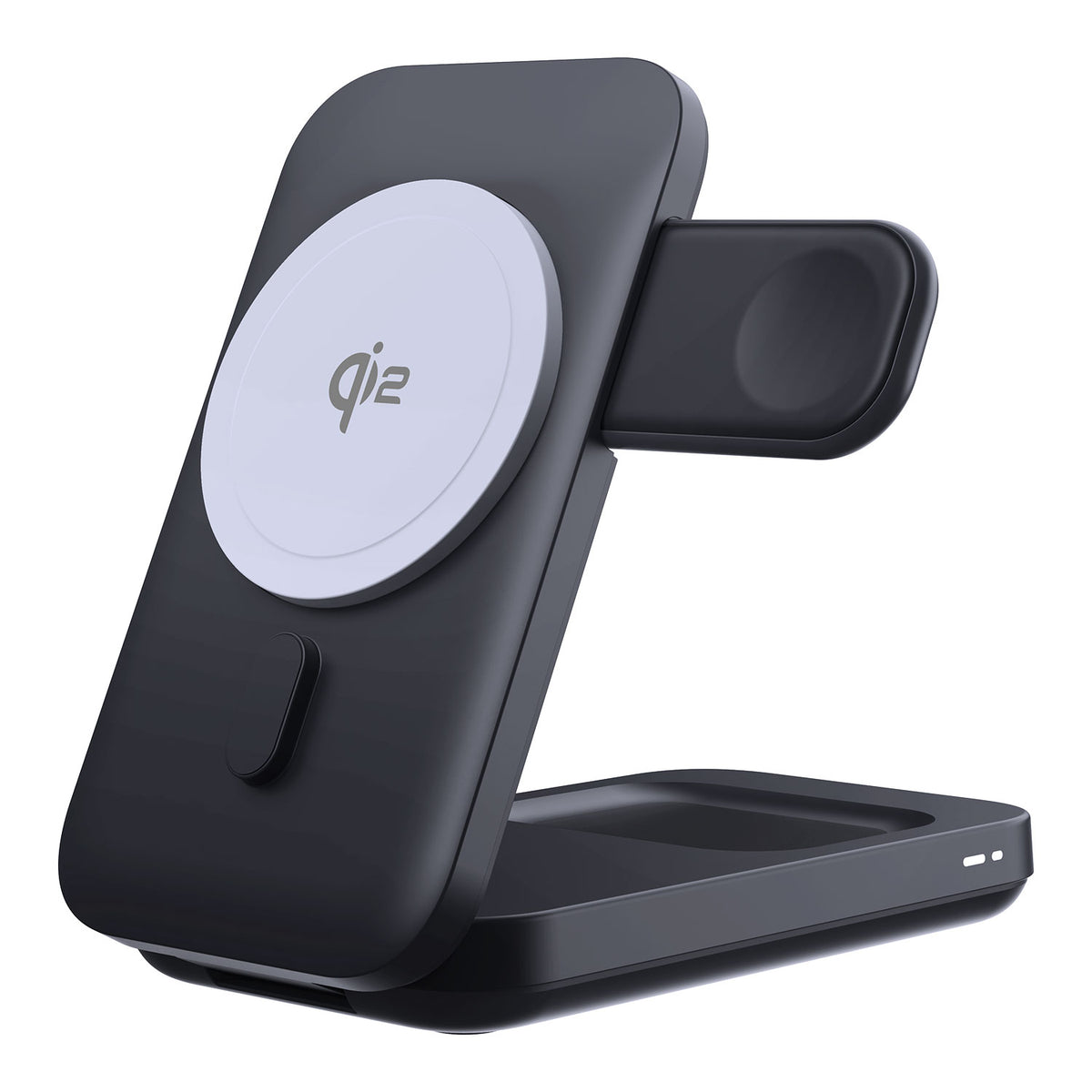
ZEERA MagSion 5-in-1 Dual MagSafe Charger Stand
- Dual MagSafe
- 5-in-1 stand
- Watch charging
- Angle adjust
- Clean setup
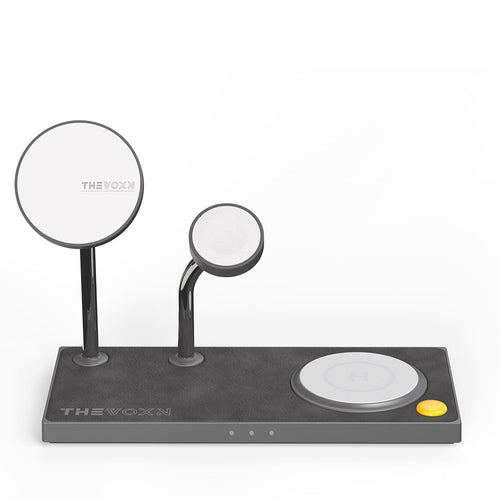
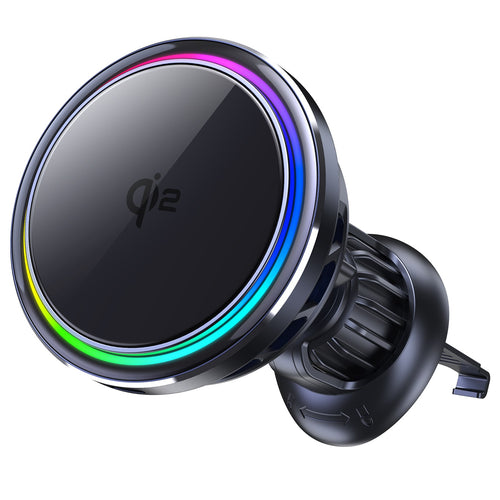
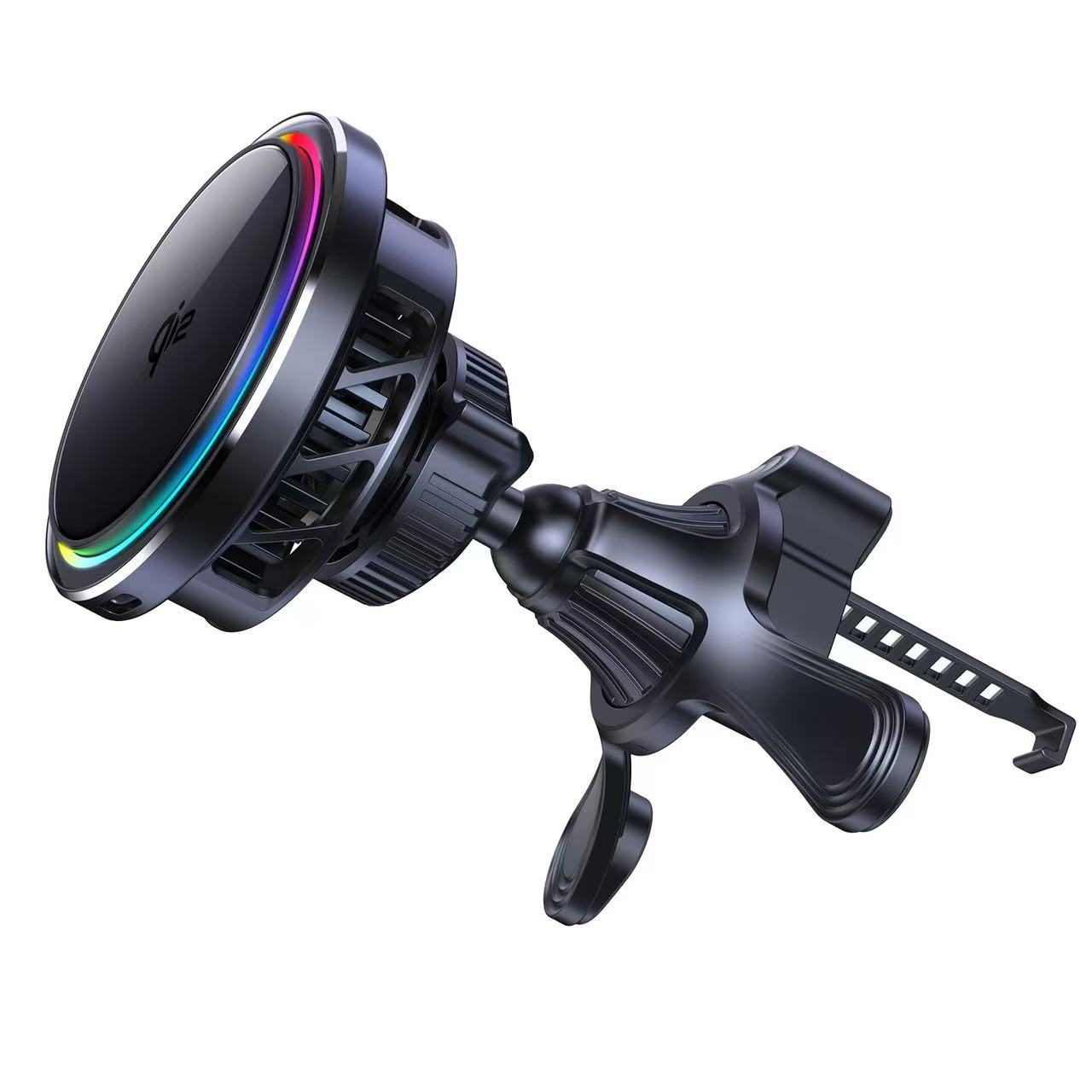
ZEERA SuVolt Gen5 Qi2.2 Active Cooling Car Charger
- 25W Qi2.2
- Active cooling
- Strong magnet
- CarPlay ready
- Heat control