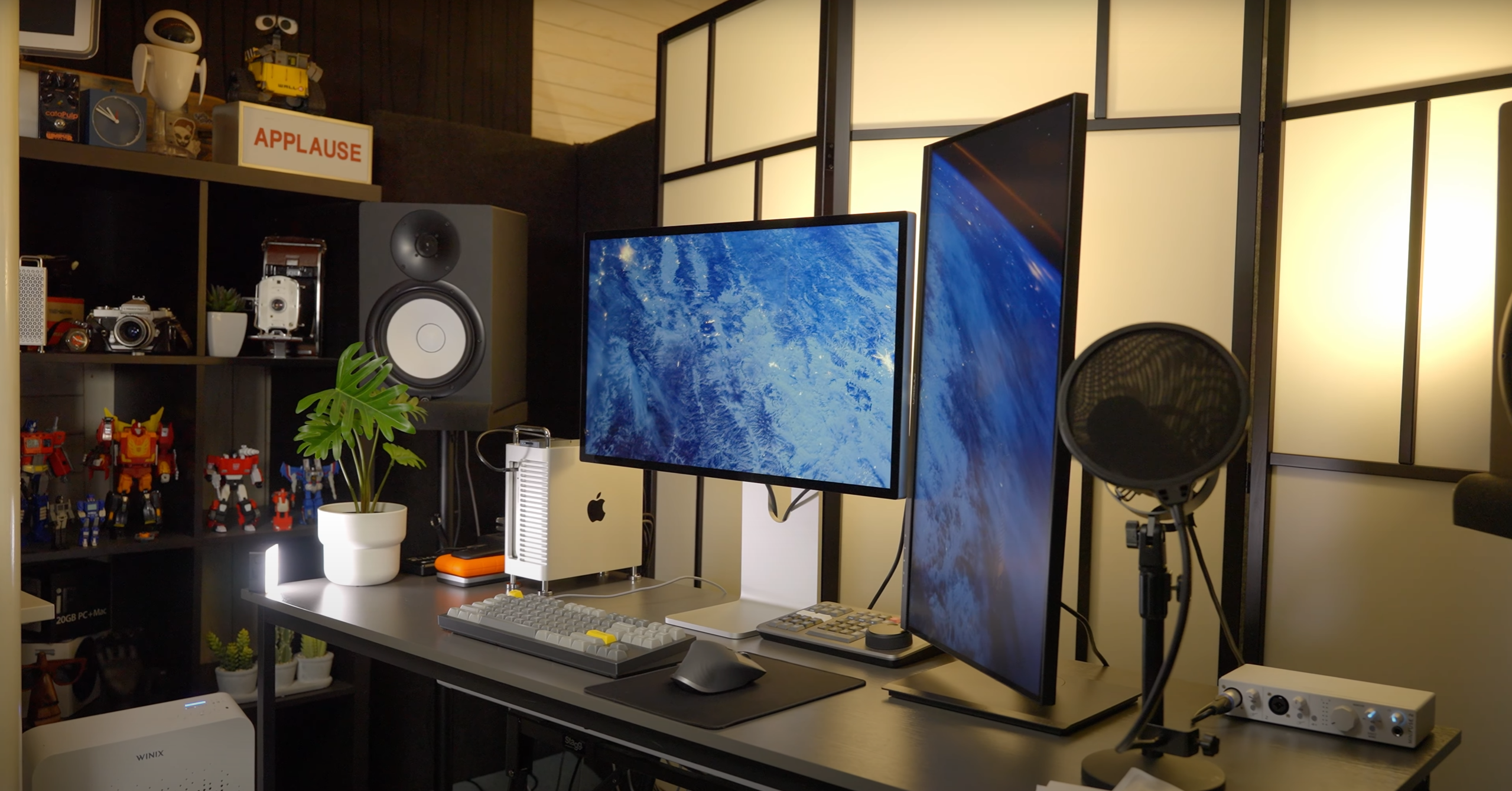
If you’re following Apple’s latest releases, macOS 26.2 RC is now available for developers and public beta testers. This release candidate brings performance improvements, bug fixes, and exciting new features, with iOS 26.2 RC mentioned briefly as a hot topic alongside the Mac update. For Mac users, this is a prime opportunity to explore what’s new before the official public release.

What’s New in macOS 26.2 RC
Edge Light: Better Video Calls in Low Light
One of the most noticeable additions in macOS 26.2 RC is Edge Light. Using the Mac’s Neural Engine, this feature detects your face during video calls and casts a soft, ring-light style glow around the edges of your screen. It works in low-light environments, making FaceTime or Zoom calls clearer and more professional. Users can adjust both the color temperature and intensity to suit different lighting conditions.

Credit by MacRumors
Bug Fixes and Performance Improvements
macOS 26.2 RC focuses heavily on stability. The update resolves bugs reported in previous beta builds and enhances overall system performance. Whether you’re browsing, multitasking, or running professional software, you should notice smoother operation and fewer glitches.


Thunderbolt 5 Cluster Support (for Professional Users)
For users with high-performance workflows, macOS 26.2 RC introduces preliminary support for Thunderbolt 5 Mac clusters. This allows multiple Macs to work together for intensive tasks like video editing, machine learning, and parallel computing — a feature mainly aimed at professionals.
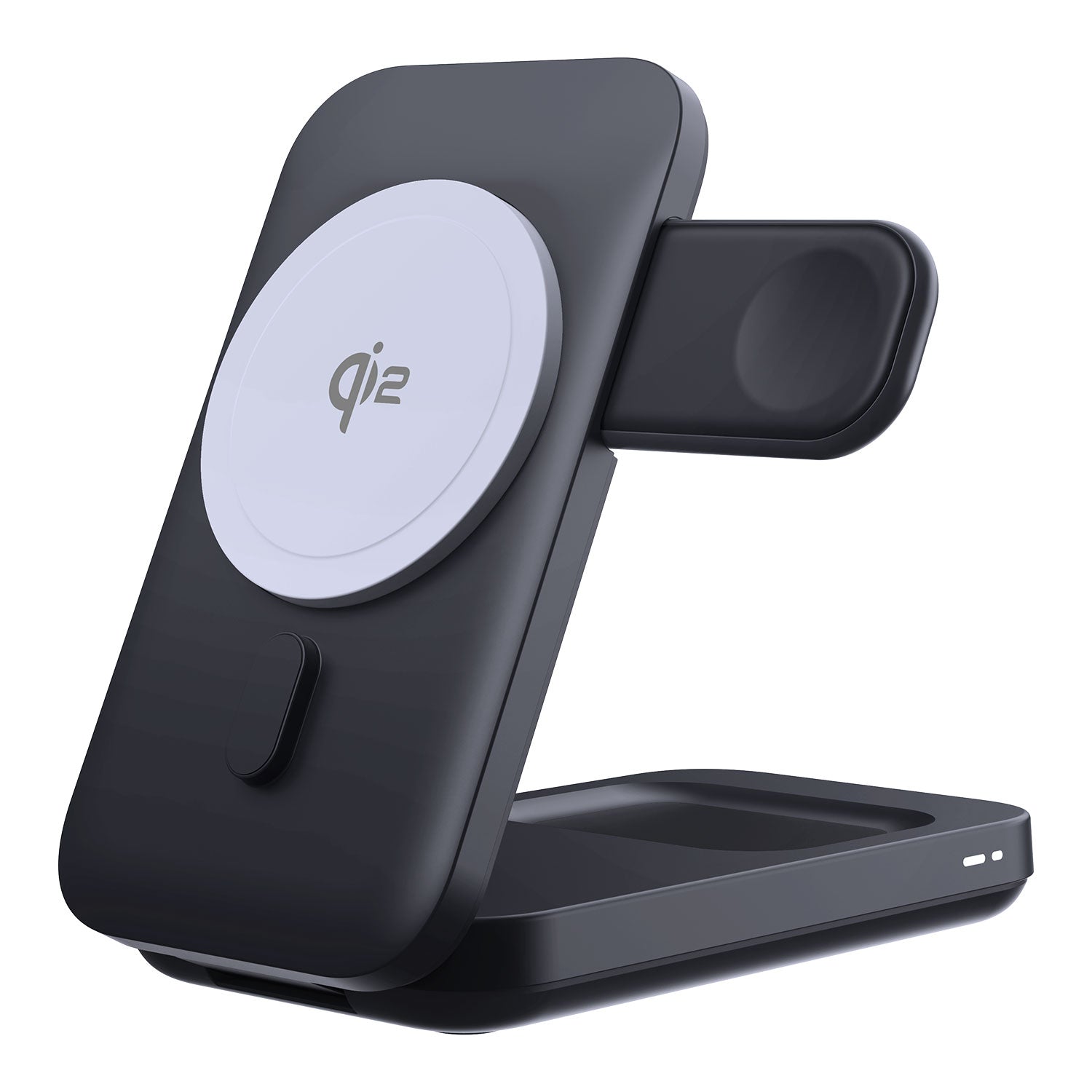
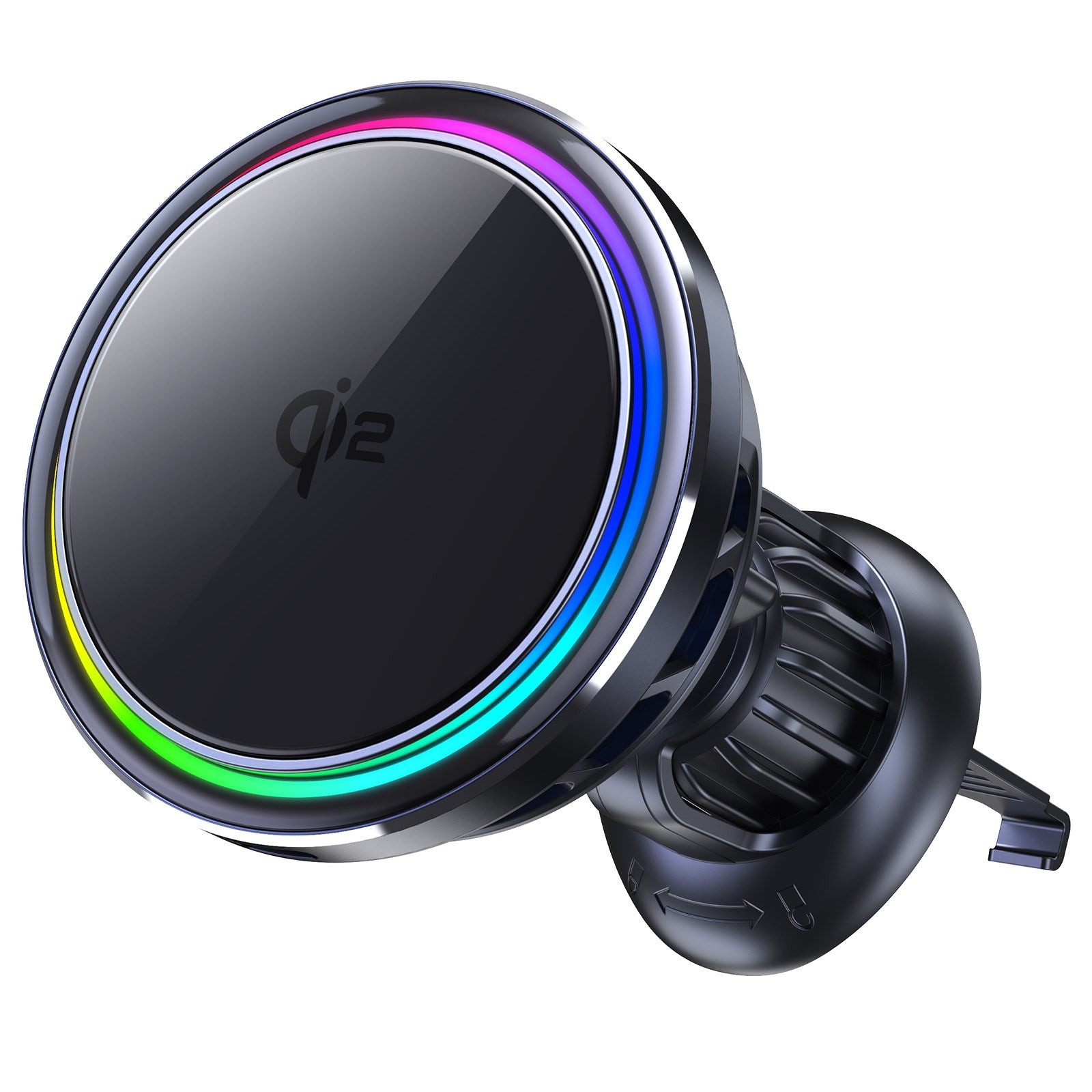
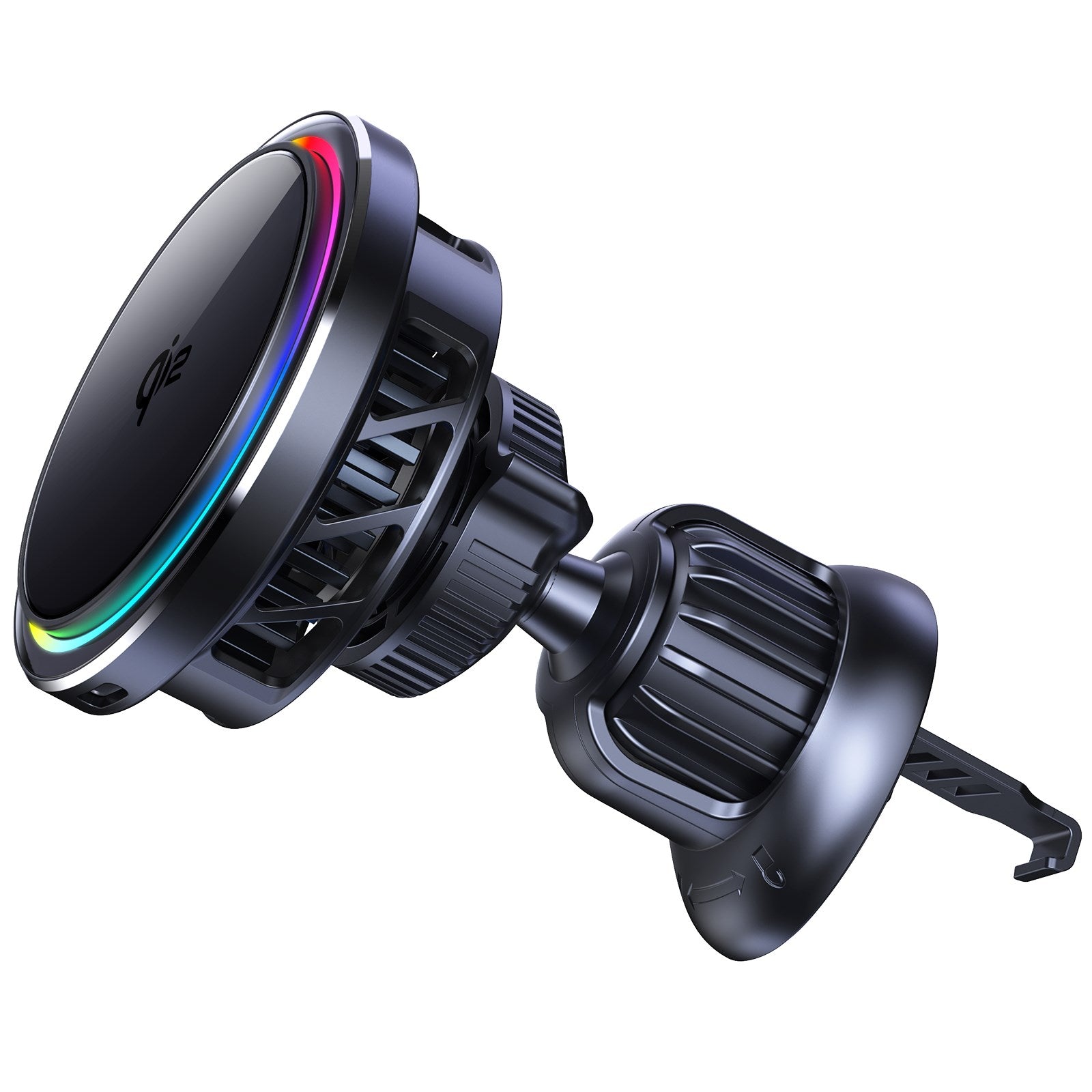
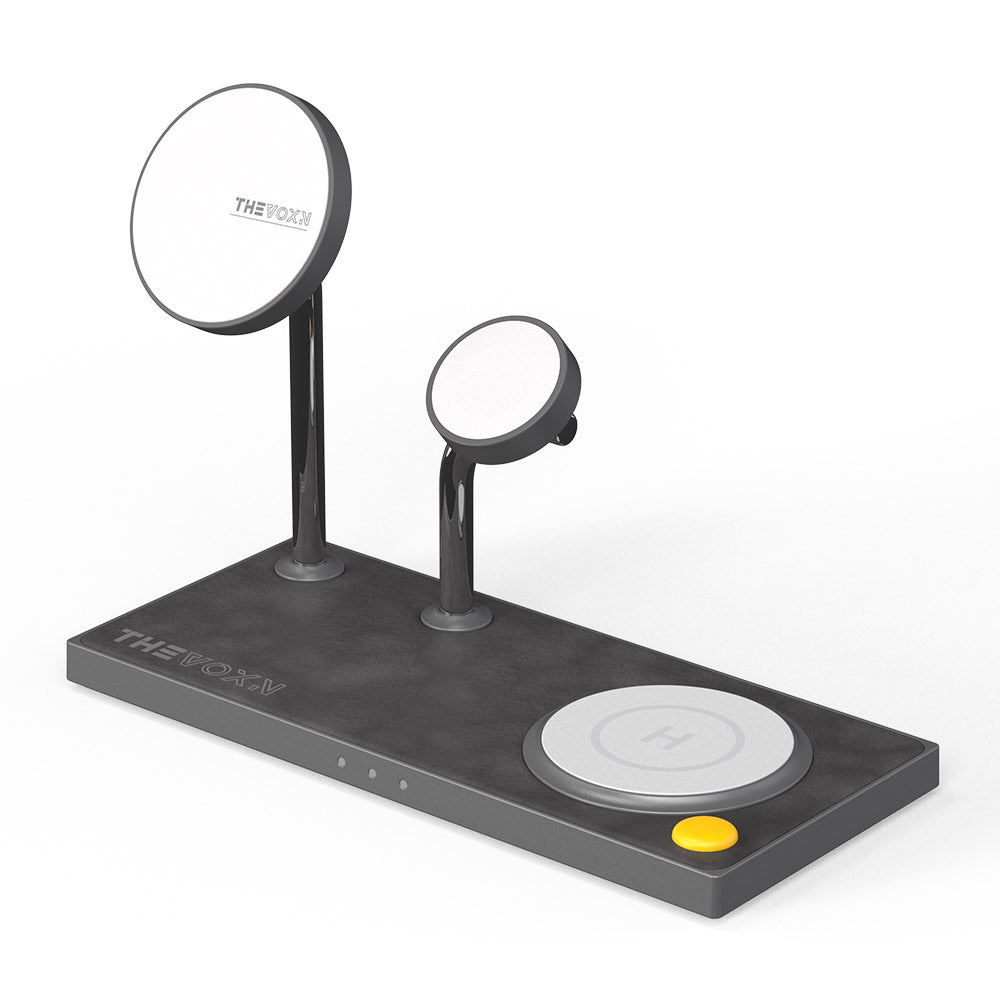
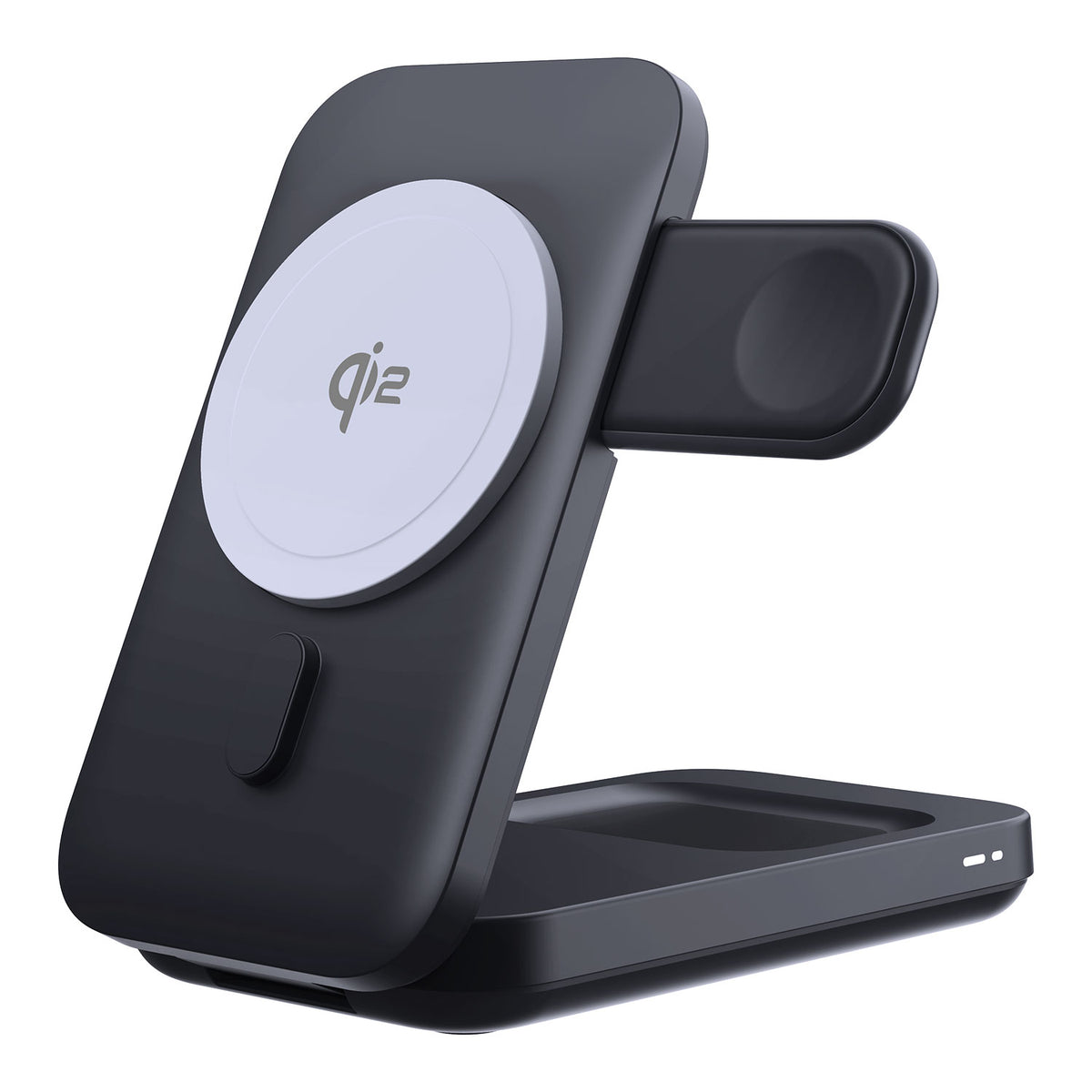
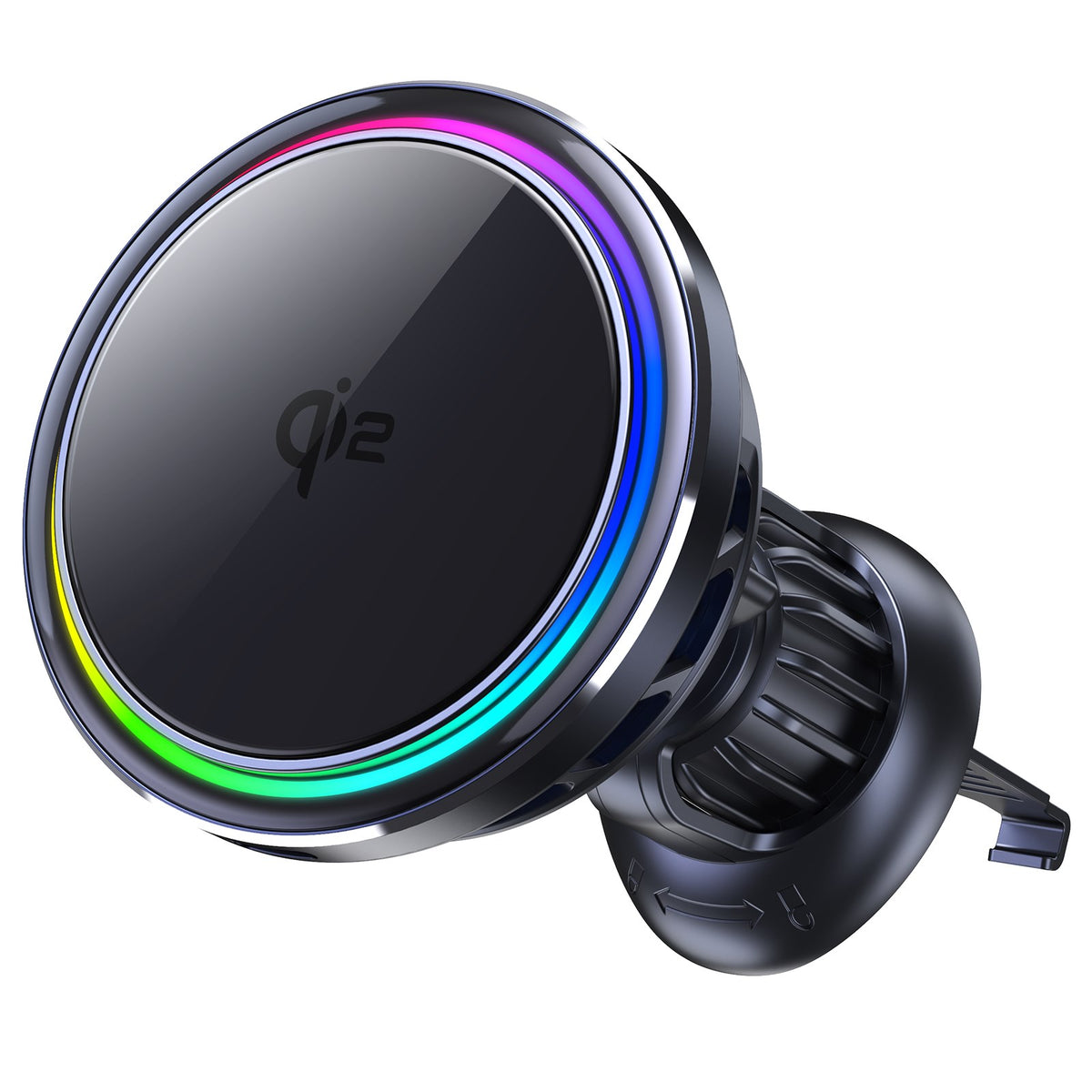
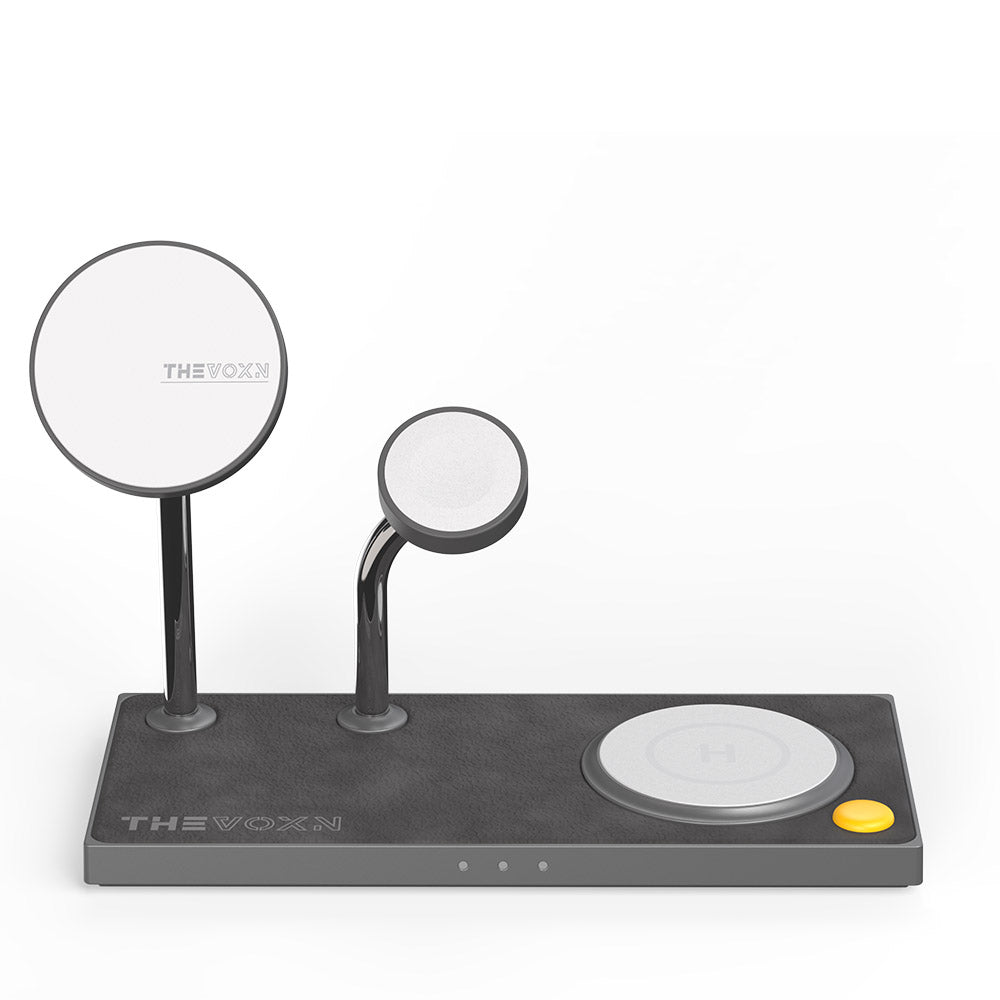
2025 Best MagSafe Chargers for iPhone 17 Pro Max
How to Install macOS 26.2 RC
If you want to try macOS 26.2 RC now, follow these steps:
-
Join the Apple Beta Software Program (beta.apple.com) if you haven’t already.
-
On your Mac, go to System Settings → General → Software Update.
-
The macOS 26.2 RC build (25C56) should appear if your device is enrolled.
-
Click Download and Install to begin.
-
For iPhone or iPad users who want to test iOS 26.2 RC alongside their Mac, go to Settings → General → Software Update and install the beta.
-
Important: Back up your Mac with Time Machine before updating. Beta software can sometimes cause unexpected behavior.

Should You Upgrade?
If you enjoy exploring new features like Edge Light and want early access to macOS improvements, installing macOS 26.2 RC is a great choice. Because RC builds are nearly identical to the upcoming public release, you’re essentially getting the same experience a few days early.
If you prefer maximum stability for work or professional use, waiting for the official public release may be wiser. Either way, macOS 26.2 is shaping up to be a polished and feature-rich update for Mac users.
Conlusion
macOS 26.2 RC introduces Edge Light for improved video calls, essential bug fixes, and performance upgrades. Advanced users can explore Thunderbolt 5 cluster support for high-performance tasks. While iOS 26.2 RC also attracts attention, this Mac release lets users experience new features early. Always back up your Mac before installing the RC.