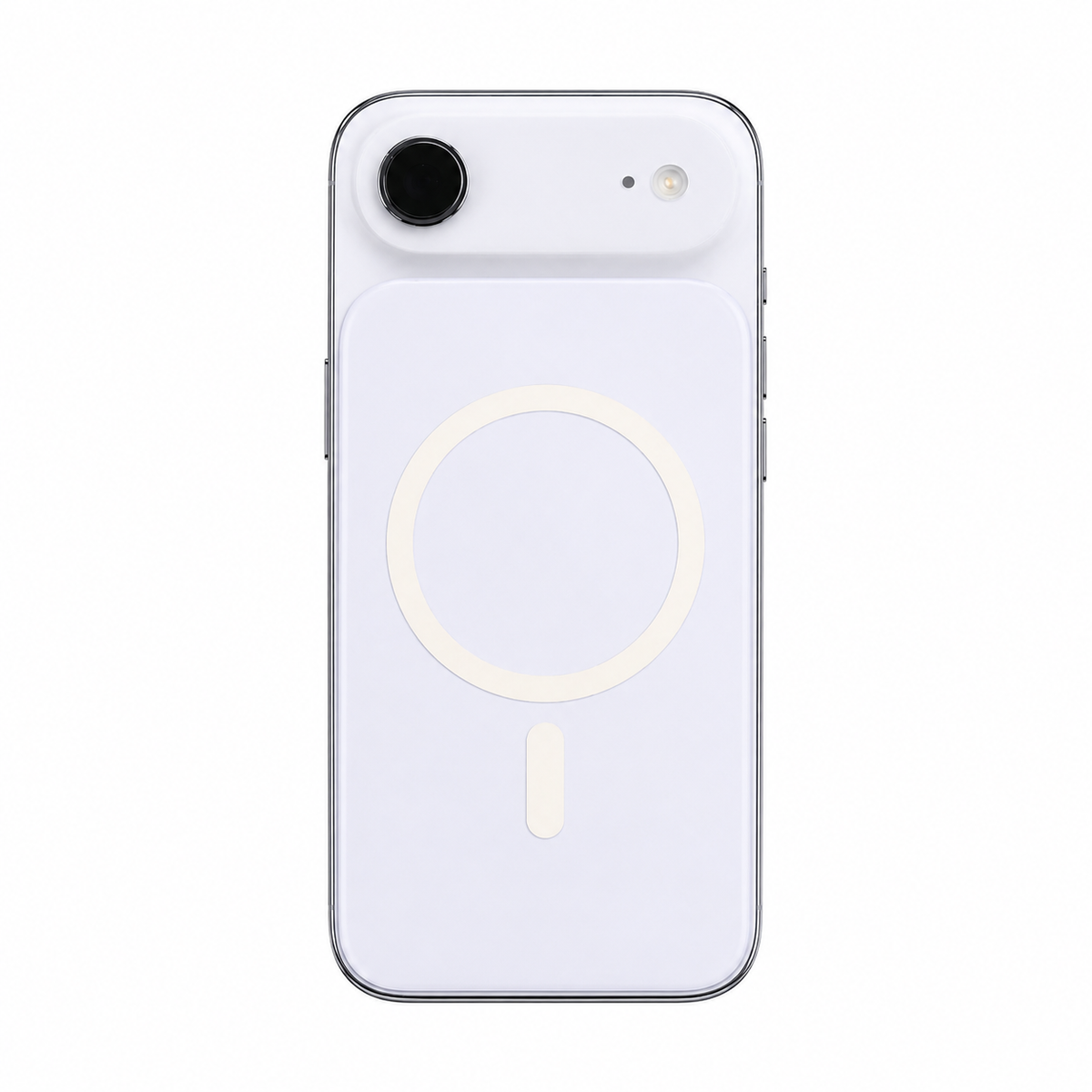
ZEERA MagSkin Air
Ultra-thin magnetic back plate with stronger MagSafe alignment and a cleaner, flatter feel.
View Product
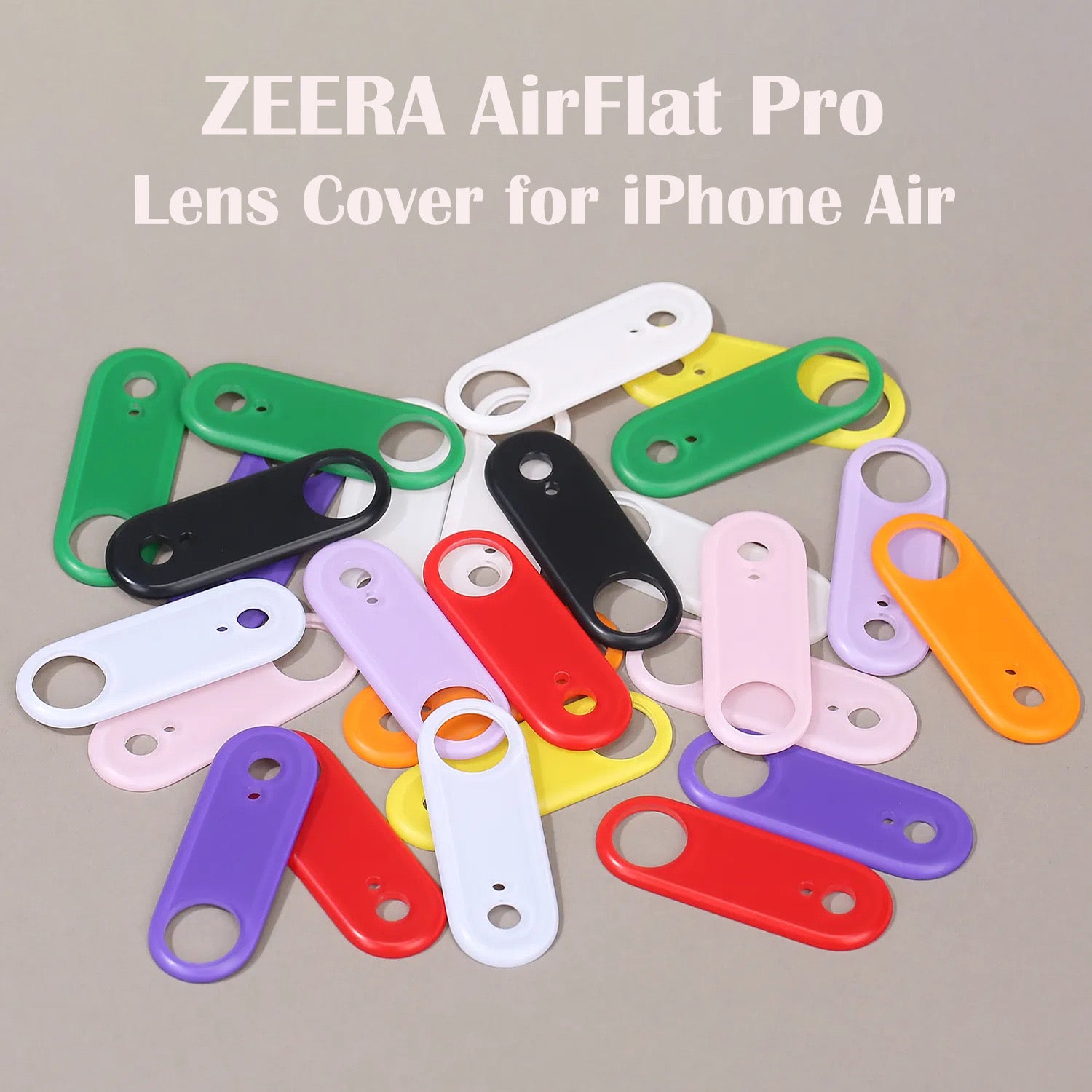
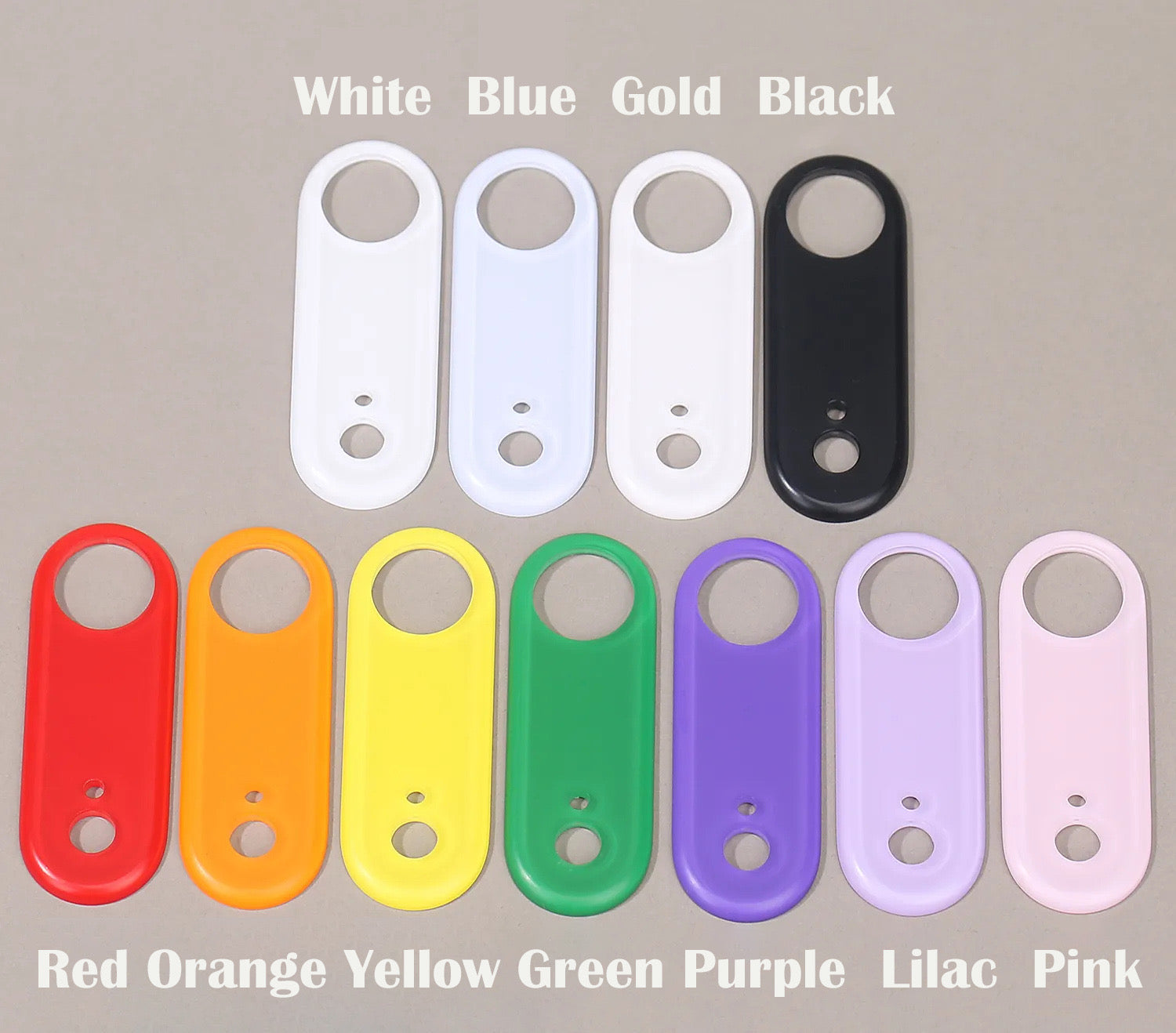


Introducing ZEERA AirFlat Pro
ZEERA AirFlat Pro fills the raised camera deco area to create a cleaner, more even back. It removes the distracting desk wobble while preserving the slim, minimal character of iPhone Air.
Reduces rocking when your iPhone Air is placed on a hard, level surface.
Adds a more balanced back without the bulk and frame of a full case.
A precise shape and matte finish make it feel like part of the phone.

Perfectly Flush Design
Once applied, AirFlat Pro levels the raised camera area so your iPhone Air rests more evenly on a desk. The result feels calmer, cleaner and more stable every time you set the phone down.

Seamless Integration
AirFlat Pro follows the shape and visual language of iPhone Air instead of looking like a separate attachment. Its smooth transition around the camera area creates a unified appearance that feels considered from every angle.
Shaped specifically for the iPhone Air camera deco area.
Feels integrated with the phone rather than added on top of it.

Premium Matte Finish
The smooth matte surface is inspired by the feel of the iPhone Air back panel. Precisely rounded edges create a softer touch and a cleaner transition around the camera.
Soft and refined in the hand, without a glossy plastic feel.
Rounded detailing supports a more polished, integrated finish.

Made for Everyday Use
High-quality polycarbonate helps AirFlat Pro resist oxidation and yellowing over time, keeping its appearance clean through daily use.
Quality PC material helps maintain a cleaner, more consistent appearance.
Designed to better withstand the oxidation that affects ordinary clear plastics.

Secure Adhesive Fit
The adhesive backing holds AirFlat Pro securely around the camera deco area, helping prevent unwanted shifting, shaking or loosening during everyday use.

Product Details
AirFlat Pro is an adhesive camera leveling cover, not a full phone case. It keeps the setup deliberately light and minimal.
Installation & Removal
AirFlat Pro attaches directly around the iPhone Air camera deco area. Take a moment to clean and align it carefully for the most even fit.
Watch Installation & Removal VideoZEERA Ultra-Thin Collection
Explore ultra-thin accessories designed to add magnetic function, camera-area coverage and everyday stability while preserving the feel of your iPhone.
Ultra-thin magnetic back plate with stronger MagSafe alignment and a cleaner, flatter feel.
View Product
Bare-phone feel with magnetic reinforcement, camera deco coverage and reduced desk wobble.
View Product
A lightweight camera leveling cover for a flatter back, less rocking and a clean matte finish.
View Product
Your payment information is processed securely. We do not store credit card details nor have access to your credit card information.