Why CarPlay Video May Not Work in Your Car Yet: What iOS 26 Actually Allows
If CarPlay video does not work in your car after iOS 26, that does not necessarily mean something is broken. The more accurate answer is that iOS 26 technically allows parked video playback through CarPlay for the first time, but the feature has not become widely available in real-world vehicles yet.
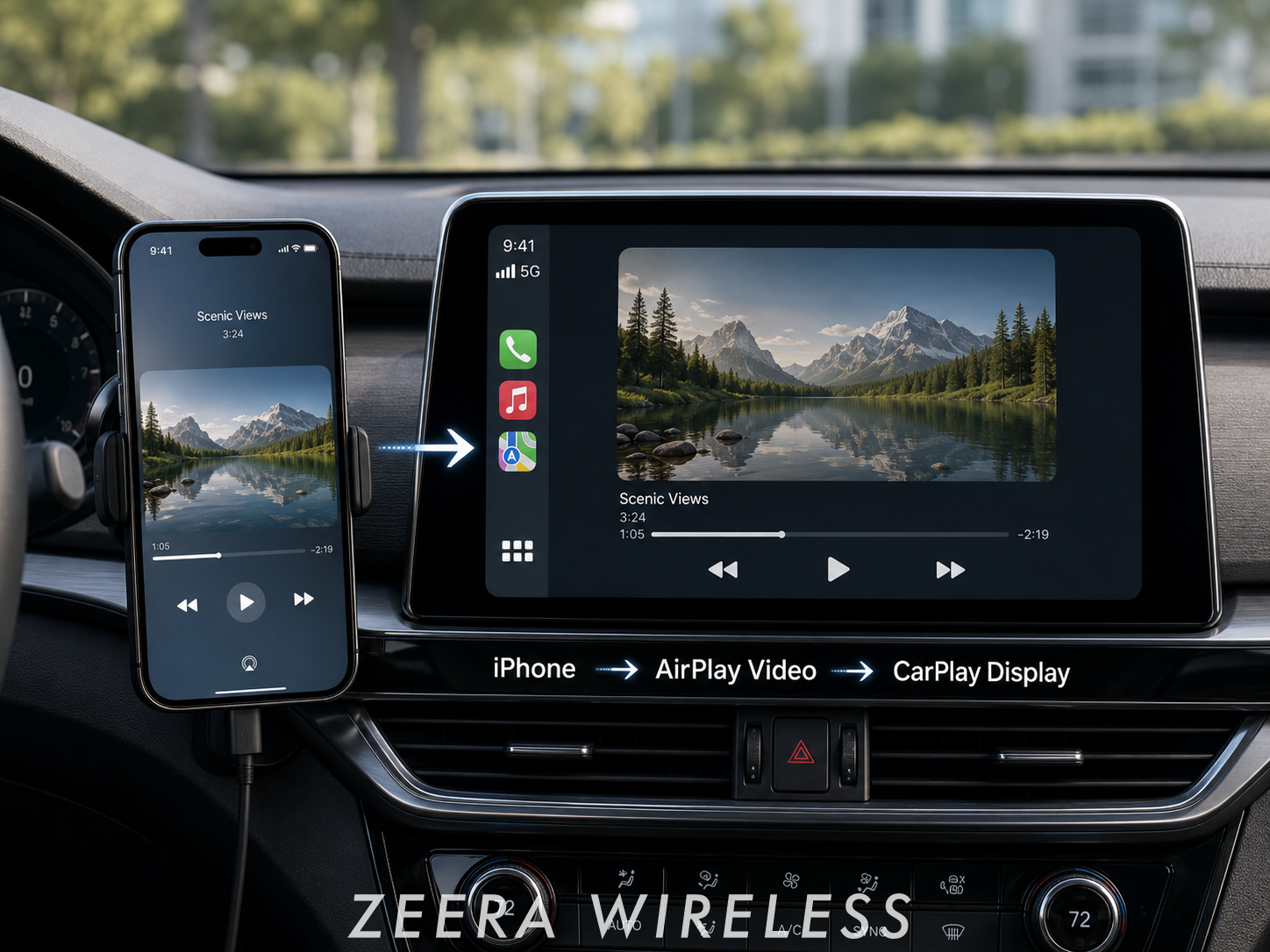
According to 9to5Mac, Apple made a major change with iOS 26 by technically allowing apps to display video through the CarPlay screen while the vehicle is parked. Apple’s developer wording describes this as AirPlay video in the car, which lets people watch video from iPhone on a CarPlay display when they are not driving.
But there is an important catch: this is not something every iPhone user can turn on immediately. 9to5Mac notes that video playback through CarPlay does not really seem to exist broadly in real-world vehicles yet, and support requires explicit automaker support — not just app developer support.
So if you are wondering why CarPlay video does not appear in your car, the answer is usually simple: your iPhone may support the direction, but your vehicle may not support the feature yet.

Quick Answer
- Is CarPlay video fully available now? No. iOS 26 technically allows parked video playback, but real-world vehicle support is still limited.
- Can you watch video while driving? No. Apple’s direction is video playback while parked, not driving entertainment.
- Why does it not work in my car? Your automaker may not have enabled AirPlay video support for CarPlay.
- Does updating to iOS 26 automatically unlock it? No. Vehicle-side support is required.
- What is the main takeaway? CarPlay video is technically allowed starting with iOS 26, but it is not yet a universal CarPlay feature.
For the full overview, read our main guide: CarPlay Video in iOS 26: Complete Guide to Requirements, Safety Limits, and How It Works.
What iOS 26 Actually Allows
The biggest change is not that every car suddenly supports video. The change is that Apple has shifted its CarPlay rules.
Before this, video playback on the CarPlay screen was generally not allowed. Starting with iOS 26, Apple technically allows apps to display video through CarPlay while the vehicle is parked.
This matters because it opens the door for future video experiences such as:
- Watching video while parked.
- Using a supported app on a compatible CarPlay display.
- Viewing content from iPhone through AirPlay video in the car.
- Using the car screen during waiting, charging, or road trip breaks.
But this is only the technical permission layer. It does not mean every car, app, or region supports the feature today.

Why It May Not Work in Your Car Yet
The main reason is vehicle support. CarPlay video requires more than iOS 26. It requires the automaker to integrate support for AirPlay video in the car.
That means your car may not support CarPlay video yet even if:
- Your iPhone is updated to iOS 26.
- Standard CarPlay works normally.
- Your car already supports maps, calls, music, and messages through CarPlay.
- You have a supported video app on your iPhone.
This is the key difference:
Standard CarPlay support does not automatically mean CarPlay video support.
CarPlay video needs vehicle-side integration because the car must help control when video can appear, especially to make sure it only works when the vehicle is not being driven.

ZEERA AirFlat – Anti-Wobble Lens Cover
Ultra-flat lens cover designed for iPhone Air camera stability.
Reduces wobble and improves flat placement on any surface.

ZEERA MagSkin – Ultra-Thin MagSafe Back Plate
Minimalist magnetic back plate for MagSafe compatibility.
Ultra-thin design keeps iPhone Air lightweight and protected.
Why Parked Mode Matters
CarPlay video is designed for parked use only. Apple’s wording focuses on watching video from iPhone on the CarPlay display when users are not driving.
That means the feature is meant for situations such as:
- Waiting in the car.
- Charging an EV.
- Taking a road trip break.
- Using the car screen while parked before or after a drive.
It is not designed for watching video while driving. If the car is moving, in Drive, or cannot confirm a parked state, video playback should not be expected to work.

What About Apple TV on CarPlay?
Apple TV is one of the most logical apps to watch in this transition because it belongs to Apple’s own video ecosystem. However, Apple TV on CarPlay should not be treated as a feature that is already available in every car.
9to5Mac notes that the closest current example appears to be Apple’s CarPlay Simulator on the Mac. The simulator includes a built-in Apple TV app that shows what the experience could look like on a compatible CarPlay system. It also supports some video playback from iPhone in simulator conditions.
But simulator support is not the same as support in real vehicles.
So if Apple TV does not show up on your CarPlay screen, that does not necessarily mean there is a problem with your iPhone. It may simply mean your car does not support the new video capability yet.
For a dedicated breakdown, read: Will Apple TV Work on CarPlay in iOS 26? What We Know So Far.

Could Screen Requirements Matter?
One clue from Apple’s CarPlay Simulator is that video may have display requirements. 9to5Mac notes that video only works in the CarPlay Simulator with a 1920×1080 resolution system.
This does not confirm that every real-world vehicle must have a 1920×1080 screen. But it suggests that screen capability may matter, especially for automakers deciding whether to support CarPlay video.
For now, it is safer to avoid assuming that every existing CarPlay display will support video playback.

Mac Mini M4 Aluminum Cooling Case
CNC aluminum enclosure for Mac Mini M4 / Mac Mini M4 Pro, improves heat dissipation,
reduces thermal throttling, and enhances Mac Pro-style aesthetics with
premium build quality for desktop setups.
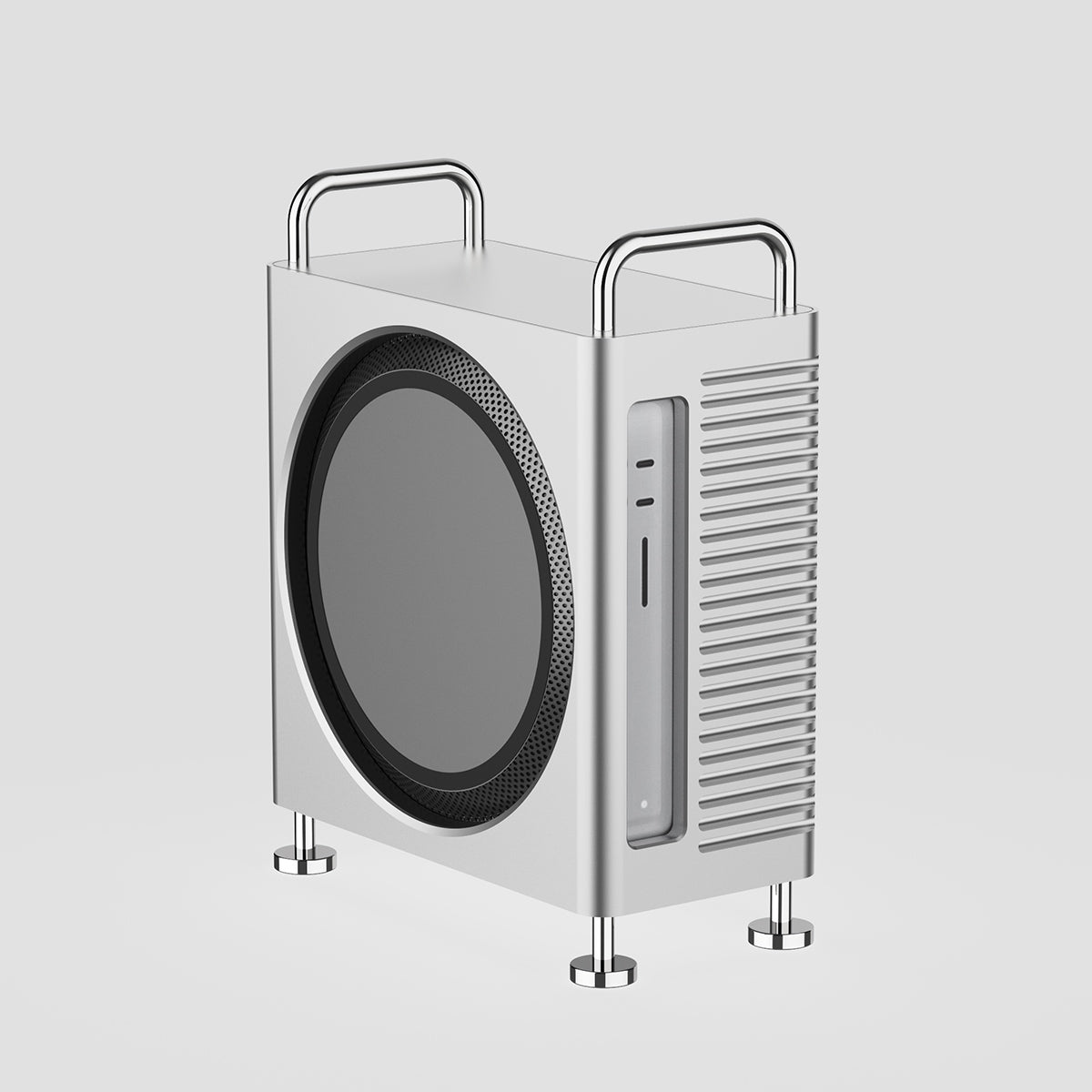
Mac Studio Aluminum Enclosure Case
CNC aluminum enclosure for Mac Studio, improves airflow and thermal performance,
designed for heavy workloads with Mac Pro-inspired structure and stable
high-performance cooling architecture.
What You Should Check First
If CarPlay video does not work in your car, focus on the few things that actually matter:
| Check | Why It Matters |
|---|---|
| Automaker support | CarPlay video requires explicit vehicle-side support. |
| Parked mode | Video playback is only intended when the vehicle is not being driven. |
| App support | Apps still need to support the new CarPlay video path. |
| Display capability | Simulator clues suggest screen capability may matter, though final requirements may vary. |
There is no need to overcomplicate the issue. In most cases, the missing piece is not your iPhone — it is vehicle-side support.
What This Means for Everyday CarPlay Users
Even before CarPlay video becomes widely available, most iPhone users already rely on CarPlay for navigation, calls, music, and daily charging. That means a stable in-car iPhone setup still matters.
For everyday CarPlay use, the most practical setup needs are:
- Stable charging during navigation and long drives.
- Better heat control when charging and using CarPlay at the same time.
- Secure magnetic hold so the iPhone stays aligned on the charger.
- A clean viewing angle for maps, calls, music, and future parked video use.
This is where ZEERA’s in-car charging setup fits naturally — as a better everyday CarPlay experience for iPhone users who need stable charging, stronger magnetic alignment, and better heat control.

ZEERA SuVolt Gen5 Qi2.2 Car Charger
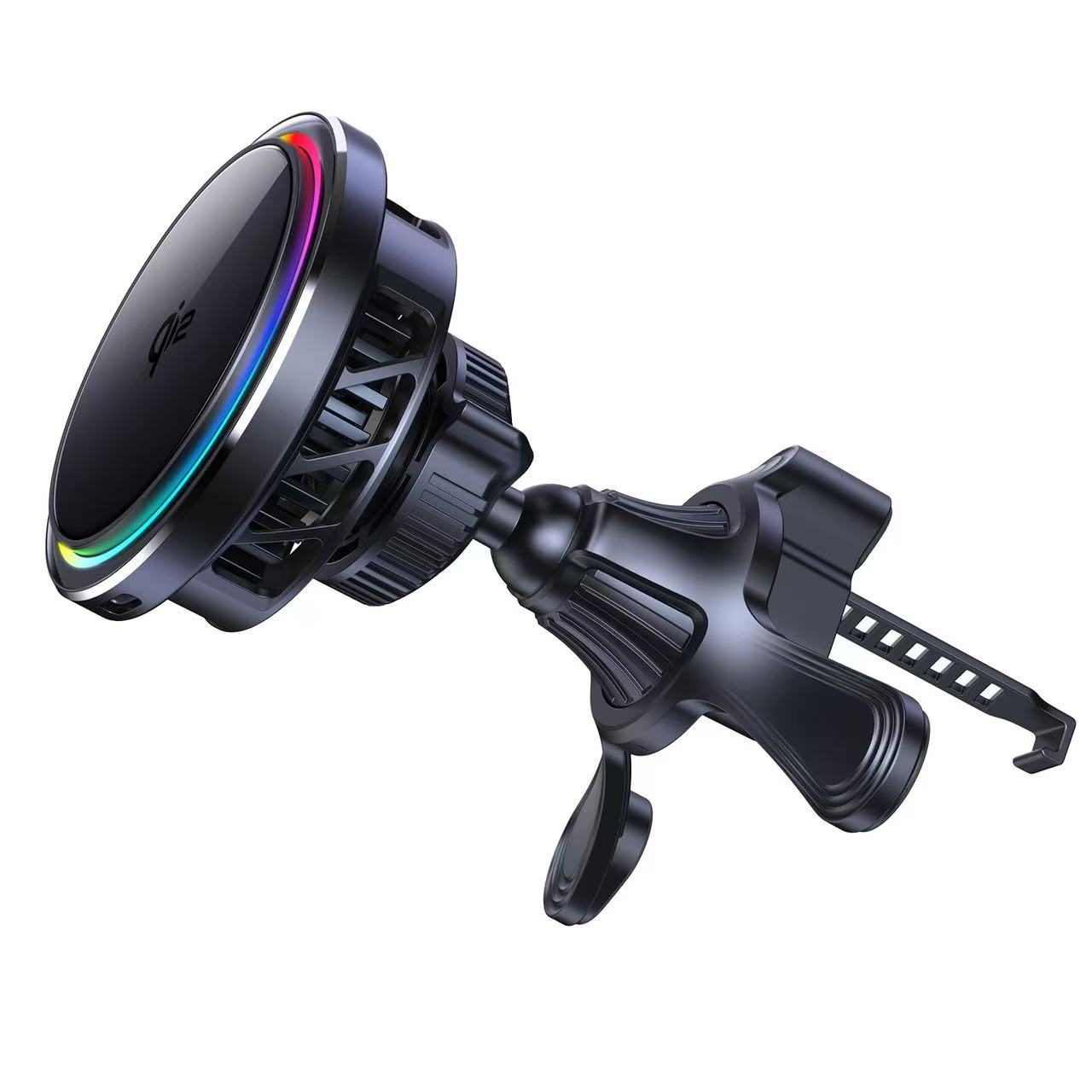
ZEERA SuVolt Gen5 Qi2.2 Car Charger is designed for iPhone users who rely on CarPlay, navigation, and wireless charging in the car. With Qi2.2 25W fast wireless charging and active cooling support, it helps keep your iPhone powered while reducing heat buildup during longer driving or parked-use sessions.
- 25W wireless charging for compatible iPhones.
- Active cooling support to help manage heat during charging.
- MagSafe-compatible magnetic alignment for easier mounting.
- Better everyday CarPlay setup for navigation, charging, and future parked video use.
Pair It with a ZEERA MagSafe Case
A reliable MagSafe case can improve magnetic alignment when your iPhone is mounted in the car. For CarPlay users, this helps create a cleaner and more secure setup during everyday driving.
- Stronger magnetic alignment for MagSafe-compatible accessories.
- More secure in-car mounting during everyday driving.
- Cleaner CarPlay setup when paired with a MagSafe car charger.
Final Thoughts
If CarPlay video does not work in your car after iOS 26, the most likely reason is not that something is broken. It is that the feature has not yet become widely available in real vehicles.
Apple has technically allowed parked video playback through CarPlay starting with iOS 26, but automakers still need to enable support. Until that happens, many users will not see video playback on their CarPlay screens.
The key takeaway is simple:
Your iPhone may be ready for the direction Apple is taking, but your car may not support the feature yet.
In the meantime, a better everyday CarPlay setup — with stable charging, active cooling, and strong MagSafe alignment — can still improve how you use your iPhone in the car today.
Related CarPlay Guides
- CarPlay Video in iOS 26: Complete Guide to Requirements, Safety Limits, and How It Works
- Watching Video on CarPlay While Parked: What iOS 26 May Allow and What You Need
- How CarPlay Video Works in iOS 26: AirPlay, Requirements, and Limitations
- Will Apple TV Work on CarPlay in iOS 26? What We Know So Far
- What Is CarPlay Ultra? Apple’s Future In-Car Experience Explained