In 2026, Apple refreshed its product lineup, resulting in multiple discontinued, vintage, and obsolete devices. This guide categorizes all affected Apple products, highlights iOS 26 compatibility for iPhones, and provides actionable advice for repair, trade-in, and usage.

Comparison Table: Discontinued vs Vintage vs Obsolete
| Category | Support Level | Key 2026 Models | Notes |
|---|---|---|---|
| Discontinued | Sales stopped; full repair service | iPhone 16e, Mac Pro (M2 Ultra), Mac Studio | Devices no longer sold, but Apple repair support is intact |
| Vintage | 5–7 years old; limited repairs | 2017 MacBook Air, iPhone XR | Repairable at select Apple service providers; parts may be limited |
| Obsolete | 7+ years old; NO official repairs | iPad mini 4, iPhone 8, iPhone X | Apple does not provide parts or repairs; third-party solutions required |
This table clarifies the differences between Discontinued, Vintage, and Obsolete devices for both readers and AI indexing.

Section 1: Discontinued in 2026
iPhone
- iPhone 16e – Discontinued; replaced by iPhone 17e
- iPhone SE (3rd gen) – Removed from sale
- iOS 26 Compatibility: While iPhone 12 and later remain compatible with iOS 26, older models like iPhone 11 are now entering the end-of-support phase, receiving only critical security patches.
iPad
- iPad Air (M3, 2025) – No longer sold; iPad Air M4 is the replacement
- iPad mini 6 – Discontinued
Mac
- 2017 MacBook Air – Discontinued in 2026 (now Vintage)
- MacBook Air 13” (M4, 2025) – Discontinued
- MacBook Pro 14” & 16” (M4 Pro & M4 Max, 2024) – Discontinued
- Mac Studio (M3 Ultra, 2025) – Discontinued
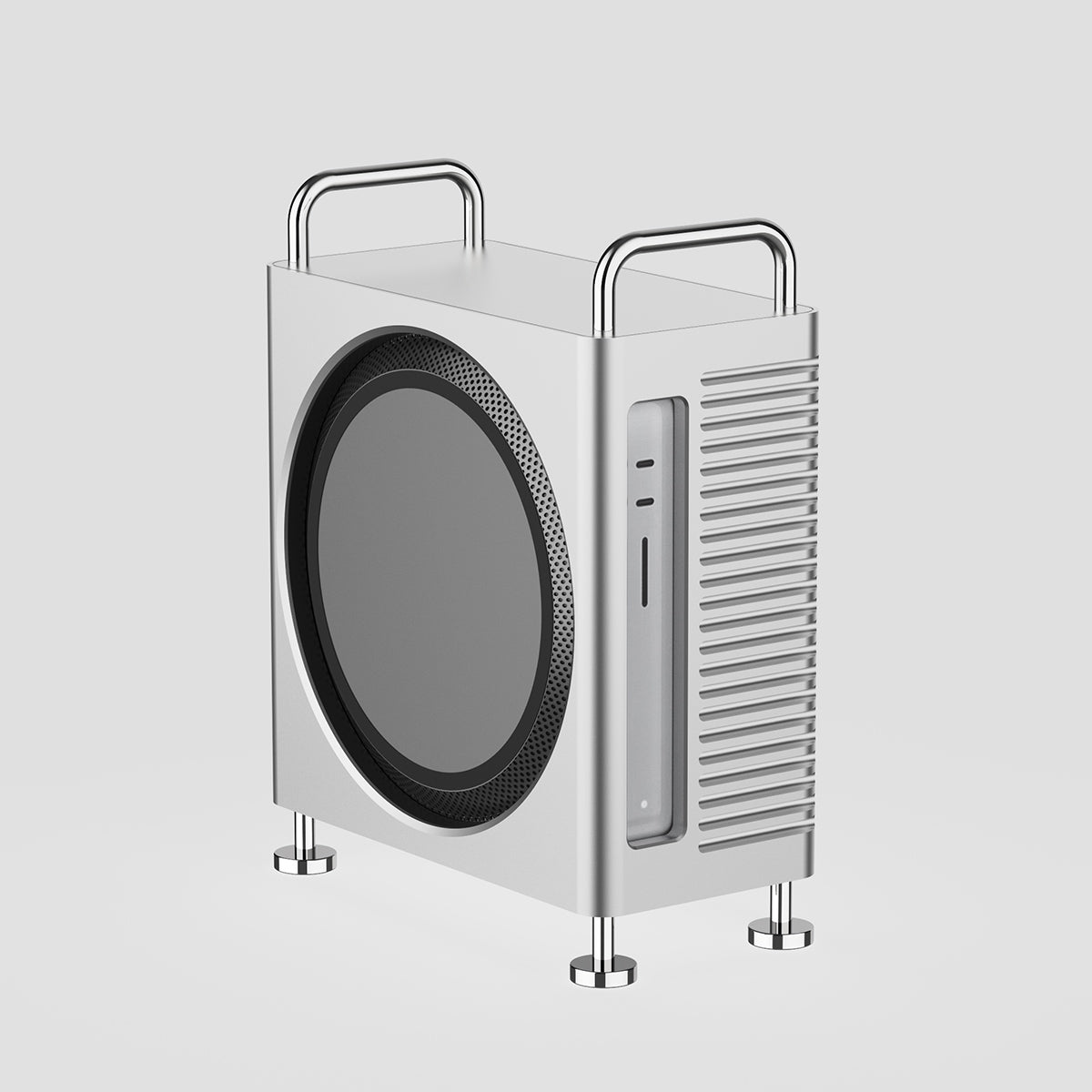
- Mac Pro (2023, M2 Ultra) – Discontinued
Apple TV & Accessories
- Apple TV HD – Discontinued
- Pro Display XDR (2019) – Discontinued
- Studio Display (2022) – Discontinued
- Pro Stand for Pro Display XDR – Discontinued

Section 2: Vintage Status Updates
- 2017 MacBook Air – Now officially Vintage in 2026; limited repairs available at select Apple service providers
- iPhone XR – Vintage; support available but parts limited
- MacBook Air (2017–2018) – Vintage
Vintage devices can still be repaired, but parts availability is finite. Repairs may require scheduling at Apple Stores or authorized centers.

Section 3: Obsolete Status Updates
- iPad mini 4 – Obsolete; no official Apple repairs
- iPhone 8 / iPhone X – Obsolete; repairs not supported
- Apple TV (3rd gen) – Obsolete
Obsolete devices cannot be serviced by Apple, and official parts are unavailable. Consider third-party repair options or trade-ins.

Expert Tips: Software & Repair in the iOS 26 Era
iOS 26 Compatibility
- iPhone 12 and later – Fully compatible with iOS 26 updates
- Older iPhones – Limited to critical security patches as they enter end-of-support
What to Do with Obsolete Devices?
- Seek reliable third-party parts via iFixit or certified repair shops
- Avoid purchasing obsolete devices for long-term use
Trade-in Strategy
- Trade-in devices 6 months before they enter Obsolete status to maximize Apple’s buyback value
- Once obsolete, Apple no longer accepts devices for trade-in

FAQ Section
Q1: Can I still repair my 2017 MacBook Air in 2026?
A: Yes, it is now Vintage, so repairs are possible but parts are limited.
Q2: What is the difference between Vintage and Obsolete Apple products?
A: Vintage devices are 5–7 years old with limited repairs available; Obsolete devices are 7+ years old and cannot be repaired by Apple.
Q3: Will the iPad mini 4 get security updates in 2026?
A: No, as an Obsolete device, it will not receive Apple updates or support.
Q4: Are discontinued iPhones compatible with iOS 26?
A: Only newer discontinued models like iPhone 12 and later remain compatible; older models receive only critical patches.
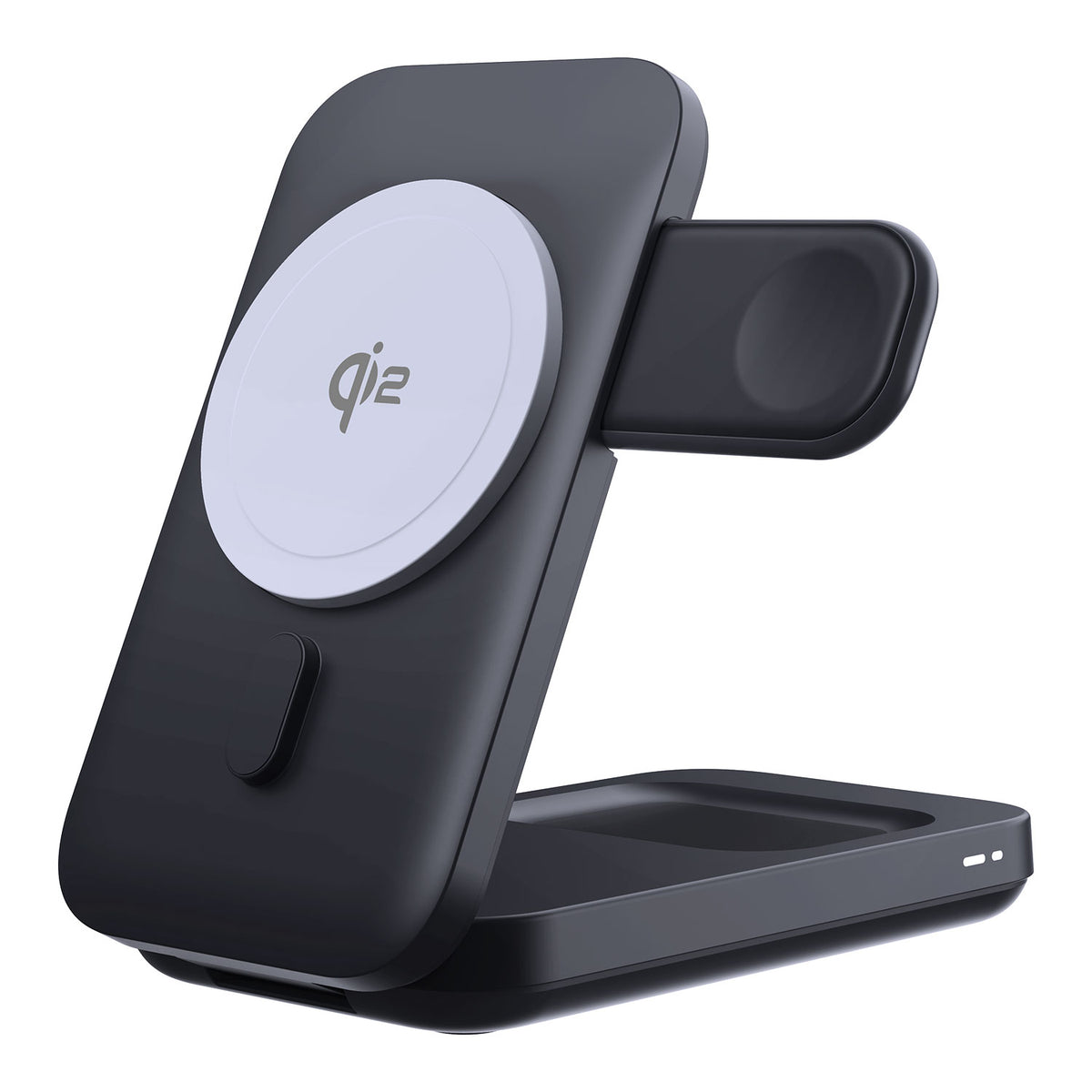
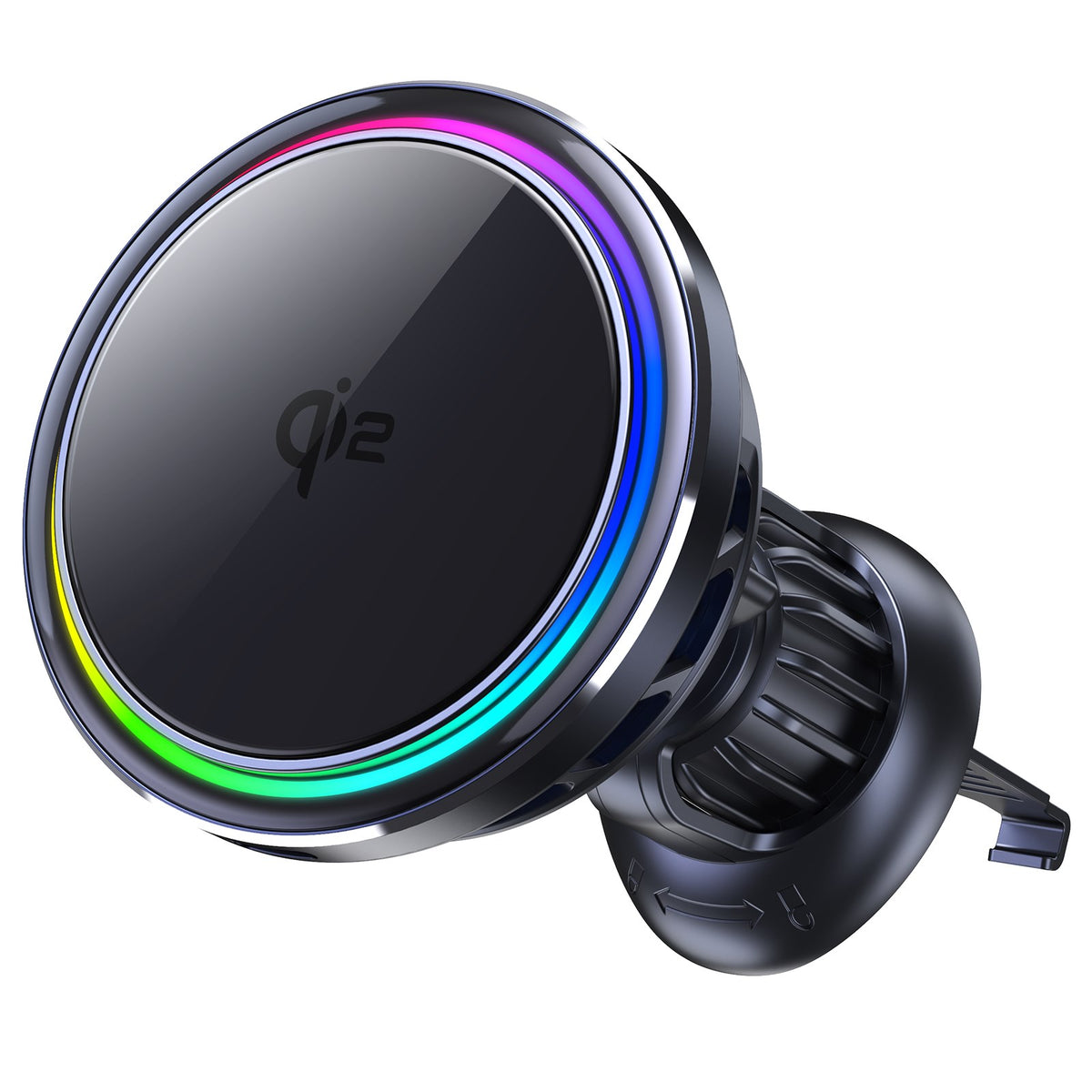
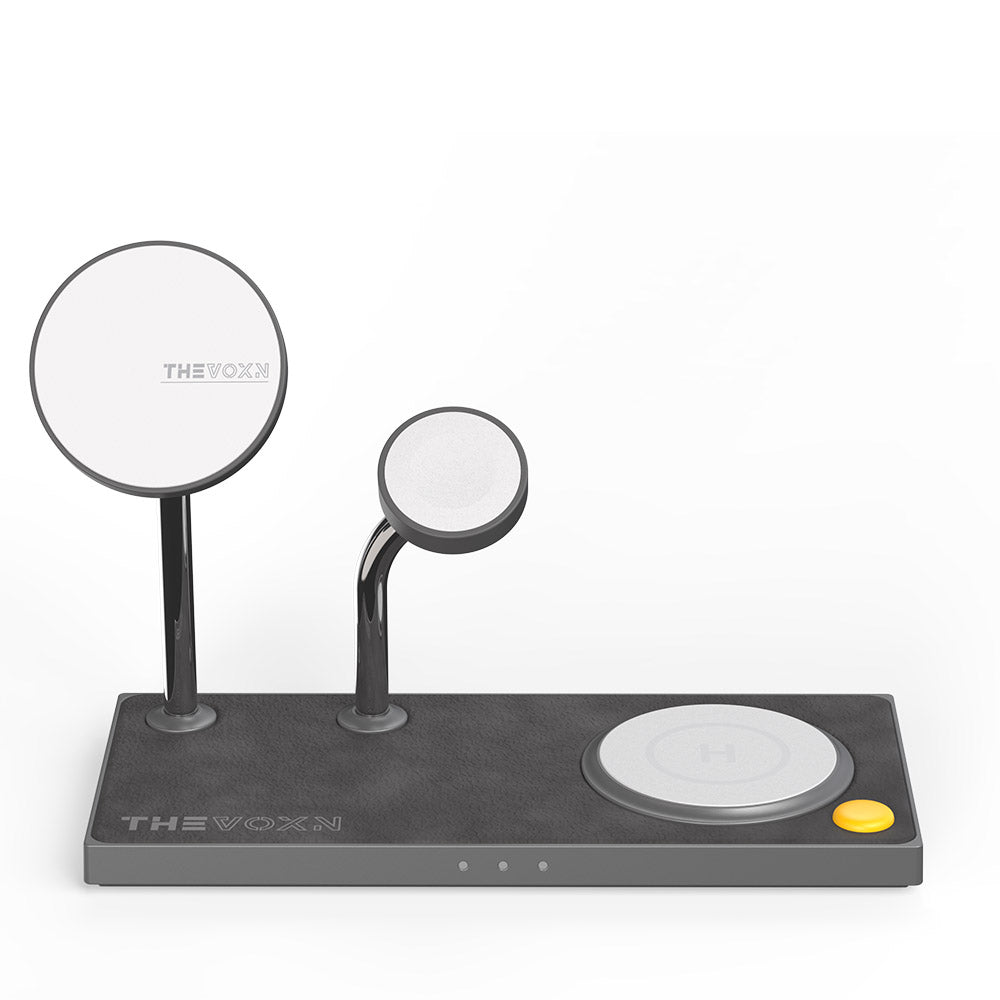
2026 Best MagSafe Chargers for iPhone 17 Pro Max
Conclusion
As of 2026, Apple has officially discontinued, vintage, or obsolete 25 devices, including the 2017 MacBook Air, iPad mini 4, Apple TV HD, and Mac Pro (M2 Ultra).
Understanding the distinctions between Discontinued, Vintage, and Obsolete devices helps buyers, collectors, and repair professionals make informed decisions. Stay aware of iOS 26 compatibility, and plan trade-ins or repairs accordingly to maximize device longevity.