
Quick Answer
If you can wait, hold off buying a full-price Apple TV 4K until the expected October announcement.
Apple has reportedly tested a Siri Remote speaker for easier finding and microphones inside the box for Siri without the remote.
Neither feature is confirmed for the shipping 2026 model. The 2022 model already supports finding its remote with an iPhone.
For existing owners, the key question is whether these conveniences justify a new box—or whether a future remote-only purchase could be enough.
Updated October 12, 2026. This is a comparison of current hardware and reported plans, not a hands-on review of the new model.
A faster chip is easy to put on a spec sheet. Finding the remote before a movie starts is easier to appreciate from the couch.
That is what makes the latest Apple TV 4K rumors interesting. Instead of only promising more processing power, they point toward two small changes to how you actually use the device.

Apple TV 4K 2026 vs 2022: What Could Change?
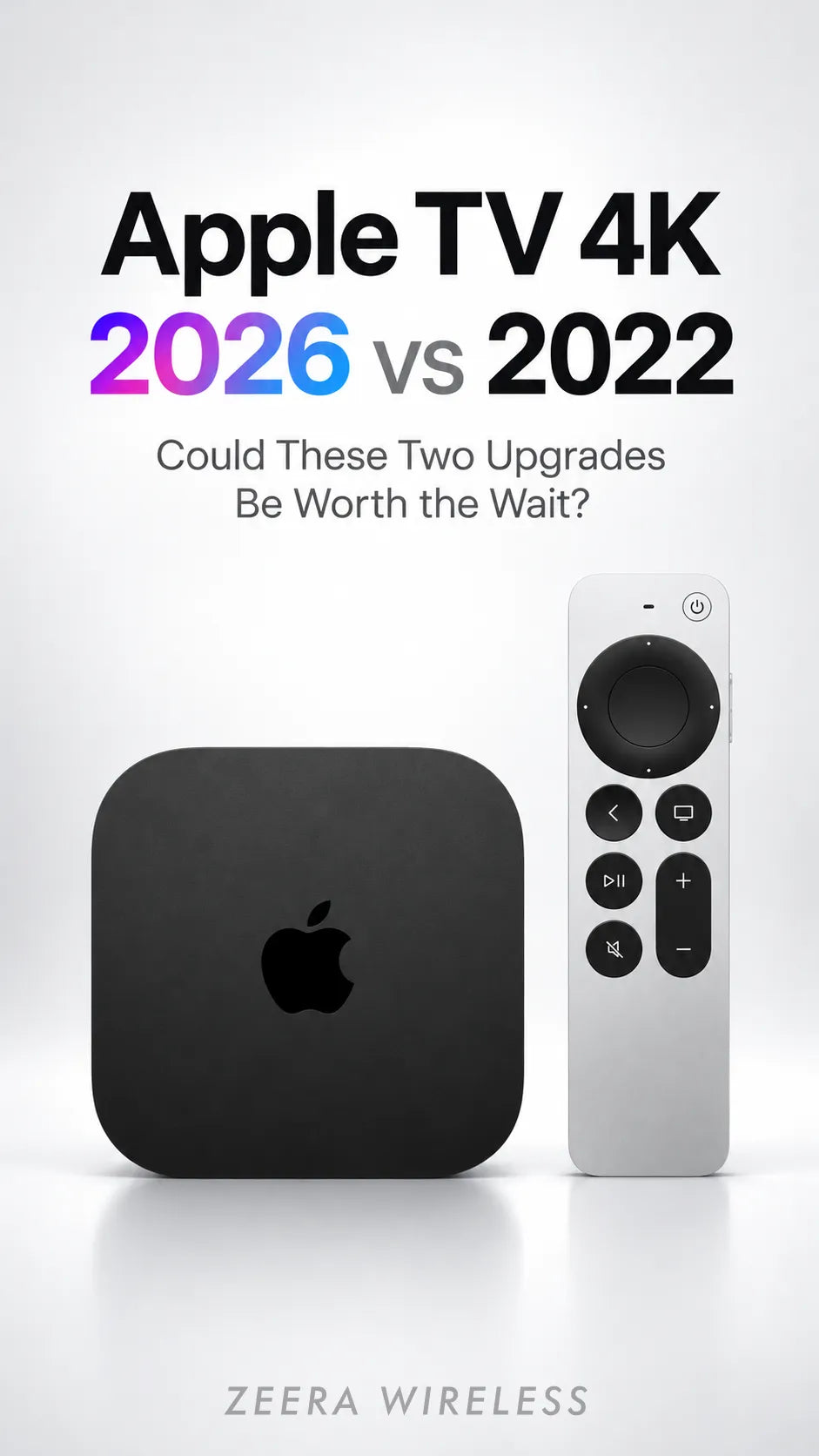
The 2022 Apple TV 4K is the third-generation model. The upcoming 2026 device is expected to be the fourth generation. The comparison below separates existing features from proposed upgrades.
| Everyday task | 2022 model | 2026 model: reported plans |
|---|---|---|
| Find the remote | iPhone proximity guidance | Speaker tested to help locate it |
| Talk to Siri | Siri Remote or a paired HomePod | Microphones tested inside the box |
| Processing | A15 Bionic | A19 reported by Gurman |
| Buying decision | Available hardware with known features | Final price and feature list still needed |
For the broader hardware background, see our Apple TV 4K fourth-generation leak analysis. Here, the focus is whether the remote and voice changes would make daily use easier.
Could the New Siri Remote Make a Sound When Lost?
Gurman’s report, covered by 9to5Mac, says Apple has tested a refreshed remote with a speaker to help people find it. That points toward audible locating, although Apple has not revealed how you would trigger it.
Picture the familiar problem: your phone tells you the remote is nearby, but you still cannot tell whether it is under a cushion, behind the sofa or inside a blanket. A sound could help with that final search.
The important correction is that remote finding already exists. Apple’s current system supports Siri Remote second generation and later, using an iPhone running iOS 17 or newer and an Apple TV running tvOS 17 or newer.
Open Control Center, select Apple TV Remote, open the device list and tap Find beside the missing remote. The display changes as you approach it. Apple explains the steps in its lost Apple TV Remote guide.
A speaker would add a different kind of clue. It would not, by itself, establish UWB, directional arrows or full Find My network support. Those are separate features to check on the final specifications.
ZEERA’s assessment: audible remote finding could be one of the most useful upgrades for households that regularly misplace the remote. Its value comes from saving a small frustration repeatedly, rather than improving video quality.
Would Built-In Microphones Make Apple TV Siri Hands-Free?
The other feature Apple reportedly tested places microphones in the Apple TV box itself. The proposed benefit is speaking to Siri without first reaching for the remote or relying on a paired HomePod.
That could matter when your hands are full, the remote is across the room or another person is holding it. A direct voice request would remove an extra step before you can ask for help.
However, microphones and better Siri intelligence solve different problems. Microphones change how a request reaches the device; they do not prove that Siri will understand every request more accurately.
Before treating this as a reason to upgrade, look for a demonstration in a normal room with TV audio playing. Useful questions include whether it hears you from the sofa, how it handles competing Apple devices and which languages work at launch.
Placement may matter too. If the box normally sits behind the television or inside a cabinet, voice pickup is something to verify in reviews. The report does not establish a listening range, wake phrase or microphone-off control.
For someone who already uses a HomePod successfully, the convenience gain could be smaller. And an Apple TV microphone would not replace a HomePod’s role as a music speaker or home-theater audio accessory.
Should You Replace the Apple TV—or Just the Remote?
If your 2022 box still opens apps quickly and plays your subscriptions reliably, start with the problem you want to solve. A lost remote does not automatically mean the streaming box needs replacing.
A separately sold new remote could be the cheaper route if Apple confirms backward compatibility and the locating feature works with older hardware. Neither condition has been established for this reported remote.
When the product details appear, compare three things: the standalone remote price, supported Apple TV models, and any software requirements for sound-based finding. Basic button compatibility alone would not guarantee every new feature.
Built-in microphones are a different decision because they would reside in the new box. A remote swap would not add microphones to your 2022 Apple TV.
This distinction gives existing owners a useful buying rule: wait for the accessory compatibility list before assuming you need the entire upgrade.

Buy Apple TV 4K Now or Wait for the 2026 Model?
Wait if your current setup works. MacRumors reports that Gurman expects an October 13 introduction and October 30 customer deliveries and store availability. Treat those as reported plans until Apple publishes its ordering details.
Consider the 2022 model if you need a replacement immediately. Judge a discount by its actual selling price, warranty and return terms. Do not treat a lower price as good value if it means buying hardware that lacks the feature you specifically want.
Keep your current box if streaming is your only priority. The latest report also identifies A19 as the expected chip, but a processor upgrade alone does not establish a visible improvement to the films or shows you watch.
For first-time buyers, the sensible comparison after the announcement will be the complete package: price, included remote, storage, Ethernet availability and demonstrated Siri behavior. Avoid paying a premium purely for features that have not been shown.
Choosing iPhone Cases and a Charger for Your Apple Setup
Your iPhone can already serve as a backup Apple TV remote, so keeping it accessible and charged is useful even if you keep the older box.
If you are shopping for an iPhone 18 Pro case or iPhone 18 Pro Max case, compare grip, MagSafe alignment and stand options before choosing. The collection above lets you browse ZEERA cases and check each product’s model compatibility.
For an iPhone Duo case, the decision also includes hinge protection, screen coverage and how much bulk you want. Use our ZEERA iPhone Duo case comparison to compare slim, stand and wallet designs before buying.
When choosing a MagSafe charger for iPhone 18 Pro, iPhone 18 Pro Max or iPhone Duo, check the charger’s supported devices, power requirements and your case’s compatibility. The MagTri module promotes charging for iPhone, Apple Watch and AirPods; it does not charge the Siri Remote.
FAQ
Does the 2022 Apple TV 4K have a microphone inside the box?
No built-in microphone is listed in Apple’s current specifications. Siri voice input is available through the Siri Remote or a suitable paired HomePod setup.
Can I make my current Siri Remote beep?
The current remote-finding guide provides iPhone proximity prompts, not a remote sound command. The speaker described in the new report is a tested upgrade, not a confirmed feature available today.
Does a remote speaker mean the new model has Precision Finding?
No. A speaker does not establish UWB hardware or directional finding. Check Apple’s final feature list for those capabilities.
Will the 2026 Siri Remote work with my older Apple TV?
That remains unconfirmed. Check both the remote’s supported models and the requirements for its new locating features before buying it separately.
Should I buy a HomePod now just to use Siri with Apple TV?
If voice control is your only reason, wait for the new Apple TV’s confirmed microphone features. If you want a speaker for music or TV audio, evaluate that purchase separately.
Will every country receive the new Apple TV on October 30?
The reported date is not a complete regional availability list. Verify your local Apple store’s ordering and delivery information once published.









