Apple has officially released iOS 26.3.1 (a), a new type of security update designed to protect iPhone users faster than ever before. Unlike traditional iOS updates, this release focuses entirely on fixing a critical vulnerability — without adding new features.
In this guide, we’ll break down what iOS 26.3.1 (a) is, what it fixes, and whether you should install it right now.

What Is iOS 26.3.1 (a)?
iOS 26.3.1 (a) is a lightweight security patch, not a full system update.
This update is part of Apple’s new Background Security Improvements (BSI) system — an evolution of the earlier Rapid Security Response mechanism.
Apple introduced this system to deliver urgent fixes faster, without waiting for full iOS updates.

What Security Issue Does It Fix?
This update addresses a serious WebKit vulnerability affecting Safari and all browsers on iOS.
Vulnerability Details
-
Component: WebKit (Safari engine)
-
CVE ID: CVE-2026-20643
-
Risk: Malicious websites could bypass security protections
Apple explains the issue clearly:
Processing malicious web content may bypass Same Origin Policy
This means: A harmful website could potentially access data from other websites open in your browser — a major security risk.
The flaw was caused by a cross-origin issue in the Navigation API, and Apple fixed it with improved input validation.

Should you install iOS 26.3.1 (a)?
Honestly — yes, and this one is pretty straightforward.
Even though:
-
there’s nothing “new” to see
-
your phone won’t feel different
It fixes a real security issue related to web browsing, which is something you use every day.
👉 This is exactly the kind of update you shouldn’t skip.
2026 Best MagSafe Case for iPhone 17 Pro Max


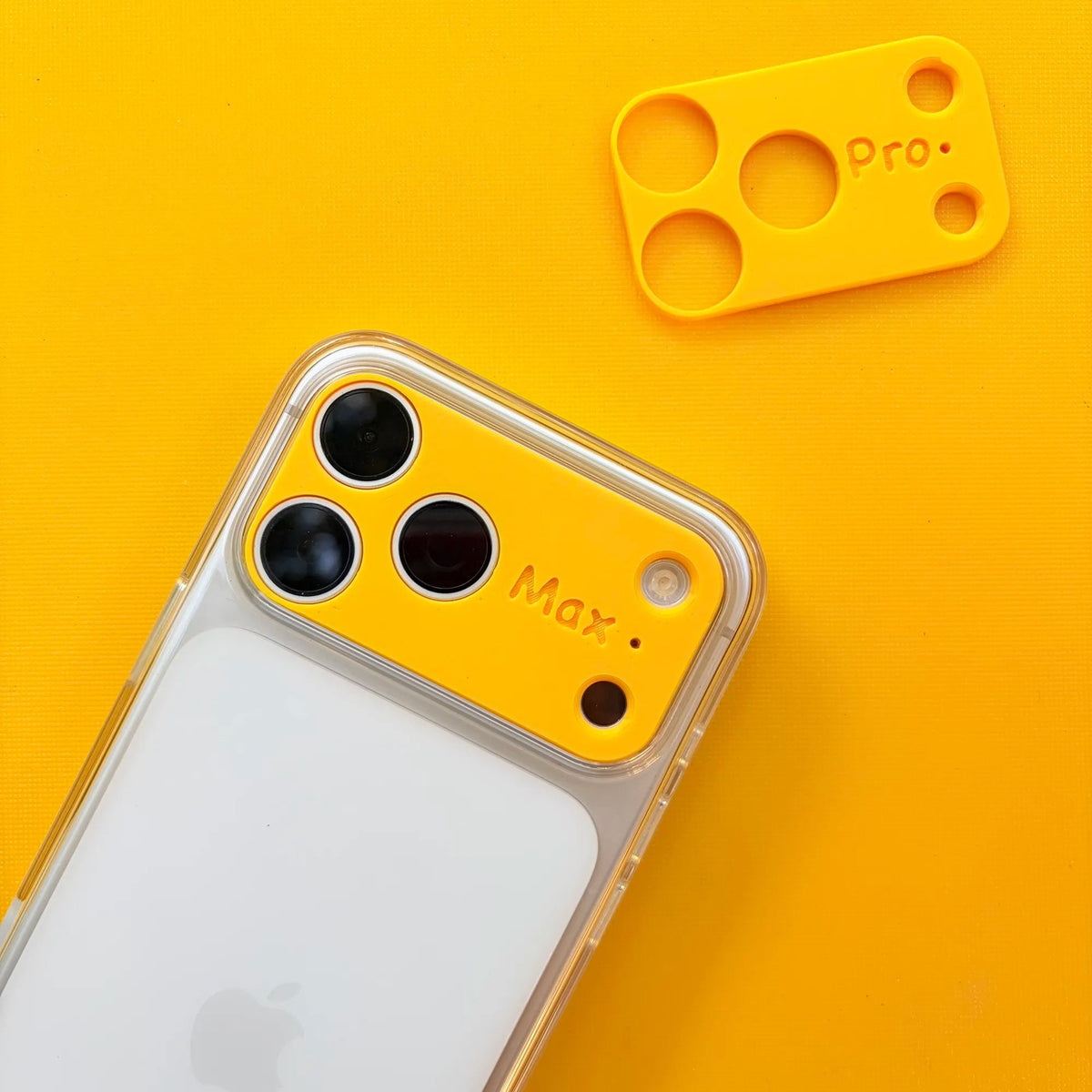
Introduce The Best MagSafe Case for iPhone 17 Pro Max
To keep your iPhone safe, a reliable case is a must. ZEERA’s MagSafe case offers strong magnetic alignment, a comfortable grip, and solid protection for your phone. Its sleek design preserves the look of your iPhone while shielding it from everyday bumps and scratches. With ZEERA, protecting your device is simple and stylish.

How to Enable Automatic Security Updates
To ensure you never miss critical patches:
-
Go to Settings
-
Tap Privacy & Security
-
Select Background Security Improvements
-
Enable Automatic Updates
2026 Best MagSafe Chargers for iPhone 17 Pro Max