
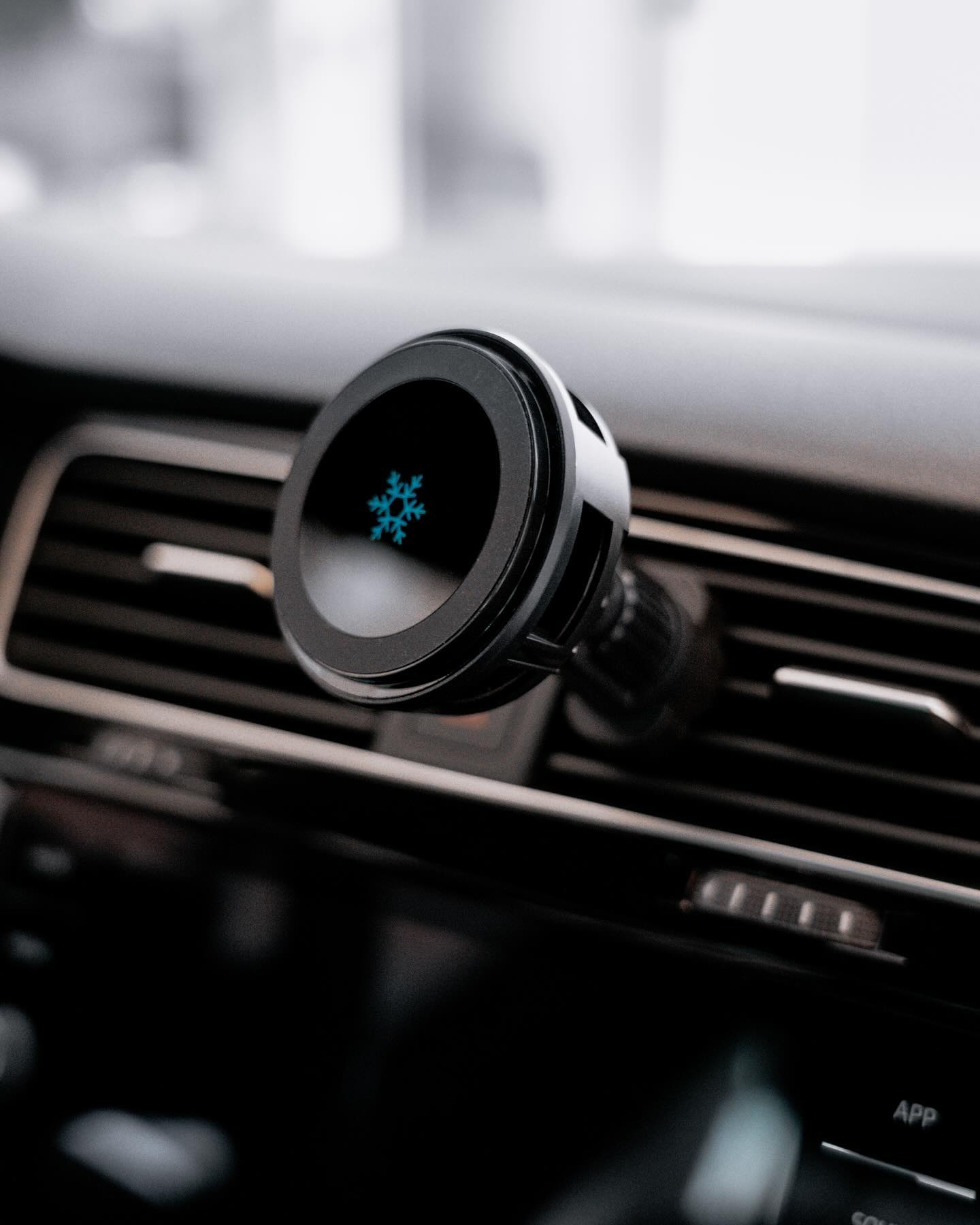
If you’ve ever experienced this: you’re wearing your AirPods, listening to music or taking a call, and the moment you step into your car, the audio suddenly jumps to the car stereo — you’re not alone. Many iPhone users have been annoyed by this automatic Bluetooth switching for years.
With iOS 26, Apple has finally added a long-awaited fix — a new setting that prevents your AirPods (and other wireless headphones) from being hijacked by nearby Bluetooth devices.
In this article, we’ll explain what this new feature does, how it works, and how you can enable it on your iPhone.

What’s the New iOS 26 AirPods Bluetooth Protection Feature?
Apple has introduced a new option called “Keep Audio with Headphones.”
When enabled, iPhone will keep the audio output on your headphones even if a paired Bluetooth speaker, stereo, or car system connects.
-
No more unexpected audio switching.
-
No more stolen audio when starting your car or powering on a speaker.
-
Your headphones remain the priority device until you change it.
2025 Best MagSafe Case for iPhone 17 Pro Max


What Problem Does This New Feature Solve — Especially With CarPlay?
This little toggle protects your listening in multiple real-life scenarios:
-
Car & CarPlay
Enter your car and AirPods keep the audio — no more auto-switching to the car speakers. -
Home & Office Speakers
If a paired Bluetooth speaker turns on, it won’t automatically steal your audio. -
More Control for You
Output will change only when you manually switch it from Control Center or through the car’s system.
In short: no more accidental audio takeovers, no more surprises.
What you choose to hear in your headphones stays in your headphones.
Where to Find the Setting
In iOS 26, you can enable this option here: Settings → General → AirPlay & Continuity → Keep Audio with Headphones

A Recommended MagSafe Car Charger for iPhone Users
If you drive frequently and rely on wireless charging, pairing your AirPods experience with a reliable MagSafe car charger makes sense.
2025 Best MagSafe Chargers for iPhone 17 Pro Max
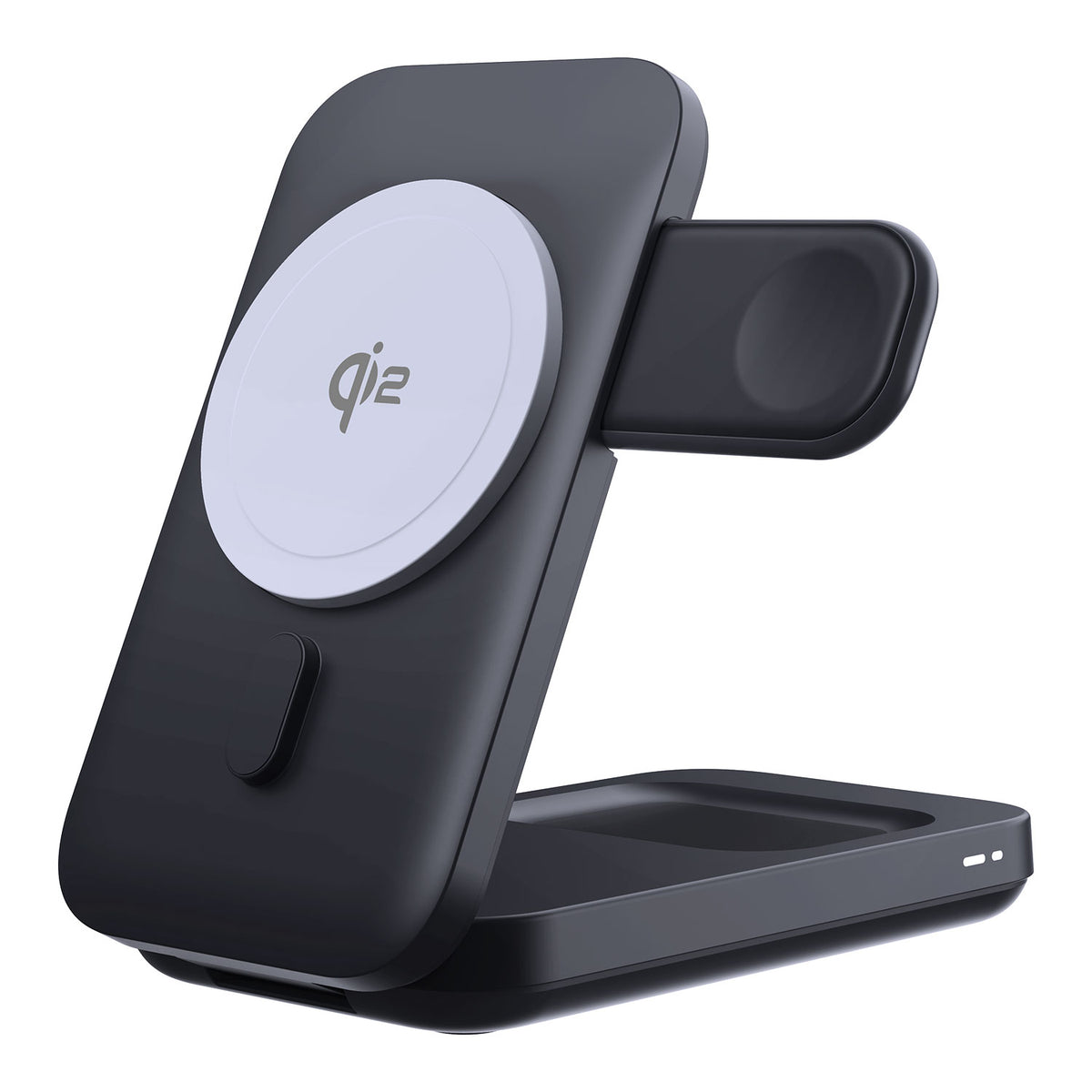
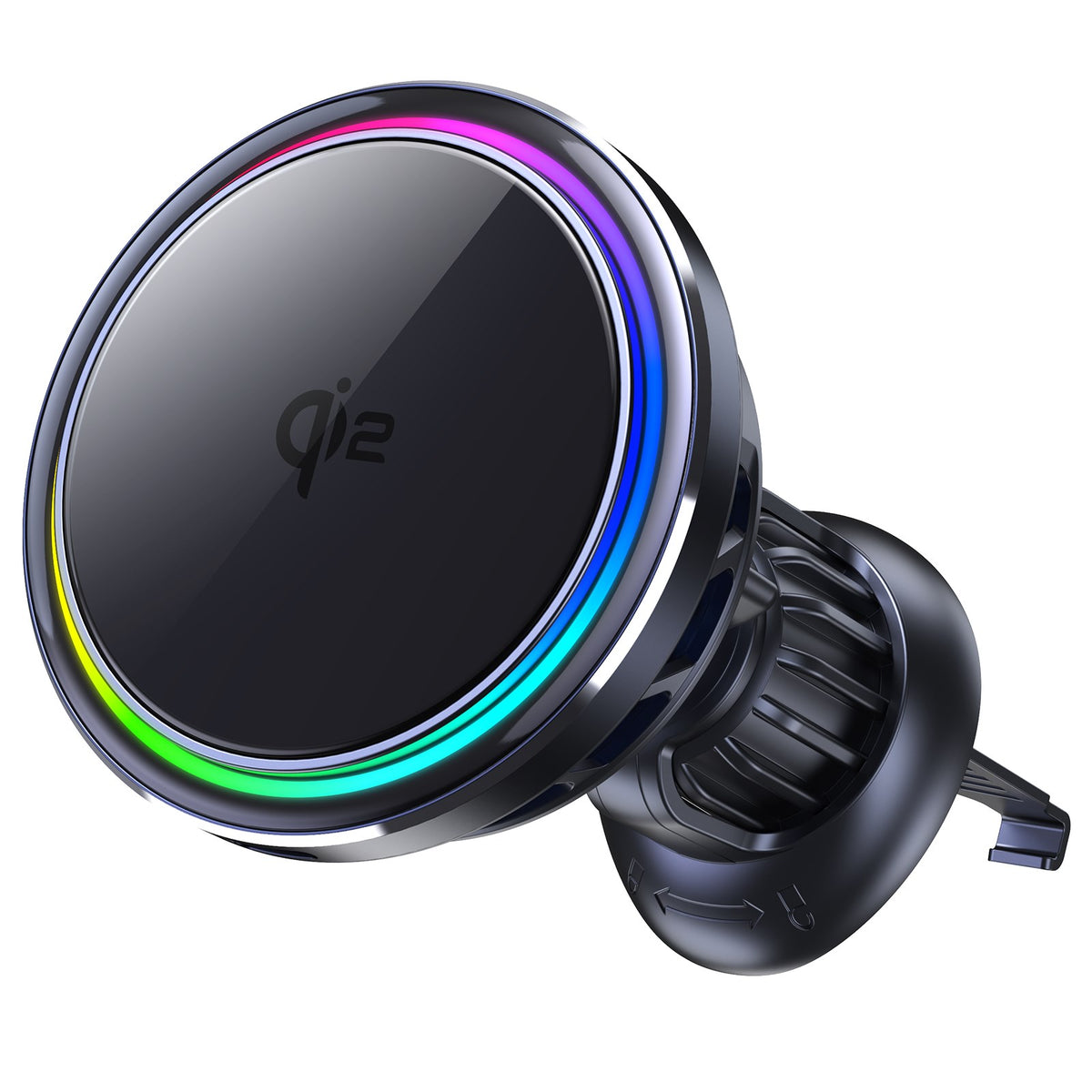
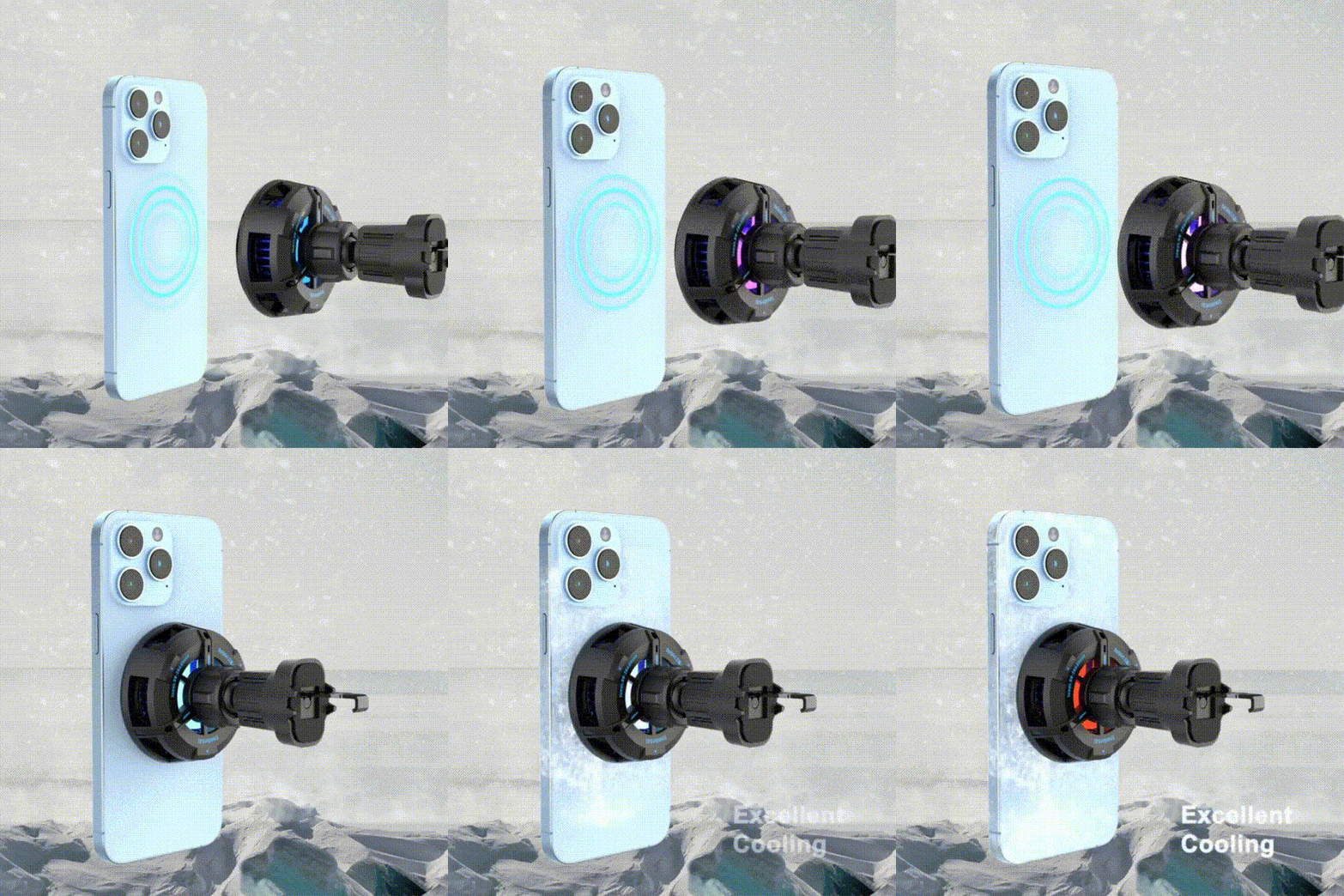
We recommend ZEERA SuVolt Gen5 Qi2 Car Charger — a MagSafe‑compatible charger designed for safety, stability, and speed.

Key benefits:
-
15W Fast Wireless Charging – Keeps your iPhone powered quickly during drives.
-
Active Cooling Chip – Prevents overheating and protects battery health.
-
Strong Magnetic Grip – Holds your phone securely so it won’t fall even on bumpy roads.
-
Safe Wireless Use – Keeps your hands free for driving while charging safely.
Combined with iOS 26’s “Keep Audio with Headphones”, this setup ensures:
-
Your AirPods stay connected without interruptions.
-
Your iPhone charges efficiently and safely while you focus on the road.
This makes it an ideal accessory for commuters, road-trippers, or anyone who uses AirPods and iPhone in the car.
Final Thoughts
Apple’s new “Keep Audio with Headphones” in iOS 26 is a welcome, overdue improvement. It gives headphone users back control — stopping annoying audio hijacks by cars, speakers, or other Bluetooth devices.
Because the setting is OFF by default, it’s worth checking right now after you upgrade. Turn it on — and enjoy a more consistent, private, and under-your-control listening experience.









1 comment
solutiontechmobile
Great breakdown of this iOS 26 feature! The automatic Bluetooth switching has always been one of the most annoying issues for AirPods users especially when getting into the car and having the audio jump away mid call. Apple finally fixing this with Keep Audio with Headphones is a game changer. I like that it gives full manual control instead of letting every nearby device override it. Also the MagSafe charger recommendation fits perfectly for drivers who use AirPods a lot. Nice article clear helpful and very practical!