
Updated September 22, 2026
Quick Answer
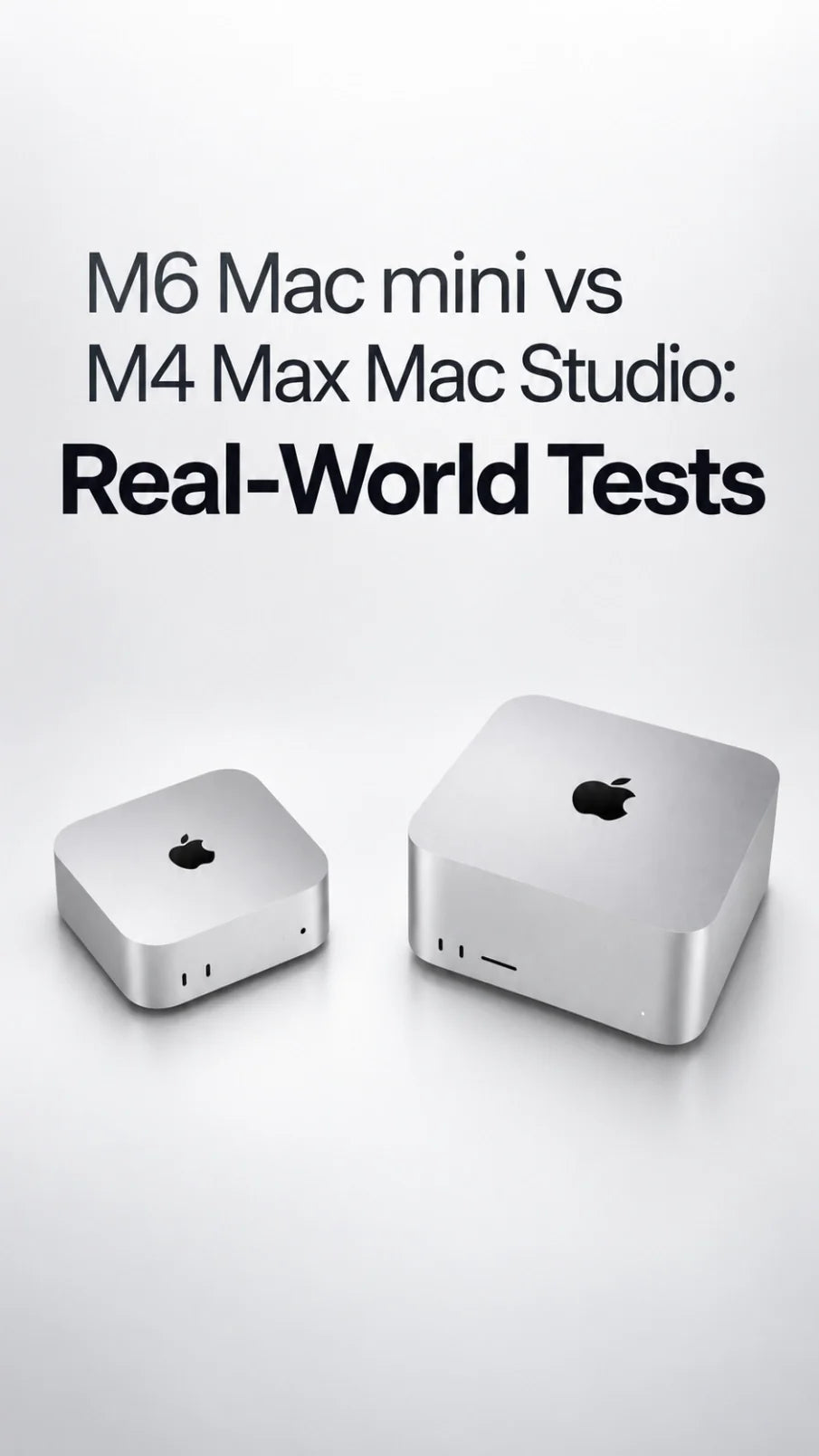
The M6 Mac mini does not replace the M4 Max Mac Studio for every professional workflow—but it gets surprisingly close in several real-world tasks.
In the featured test, the M4 Max Mac Studio finished a two-hour transcription and a Final Cut Pro export slightly faster. The M6 Mac mini won the Pixelmator Pro Super Resolution test.
For light-to-moderate 4K editing, design work and transcription, the tested $1,300 M6 mini offers outstanding value. Mac Studio remains the stronger choice for heavy parallel workloads, larger AI models, far more unified memory and built-in professional I/O.
M6 Mac mini vs M4 Max Mac Studio: What Was Tested?
This comparison comes from a creator who tested a 24GB/512GB M6 Mac mini against his fully configured M4 Max Mac Studio with 128GB of unified memory and an 8TB SSD. An M4 MacBook Air was also included as an entry-level reference.
The test matters because it uses three genuine creator tasks rather than relying only on Geekbench scores: long-form transcription, a Final Cut Pro project exported through Compressor, and AI-assisted image enlargement in Pixelmator Pro.
Value Challenger
M6 Mac mini
- Tested configuration: 24GB unified memory, 512GB SSD
- Tested price: $1,300
- CPU/GPU: 12-core CPU, 12-core GPU
- AI hardware: Dual 16-core Neural Engine
- Memory bandwidth: 170GB/s on the tested tier
- Best fit: Everyday creation, 4K editing, design and transcription
Professional Workhorse
M4 Max Mac Studio
- Tested configuration: 128GB unified memory, 8TB SSD
- Chip: Fully enabled M4 Max configuration
- Memory bandwidth: Up to 546GB/s
- Media hardware: More encode and ProRes engines
- Built-in I/O: Thunderbolt 5, USB-A, SDXC and 10Gb Ethernet
- Best fit: Heavy parallel workflows, 3D, CAD and large local models
Important specification correction: the video says the standard M6 Mac mini can be configured with up to 64GB of unified memory. Apple’s current Mac mini specifications list the M6 model at up to 32GB; the M5 Pro Mac mini is the version that reaches 64GB.
For a direct generational comparison, see this M6 Mac mini vs M4 benchmark and upgrade guide.
Real-World Results: Which Mac Was Faster?
2+ Hour Transcription
Using the V3 Turbo Brain model in Transcriptionist, Mac Studio finished first. M6 Mac mini followed closely, while M4 MacBook Air was noticeably slower.
Final Cut Export
All three Macs exported the same iOS 27 project from the same OWC external SSD. Mac Studio won, but the M6 mini was only slightly behind.
Pixelmator Super Resolution
The M6 mini was fastest when enlarging a layered 4K thumbnail to 10,000 pixels wide with Pixelmator Pro’s Super Resolution feature.
The honest score is therefore not “M6 beats M4 Max.” Mac Studio won two of the three tasks, while M6 won the one workload that appears best aligned with its newer neural and GPU architecture.
The video does not provide exact completion times, repeat counts or thermal data. These results are useful examples of real software behavior, not a controlled laboratory benchmark or proof that every Final Cut, transcription or AI task will scale the same way.
Why the M6 Mac mini Can Feel So Close to an M4 Max
M6 is a newer architecture built on a 2-nanometer process. The standard Mac mini combines a 12-core CPU, 12-core GPU, neural accelerators and a dual 16-core Neural Engine. The tested memory tier also reaches 170GB/s of bandwidth.
That combination can make the M6 mini exceptionally responsive in workloads optimized for new machine-learning or graphics hardware. Pixelmator’s Super Resolution result is the clearest example in this video.
But a specialized win does not erase the M4 Max advantage. The fully enabled M4 Max has many more GPU cores, up to 546GB/s of memory bandwidth, more media engines and support for 128GB of unified memory. Those resources matter as projects become larger or several demanding apps run at once.
What the test really proves
A newer base chip can beat an older Max chip in a specific accelerated task. It does not mean the base chip has more total CPU, GPU, media or memory capacity across every professional workload.
The Biggest Difference Is Multitasking, Not One Export
The creator’s normal workflow explains why he still prefers Mac Studio. While Compressor exports a video, he edits a layered thumbnail in Pixelmator Pro and transcribes audio for subtitles at the same time.
Each task may run well on an M6 mini by itself. Running all three together is different. On a lower-memory Mac, he notices pauses and reduced responsiveness when moving or changing elements in Pixelmator.
This is the practical value of 128GB on Mac Studio: it lets a professional keep several memory-hungry jobs active without reorganizing the day around whichever task is currently rendering.
- M6 Mac mini: excellent when you edit, export, transcribe and design mostly one task at a time.
- M4 Max Mac Studio: better when several demanding creative or AI tasks must remain fast at the same time.
Mac Studio Still Has a Major Port Advantage
The M6 Mac mini has two front USB-C ports, three rear Thunderbolt 4 ports, HDMI, Ethernet and a headphone jack. That is flexible for such a compact computer, but it has no built-in USB-A or SD card reader.
The tested M4 Max Mac Studio adds four rear Thunderbolt 5 ports, two USB-A ports, 10Gb Ethernet and a front UHS-II SDXC slot. For a creator connecting several SSDs, an audio interface, an ATEM switcher, a display, a Stream Deck and camera cards, those ports remove real friction.
A dock can close much of the gap, but it also adds cost, another cable and another device on the desk. If you are building around Mac mini, our M6 Mac mini desk setup guide covers enclosure, SSD and cable-layout choices.
Does the M6 Mac mini Need Extra Cooling?
This video does not measure temperature, fan speed, power draw or sustained throttling. Its three short comparison tasks therefore cannot prove that an external cooler improves performance.
For web work, office use and occasional exports, the Mac mini’s built-in cooling is normally the sensible starting point. Active cooling becomes more relevant when your real workload repeatedly holds the system under load for long periods—such as continuous local AI inference, lengthy exports, 3D rendering or large code builds.
See our dedicated guide, Do You Need a Cooling Stand for the Mac mini M6?, for a more focused decision.
Which Mac Should You Buy?
Buy M6 Mac mini if you:
- Edit light-to-moderate 4K or multicam projects
- Create thumbnails and graphics
- Transcribe podcasts, interviews or videos
- Usually complete demanding tasks sequentially
- Want the best performance per dollar in a compact desktop
- Can add external storage or a dock when needed
Keep or buy Mac Studio if you:
- Export, transcribe and design at the same time
- Need more than 32GB of unified memory
- Run large local LLMs or memory-heavy AI tools
- Work in complex 3D, CAD, VFX or high-end audio sessions
- Need USB-A, SDXC, 10Gb Ethernet and more high-speed ports built in
- Earn money from every minute saved in a production workflow
The tested 24GB/512GB M6 Mac mini is the most convincing value point in this video. The creator says he would personally move to 32GB of memory and a 1TB SSD for a long-term main machine, bringing his preferred configuration to roughly $1,800.
That recommendation is sensible for buyers who need more local working space. However, external storage can be far cheaper per terabyte, while unified memory cannot be upgraded later. If the budget forces a choice, prioritize enough memory for your workload before paying heavily for internal SSD capacity.
Final Verdict
The M6 Mac mini is not a miniature M4 Max Mac Studio, but it may be all the Mac that many creators actually need.
It came close in a real Final Cut export, stayed close in long-form transcription and won an AI-assisted image enlargement test. For a $1,300 configuration, that is an impressive result.
Mac Studio earns its place when workload scale—not just one benchmark—becomes the priority. Its much larger unified-memory ceiling, higher bandwidth, stronger media hardware and professional port selection make it better suited to multiple heavy jobs running simultaneously.
Choose M6 Mac mini for value and focused creation. Choose Mac Studio for capacity, connectivity and time-critical parallel work.
FAQ
Is the M6 Mac mini faster than the M4 Max Mac Studio?
Not overall. In this video, M4 Max Mac Studio won the transcription and Final Cut export tests. M6 Mac mini won the Pixelmator Pro Super Resolution test.
Can M6 Mac mini replace Mac Studio for 4K video editing?
For many light-to-moderate 4K and multicam projects, yes. Mac Studio remains better for complex timelines, larger media workloads and simultaneous exporting, design and transcription.
How much memory can the M6 Mac mini have?
Apple currently lists the standard M6 Mac mini with up to 32GB of unified memory. The M5 Pro Mac mini can be configured with up to 64GB.
Is 24GB enough for Final Cut Pro on M6 Mac mini?
It can be enough for typical 4K editing, thumbnails and transcription. Choose 32GB if you expect larger projects, local AI work or several demanding apps open together.
Does the M6 Mac mini have an SD card slot?
No. You need a USB-C card reader or dock. Mac Studio includes a front UHS-II SDXC card slot.
Is Mac Studio still worth it after the M6 Mac mini?
Yes—for professionals who need more memory, more GPU and media capacity, more built-in ports or consistently fast performance while several heavy jobs run together.
Related






