

Apple ha lanzado oficialmente iOS 26.2 al público, trayendo una mezcla de mejoras de usabilidad, refinamientos del sistema e importantes actualizaciones de seguridad. En lugar de introducir grandes novedades, esta actualización se centra en pulir la experiencia general del iPhone, mejorar las aplicaciones principales y abordar los comentarios de los usuarios de larga data.
Aquí tienes un desglose completo de lo nuevo en iOS 26.2, qué ha cambiado y si vale la pena instalarlo.

Fecha de lanzamiento de iOS 26.2 y dispositivos compatibles
iOS 26.2 fue lanzado oficialmente el 12-13 de diciembre de 2025, después de varias semanas de pruebas beta.
La actualización está disponible para:
-
Serie iPhone 11 - iPhone 17
-
Modelos seleccionados de iPhone SE
Los usuarios pueden descargarlo yendo a Ajustes → General → Actualización de software.
La mejor funda MagSafe de 2025 para iPhone 17 Pro Max


Novedades de iOS 26.2: 8 características clave explicadas
1. La aplicación Recordatorios añade alertas de alarma de emergencia
En iOS 26.2, Apple mejora significativamente la aplicación Recordatorios al introducir alertas tipo alarma para tareas urgentes. Los usuarios ahora pueden configurar recordatorios que se comportan más como alarmas, con alertas sonoras y opciones de posponer. Este cambio hace que Recordatorios sea mucho más fiable para acciones urgentes, como recordatorios de medicación o plazos críticos, reduciendo la necesidad de depender de aplicaciones de alarma separadas.

2. Ajuste de transparencia de cristal líquido
Apple continúa refinando su sistema visual "Liquid Glass" en iOS 26.2. Los usuarios ahora pueden ajustar el nivel de transparencia de los elementos de la pantalla de bloqueo, particularmente el reloj. Este ajuste mejora la legibilidad en fondos de pantalla complejos al tiempo que conserva la estética en capas, similar al cristal, de Apple introducida anteriormente en iOS 26.

3. Rango de calificación de puntuación de sueño ampliado
La aplicación Salud recibe una actualización silenciosa pero significativa. iOS 26.2 amplía el rango de calificación de la puntuación de sueño, proporcionando una retroalimentación más granular sobre la calidad del sueño. Esto permite a los usuarios comprender mejor los cambios sutiles en sus patrones de sueño en lugar de ver puntuaciones excesivamente comprimidas o repetitivas.

4. Los mensajes de CarPlay ahora admiten conversaciones fijadas
CarPlay obtiene una mejora centrada en la productividad en iOS 26.2. La aplicación Mensajes ahora permite conversaciones fijadas, lo que facilita el acceso a los contactos frecuentes mientras se conduce. Esto reduce la distracción al minimizar la necesidad de desplazarse por las listas de mensajes en la interfaz de CarPlay.

5. Podcasts añade capítulos inteligentes con tecnología de IA
Apple Podcasts introduce capítulos inteligentes generados por IA en iOS 26.2. Los episodios se segmentan automáticamente en secciones, lo que permite a los oyentes saltar rápidamente a temas específicos. Esta característica es especialmente útil para entrevistas largas, podcasts de noticias y contenido educativo.

6. Excluir sitios web de las contraseñas guardadas
iOS 26.2 ofrece a los usuarios más control sobre la gestión de contraseñas. Safari ahora permite la exclusión personalizada de sitios web específicos de las contraseñas guardadas, evitando mensajes de inicio de sesión no deseados o el comportamiento de autocompletado en ciertos sitios. Esta es una pequeña pero bienvenida mejora en la calidad de vida para los usuarios preocupados por la privacidad.
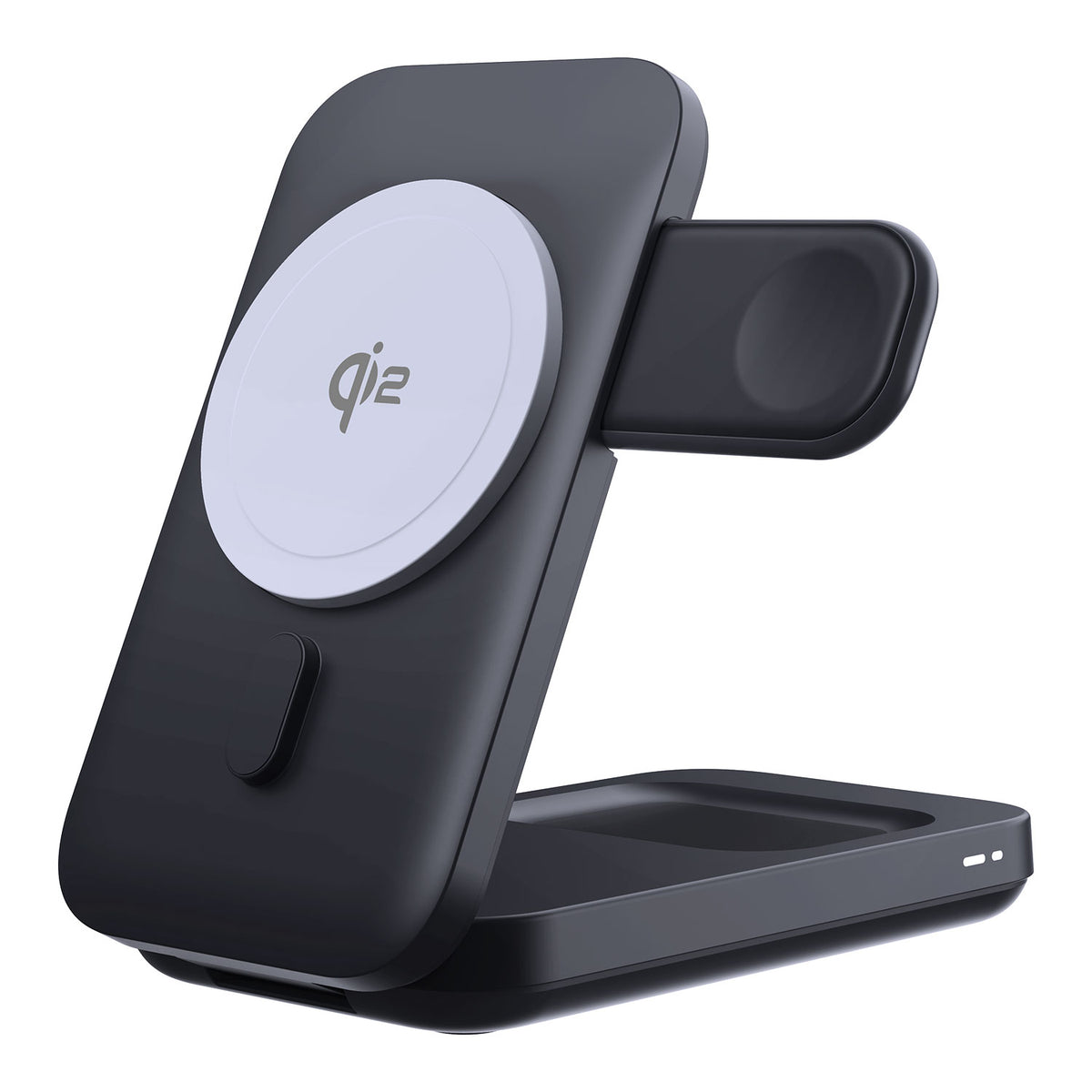
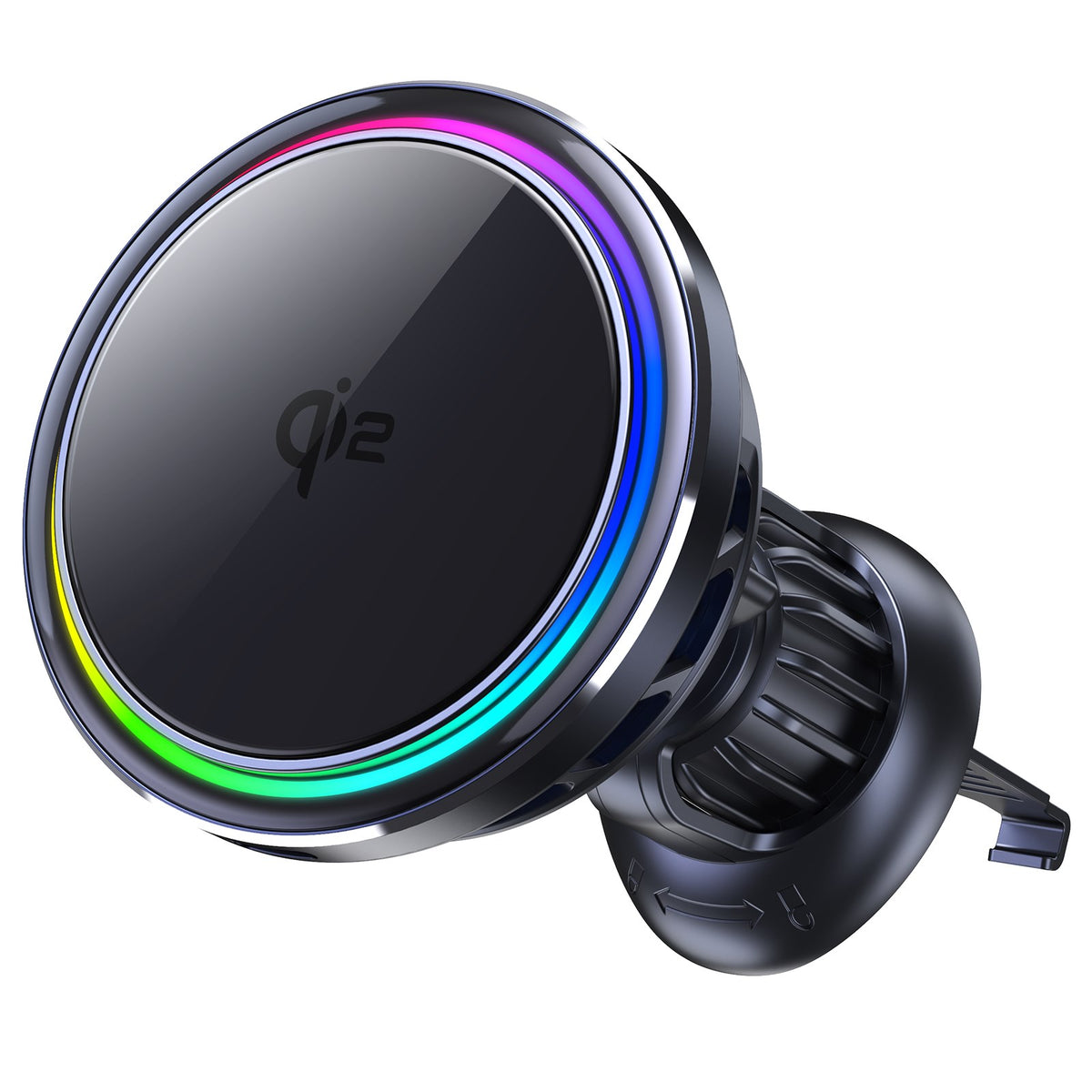
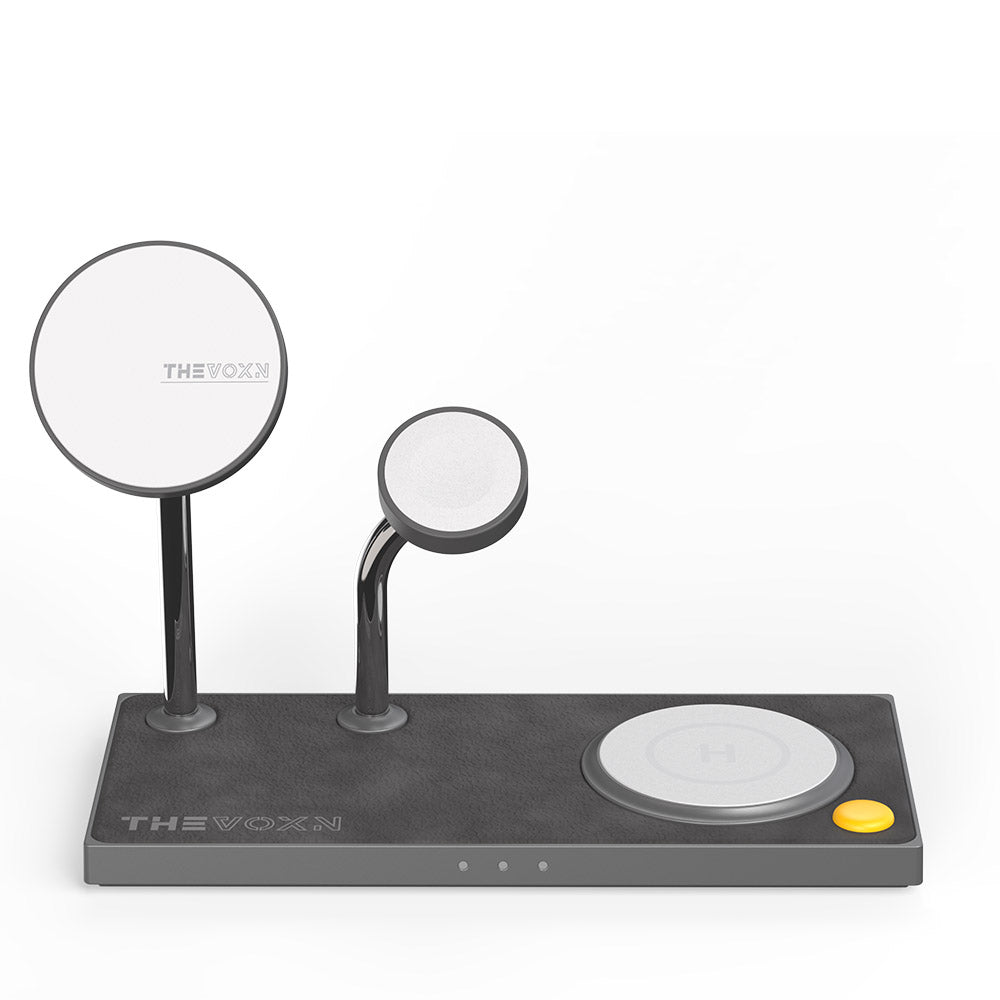
Los mejores cargadores MagSafe de 2025 para iPhone 17 Pro Max
7. AirDrop añade códigos de uso compartido de una sola vez
La seguridad es un enfoque importante en iOS 26.2. AirDrop ahora admite códigos de verificación de un solo uso al compartir archivos con personas fuera de tus contactos. Este paso de confirmación adicional ayuda a prevenir el intercambio accidental de archivos y mejora la privacidad en entornos públicos o concurridos.

8. La traducción en vivo de AirPods se expande a más regiones
Apple expande el soporte de traducción en tiempo real para AirPods a regiones adicionales, particularmente en Europa. Esta función permite la traducción hablada casi instantánea durante las conversaciones, lo que refuerza el impulso de Apple hacia experiencias de comunicación con manos libres y asistidas por IA.

Correcciones de seguridad en iOS 26.2
Como era de esperar, iOS 26.2 incluye múltiples parches de seguridad, que abordan vulnerabilidades relacionadas con:
-
WebKit
-
Componentes del kernel del sistema
Apple recomienda encarecidamente actualizar para asegurarse de que su dispositivo esté protegido contra vulnerabilidades conocidas.
¿Deberías actualizar a iOS 26.2?
Si actualmente estás ejecutando iOS 26.0 o 26.1, iOS 26.2 es una actualización recomendada, especialmente por:
-
Mejoras de seguridad
-
Mejor personalización de la pantalla de bloqueo
-
Mejoras en Apple Music y Recordatorios
-
Estabilidad general del sistema
Aunque no introduce grandes características nuevas, iOS 26.2 ofrece refinamientos significativos que mejoran el uso diario del iPhone.
Consideraciones finales
iOS 26.2 es una actualización de calidad de vida, centrada en el pulido, la seguridad y la usabilidad práctica en lugar de cambios llamativos. Para la mayoría de los usuarios, representa una versión más segura, fluida y refinada de iOS, y un claro paso adelante en el ciclo de iOS 26 de Apple.









