Apple a officiellement cessé de signer iOS 26.5.1 , fermant ainsi la possibilité de rétrogradation pour les utilisateurs d'iPhone peu après la sortie d' iOS 26.5.2 .
Si vous vous interrogiez sur le statut de la signature d'iOS 26.5.1 , la réponse est désormais claire : Apple ne signe plus iOS 26.5.1 . Une fois qu'une version n'est plus signée, les utilisateurs ne peuvent plus la restaurer ni revenir à une version antérieure via les serveurs officiels d'Apple.
Voici tout ce que vous devez savoir sur l'état actuel de la signature chez Apple, les raisons pour lesquelles Apple a fermé la fenêtre de signature et la possibilité de revenir à iOS 26.5.1.

Apple signe-t-elle toujours iOS 26.5.1 ?
Non. À compter du 9 juillet 2026 , Apple a officiellement cessé de signer iOS 26.5.1 .
État actuel de la signature :
| Version iOS |
État de la signature |
| iOS 26.5.2 |
✅ Signé |
| iOS 26.5.1 |
❌ Non signé |
| iOS 26.5 |
❌ Non signé |
Cela signifie que les serveurs de vérification d'Apple n'autorisent plus les installations d'iOS 26.5.1, rendant impossible une rétrogradation standard.
Que signifie « iOS 26.5.1 non signé » ?
De nombreux utilisateurs recherchent « Que signifie iOS 26.5.1 non signé ? »
Lorsqu'Apple publie une nouvelle version d'iOS, la version précédente reste compatible avec la signature logicielle pendant une durée limitée. Durant cette période, les utilisateurs peuvent généralement restaurer ou revenir à une version antérieure du système d'exploitation entre les versions compatibles.
Une fois qu'Apple cesse de signer un firmware :
-
Le Finder ne peut plus le restaurer.
-
Les appareils Apple sous Windows ne peuvent pas l'installer.
-
iTunes ne peut pas vérifier le micrologiciel.
-
La restauration des fichiers IPSW échoue lors de la vérification en ligne d'Apple.
En bref, iOS 26.5.1 non signé signifie qu'Apple n'autorise plus l'installation de ce firmware via ses serveurs de signature officiels.
Pourquoi Apple a-t-il cessé de signer iOS 26.5.1 ?
Apple ferme généralement la fenêtre de signature une fois que les utilisateurs ont eu suffisamment de temps pour mettre à jour leur logiciel vers la dernière version.
Le calendrier de cette sortie est simple :
-
1er juin 2026 — Apple a publié iOS 26.5.1 .
-
La mise à jour a corrigé un problème de charge affectant un petit nombre d' iPhone 17 et d'iPhone Air lorsque la batterie était presque déchargée.
-
29 juin 2026 — Apple a publié iOS 26.5.2 , introduisant d'importantes corrections de sécurité.
-
7 juillet 2026 — Apple a cessé de signer iOS 26.5 et iOS 26.5.1 , empêchant ainsi toute nouvelle rétrogradation.
Cette pratique s'inscrit dans la continuité de la stratégie d'Apple qui consiste à encourager les utilisateurs à rester sur la version la plus sécurisée d'iOS.
Est-il possible de revenir à iOS 26.5.1 ?
Pour la quasi-totalité des utilisateurs d'iPhone, la réponse est non .
Étant donné qu'Apple a cessé de signer iOS 26.5.1 , le TSS (Ticket Signing Server) d'Apple rejettera toute demande de restauration pour ce firmware.
Si vous tentez d'installer un fichier IPSW iOS 26.5.1 aujourd'hui, la vérification échouera avant même le début de l'installation.
Seuls des scénarios très avancés impliquant des blobs SHSH précédemment sauvegardés et des vulnérabilités matérielles compatibles peuvent rendre la restauration possible, et ces situations ne concernent pas la grande majorité des utilisateurs.
Pour les utilisateurs quotidiens, il n'est plus possible de revenir à iOS 26.5.1.
Quelles sont les nouveautés d'iOS 26.5.2 et devriez-vous effectuer la mise à jour ?
Contrairement à iOS 26.5.1, qui corrigeait un problème de charge filaire affectant un petit nombre d'iPhone 17 et d'iPhone Air, iOS 26.5.2 est principalement une mise à jour de sécurité axée sur la protection des utilisateurs plutôt que sur l'introduction de nouvelles fonctionnalités.
Si vous vous demandez s'il faut installer iOS 26.5.2 , voici les principales raisons de mettre à jour votre système :
- Correctifs de sécurité : Apple a corrigé plusieurs failles de sécurité qui auraient pu être exploitées par des attaquants.
- Aucune nouvelle fonctionnalité : cette version n’inclut aucune modification d’interface ni fonctionnalité majeure, se concentrant plutôt sur l’amélioration de la sécurité de l’appareil.
- Fiabilité système améliorée : les mises à jour de sécurité incluent souvent des améliorations de stabilité et des corrections de bugs qui contribuent à garantir une expérience utilisateur plus fluide.
Pour la plupart des utilisateurs, l'installation d'iOS 26.5.2 est le choix recommandé, surtout si la sécurité et le support logiciel à long terme sont des priorités.
Conseils avant la mise à jour vers iOS 26.5.2
Avant d'installer iOS 26.5.2 , veuillez tenir compte des recommandations suivantes :
- Sauvegardez votre iPhone à l'aide d'iCloud ou d'un Mac/PC afin d'éviter toute perte de données en cas d'incident imprévu pendant la mise à jour.
- Assurez-vous que votre batterie est suffisamment chargée , ou gardez votre iPhone connecté à un chargeur pendant toute la durée de l'installation.
- Utilisez une connexion Wi-Fi fiable pour garantir que la mise à jour se télécharge et s'installe sans interruption.
- N'oubliez pas qu'il n'est plus possible de revenir à une version antérieure. Apple ayant cessé de signer iOS 26.5.1 , vous ne pourrez pas revenir à cette version après la mise à jour.
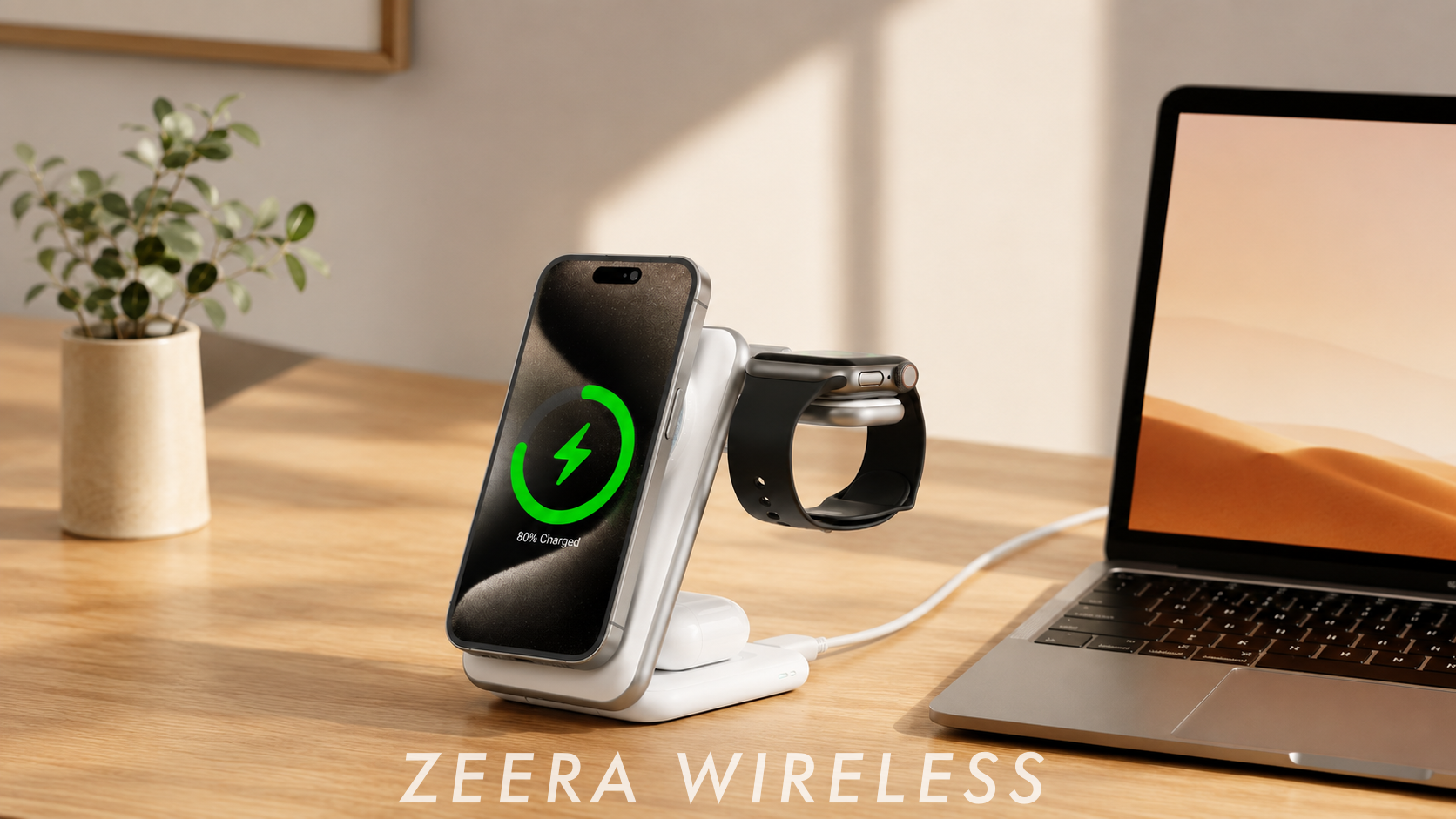
- Utilisez des accessoires MagSafe certifiés. Si vous rechargez régulièrement votre appareil sans fil, un chargeur ZEERA MagSafe assure un alignement magnétique fiable et une charge efficace, tandis qu'une coque ZEERA MagSafe protège votre iPhone sans compromettre la compatibilité MagSafe.

Quels appareils ont reçu iOS 26.5.1 ?
Contrairement à de nombreuses versions précédentes d'iOS, iOS 26.5.1 était une mise à jour ciblée visant à corriger un problème matériel spécifique plutôt qu'à introduire de nouvelles fonctionnalités.
Selon les notes de version d'Apple, la mise à jour corrigeait un problème où certains utilisateurs pouvaient rencontrer des difficultés de charge filaire lorsque la batterie de leur iPhone était presque déchargée.
Les appareils concernés par cette mise à jour sont les suivants :
- iPhone 17
- iPhone 17 Pro
- iPhone 17 Pro Max
- iPhone Air
La mise à jour iOS 26.5.1 ayant été conçue pour corriger un problème de charge spécifique, elle n'était pas nécessaire pour tous les modèles d'iPhone compatibles. Les utilisateurs possédant un appareil non concerné par ce problème n'ont donc pas encore vu la mise à jour apparaître sur leur iPhone.
Foire aux questions
iOS 26.5.1 est-il toujours signé ?
Non. À compter du 9 juillet 2026, Apple ne signera plus iOS 26.5.1.
Puis-je installer un fichier IPSW iOS 26.5.1 ?
Pas via les serveurs officiels d'Apple. La vérification échouera car le firmware n'est pas signé.
Pourquoi Apple cesse-t-elle de signer les anciennes versions d'iOS ?
Apple ferme les fenêtres de signature pour inciter les utilisateurs à installer les dernières mises à jour de sécurité et réduire les risques associés aux logiciels plus anciens.
Puis-je revenir d'iOS 26.5.2 à iOS 26.5.1 ?
Non. Apple ayant cessé de signer iOS 26.5.1, une rétrogradation classique n'est plus possible.
Où puis-je vérifier le statut de signature d'Apple ?
Les sources fiables incluent les ressources pour développeurs d'Apple et des sites web de suivi des firmwares bien connus tels que IPSW.me, qui surveillent l'état actuel de la signature iOS.
Réflexions finales
La décision d'Apple de cesser de signer iOS 26.5.1 marque la fin de la période de rétrogradation du système d'exploitation.
Si vous recherchez le dernier statut de signature d'iOS 26.5.1 , le firmware n'est plus officiellement signé , tandis qu'iOS 26.5.2 reste la version signée actuelle.
Pour la plupart des utilisateurs, la mise à jour vers la dernière version disponible d'iOS est le meilleur moyen de bénéficier de correctifs de sécurité continus, d'une stabilité améliorée et d'une compatibilité continue avec les futures mises à jour logicielles d'Apple.

Guichang Chen ·
✓ Verified
Apple Supply Chain & Product Development Specialist
Guichang Chen has over 10 years of experience in consumer electronics, with hands-on involvement in Apple accessory development, manufacturing, and supply-chain operations. At ZEERA, he combines industry experience with technical research, product testing, and supply-chain verification.
⚠️ Reposting Notice: Please properly credit Guichang Chen · ZEERA WIRELESS when sharing or republishing this article.