Quick Answer
To reduce glare in iPhone 18 Pro Max photos, first clean the camera glass and take a comparison shot without any removable lens accessory. If a streetlight or the sun creates a bright patch, change your shooting angle and compare the main camera’s aperture settings. If the unwanted light is a reflection on glass, water, or another suitable surface, rotate a CPL filter while watching the preview.
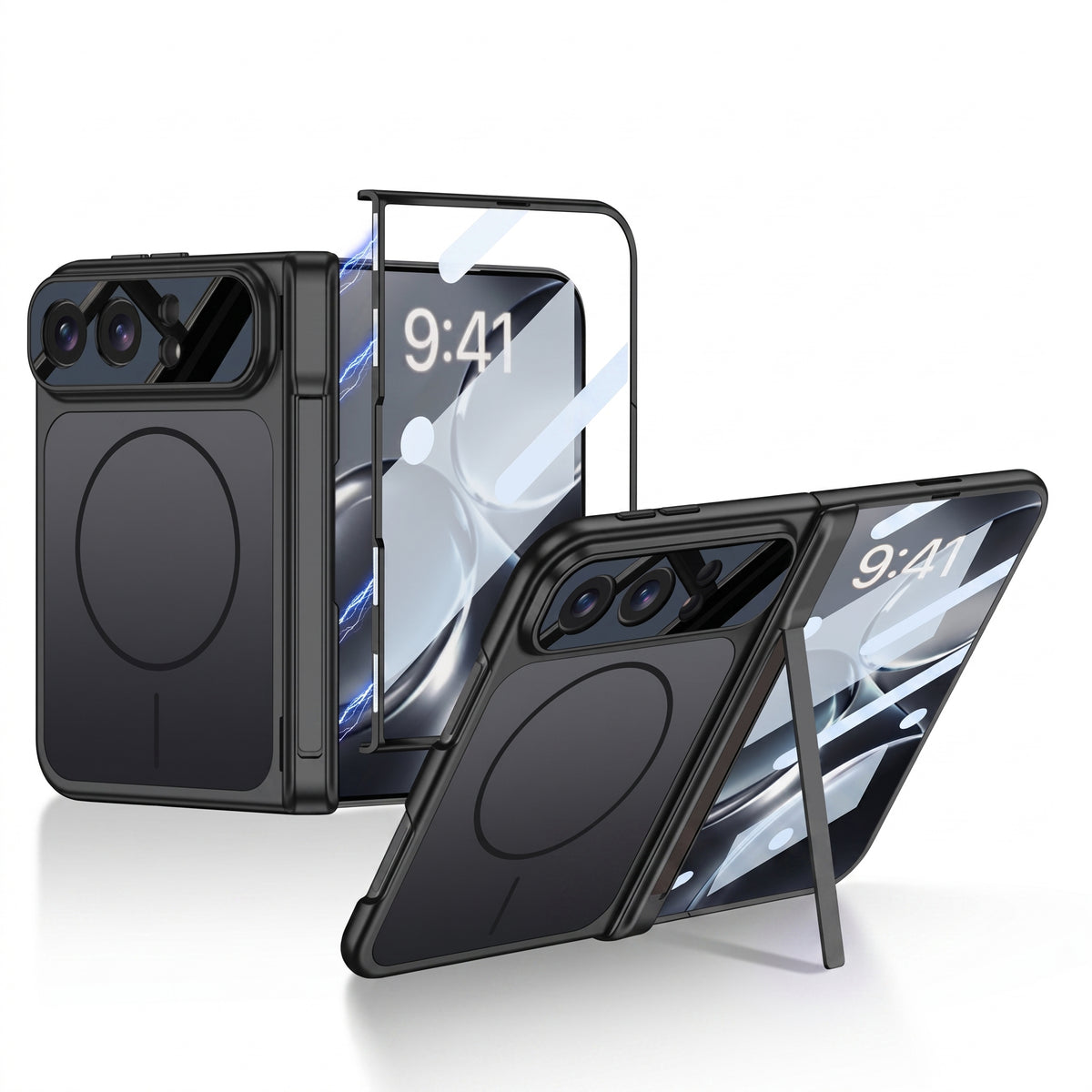
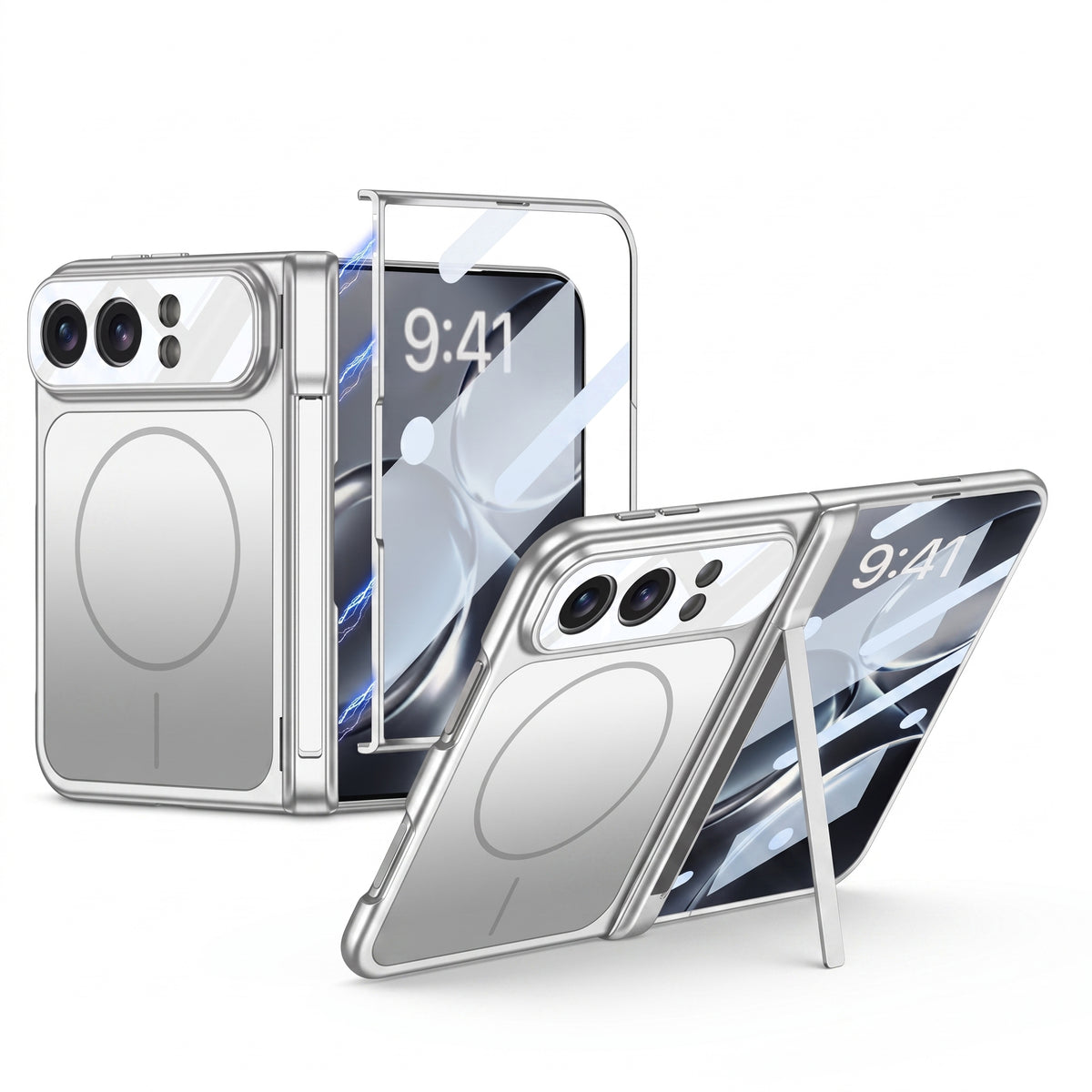
ZEERA’s SnapLens Trio and SnapLens Creator Kit both provide CPL control. Their strongest use here is reducing certain reflections in the scene; results depend on the light and shooting angle.

What Kind of Glare Is in Your iPhone Photo?
People use “camera glare” to describe several different problems. Identifying what appears in the photo helps you choose the right fix.
Try changing your angle or using a narrower main-camera aperture. This may be lens flare.
Try rotating a CPL filter. Its effect changes with the light and camera angle.
A CPL may reduce the surface reflection and reveal more detail.
Clean the camera glass, then compare shots with and without a removable filter or protector.
How Do You Reduce iPhone 18 Pro Max Lens Flare? Try These 5 Fixes
1. Clean the rear camera glass
Fingerprints can spread light across a night photo. Gently wipe the camera glass with a clean microfiber cloth, then retake the same shot. This is the fastest way to rule out a smudge.
2. Change the angle of the light
Move one step to the side or tilt the phone slightly while watching the preview. A small change can move a bright light away from the angle that produces a distracting flare patch.
3. Compare the main camera’s aperture settings
Apple lists f/1.48, f/1.8, f/2.8, and f/4.0 for the iPhone 18 Pro series’ variable-aperture main camera. If flare appears while shooting wide open, compare a narrower setting in the same scene. Check the resulting exposure and subject detail: a narrower aperture admits less light.
In the iPhone 18 Pro flare test previously covered by ZEERA, Mediastorm showed stronger flare at the widest aperture on its test phone and a cleaner result after stopping down. That footage does not establish how every iPhone 18 Pro Max unit will perform.
4. Compare the shot without a removable accessory
If you use a camera filter or lens protector, shoot the same scene with and without it. An added optical surface can create its own reflections when a strong light enters the frame. Keep the comparison as close as possible in angle and exposure.
5. Use a CPL when the reflection is part of the scene
For a window, lake, car window, or similar reflective surface, slowly rotate a circular polarizing filter and watch what changes on screen. Stop where the subject looks best; the strongest polarization is not always the best-looking image.
Can a CPL Filter Fix the Flare Seen in the Earlier iPhone 18 Pro Test?
A CPL helps control polarized light reflected from certain surfaces before that light reaches the camera. The large bright patches in ZEERA’s earlier flare report appeared under strong side lighting and changed when the main-camera aperture changed. A CPL should not be treated as a guaranteed fix for that result.
For that shooting problem, test camera angle and aperture first. Use a CPL when the distracting reflection comes from something you are photographing, such as a window or water. This distinction is especially useful when searching for an “iPhone 18 Pro Max lens flare fix”: two photos described as glare may need different solutions.
Which ZEERA SnapLens Filter Is Better for Your Photos?
Three independently rotating CPL filters are integrated into an aluminum camera protector. Choose it if reflection control is something you want available for everyday photos.
The magnetic kit includes CPL, ND32, UV, and 1/4 Black Mist filters. Choose it if you also want to change your approach for bright video scenes or a deliberate soft-highlight look.
The Creator Kit’s CPL is the filter to try for suitable surface reflections. ND32 reduces incoming light for exposure control; it is not a targeted cure for lens ghosts. Black Mist deliberately adds glow around highlights, so remove it when diagnosing unwanted night haze.
What Is the Fastest Way to Test Your Camera Before a Night Shoot?
Photograph the same light source with a clean, uncovered camera. Move slightly and take a second shot. On the main camera, compare the available aperture settings and check whether the flare, exposure, or subject detail changes. If you plan to use a filter, take one final shot with it installed.
This sequence tells you whether the result responds to cleaning, composition, aperture, or the accessory. For more help choosing an aperture for the scene, see ZEERA’s iPhone 18 Pro Max variable aperture guide.
Related ZEERA Articles
FAQ: iPhone 18 Pro Max Camera Glare
Why does my iPhone 18 Pro Max camera show a bright spot near streetlights?
It may be lens flare. Clean the camera glass, change your shooting angle, and compare the main camera’s aperture settings in the same scene.
Does a CPL filter remove iPhone lens flare?
A CPL can reduce certain reflections from glass, water, and similar surfaces. It cannot reliably remove bright patches caused by reflections inside the camera’s optical system.
How do I reduce reflections when shooting through a window?
Rotate a CPL while watching the camera preview. Its effect depends on the light and your angle to the glass, so compare several positions before taking the photo.
Can f/4 reduce glare compared with f/1.48?
A narrower aperture reduced flare in the iPhone 18 Pro example covered by ZEERA. Try the settings available on your Pro Max and compare the complete image, including exposure and subject detail.
Which SnapLens product should I buy for camera reflections?
Choose SnapLens Trio if you want three integrated rotating CPL filters for everyday use. Choose the SnapLens Creator Kit if you want a CPL alongside interchangeable ND32, UV, and Black Mist filters.