
Updated September 5, 2026 · Pre-release troubleshooting guide
Quick Answer
The five iPhone Duo or iPhone Fold problems worth preparing for are an inner screen protector that bubbles or lifts, a crease that develops lines or touch problems, a hinge that will not open flat, damage caused by trapped debris or pressure, and apps that do not resize or switch displays correctly.
A light crease may be normal. A new black line, spreading black spot, flicker, dead touch zone or sudden hinge resistance is not.
Do not peel off the inner display layer, force the phone flat or close it with anything between the screens. Try the safe checks below, then use Apple or an authorized service provider if a hardware symptom remains.
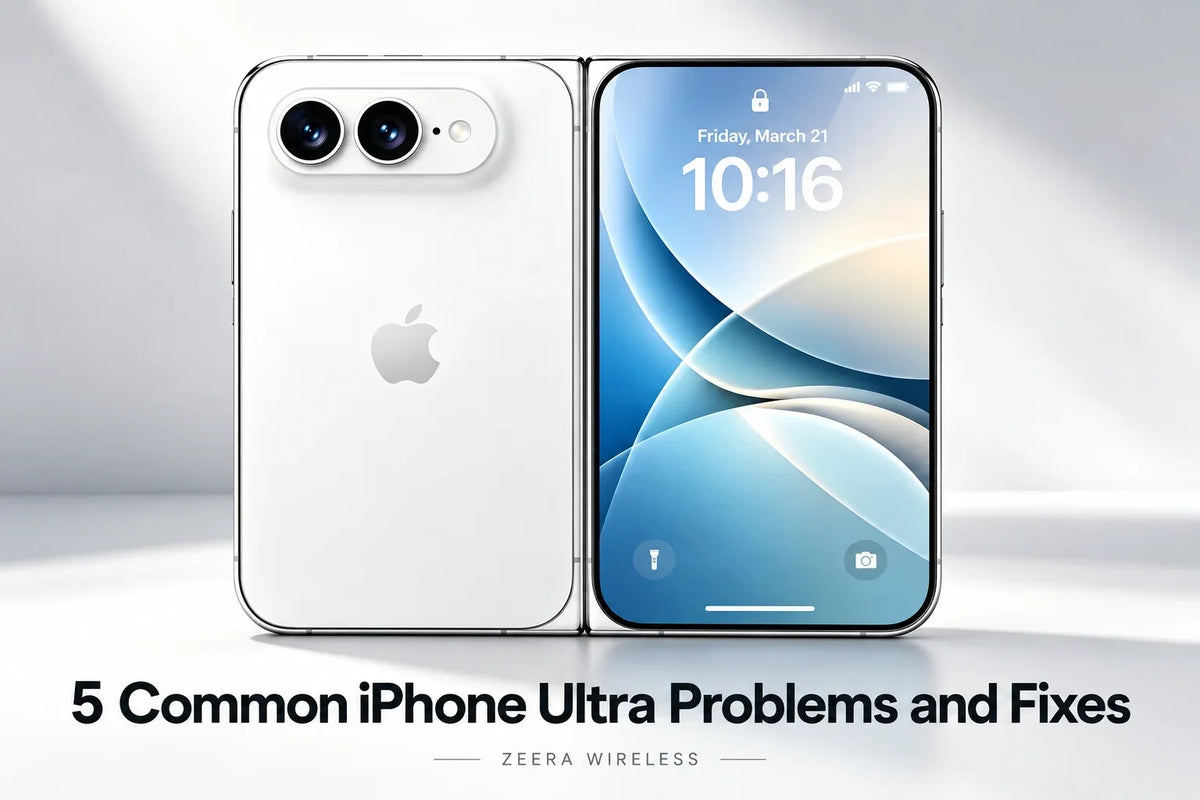
The names iPhone Duo and iPhone Fold are still commonly used for Apple’s expected foldable iPhone. Until Apple publishes the final product, care instructions and repair policy, no one can confirm its exact failure rate or service process.
What we can do is learn from years of real foldable-phone use. Official guidance from Samsung, Huawei, vivo and OPPO repeatedly focuses on the same weak points: the flexible inner screen, its factory-applied film, the precision hinge and the very small gap between the two halves.
1. Why Is the iPhone Fold Inner Screen Protector Bubbling or Lifting?
A foldable inner display cannot use ordinary rigid tempered glass across the fold. It normally relies on a flexible surface layer or factory-applied protective film that bends every time the phone opens and closes.
Over time, the film may begin lifting at the top or bottom of the crease. A small air pocket can then travel along the fold. You may also see a white line, wrinkles, adhesive marks or a light crack in the film itself.
This does not automatically mean the OLED panel underneath is broken. It does mean the protective layer needs attention.
- Stop unnecessary folding if the bubble is growing or making a crackling sound.
- Back up the phone before service.
- Ask Apple or an Apple Authorized Service Provider to inspect and replace the inner protective layer if Apple treats it as serviceable.
Do not puncture the bubble, heat it with a hair dryer, inject adhesive or add a second film over the factory layer. Samsung, Huawei, vivo and OPPO all direct foldable owners toward authorized protector replacement rather than casual DIY work.
2. Is the iPhone Duo Crease Normal, or Is the Inner Screen Failing?
A visible or slightly noticeable center crease is a normal result of bending a flexible display. Its appearance can change with viewing angle, screen brightness and temperature.
The warning signs are changes that affect the image or touch layer rather than the shape of the fold:
- a black, white, green or pink line along the crease;
- a black dot that begins spreading into a blotch;
- flickering on one half of the inner display;
- a strip of the screen that no longer responds to touch;
- the display turning off when the hinge reaches a certain angle.
Try the screenshot test
Take a screenshot and view it on the outer display or another device. If the line appears inside the screenshot, the cause may be software or app rendering. If the screenshot looks clean but the physical inner screen still shows the line, display hardware is the more likely cause.
Restart the phone and install the latest iOS update. If a black line, dead touch area, flicker or spreading spot remains, stop pressing the crease and arrange a screen inspection. These symptoms are not repaired by changing wallpaper, resetting display settings or applying a new film.
A screen can fail even when the phone has not suffered an obvious drop. A tiny trapped particle, repeated pressure, a previous impact to the hinge edge or stress beneath a lifting film may damage internal display layers before the fault becomes visible.
3. What Should You Do if the iPhone Fold Will Not Open Completely Flat?
A foldable phone may feel slightly different as temperature and hinge position change. Mild hinge sound can also be normal. The more concerning pattern is a phone that previously opened flat but now stops short, feels uneven or produces a new grinding, clicking or crunching sound.
Possible causes include a poorly fitted case, debris around the hinge, impact damage or wear inside the hinge assembly.
- Remove the case and any attached accessory.
- Inspect the outside of the hinge under good light without inserting a tool.
- Gently test the opening movement once. Stop if resistance increases.
- Arrange service if the phone still will not open normally.
Do not force the two halves down against a table. Do not insert paper, a needle or a brush into the hinge, and do not apply oil, alcohol or compressed air. Turning a small hinge problem into a damaged flexible display can make the repair much more expensive.
Cold can also change the behavior of flexible materials. Existing foldable manufacturers warn against folding some models in very low temperatures. Follow Apple’s final operating-temperature guidance for the iPhone Duo rather than assuming every foldable has the same limit.
4. Why Can an iPhone Duo Inner Screen Break Without Being Dropped?
The two halves of a book-style foldable close with very little space between them. A grain of sand, metal shaving, hard crumb or other tiny object can become a pressure point when the phone closes.
The same problem can happen when the phone is squeezed in a back pocket, packed tightly in a bag or closed against a raised piece of a poorly designed case. The damage may begin as a dent and appear days later as a black point, colored line or dead touch area.
This is why “I never dropped it” does not rule out physical inner-screen damage.
- Look across the inner screen before closing the phone.
- Keep it away from sand, metal dust and loose hard objects.
- Do not carry it in a back pocket or place heavy items on top of it.
- Use a precisely fitted case that does not press the inner-screen edge.
- If a dent, black spot or line appears, avoid repeated folding and request inspection.
Hinge protection can help with scratches and direct impacts to the hinge edge, but more coverage is not always better. A bulky hinge cover that rubs, traps grit or pushes against the phone may create a different problem. Wait for final iPhone Fold dimensions and choose a case designed for that exact model.
5. Why Do Apps or Displays Act Strangely After Folding and Unfolding?
A foldable changes screen size and shape while an app is running. That creates more opportunities for stretched video, cropped controls, blank areas, keyboard problems, an app restarting or the wrong display staying active.
If the problem affects only one app, the app probably has a layout or continuity bug. If every app stays on the wrong screen, the system may be misreading the folded state.
- Close and reopen the affected app.
- Rotate the phone once and return it to the preferred orientation.
- Update both iOS and the app.
- Restart the iPhone if the inner and outer displays do not switch correctly.
- Remove a third-party magnetic case, ring or mount temporarily and test again.
Magnets are part of normal phone and accessory design, but a poorly positioned third-party magnetic accessory can interfere with sensors on some existing foldables. This does not mean MagSafe itself is unsafe. It means accessories should be built and tested for the final iPhone Duo sensor and hinge layout.
If the display-switching problem remains after a restart with all accessories removed, back up the phone and contact Apple Support. A persistent fault across the entire system is less likely to be caused by one app.
iPhone Duo and iPhone Fold FAQ
Is a crease on the iPhone Fold inner screen normal?
A shallow crease that changes with light and viewing angle is likely to be normal for a flexible display. A new line, black spot, flicker, raised bubble or touch failure is a reason to seek service.
Can I remove the iPhone Duo inner screen protector?
Do not remove or replace a factory-applied inner layer unless Apple explicitly says it is user-removable. Current foldable brands commonly require authorized replacement because peeling the film can stress the flexible panel.
Why is there a black line on my foldable iPhone screen?
A black line can indicate damage to the flexible OLED or its internal connections. Restart the phone and perform the screenshot test. If the line is visible on the panel but absent from the screenshot, arrange hardware inspection.
Should an iPhone Fold case protect the hinge?
Hinge protection is useful for people who often drop their phone, carry it in a busy bag or work around hard surfaces. Choose a slim case if pocket comfort matters more, but make sure the exposed hinge and corners are not your main impact points.
What if the iPhone Duo gets hot or loses battery quickly?
Large-screen multitasking, navigation, gaming, video calls and wireless charging can produce heat. Move the phone out of direct sun, stop demanding apps and charging, and let it cool naturally. If overheating or rapid drain continues during light use, check Battery settings and contact Apple Support.
Will AppleCare cover an iPhone Fold inner-screen repair?
Coverage, service fees and exclusions cannot be confirmed until Apple publishes the product and its protection plan terms. Check the exact AppleCare terms before buying, especially the accidental-damage fee for the inner display and hinge.






