
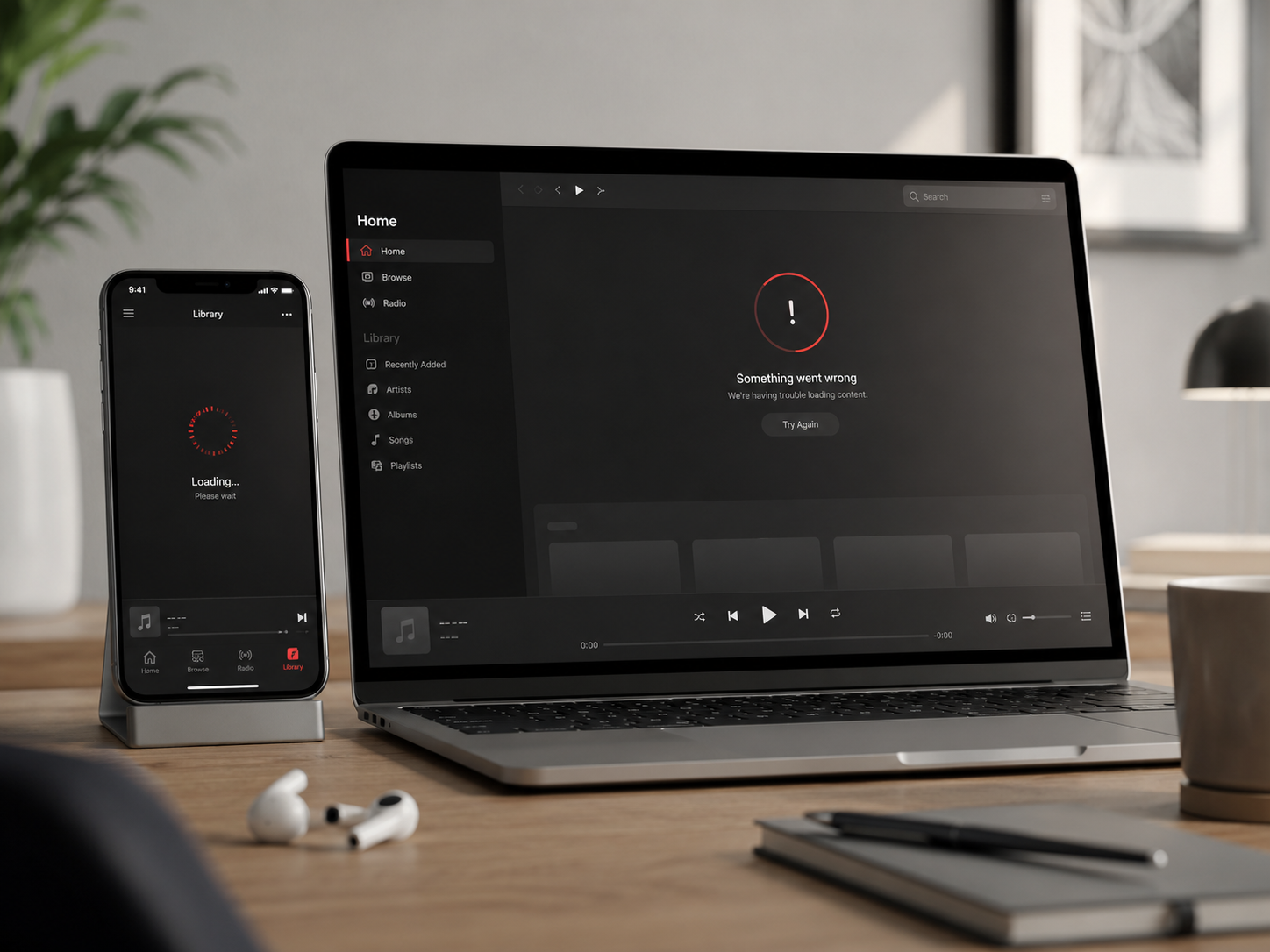
Se Apple Music ha smesso di funzionare il 29 maggio 2026, il problema probabilmente non riguardava solo il tuo iPhone, Mac, Wi-Fi o Apple ID.
Apple Music ha subito un'interruzione confermata del servizio che ha colpito utenti in diversi paesi.
Per alcune persone, le canzoni non si caricavano. Per altri, le playlist continuavano a caricarsi, le stazioni smettevano di funzionare o Apple Music diventava inaffidabile su iPhone, Mac, CarPlay, HomePod e Apple TV.
Quando la musica si ferma improvvisamente mentre si lavora, si guida, si studia o ci si allena, la prima domanda è semplice:
Apple Music è inattivo per tutti, o c'è qualcosa che non va nel mio dispositivo?
Risposta Rapida: Apple Music Era Inattivo il 29 Maggio 2026?
Sì. Apple Music è stato colpito da un'interruzione confermata il 29 maggio 2026.
I rapporti pubblici mostravano l'interruzione a partire dalle 11:40 a.m. Eastern Time. Le pagine di stato del sistema di Apple indicavano Apple Music come inattivo, con alcuni utenti che riscontravano problemi intermittenti.
L'interruzione è stata successivamente segnalata come risolta.
Se Apple Music ha avuto problemi durante quel periodo, la supposizione più sicura è che si trattasse di un problema lato server, non necessariamente un iPhone, Mac, HomePod o abbonamento Apple Music difettoso.
Primo Controllo: È il Server di Apple o il Tuo Dispositivo?
Prima di riavviare tutto, usa questo rapido controllo.
| Cosa vedi | Cosa di solito significa | Cosa fare per prima cosa |
|---|---|---|
| Apple Music non funziona su iPhone, Mac e HomePod | Probabile problema lato Apple | Controlla lo stato del sistema Apple |
| Le canzoni scaricate continuano a essere riprodotte | Problema di streaming o cloud | Usa la musica offline e aspetta |
| Solo un dispositivo ha problemi | Possibile problema dell'app locale | Riavvia l'app o il dispositivo |
| Anche altre app sono lente | Possibile problema di rete | Cambia Wi-Fi / cellulare |
| Altri utenti segnalano lo stesso problema | Probabile problema diffuso | Non reimpostare ancora le impostazioni dell'account |
Questo passaggio è importante perché una correzione errata può far perdere tempo.
Se Apple Music è inattivo dal lato di Apple, la eliminazione dell'app, la modifica delle impostazioni dell'ID Apple o il ripristino delle impostazioni di rete non riporteranno il servizio più velocemente.
Come Controllare Se Apple Music È Inattivo in Questo Momento
Inizia con le fonti che possono confermare un'interruzione più ampia.
1. Controlla la Pagina di Stato del Sistema di Apple
La pagina ufficiale di Stato del Sistema di Apple è il luogo più importante da controllare.
Se Apple Music è contrassegnato come inattivo o con un problema, il problema probabilmente non è limitato al tuo dispositivo.
2. Controlla i Tracker di Interruzioni
Downdetector e servizi simili possono mostrare se molti utenti stanno segnalando problemi contemporaneamente.
Questo è utile perché i tracker di interruzioni spesso mostrano i reclami degli utenti prima che una pagina di supporto sia completamente aggiornata.
3. Controlla un Altro Dispositivo Apple
Prova Apple Music su un altro dispositivo con lo stesso ID Apple.
Se Apple Music non funziona su iPhone, Mac e HomePod contemporaneamente, il problema è più probabilmente lato Apple o lato account piuttosto che un bug di un singolo dispositivo.
4. Prova la Musica Scaricata
Se le canzoni scaricate funzionano ma lo streaming no, il servizio cloud di Apple Music potrebbe essere il problema.
Questo è uno dei modi più veloci per separare un problema audio locale da un problema di streaming.
Serie Custodie in Alluminio Mac ZEERA
Custodia in Alluminio CNC ZEERA MacForge per Mac Studio
- Alluminio CNC
- Stile Mac Pro
- Griglia di raffreddamento
- Adattamento senza attrezzi
- Protezione per Studio

Custodia in Alluminio CNC ZEERA MacForge Gen3 per Mac Mini
- Griglia Mac Pro
- Telaio CNC
- Migliore flusso d'aria
- Espansione SSD
- Porte anteriori

Cosa Fare Quando Apple Music Smette di Funzionare
Usa la soluzione più semplice per prima.
Non passare direttamente al ripristino del tuo iPhone o alla modifica del tuo ID Apple.
Passaggio 1: Uscita Forzata da Apple Music
Chiudi completamente l'app Musica, quindi riaprila.
Questo può risolvere una sessione locale bloccata, specialmente se l'interruzione è già stata risolta ma la tua app non si è ricollegata correttamente.
Passaggio 2: Passa tra Wi-Fi e Dati Cellulari
Se Apple Music funziona con i dati cellulari ma non con il Wi-Fi, la tua rete locale potrebbe essere il problema.
Se non funziona con entrambi, il problema potrebbe essere più ampio.
Passaggio 3: Riavvia il Dispositivo
Il riavvio del tuo iPhone, iPad, Mac o Apple TV può risolvere problemi temporanei di riproduzione.
Ma se Apple Music non funziona anche per altri utenti, non ripetere questo passaggio più e più volte.
Passaggio 4: Riproduci Musica Scaricata
Le playlist scaricate sono la migliore soluzione di ripiego durante un'interruzione dello streaming.
Se usi Apple Music ogni giorno, tieni almeno una playlist offline per la guida, i viaggi, il lavoro e gli allenamenti.
Passaggio 5: Aspetta Prima di Modificare le Impostazioni dell'Account
Non annullare l'abbonamento, uscire dalla Condivisione in Famiglia o reimpostare le impostazioni dell'ID Apple durante un'interruzione confermata.
Queste modifiche possono creare nuovi problemi dopo che il servizio è tornato attivo.
Perché le Interruzioni di Apple Music Sembrano Così Disastrose
Apple Music non è solo un'altra app che le persone aprono di tanto in tanto.
Spesso funziona in sottofondo nella vita quotidiana.
Le persone lo usano mentre vanno al lavoro, lavorano, modificano, studiano, si allenano, cucinano o guidano con CarPlay.
Ecco perché un'interruzione sembra più grande di un normale bug dell'app.
Interrompe una routine che era già in corso.
Per gli utenti dell'ecosistema Apple, il problema può anche apparire su più dispositivi contemporaneamente:
- iPhone durante il tragitto
- CarPlay durante un lungo viaggio
- Mac durante una sessione di lavoro
- HomePod durante la riproduzione in sottofondo
- Apple TV durante l'ascolto a casa
- Apple Watch durante un allenamento
Quando ciò accade, è meglio controllare prima lo stato del servizio anziché risolvere i problemi di ogni dispositivo uno per uno.
Serie di Caricabatterie Wireless MagSafe ZEERA
Caricabatterie MagSafe Pieghevole ZEERA MagTri Gen2 Qi2.2
- 25W Qi2.2
- Pieghevole 3 in 1
- Raffreddamento attivo
- Dimensioni da viaggio
- Pronto per 3 dispositivi

Supporto Caricabatterie Doppio MagSafe 5 in 1 ZEERA MagSion
- Doppio MagSafe
- Supporto 5 in 1
- Ricarica Apple Watch
- Angolo regolabile
- Configurazione pulita

Caricabatterie da Auto con Raffreddamento Attivo ZEERA SuVolt Gen5 Qi2.2
- 25W Qi2.2
- Raffreddamento attivo
- Magnete potente
- Pronto per CarPlay
- Controllo del calore

Cosa Non Fare Durante un'Interruzione di Apple Music
Durante un'interruzione confermata, evita soluzioni drastiche a meno che tu non abbia prove concrete che il problema sia locale.
Non fare:
- Cancellare l'intera libreria di Apple Music.
- Rimuovere tutti i brani scaricati.
- Ripristinare immediatamente tutte le impostazioni di rete.
- Cambiare la password del tuo Apple ID solo perché la musica ha smesso di essere riprodotta.
- Annullare e ri-sottoscrivere Apple Music.
- Supporre che la tua configurazione di iPhone, Mac, HomePod o CarPlay sia rotta.
La maggior parte dei problemi lato server di Apple Music sono risolti da Apple, non tramite modifiche al dispositivo locale.
La mossa più intelligente è confermare l'interruzione, usare la musica scaricata se possibile e attendere il ripristino del servizio.
Perché le Interruzioni di Apple Music Sembrano Così Disastrose
Lo streaming sembra permanente finché non smette di funzionare.
L'interruzione del 29 maggio è un promemoria che la musica offline ha ancora valore.
Se dipendi da Apple Music ogni giorno, scarica una piccola libreria di riserva per le situazioni in cui la riproduzione cloud fallisce.
Questo è particolarmente utile per:
- lunghi viaggi in auto
- voli
- sessioni in palestra
- playlist di studio
- musica per la concentrazione al lavoro
- CarPlay e soste per la ricarica dei veicoli elettrici
Non è necessario scaricare l'intera libreria.
Qualche playlist affidabile è sufficiente per evitare che un'interruzione dello streaming interrompa la tua giornata.
Serie di Piastre Posteriori MagSafe Ultra Sottili
Piastra Magnetica Ultra Sottile ZEERA MagSkin Air
- Solo 0,3 mm di spessore
- Compatibile con MagSafe
- Preserva la sensazione Air
- Protezione posteriore leggera
- Trasporto senza custodia

ZEERA MagSkin Pro Piastra Posteriore Magnetica MagSafe Ultra Sottile
- Vestibilità Pro ultra sottile
- Compatibile con MagSafe
- Sensazione di telefono nudo
- Protezione decorativa della fotocamera
- Minimale per l'uso quotidiano

ZEERA AirFlat Cover per Obiettivo per iPhone Air
- Rende il retro piatto
- Evita l'oscillazione sulla scrivania
- Protegge l'obiettivo della fotocamera
- Look sottile e coordinato
- Design facile da pulire

Quando Apple Music Torna Operativo, Controlla Queste Cose
Dopo il ripristino di Apple Music, l'app potrebbe non sembrare immediatamente normale su ogni dispositivo.
Se la riproduzione è ancora instabile, prova questi semplici controlli:
- Chiudi e riapri l'app Musica.
- Riavvia il dispositivo interessato una volta.
- Verifica se i brani scaricati appaiono ancora nella tua libreria.
- Assicurati che l'abbonamento ad Apple Music sia ancora attivo.
- Disattiva temporaneamente la VPN se Apple Music non riesce ancora a connettersi.
Se Apple Music funziona su un dispositivo ma non su un altro, il problema rimanente potrebbe essere locale a quel dispositivo.
Se non funziona da nessuna parte, aspetta più a lungo prima di modificare le impostazioni dell'account.


FAQ: Apple Music Non Funzionante
Apple Music è attualmente inattivo?
Controlla prima la pagina ufficiale dello Stato del Sistema di Apple. Se Apple Music è contrassegnato come con un'interruzione o un problema, il problema potrebbe essere dalla parte di Apple.
Perché Apple Music non riproduce i brani?
Apple Music potrebbe smettere di riprodurre a causa di un'interruzione del server, una connessione di rete debole, un bug dell'app, un problema con l'ID Apple, un problema di abbonamento, un conflitto con la VPN o un errore temporaneo di riproduzione cloud.
Perché Apple Music continua a caricare?
Il caricamento può verificarsi quando Apple Music non riesce a mantenere una connessione stabile ai server di streaming. Se molti utenti segnalano lo stesso problema, potrebbe trattarsi di un'interruzione più ampia.
I brani scaricati da Apple Music possono essere riprodotti durante un'interruzione?
Di solito, i brani scaricati sono più affidabili durante un'interruzione perché non dipendono dallo streaming live allo stesso modo. Tieni alcune playlist scaricate come soluzione di riserva.
Devo reinstallare Apple Music se smette di funzionare?
Non immediatamente. Prima controlla se Apple Music è inattivo per altri utenti. Reinstallare l'app non risolverà un'interruzione del server lato Apple.
Perché Apple Music funziona su un dispositivo ma non su un altro?
Se Apple Music funziona su un dispositivo ma non su un altro, il problema rimanente potrebbe essere locale. Riavvia il dispositivo interessato, aggiorna l'app o il sistema e controlla le impostazioni di rete.
Considerazioni Finali
L'interruzione di Apple Music del 29 maggio 2026 ha mostrato quanto possa essere fastidioso un problema di streaming quando la musica fa parte della tua routine quotidiana.
Quando Apple Music smette di funzionare, non affrettarti a reimpostare il tuo iPhone, Mac, ID Apple o le impostazioni dell'abbonamento.
Controlla prima lo stato del sistema di Apple. Quindi conferma se il problema riguarda più dispositivi o solo uno.
Se Apple Music è inattivo da parte di Apple, la soluzione migliore è solitamente la pazienza.
Se la musica scaricata funziona ancora, usala come soluzione temporanea finché lo streaming non tornerà alla normalità.






