Apple has officially released iOS 26.4 Developer Preview Beta 3 and iPadOS 26.4 Developer Preview Beta 3 to registered developers in early March 2026. This latest beta build continues Apple’s iterative testing process for the next major iPhone and iPad updates.
In this article, we cover everything you need to know — from rollout details and expected features to installation tips and early impressions — based on official release information and trusted tech sources.

iOS 26.4 Beta 3 & iPadOS 26.4 Beta 3 Release Overview
Apple seeded Developer Beta 3 roughly one week after Beta 2, signaling a normal cadence in the beta cycle. Registered developers can install the update under:
Settings → General → Software Update → Beta Updates
As of Beta 3, Apple has not published a full public change log. However, early analysis from developer feedback and authoritative tech reports reveals several notable enhancements and system revisions.
What’s New in iOS & iPadOS 26.4 (Overall Update)
Although Apple hasn’t detailed every Beta 3 change, many features are now visible across the 26.4 beta releases so far. Below are the most significant additions and refinements developers should know:
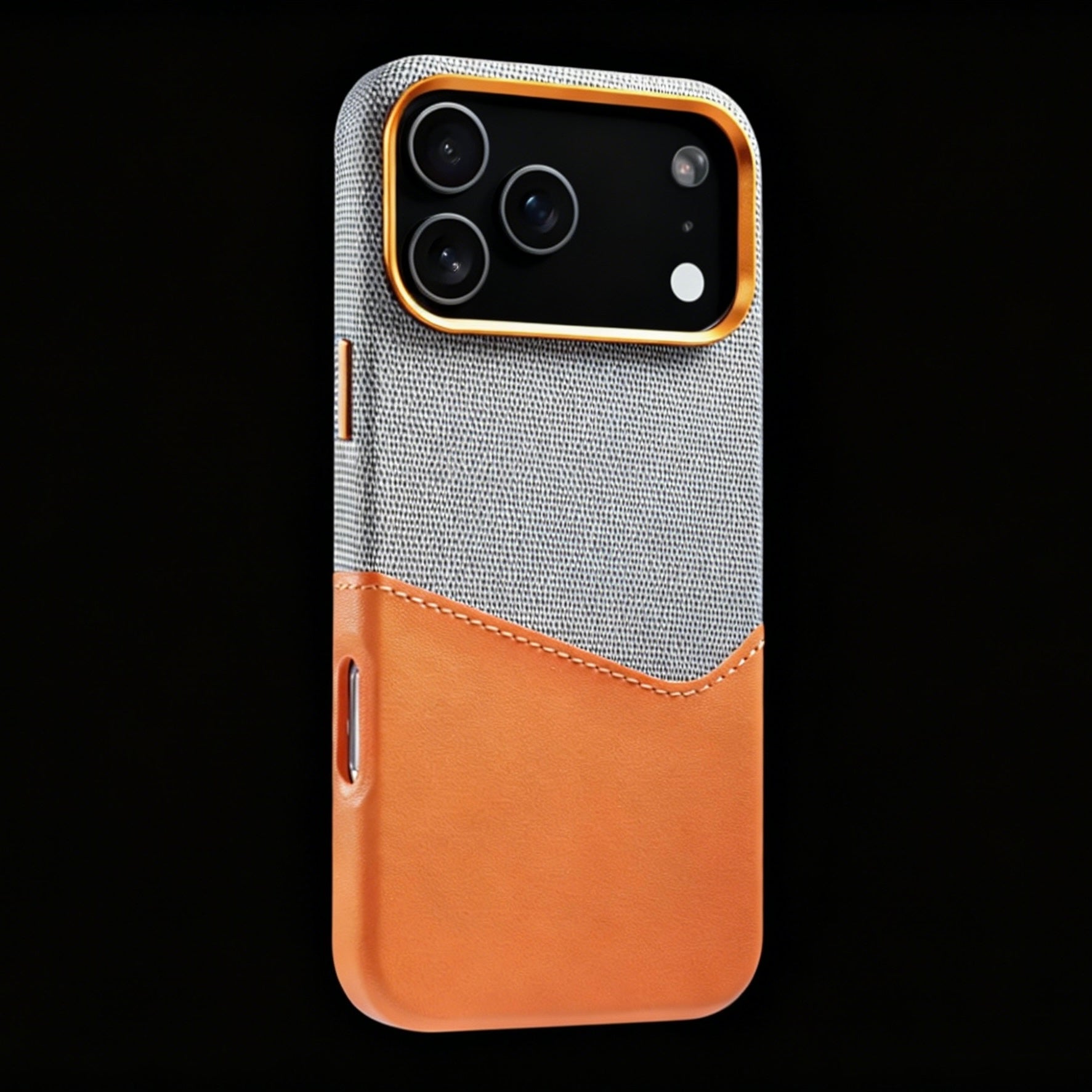
2026 Best MagSafe Case for iPhone 17 Pro Max


1. Enhanced Apple Music Experience
-
Redesigned Visual Layout: The Apple Music interface now emphasizes album art and playlist visuals.
-
AI‑like Playlist Suggestions: Users may get playlist recommendations based on mood or activity keywords.
These changes aim to modernize the Apple Music experience and improve discovery.

Credit by MacRumors
2. Apple Podcasts Improvements
-
Native Video Podcast Support: Podcast episodes with video are now supported natively in the Podcasts app.
-
Improved Playback Controls: Video‑specific controls and UI adjustments make consuming video podcasts smoother.

3. System Security Upgrades
One of the most noteworthy developments in the 26.4 cycle is a renewed focus on device security:
-
Stolen Device Protection Enhancements
Apple is expanding automatic protections to help secure lost or stolen devices and limit unauthorized access. -
Encrypted RCS Messaging Tests
Apple appears to be testing support for encrypted RCS messaging, potentially bridging iMessage and Android messaging security — though this feature may still be experimental.

4. Safari & Interface Tweaks
Developers have reported UI refinements including:
-
Safari Tab Bar Adjustments
A more compact or refined tab interface in iPadOS, addressing ongoing design concerns from users. -
Small Visual Improvements Across the System UI
These include subtle changes to notifications, icons, and navigation interactions.
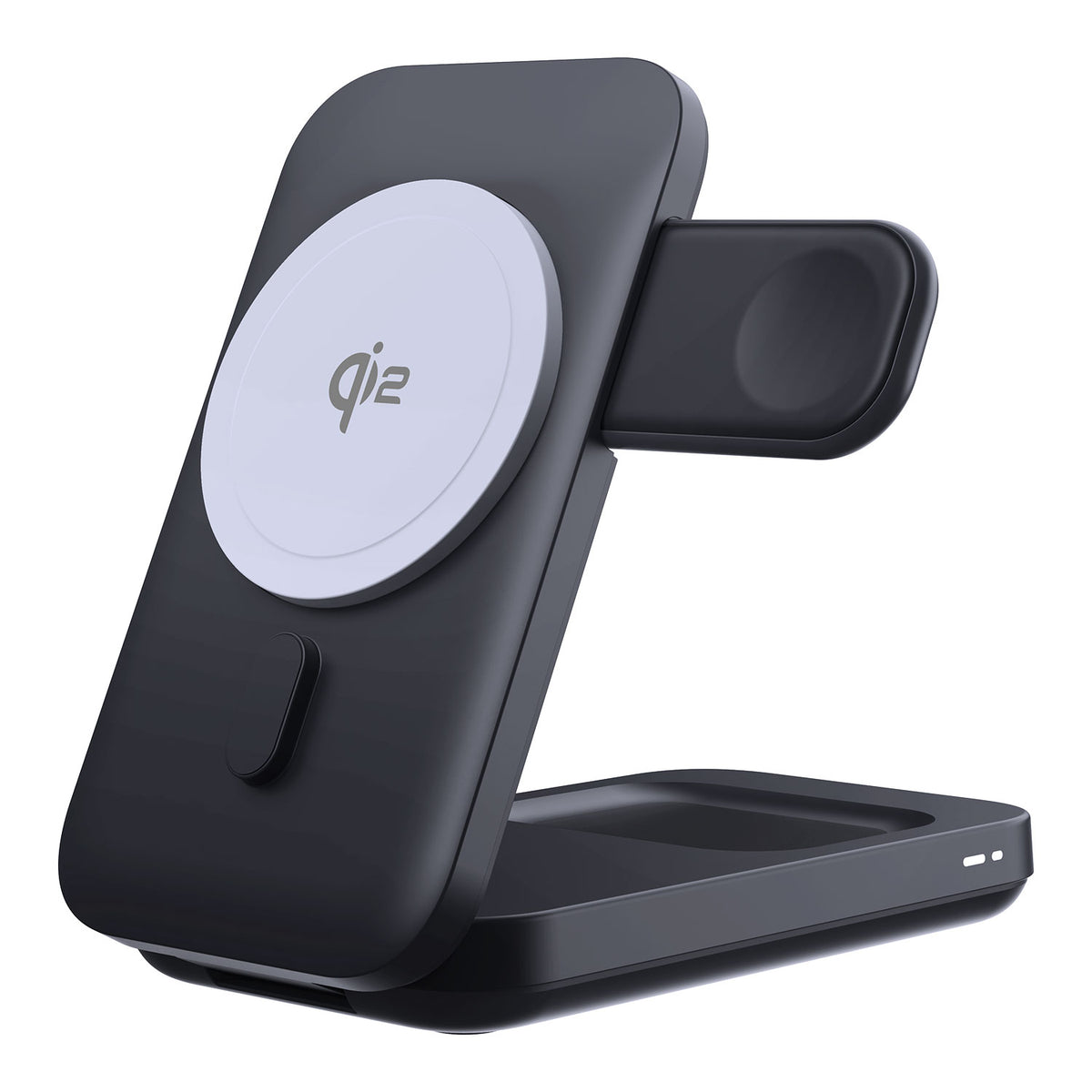
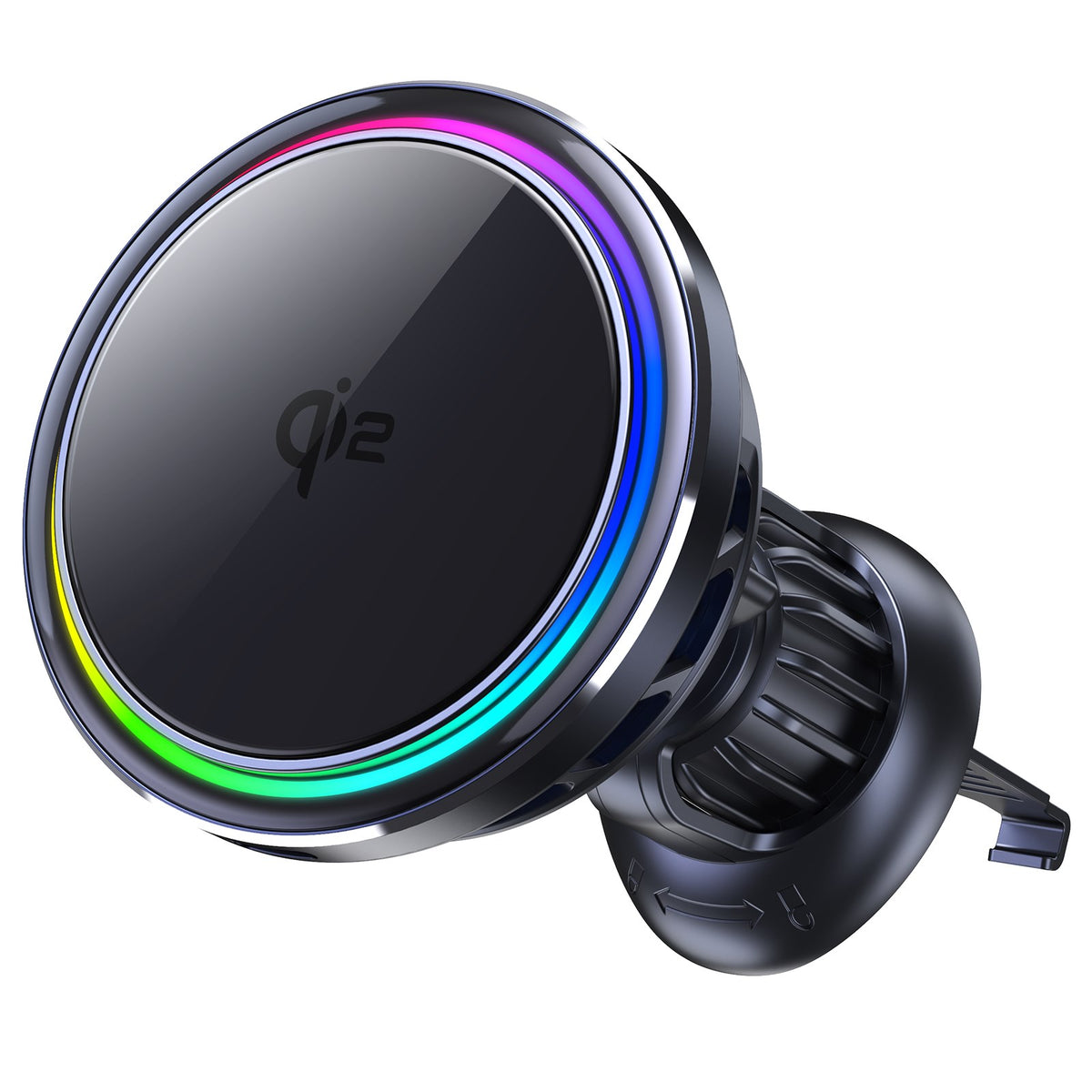
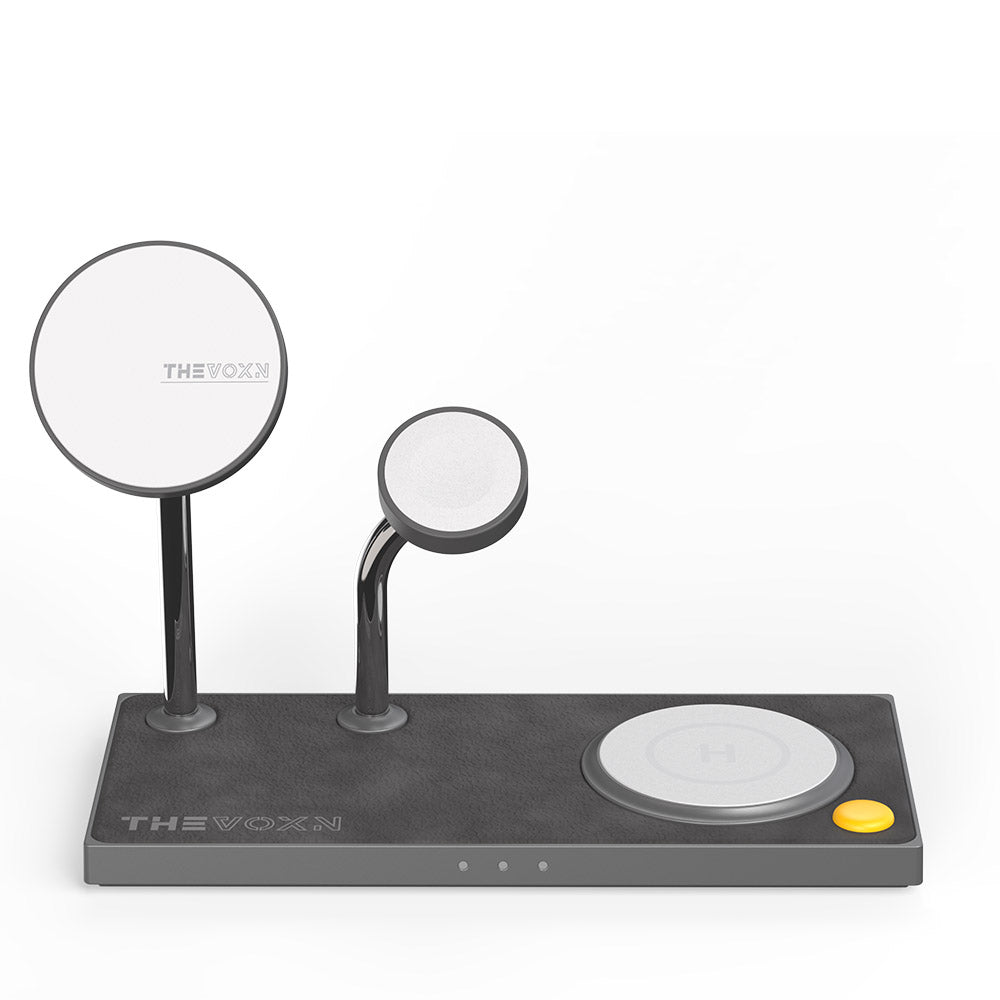
2026 Best MagSafe Chargers for iPhone 17 Pro Max
5. New Emoji Elements (Possible)
While not confirmed in Beta 3, code leaks and prior beta frameworks suggest additional emoji characters may be introduced later in the 26.4 cycle.

How to Install iOS / iPadOS 26.4 Developer Beta 3
To install the beta:
-
Enroll your device in the Apple Developer Program
-
Add the iOS/iPadOS 26.4 Beta configuration profile
-
Restart your device
-
Navigate to Settings → General → Software Update
-
Tap Download and Install
Pro Tip: Always back up your device before installing beta software. Use iCloud or local backups through a computer.
Conclusion
iOS 26.4 and iPadOS 26.4 Developer Beta 3 continue Apple’s focus on system stability, security enhancements, and media app improvements. While major new features remain limited, developers can explore updates in Apple Music, Podcasts, Safari UI tweaks, and device protection. As Beta 3 lays the groundwork for future refinements, installing it on a secondary device allows developers to test upcoming iOS and iPadOS features safely ahead of the public release.