Updated: August 29, 2026
Quick Answer
The iPhone Ultra is expected to have no physical SIM card slot and rely entirely on eSIM. Recent reports citing Bloomberg and analyst Ming-Chi Kuo indicate Apple’s first foldable iPhone—also commonly searched as the iPhone Fold—could be eSIM-only worldwide.
Dual SIM should still be possible through two active eSIMs. For most buyers, the bigger questions are carrier compatibility, transferring an existing physical SIM, using a travel eSIM and what happens when switching between phones.

iPhone Ultra SIM & eSIM: Key Facts
| Feature | Expected iPhone Ultra Support |
|---|---|
| Physical SIM card slot | No |
| Nano-SIM | No |
| eSIM | Yes |
| eSIM-only | Expected worldwide |
| Dual SIM | Expected via two eSIMs |
| Physical SIM transfer | Depends on carrier eSIM support |
| US / Europe / Asia | Broad support, but carrier-dependent |
| Travel eSIM | Expected to work normally |
| Local physical SIM while traveling | No |
Does the iPhone Ultra Have a Physical SIM Card Slot?
The iPhone Ultra is expected to ship without a physical SIM card slot.
Reports citing Bloomberg and analyst Ming-Chi Kuo indicate Apple's first foldable iPhone could be eSIM-only worldwide, with no traditional nano-SIM tray.
The most likely reason is space. A foldable iPhone has to fit two displays, a hinge, battery cells, cameras and other components into an unusually thin chassis. Removing the SIM tray eliminates another mechanical component and frees a small amount of internal space.
For buyers, the important distinction is simple:
You are not losing cellular service—you are losing the ability to insert or swap a physical SIM card.
That distinction matters more for some users than others, particularly frequent travelers and people who regularly move one SIM between multiple phones.


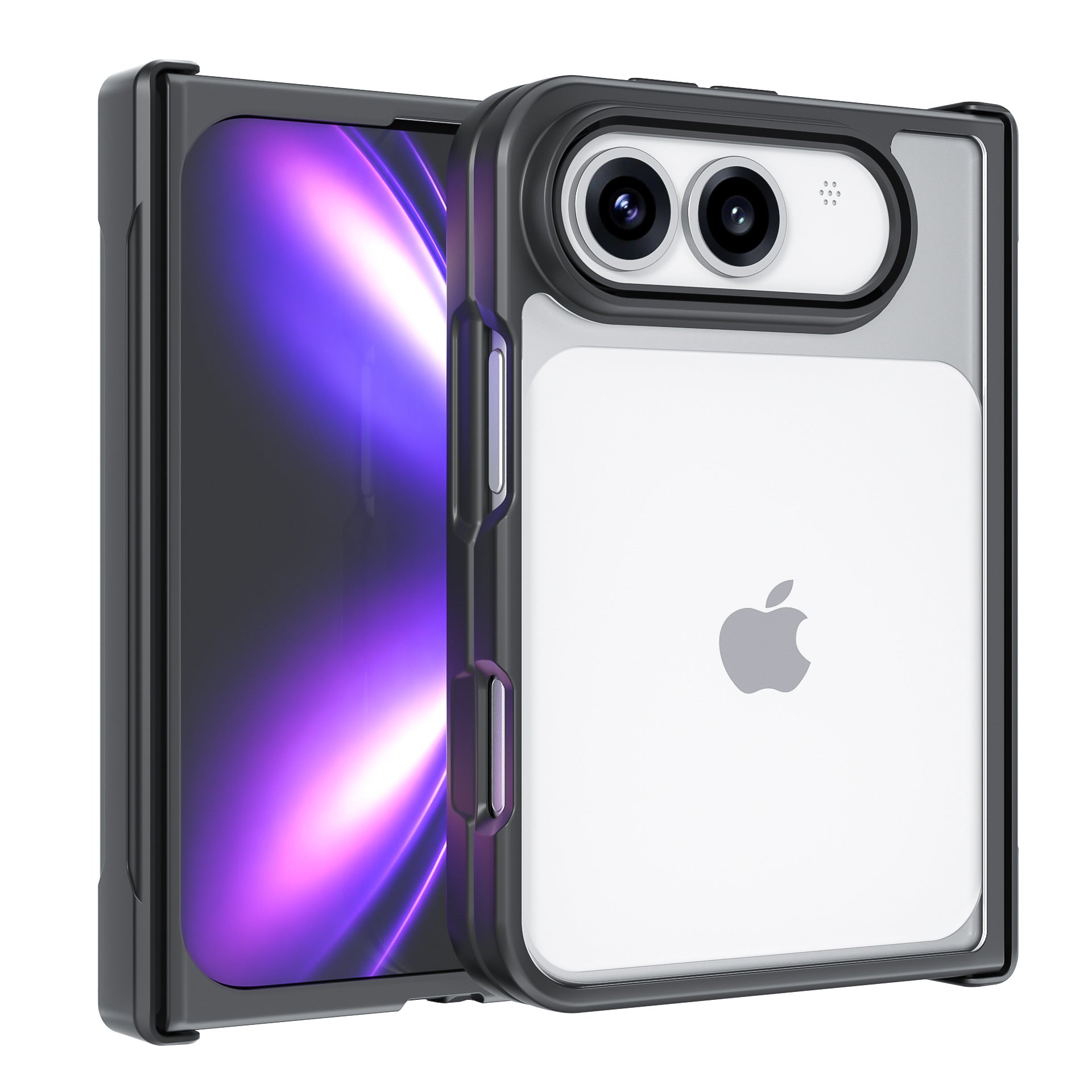
Is the iPhone Ultra eSIM-Only?
Yes, that is currently the expectation.
An eSIM performs the same basic role as a physical SIM, but the mobile plan is activated digitally rather than through a removable nano-SIM card.
That means an eSIM-only iPhone Ultra should still support calls, messages, cellular data and carrier switching, provided the carrier and mobile plan support eSIM.
So saying the iPhone Ultra “doesn't support SIM cards” would be inaccurate. A more precise description is:
The iPhone Ultra is expected to support eSIM, but not physical nano-SIM cards.
For users upgrading from an older iPhone, the biggest change will be transferring their cellular plan digitally instead of physically moving a SIM card.

Will iPhone Ultra Support Dual SIM?
The iPhone Ultra is expected to support Dual SIM through two eSIMs, rather than the traditional physical SIM + eSIM combination.
Apple already supports two active eSIMs on recent iPhones, so removing the SIM tray does not mean losing Dual SIM functionality.
Users should still be able to keep two cellular lines active—for example, a personal and work number, or a primary number alongside a travel eSIM.
Final specifications will depend on Apple's implementation, but eSIM + eSIM is the most likely Dual SIM setup for the iPhone Ultra.
Will iPhone Ultra eSIM Work in the US, Europe and Asia?
For most users in the US, Europe and major Asian markets, an eSIM-only iPhone Ultra should work normally as long as their carrier supports iPhone eSIM.
Major carriers already offer eSIM across many of these markets, although availability can still vary by country, carrier, prepaid plan or business account.
This means iPhone Ultra carrier compatibility should be checked before buying, especially if you use a smaller regional carrier or MVNO.
The simplest question to ask your carrier is:
Does my current plan support iPhone eSIM and eSIM Quick Transfer?

How Do You Move a Physical SIM to an iPhone Ultra?
If the iPhone Ultra has no SIM tray, users upgrading from a physical SIM will need to move their phone number to an eSIM.
The easiest method will usually be eSIM Quick Transfer, which allows supported carriers to transfer a cellular plan from an old iPhone to a new one during setup.
Depending on the carrier, users may also be able to convert an existing physical SIM to eSIM, scan an activation QR code or activate the new iPhone through the carrier's app.
There is one important limitation: eSIM transfer depends on the carrier.
If your old iPhone is lost, broken or unavailable, Quick Transfer may not be possible. In that situation, you may need your carrier to issue or activate a new eSIM.
This makes carrier support more important on an eSIM-only iPhone Ultra than on an iPhone with a removable SIM tray.
iPhone 18 Pro Max MagSafe Charger & Stand
ZEERA MagTri Gen2 Qi2.2 Foldable MagSafe Charger
- 25W Qi2.2
- 3-in-1 fold
- Active cooling
- Travel size
- 3-device ready

ZEERA MagSion 5-in-1 Dual MagSafe Charger Stand
- Dual MagSafe
- 5-in-1 stand
- Watch charging
- Angle adjust
- Clean setup

ZEERA SuVolt Gen5 Qi2.2 Active Cooling Car Charger
- 25W Qi2.2
- Active cooling
- Strong magnet
- CarPlay ready
- Heat control

Is eSIM Better Than a Physical SIM?
For many iPhone users, eSIM is more convenient, but physical SIM still offers more flexibility in certain situations.
| eSIM Advantages | Possible Drawbacks |
|---|---|
| No physical card to lose | Requires carrier eSIM support |
| Supports multiple plans and Dual eSIM | Transfers vary by carrier |
| Convenient for international travel | Cannot insert a local physical SIM |
| Harder to remove from a stolen phone | Less convenient when frequently switching phones |
Travel is where the difference becomes especially noticeable.
With an iPhone Ultra travel eSIM, users should be able to keep their main number active while adding a second data plan for another country without removing their primary SIM.
However, frequent international travelers should consider one trade-off: in some destinations, inexpensive local physical SIM cards can still be easier to buy than comparable local eSIM plans.
An eSIM-only iPhone Ultra would not be able to use those physical SIM cards.
If you plan to use a travel eSIM from a different carrier, your iPhone should also be carrier-unlocked.
Should No Physical SIM Stop You From Buying the iPhone Ultra?
For most mainstream iPhone buyers, probably not.
An eSIM-only iPhone Ultra should be easy to live with if you already use eSIM, stay with major carriers, rarely move your SIM between phones or regularly use travel eSIMs.
The missing SIM tray matters more if you:
-
Frequently swap one SIM between several phones
-
Depend on small or regional carriers
-
Use an older prepaid or business plan
-
Travel to places where local physical SIMs are easier to obtain
-
Need to move service quickly when a phone breaks
For these users, the issue is not whether eSIM technology works.
It is whether removing the physical SIM option takes away flexibility they currently rely on.
ZEERA Verdict
For most buyers, an eSIM-only iPhone Ultra should not be a major problem.
Major carriers across the US, Europe and many Asian markets already support eSIM and Dual eSIM.
The main trade-off: easier digital transfer, but less flexibility for physical SIM swapping.
Before buying, check that your carrier supports iPhone eSIM, Dual SIM and eSIM transfer.
Choosing Between iPhone Ultra and iPhone 18 Pro Max?
If you are still deciding between Apple’s first foldable iPhone and the more familiar iPhone 18 Pro Max, read our full iPhone Fold vs iPhone 18 Pro Max comparison for a closer look at the differences in design, battery life, cameras, durability and everyday use.
Once you know which model fits you better, ZEERA offers dedicated protection for both. Explore the ZEERA iPhone Ultra MagSafe Case for Apple’s foldable iPhone, or browse the ZEERA iPhone 18 Pro Max Case for premium MagSafe cases designed around Apple’s traditional flagship form factor.


Frequently Asked Questions
Does iPhone Ultra have a SIM card slot?
The iPhone Ultra is expected to have no physical SIM card slot and instead rely entirely on eSIM.
Is iPhone Ultra eSIM-only?
Yes. Current reports indicate Apple's foldable iPhone could be eSIM-only worldwide, meaning it would not accept a physical nano-SIM card.
Does iPhone Ultra support Dual SIM?
Dual SIM is expected to work through two active eSIMs rather than a physical SIM plus eSIM.
Can I transfer my physical SIM to iPhone Ultra?
Yes, if your carrier supports physical-SIM-to-eSIM conversion or eSIM Quick Transfer. Otherwise, your carrier may need to activate a new eSIM.
What happens if my old iPhone is broken before I transfer the eSIM?
If you cannot use eSIM Quick Transfer from the old iPhone, you may need to contact your carrier and activate a replacement eSIM through carrier activation, a QR code or another supported method.
Can I use a local physical SIM while traveling with iPhone Ultra?
Not if the iPhone Ultra is eSIM-only. You would need to use roaming or a carrier or travel provider that offers an eSIM.
Will iPhone Ultra eSIM work internationally?
It should work wherever compatible iPhone eSIM service is available. Carrier support, prepaid availability and activation methods can still vary by country.
Related iPhone Ultra Guides