
Updated: August 23, 2026
Quick Answer
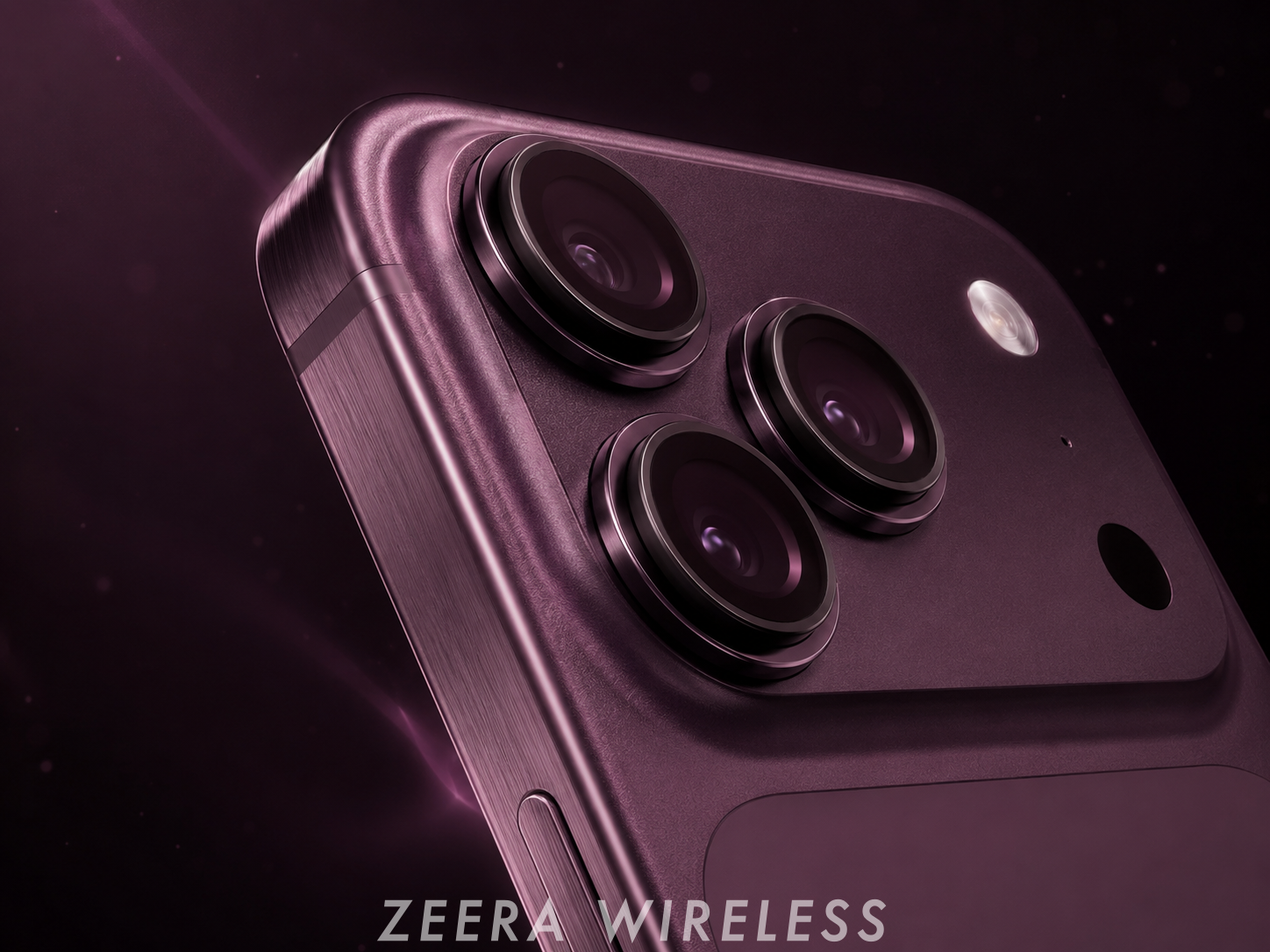
If the iPhone 18 Pro Max wobbles when you type or tap on a table, the raised camera module is the likely cause. The most effective fix is a flat-backed case or a thin camera-leveling back plate that makes the phone contact the desk at an even height. ZEERA is developing its ultra-thin anti-wobble series for the iPhone 18 Pro and iPhone 18 Pro Max; users can follow the collection for availability.
Why does the iPhone wobble when placed on a table?
An iPhone wobbles when its raised camera area touches the table before the rest of the back. The phone then rests on uneven contact points instead of a flat plane.
Pressing the opposite corner while typing or tapping makes the phone rock from side to side. A larger or thicker camera module can make this movement more noticeable, especially when the iPhone is used without a case.
The wobble normally does not mean that the frame is bent. It is usually a geometry problem created by the difference between the camera bump height and the main back panel.
iPhone Air & iPhone 17 Pro Max Ultra-Thin Accessories
ZEERA MagSkin Air Ultra-Thin Magnetic Plate
- Only 0.3mm thin
- MagSafe compatible
- Preserves Air feel
- Light back guard
- Case-free carry

ZEERA MagSkin Pro Ultra-Thin Magnetic Back Plate
- Ultra-thin Pro fit
- MagSafe compatible
- Bare-phone feeling
- Camera deco guard
- Minimal daily carry

ZEERA AirFlat Lens Cover for iPhone Air
- Makes back flat
- Stops desk wobble
- Protects camera lens
- Slim matching look
- Easy clean design

What is the best iPhone 18 Pro Max wobble solution?
The best solution is one that creates a more even contact surface across the back of the phone. There are four common approaches:
| Solution | How it helps | Main tradeoff |
|---|---|---|
| Flat-backed protective case | Builds the case back up to the camera height | Adds the most thickness |
| Camera-leveling cover | Fills the area around the camera to create a flatter surface | Provides limited drop protection |
| Ultra-thin magnetic back plate | Balances the back while preserving a near-bare-phone feel | Does not protect the side frame |
| Desk mat or MagSafe stand | Reduces noise or keeps the phone off the table | Does not fix the phone itself |


Will any iPhone case stop the wobble?
No. A case only fixes camera bump rocking when its rear surface or corner structure reaches approximately the same height as the camera area.
Some slim cases leave a raised camera island and can still wobble. Before buying, look for a flat-back design or a product demonstration showing the phone being tapped on a hard desk.
A thicker case is usually the simplest option when drop protection matters more than preserving the original slim feel.
Will a camera lens protector fix iPhone wobble?
Not necessarily. A small protector placed only over each lens can add more height to the camera side without creating another stable contact point.
For wobble reduction, look for a camera-leveling cover that fills or balances the wider camera area. Lens protection and camera leveling are related, but they are not the same function.
ZEERA design insight: An effective anti-wobble accessory must correct the height difference across the back of the phone. Simply making the lenses thicker does not create a flat, stable contact plane.
How does an ultra-thin anti-wobble back plate work?
An ultra-thin back plate adds material only where it is needed to balance the raised camera section. This can reduce rocking without wrapping the phone in a full frame.
A well-designed plate must account for camera height, MagSafe alignment, adhesive position and the exact body dimensions. That is why a back plate made for an older iPhone should not be assumed to fit the iPhone 18 Pro Max.
This solution is best for users who prefer the original iPhone edges and buttons but want a more stable phone when typing on a table.

Is ZEERA making an iPhone 18 Pro Max wobble fix?
Yes. ZEERA's ultra-thin anti-wobble accessory series is coming to the iPhone 18 Pro and iPhone 18 Pro Max.
The upcoming products will follow the same problem-solving approach used for the current iPhone Air and iPhone 17 Pro series: reduce camera bump rocking while adding as little bulk as possible.
Final names, dimensions and compatibility details will be published after they are confirmed. Bookmark or revisit the ZEERA ultra-thin iPhone anti-wobble and MagSafe accessory collection for the iPhone 18 Pro series update.
ZEERA Ultra-Thin Anti-Wobble Accessories for iPhone
Designed for users who want a flatter, more stable iPhone without a bulky full-frame case.
- Current options for iPhone Air and iPhone 17 Pro series
- Ultra-thin camera-leveling and magnetic back plate designs
- iPhone 18 Pro and iPhone 18 Pro Max versions coming soon

What has ZEERA learned from iPhone Air and iPhone 17 Pro users?
According to ZEERA's current sales performance and customer response, its anti-wobble products have become popular choices among iPhone Air and iPhone 17 Pro users who dislike desk rocking but do not want a thick case.
The ZEERA AirFlat camera-leveling cover for iPhone Air uses an approximately 3.5g PC cover around the camera area to make the back sit flat on a table.
The ZEERA MagSkin Pro anti-wobble MagSafe back plate for iPhone 17 Pro and Pro Max combines a roughly 1.15mm magnetic back plate with a model-specific camera-leveling design. It helps reduce rocking while maintaining wireless charging compatibility and stronger MagSafe alignment.
These products are not full protective cases. They are designed for minimalists who prioritize desk stability, a slim feel and camera-area protection over full side and drop coverage.
Which wobble fix should you choose?
- Choose a flat-backed case if drop protection is your first priority.
- Choose a camera-leveling cover if you mainly want to stop rocking with minimal added weight.
- Choose a magnetic back plate if you also want stronger MagSafe attachment and light back protection.
- Choose a stand if the problem only matters at one desk and you do not need the phone to lie flat.
For the iPhone 18 Pro Max, wait for a model-specific product. Small differences in camera placement, lens height and body size can affect both stability and fit.
FAQ
Why does my iPhone 18 Pro Max wobble when I type on a table?
If the released phone shows this behavior, the likely cause is the raised camera module creating uneven contact with the table. Pressing the opposite corner makes the phone rock between contact points.
What is the easiest iPhone 18 Pro Max wobble fix?
A flat-backed case is the easiest full-protection solution. A model-specific camera-leveling cover or ultra-thin back plate is better for users who want less bulk.
Can a camera protector stop the phone from rocking?
Only if it is designed to level the wider camera area. Small individual lens protectors may not fix wobble and can increase the height of the camera side.
Will the iPhone 17 Pro MagSkin fit iPhone 18 Pro Max?
No compatibility should be assumed. Use a version designed for the exact iPhone model because camera and body dimensions may change.
Does an anti-wobble back plate affect MagSafe charging?
A properly designed magnetic back plate can maintain wireless charging and improve magnetic alignment. Compatibility still depends on using the correct model-specific product.
Is the ZEERA anti-wobble plate a protective case?
No. It does not cover the side frame and should not be expected to provide the same drop protection as a full case.
When will ZEERA release its iPhone 18 Pro Max wobble solution?
The iPhone 18 Pro and Pro Max versions are coming soon. Follow the ZEERA ultra-thin iPhone accessory collection for confirmed availability and specifications.









