
Updated July 10, 2026
Apple has released iOS 27 Beta 3 for developers, bringing several visible changes to Siri AI, Live Recognition, Photos, AirPods, Shortcuts and the iPhone interface.
Unlike Beta 2, which focused mainly on refining the first iOS 27 build, Beta 3 activates several features that were previously unavailable or incomplete.

Quick Answer
iOS 27 Beta 3 was released on July 6, 2026, with build number 24A5380h.
The biggest change is working Siri voice customization, including controls for speaking pace and expressivity on compatible iPhones.
Beta 3 also adds Live Recognition, Photos rating controls, improved AirPods Adaptive controls and smaller interface changes.
The first iOS 27 public beta is not available yet. Apple currently says it is coming soon.
Most users should wait for the public beta or stable release instead of installing Beta 3 on their primary iPhone.
What’s New in iOS 27 Beta 3?
iOS 27 Beta 3 is not a completely new version of iOS 27. Most of its changes refine features Apple introduced during WWDC 2026.
1. Siri AI Voice Customization Now Works
The most important iOS 27 Beta 3 change is the activation of Siri voice customization.
The controls appeared in earlier betas but were not fully functional. In Beta 3, compatible users can adjust two parts of Siri’s voice:
- Pace: Controls how quickly Siri speaks.
- Expressivity: Adjusts how much emotional variation Siri uses.
These settings can make Siri sound more natural during longer answers, directions, message reading and hands-free use.
The feature relies on Apple’s more advanced on-device AI model and is currently limited to supported devices with enough memory, including iPhone 17 Pro models and iPhone Air. The standard iPhone 17 appears to miss this higher-level voice experience because it has less memory. Read our full guide to the iPhone 17 iOS 27 Siri AI limitations.
After installing Beta 3, some users may also see Siri AI assets download again, temporarily resetting certain settings or access.
Ultra-Thin MagSafe Back Plate Series
ZEERA MagSkin Air Ultra-Thin Magnetic Plate
- Only 0.3mm thin
- MagSafe compatible
- Preserves Air feel
- Light back guard
- Case-free carry

ZEERA MagSkin Pro Ultra-Thin Magnetic Back Plate
- Ultra-thin Pro fit
- MagSafe compatible
- Bare-phone feeling
- Camera deco guard
- Minimal daily carry

ZEERA AirFlat Lens Cover for iPhone Air
- Makes back flat
- Stops desk wobble
- Protects camera lens
- Slim matching look
- Easy clean design

2. Live Recognition Comes to Accessibility Settings
iOS 27 Beta 3 adds Live Recognition to Accessibility settings. It uses the iPhone camera and on-device intelligence to identify objects, describe scenes and answer questions about what the camera sees.
The feature may be especially useful for users with vision impairments. It also supports saved questions and custom activities for repeated situations.
For more details, read our guide to the iOS 27 Camera app redesign and Siri Camera Mode.

3. Photos Gets Star Rating Controls
iOS 27 Beta 3 adds a new Show Rating Controls option inside the Photos settings.
When enabled, users can assign star ratings to photos and videos. Rating badges can also appear on thumbnails, making it easier to identify favorite shots or organize a large photo library.
This is especially useful for photographers and creators who want to review images on an iPhone before moving them to a Mac or another editing workflow.
4. AirPods Adaptive Mode Is Easier to Adjust
AirPods users get a more direct way to control Adaptive audio behavior.
The updated control lets users move between more environmental transparency and stronger noise cancellation without searching through several settings pages.
This gives users more control in changing environments such as offices, airports, public transport or busy streets.

5. Did iOS 27 Beta 3 Add New CarPlay Features?
So far, early Beta 3 testing has not identified a major new CarPlay capability.
The larger iOS 27 CarPlay changes—including supported video apps, Siri AI integration, navigation improvements and expanded vehicle controls—were announced as part of the broader iOS 27 update.
Some features will still depend on the vehicle, automaker and app support.
Read our complete guide to iOS 27 CarPlay new capabilities, video apps and supported cars.

iOS 27 Beta 3 Known Issues
Beta 3 feels more complete than earlier builds, but it is still unfinished software.
Users may experience:
- Temporary Siri AI resets: Siri settings or AI assets may need to download again after updating.
- Higher battery use and heat: Background indexing, photo analysis and AI downloads can temporarily increase power consumption and temperature.
- App compatibility problems: Banking, authentication, work and accessory apps may not yet be fully optimized.
- Limited or changing features: Availability can depend on the iPhone model, language and region, while beta features may change in later builds.
If your iPhone feels slightly warm or drains battery faster immediately after updating, give it time to finish background indexing before judging long-term performance.
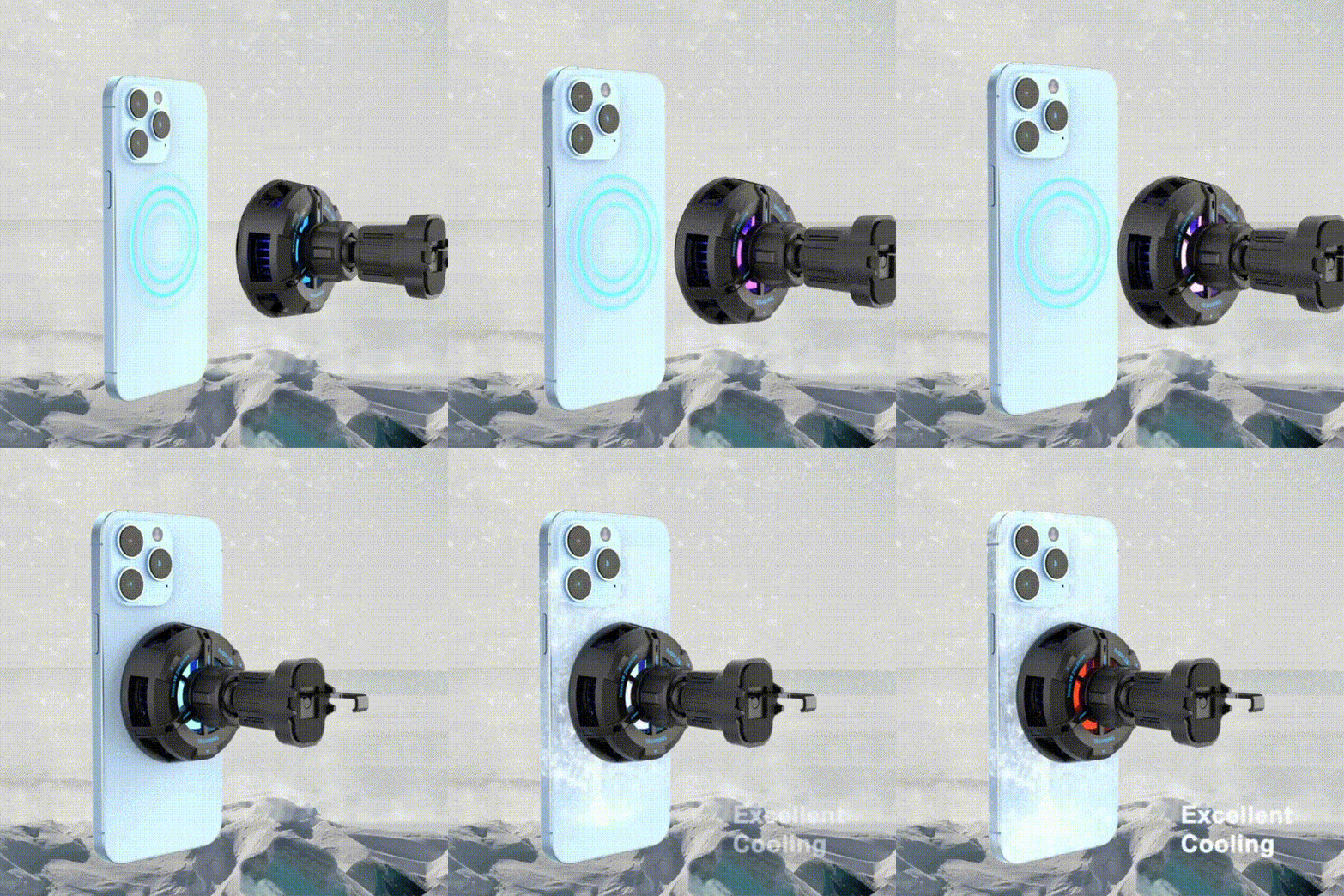
Users who frequently charge while testing beta software may also prefer a charging stand with active cooling, especially during longer desk, bedside or in-car sessions.
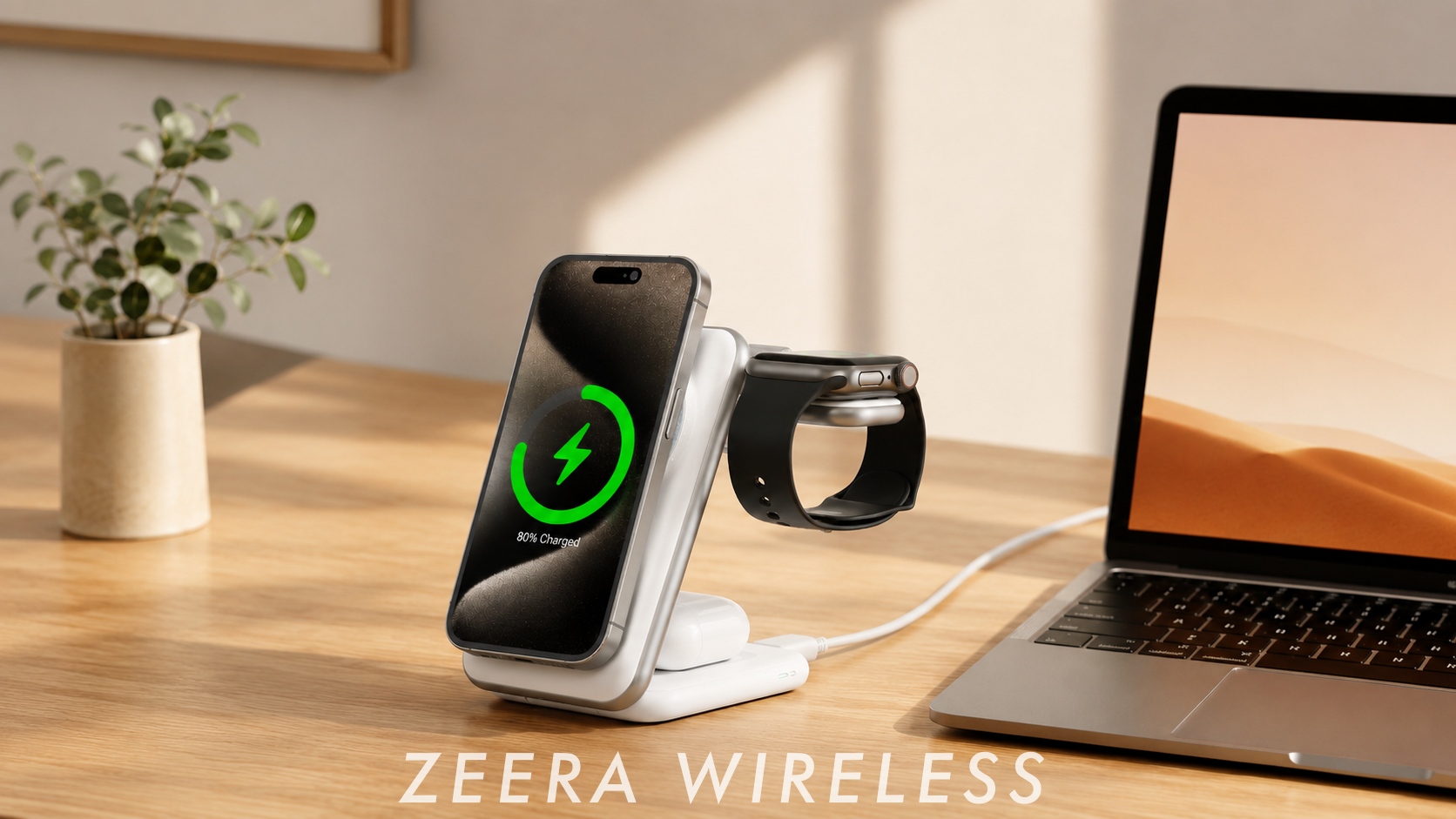
For desktop use, the ZEERA MagTri Gen2 Qi2.2 Foldable MagSafe Charger combines active cooling with a foldable 3-in-1 design. It keeps the iPhone upright for notifications, StandBy and hands-free use while charging.

For driving, the ZEERA SuVolt Gen5 Qi2.2 Active Cooling Car Charger supports navigation, CarPlay and wireless charging with an adjustable viewing angle. Its strong magnetic hold helps keep the iPhone securely positioned during everyday driving.

Other Changes in iOS 27 Beta 3
Beta 3 also includes several smaller updates:
-
More Choice in Shortcuts
Users can choose between the natural-language “Describe a Shortcut” tool and the traditional manual editor. -
Cellular Details in Control Center
Control Center can show signal strength and LTE or 5G status even while the iPhone is connected to Wi-Fi. -
New Wallpaper Transition
Supported wallpapers can briefly appear above the current app when Notification Center opens. -
Smaller Visual Updates
Apple also updated the Reminders icon and made minor changes to app highlights and the Lock Screen.
How to Download iOS 27 Beta 3
Eligible developer beta testers can check for the update through:
- Open Settings.
- Select General.
- Tap Software Update.
- Open Beta Updates.
- Select iOS 27 Developer Beta.
Before installing, create a current backup, confirm that you have enough free storage and avoid using a primary work or banking device.
Should You Install iOS 27 Beta 3?
Install Beta 3 if:
- You have a secondary iPhone for testing.
- You need to test an app or accessory with iOS 27.
- You want to evaluate Siri AI or Live Recognition early.
- You are comfortable restoring the device if something fails.
Wait for the public beta if:
- You are interested in iOS 27 but do not need developer access.
- You want a slightly more tested build.
- You can tolerate some bugs but want fewer early-beta problems.
Wait for the stable release if:
- This is your only iPhone.
- You depend on banking, work, medical or authentication apps.
- Battery reliability matters more than early features.
- You do not want to troubleshoot beta software.
Beta 3 is more interesting than Beta 2, but the new features are not important enough for most users to risk installing unfinished software on a primary device.


Bottom Line
iOS 27 Beta 3 is the first iOS 27 build to make several previously announced features feel usable.
Siri voice customization, Live Recognition, Photos ratings and improved AirPods controls are meaningful additions, but they do not make Beta 3 stable enough for most primary iPhones.
Developers and enthusiasts with a secondary device can test it now. Everyone else should wait for the first public beta or the final iOS 27 release.
FAQ
Is iOS 27 Beta 3 available now?
Yes. Apple released iOS 27 Developer Beta 3 on July 6, 2026. It is currently available to eligible devices enrolled in developer beta testing.
What is the iOS 27 Beta 3 build number?
The build number is 24A5380h.
Is iOS 27 available to everyone?
No. The stable version of iOS 27 has not been released. Beta 3 is a developer beta, and the first public beta is still listed as coming soon.
What is the biggest change in iOS 27 Beta 3?
The biggest change is working Siri voice customization on compatible devices. Users can adjust Siri’s speaking pace and expressivity.
Does iOS 27 Beta 3 include the new Siri AI?
It includes access to Siri AI testing on supported devices, but feature availability depends on the iPhone model, memory, region and language. Updating may also cause Siri AI assets to download again.
When will the iOS 27 public beta be released?
Apple has not announced an exact date. As of July 10, 2026, Apple’s beta website says the iOS 27 public beta is coming soon.
Should I install iOS 27 Beta 3 on my main iPhone?
Most users should not install it on a main iPhone. Battery drain, heat, app compatibility problems and unfinished features are still possible.









