
2026 Update: This guide focuses on the “Syncing with iCloud Paused” message in the Messages app. If your problem is related to iCloud Mail not loading, not receiving emails, or appearing down, see our newer guide: Is iCloud Mail Down? How to Fix iCloud Mail Not Working on iPhone.
If you’ve ever seen the message “Syncing with iCloud Paused” in the Messages app on your iPhone, iPad, or Mac, you're not alone. Many Apple users encounter this warning, often without understanding what caused it—or how to fix it.
In this guide, , we’ll break down what this message means, the most common reasons behind it and how to fix it.

What Does “Syncing with iCloud Paused” Mean?
This message means your iMessage data is temporarily not syncing to iCloud, preventing messages from updating across your Apple devices. When sync is paused, you may miss out on new messages on your iPad, Mac, or other iCloud-connected devices.

ZEERA AirFlat – Anti-Wobble Lens Cover
Ultra-flat lens cover designed for iPhone Air camera stability.
Reduces wobble and improves flat placement on any surface.

ZEERA MagSkin – Ultra-Thin MagSafe Back Plate
Minimalist magnetic back plate for MagSafe compatibility.
Ultra-thin design keeps iPhone Air lightweight and protected.
✅ How to Fix “Syncing with iCloud Paused” in 2025
1. Check Your Internet Connection
Ensure you're connected to a stable Wi-Fi or cellular network. A weak signal can stop syncing.
2. Restart Your Device
Sometimes, a simple reboot clears up background sync errors. Power off your device, wait 10 seconds, then turn it back on.

3. Toggle iMessage iCloud Sync Off and On
-
Go to Settings > [Your Name] > iCloud > Show All > Messages
-
Turn off the switch, wait a few seconds, then turn it back on
This will trigger the system to reinitiate iCloud sync.

4. Disable Low Power & Low Data Modes
These modes can interfere with background syncing.
-
Go to Settings > Battery → turn off Low Power Mode
-
Go to Settings > Cellular > Cellular Data Options → turn off Low Data Mode
5. Tap “Sync Now” if Available
Some users will see a “Sync Now” button appear in iCloud > Messages. Tapping it can manually restart syncing.

Mac Mini M4 Aluminum Cooling Case
CNC aluminum enclosure for Mac Mini M4 / Mac Mini M4 Pro, improves heat dissipation,
reduces thermal throttling, and enhances Mac Pro-style aesthetics with
premium build quality for desktop setups.
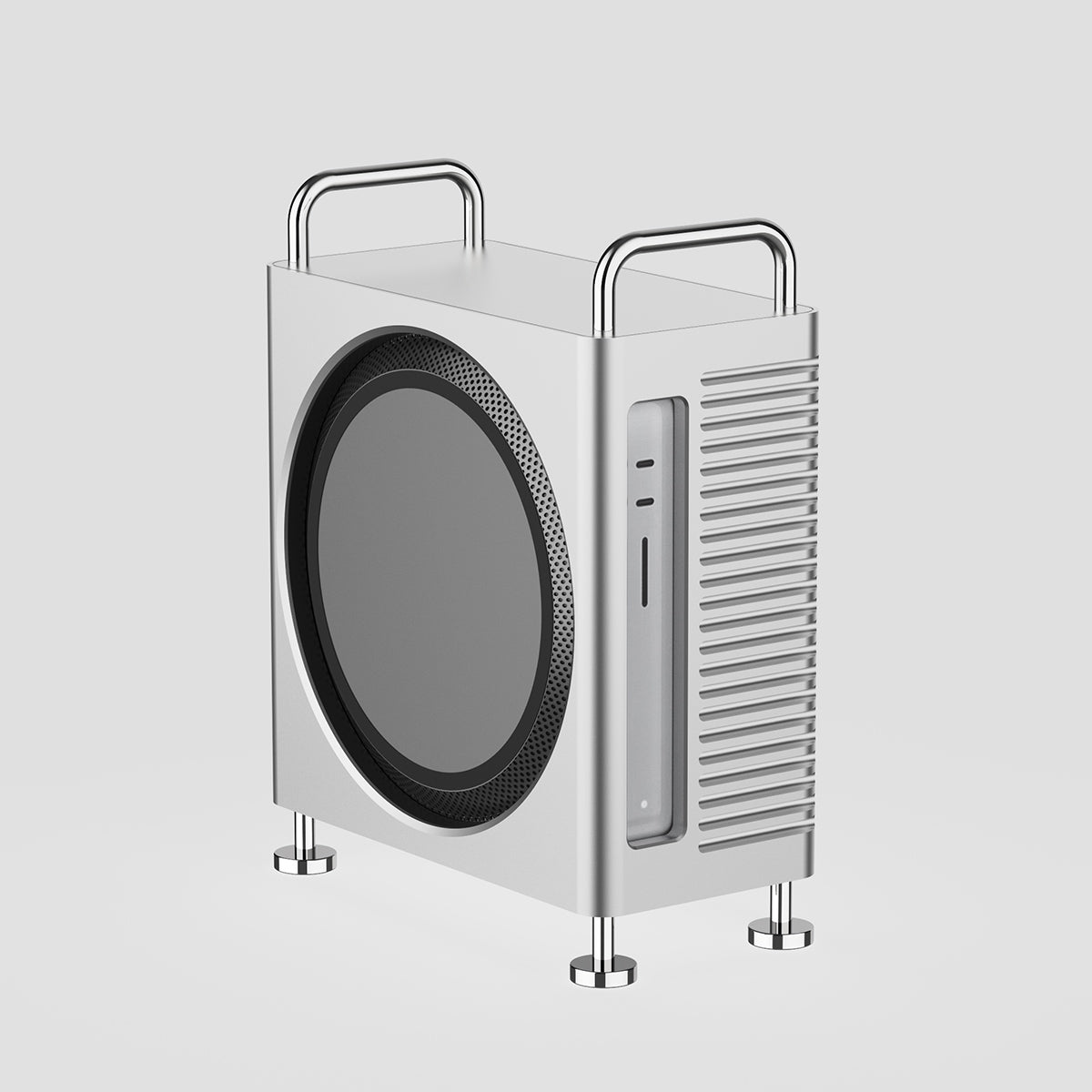
Mac Studio Aluminum Enclosure Case
CNC aluminum enclosure for Mac Studio, improves airflow and thermal performance,
designed for heavy workloads with Mac Pro-inspired structure and stable
high-performance cooling architecture.
6. Check iCloud Storage
If your iCloud is full, messages won’t sync.
-
Go to Settings > [Your Name] > iCloud > Manage Storage
-
If you're near capacity, consider deleting unused backups or upgrading your storage plan.
7. Update iOS/macOS to the Latest Version
Some sync issues were fixed in iOS 18.3 and later.
-
Go to Settings > General > Software Update and install any available updates.
8. Sign Out and Back into Your Apple ID
-
Go to Settings > [Your Name] > Sign Out
-
After signing out, restart your device and sign back in. This refreshes your iCloud session.
9. Check Apple’s System Status Page
Sometimes it’s not your device—Apple’s iCloud services may be temporarily down.
-
Visit: Apple System Status
2026 Update: If your issue is not Messages syncing, but iCloud Mail not loading, not receiving emails, or appearing down, read our updated guide: Is iCloud Mail Down? How to Fix iCloud Mail Not Working on iPhone.
Common Causes of iCloud Sync Being Paused
Here are the most frequent causes:
-
Unstable Internet Connection (Wi-Fi or Cellular)
-
Low Power Mode or Low Data Mode enabled
-
iCloud Storage is full or nearly full
-
Apple ID issues or incomplete authentication
-
Outdated iOS/macOS version
-
Temporary glitches or background system errors

ZEERA MagDefender MagSafe Case
Premium MagSafe Kickstand Case for iPhone 16 Pro Max with Carbon Fiber Texture
Shop NowFinal Thoughts
“Syncing with iCloud Paused” can seem alarming, but it's often a temporary issue related to network, power settings, or iCloud capacity. With the steps above, most users are able to restore full syncing functionality in just a few minutes.









