
Updated: August 26, 2026
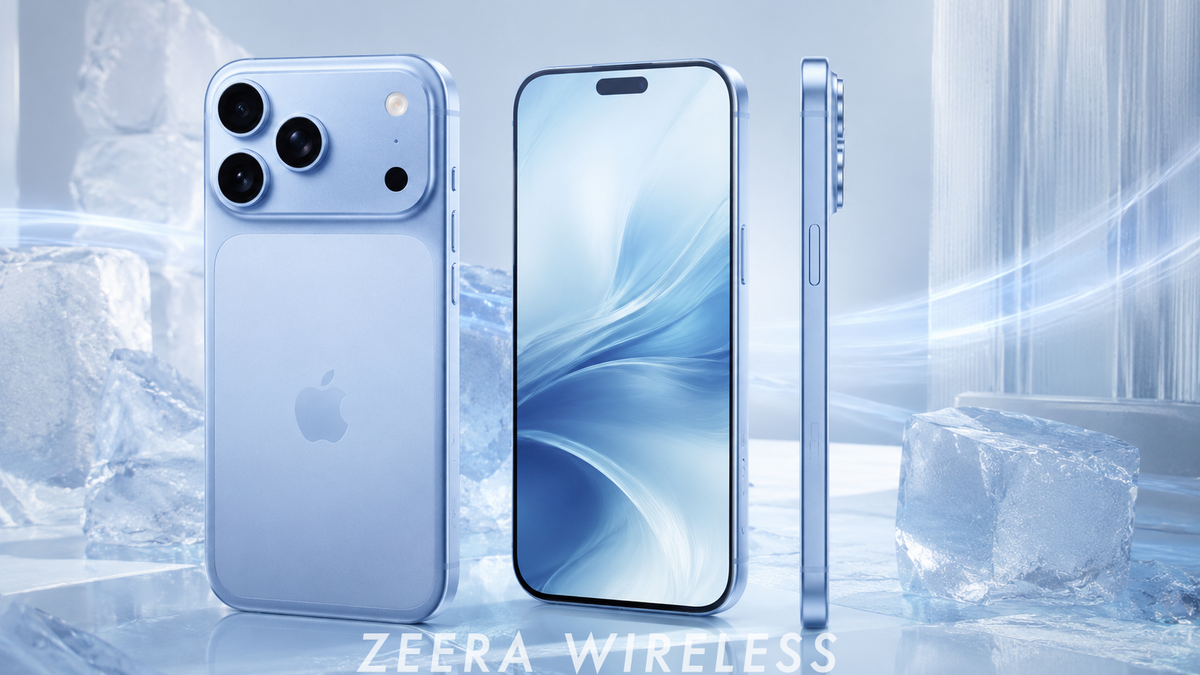
It is normal for an iPhone 18 Pro or iPhone Duo / iPhone ultra to become warm during Quick Start, an iCloud restore or a large wired transfer. The processor, wireless radios, storage and battery may all work continuously while the phone is also charging. If the iPhone becomes very hot, the transfer slows, pauses or shows a temperature warning, move it to a cooler ventilated surface, remove a thick case and let iOS manage the pause until the phone cools.
If setup, syncing or large downloads continue in the car, the ZEERA SuVolt Gen5 Qi2.2 Active Cooling Car Charger provides the most complete in-car solution by combining active semiconductor cooling, secure magnetic alignment and up to 25W wireless charging.

Table of Contents
Is It Normal for an iPhone to Get Hot During Data Transfer? Why Does Data Transfer Generate So Much Heat? Can Overheating Damage or Interrupt the Transfer? What Should You Do When the iPhone Gets Too Hot? How Can You Prevent Overheating Before a Transfer? What If Quick Start Is Stuck or Taking Forever? How Does ZEERA SuVolt Gen5 Help? FAQIs It Normal for an iPhone to Get Hot During Data Transfer?
Yes. Mild or moderate warmth is normally expected when moving a large amount of data to an iPhone 18 Pro or iPhone Duo / iPhone ultra.
Quick Start can keep both phones busy for an extended period. The old iPhone reads and sends data while the new iPhone receives, decrypts, writes and organizes it. Both devices may remain connected to power throughout the migration, adding charging heat to the workload.
Why Does iPhone Data Transfer Generate So Much Heat?
A data migration is not a simple copy-and-paste task. Several high-load systems can run at the same time.
Which Transfer Method Is Most Likely to Make the iPhone Warm?
No method is automatically “bad” for the battery. The best option is the one that can run on a stable connection in a cool, well-ventilated environment.
Can Overheating Damage or Interrupt the Data Transfer?
iOS includes thermal protections designed to reduce risk. When the iPhone becomes too warm, it can lower performance, slow or stop charging and pause syncing or restoring until the device cools.
This may make a transfer look stuck even though the phone is protecting itself. A thermal pause is more likely to delay the migration than corrupt the source data. The old iPhone or iCloud backup normally remains available if setup must be resumed or restarted.
- Transfer speed may fall as iOS reduces performance.
- Charging may pause with a “Charging On Hold” notification.
- iCloud Photos or restore may pause until the phone returns to a suitable temperature.
- The display may dim or temporarily turn off.
- A severe temperature warning may limit normal use until the iPhone cools.
What Should You Do When the iPhone Gets Too Hot During Transfer?
- Move both phones to a cooler location. Keep them away from direct sunlight, heaters and a hot vehicle interior.
- Place them on a hard, open surface. A desk or table releases heat better than a bed, sofa, blanket or closed bag.
- Remove thick cases temporarily. This can help heat leave the phone more easily.
- Let iOS handle a thermal pause. If syncing or restoring pauses with a heat message, wait for the phone to cool. It should resume automatically.
- Reduce extra activity. Avoid gaming, video recording, navigation and other intensive tasks while the transfer is running.
- Check the power setup. Use a reliable charger and cable. A damaged cable, loose connection or inefficient wireless alignment can add unnecessary heat.
How Can You Prevent Overheating Before Starting the Transfer?
- Update the old iPhone first. Install the latest stable iOS version and restart it before beginning Quick Start.
- Charge both phones in advance. Starting with a healthy charge can reduce the amount of high-power charging needed during migration.
- Use a cool room with airflow. Avoid performing a large transfer in direct sunlight or inside a parked car.
- Use a strong Wi-Fi connection. Unstable Wi-Fi can extend an iCloud restore and keep the radios active for longer.
- Keep the phones close together. Apple recommends keeping Quick Start devices near each other and connected to power until migration completes.
- Leave both phones alone. Avoid opening apps, recording video or moving the devices during the main transfer.
- Remove unnecessary insulation. Take off thick cases and do not stack the phones directly on top of each other.
What If Quick Start Is Stuck or Taking Forever?
Transfer time depends on the amount of data, network conditions, storage activity and the selected migration method. A large photo library can make the process take much longer than the initial estimate.
- Check for a temperature, charging, Wi-Fi or restore-pause message.
- Make sure both phones remain near each other and connected to reliable power.
- Wait while the phone cools if iOS has paused the transfer for temperature management.
- If neither phone is hot and progress has not changed for a long time, restart the setup process and reconnect to stable Wi-Fi.
- If direct Quick Start repeatedly fails, use an iCloud backup or a computer backup through Finder or the Apple Devices app.
Do not erase or trade in the old iPhone until you have confirmed that photos, messages, apps and important account data are available on the new device.
How ZEERA SuVolt Gen5 Helps Stop In-Car Transfer and Syncing Heat
The first Quick Start migration is best completed indoors on a cool, stable surface. But new-iPhone setup often continues afterward: apps download, iCloud Photos syncs, search indexes rebuild and large files restore while the phone is already being used.
If that background work continues during a commute, the iPhone may be running wireless CarPlay, cellular data, navigation and charging at the same time. The ZEERA SuVolt Gen5 is designed for exactly this high-load in-car environment.


How Can You Reduce Daily iPhone Heat After the Transfer?
- Allow app downloads, photo syncing and indexing to finish before judging the new iPhone’s normal temperature.
- Keep iOS and frequently used apps updated.
- Avoid direct sunlight and closed, poorly ventilated spaces while charging.
- Use properly aligned Qi2 or MagSafe-compatible charging accessories.
- Check battery settings to identify apps using unusual background power.
- If the iPhone remains abnormally hot after setup and syncing are complete, restart it and contact Apple Support if the issue continues.
FAQ: iPhone Overheating During Data Transfer
Is it normal for a new iPhone to get hot during Quick Start?
Yes. Mild to moderate warmth is common because the processor, wireless radios, storage and battery can all be active. Excessive heat, repeated pauses or a temperature warning should be addressed.
Why are both iPhones hot during the transfer?
The old iPhone is reading and sending data while the new iPhone receives, processes and writes it. Both devices may also be charging throughout the migration.
Will overheating delete or corrupt my transferred data?
Usually no. iOS can slow or pause the transfer to protect the device. The more common result is a delay or interrupted setup, while the original data remains on the old iPhone or in the backup.
Should I stop Quick Start if the iPhone gets hot?
If the phone is only warm and progress continues, leave it alone. If a temperature warning appears or the phone becomes extremely hot, move it to a cooler surface and let iOS pause and resume the process.
Why does iCloud Restore say “Restore Paused”?
The restore may pause because of device temperature, low battery or network conditions. If the iPhone needs to cool down, wait in a cooler environment; the restore should resume when conditions improve.
Why is Quick Start stuck on “Time Remaining”?
The estimate can stop changing while large files are processed or when the connection, power or temperature changes. Check for warnings, keep the devices close and powered, and wait before restarting.
Should I remove the iPhone case during data transfer?
Removing a thick or insulating case can improve heat dissipation. Place both phones separately on a hard, open surface rather than stacking them.
Is wired transfer cooler than wireless Quick Start?
It may reduce some wireless activity, but a wired restore still uses the processor, storage and battery while the phone charges. Good ventilation remains important.
Can ZEERA SuVolt Gen5 cool an iPhone during data transfer?
It is best suited to setup, syncing and downloading that continues in the car. Its active cooling helps manage charging heat during high-load use. Complete the initial phone-to-phone Quick Start indoors whenever possible.
Bottom Line
Warmth during an iPhone 18 Pro or iPhone Duo / iPhone ultra data transfer is usually normal. The processor, storage, wireless connections and charging system are completing an unusually heavy workload at the same time.
Keep both phones cool, close together, powered and untouched until migration completes. If syncing continues in the car, the ZEERA SuVolt Gen5 Qi2.2 Active Cooling Car Charger provides the most complete ZEERA solution for charging, mounting and heat control.
Sources






