Updated: August 25, 2026
Quick Answer: The most useful accessories for the new Mac mini M6 and M5 Pro are an external SSD, a compatible dock, a quality display, reliable input devices and a stand or enclosure that improves desktop organization.
For users who want a more substantial workstation, the ZEERA MacForge Gen3 Mac mini aluminum case transforms the compact computer into a Mini Mac Pro-inspired setup. It combines a CNC aluminum structure, redesigned airflow, top-access ports and an optional compartment for an external SSD enclosure.

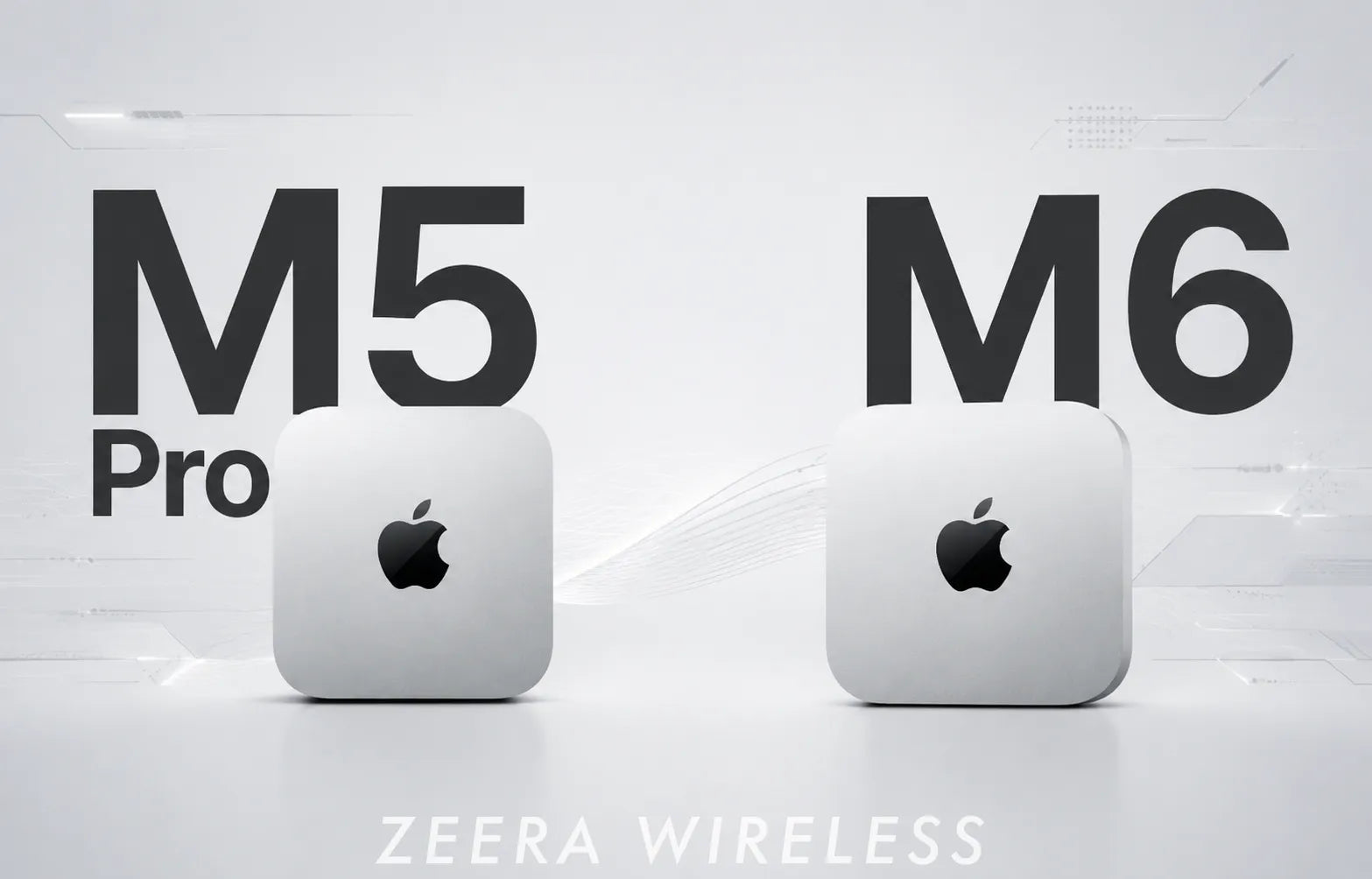
Apple introduced the new Mac mini with M6 and M5 Pro on August 25, 2026. The M6 model starts at $899 in the United States, while the M5 Pro version starts at $1,699. Pre-orders opened immediately, with deliveries and in-store availability beginning September 22.
Although the new Mac mini remains remarkably compact, building a complete desktop around it requires more than choosing the right chip. Storage, port access, display connectivity and desk organization can have just as much impact on the everyday experience.
This guide explains which Mac mini M6 and M5 Pro accessories are genuinely useful, how to choose them for different workflows and how the ZEERA MacForge Gen3 Mac Mini Case builds on the widely reviewed MacForge Gen2.
What Are the Best Accessories for the Mac mini M6 and M5 Pro?
The best accessories depend on how the Mac mini will be used. A basic home computer may only need a display, keyboard and mouse. A video editor, developer or designer may also need fast external storage, additional ports and a more organized desktop structure.
For most new Mac mini owners, the five most useful accessory categories are:
- A Mac mini case or stand for stability, protection and a cleaner workstation
- An external SSD for projects, media libraries and backups
- A Thunderbolt or USB-C dock for additional ports and displays
- A suitable monitor that matches the Mac mini’s display capabilities
- A keyboard and pointing device selected for the user’s actual workflow
The important distinction is that these products solve different problems. An aluminum enclosure organizes and protects the computer, an SSD adds storage, and a dock expands connectivity. One accessory should not automatically be expected to replace all three.
Mac Mini M4 & Mac Studio Aluminum Cases
ZEERA MacForge CNC Mac Studio Aluminum Case
- CNC aluminum
- Mac Pro style
- Cooling grille
- Tool-free fit
- Studio guard

ZEERA MacForge Gen3 CNC Aluminum Mac Mini Case
- Mac Pro grille
- CNC chassis
- Better airflow
- SSD expansion
- Front ports

Why Does the New Mac mini Benefit From a Better Desktop Setup?
Apple has significantly upgraded the new Mac mini while preserving its compact enclosure. According to Apple’s official Mac mini announcement, both versions now support Wi-Fi 7, Bluetooth 6 and 2.5Gb Ethernet, with configurable 10Gb Ethernet.
The M6 model has three Thunderbolt 4 ports on the back, while the M5 Pro model advances to three Thunderbolt 5 ports. Both versions also retain two front USB-C ports and a headphone jack.
That connectivity gives users considerable flexibility, but external devices can quickly create a scattered setup. SSDs may sit beside the computer, frequently used cables can be difficult to manage, and a lightweight desktop computer can move when cables are connected or removed.
A well-designed setup should therefore make the Mac mini easier to use without hiding its ports, restricting its airflow or unnecessarily occupying more desk space.
How Does MacForge Gen3 Turn the Mac mini Into a Mini Mac Pro?
The ZEERA MacForge Gen3 case for Mac mini M6 and M5 Pro is designed to give the compact Mac mini a more substantial, professional desktop presence.
What Makes MacForge Gen3 Different?
-
Mac Pro-inspired front grille
The three-dimensional aluminum grille gives the Mac mini a distinctive professional look while maintaining an open path for airflow. -
Solid CNC-machined aluminum construction
Instead of using a thin decorative shell, MacForge Gen3 surrounds the Mac mini with a substantial aluminum structure for a more premium and stable setup. -
Wider, more grounded design
The larger proportions give the Mac mini a stronger presence on the desk and make it look more balanced next to a large monitor, dock or other studio equipment. -
Built for a desktop workstation
The integrated structure helps turn the compact Mac mini into a more organized centerpiece for a professional desk setup.
In short, MacForge Gen3 doesn't just make the Mac mini look bigger—it gives it a more substantial, Mac Pro-inspired workstation identity.

What Changed From MacForge Gen2 to Gen3?
MacForge Gen2 established the original Mini Mac Pro concept. Gen3 retains that recognizable idea but substantially revises the enclosure’s proportions, front panel, internal space and port layout.
| Design area | MacForge Gen2 | MacForge Gen3 |
|---|---|---|
| Overall shape | Taller and narrower profile | Wider, more balanced desktop proportions |
| Front design | Open front-port layout | Mac Pro-inspired precision grille |
| Front I/O access | Original ports accessed directly | USB-C and headphone connections extended to the top |
| Internal structure | Original ventilation architecture | Increased internal air volume and redesigned airflow paths |
| SSD organization | Dedicated external enclosure area | Separate SSD expansion and minimalist versions |
| Surface finish | CNC aluminum construction | Brushed texture, hard anodizing, sealing and polishing |
The new proportions are one of the most visible changes. MacForge Gen3 sits lower and wider, bringing its silhouette closer to the visual balance of the Mac Pro rather than simply placing the Mac mini inside a tall tower.
ZEERA has also moved frequently used connections to the top of the enclosure. A custom extension system carries the Mac mini’s two front USB-C connections and headphone connection upward, so users do not have to reach through the front grille whenever they connect an SSD, headphones or another temporary device.

What Did Reviewers Like About MacForge Gen2?
MacForge Gen2 received positive attention for turning the Mac mini into a more substantial, Mac Pro-inspired desktop setup.
Reviews from 9to5Mac, Johnny McPro and independent creators highlighted several practical aspects of the design, including its distinctive aluminum enclosure, tool-free installation and expanded desktop functionality.
The feedback also helped validate the core idea behind MacForge: giving the compact Mac mini a more capable and professional-looking desktop form.
MacForge Gen3 builds on that foundation with a redesigned structure and a more refined workstation-focused design.

How Does the Redesigned Airflow System Work?
The M6 and M5 Pro chips are designed to handle increasingly demanding workloads, including video production, software development, 3D work and local AI processing. Those tasks can keep the computer under sustained load for much longer than ordinary web browsing.
MacForge Gen3 increases the open space around the Mac mini and uses dedicated airflow paths to reduce heat congestion inside the larger enclosure. Its grille and ventilation openings are positioned to preserve the Mac mini’s own cooling path rather than covering it with a sealed cosmetic shell.
The aluminum body also distributes heat across a much larger metal structure. However, MacForge Gen3 is a passive enclosure, not an active cooling system. It does not replace the Mac mini’s internal fan or independently control processor temperature.
The most accurate way to describe its role is that it is designed to support open airflow and reduce heat accumulation around the Mac mini. Claims about exact temperature reductions should depend on the room temperature, workload, Mac configuration and testing method.

Does MacForge Gen3 Include an SSD Enclosure?
The Top SSD Expansion Module adds a dedicated space to the top of MacForge Gen3 for an external SSD enclosure, giving the Mac mini setup a cleaner and more organized storage solution.
Why Add the SSD Expansion Module?
-
Expand your desktop storage
Add fast external storage for large photo libraries, video projects, games and other files. -
Keep storage close to the Mac mini
The top-mounted design keeps the external SSD enclosure integrated with the Mac mini instead of taking up additional desk space. -
Create a cleaner workstation
The module helps keep your storage setup compact and visually organized, especially on a minimalist desktop. -
Build a setup around your workflow
Pair the Mac mini with external storage that matches your preferred capacity and performance needs.
The Top SSD Expansion Module turns MacForge Gen3 into more than a protective enclosure—it provides a practical way to integrate additional storage into the Mac mini workstation.

What Other Accessories Should Mac mini M6 Buyers Consider?
The standard M6 Mac mini is likely to appeal to home users, students, developers and creators who want strong performance without moving to a larger desktop. Accessories should remain proportional to those needs.
A sensible M6 setup may include:
- A 4K or 5K display
- A compact keyboard and mouse or trackpad
- A USB-C external SSD for backups and archived files
- A small adapter for legacy USB devices or memory cards
- A Mac mini M6 aluminum case and stand for a more stable desktop setup
The goal is to preserve the affordability and simplicity that make the standard Mac mini attractive. A large collection of premium accessories can quickly eliminate its price advantage.
What Accessories Make Sense for the Mac mini M5 Pro?
The M5 Pro model starts at a substantially higher price and is more likely to be used for professional workloads. Its Thunderbolt 5 connections also support a more demanding storage and peripheral environment.
A professional M5 Pro setup may benefit from:
- A high-resolution, color-accurate display
- A Thunderbolt 5 dock selected for the required ports
- Fast external SSD storage for active projects
- A separate backup drive or network backup system
- Wired 2.5Gb or 10Gb Ethernet
- A stable enclosure that keeps frequently used connections accessible
For this audience, MacForge Gen3 is best understood as the physical center of the workstation. It organizes the Mac mini and compatible external SSD enclosure while giving the system a more substantial form beside professional displays and other studio equipment.
Is MacForge Gen3 Worth Buying for the New Mac mini?
MacForge Gen3 is most compelling for users who want their Mac mini to become a permanent, carefully organized desktop rather than remain a bare aluminum box between cables and external drives.
It is particularly suitable for people who value:
- A distinctive Mac Pro-inspired design
- CNC aluminum construction and a substantial desktop presence
- Easy access to frequently used USB-C and headphone connections
- A dedicated location for a compatible external SSD enclosure
- An open internal layout designed around the Mac mini’s airflow
It may be unnecessary for someone who frequently carries the Mac mini between locations, only needs a low-cost hub or wants the smallest possible setup. Users expecting a built-in SSD, card reader or full Thunderbolt dock should also understand that MacForge Gen3 serves a different purpose.
For the right desk, however, it brings design, organization and physical presence together in a way that conventional hubs and basic stands do not.
Frequently Asked Questions
Does MacForge Gen3 fit the Mac mini M6?
Yes. MacForge Gen3 is listed as compatible with the new Mac mini M6 as well as supported M5 Pro and M4-generation Mac mini models.
Is MacForge Gen3 compatible with the M5 Pro Mac mini?
Yes. It is designed to accommodate the M5 Pro Mac mini while preserving access to the computer’s connections and airflow path.
Does the SSD version include an SSD or SSD enclosure?
No. It includes a physical expansion compartment for a compatible external SSD enclosure. The drive and enclosure must be purchased separately.
What size SSD enclosure fits inside MacForge Gen3?
The supported compartment size is approximately 120 × 60 × 19 mm. Measure the complete external enclosure, not only the internal NVMe SSD.
Does MacForge Gen3 add more USB-C ports?
No. It extends the Mac mini’s existing front USB-C and headphone connections to the top of the enclosure for easier access. It does not operate as a USB or Thunderbolt hub.
Does MacForge Gen3 actively cool the Mac mini?
No. It is a passive aluminum enclosure without an additional fan. Its redesigned internal space, ventilation and aluminum structure are intended to support airflow and heat distribution around the computer.
What is the main difference between MacForge Gen2 and Gen3?
Gen3 introduces a wider body, redesigned Mac Pro-inspired front grille, increased internal air space, top-access port extensions, updated surface processing and two configurations for SSD and minimalist setups.
Do M6 and M5 Pro users need the same accessories?
Not necessarily. Most M6 users can build an effective setup with a display, basic external storage and a small adapter. M5 Pro users are more likely to benefit from Thunderbolt 5 storage, advanced docks, faster networking and professional displays.