
Quick Answer
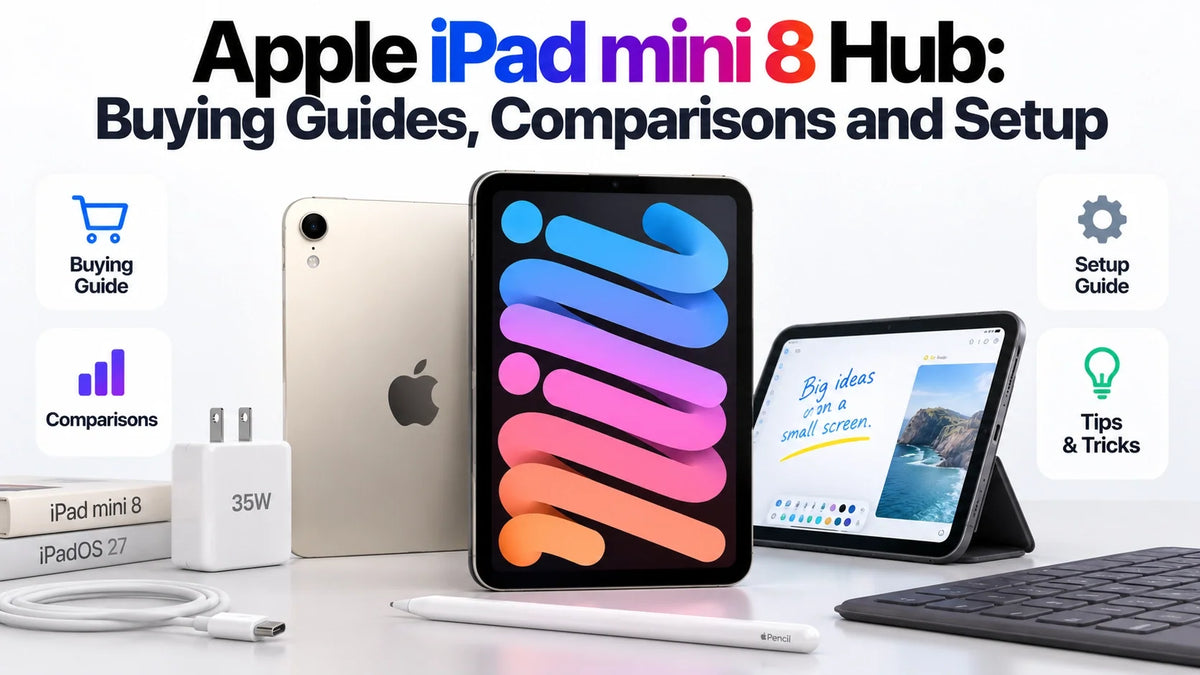
This Apple iPad mini 8 hub brings together ZEERA’s buying, comparison and setup guides for the 2026 iPad mini with A20 Pro.
Start with the launch overview or mini 7 comparison if you are deciding whether to buy. Then explore storage, nano-texture glass and the new audio design.
Preparing your setup? Find the guides to Apple Pencil, case compatibility, USB-C charging and external monitors below.
There is also a phone-and-tablet comparison for readers weighing iPad mini 8 against iPhone Duo. Choose the question closest to yours and open the detailed article.
Find your iPad mini 8 guide
Buying a compact iPad involves several separate decisions: whether to upgrade, which configuration to choose and which accessories to keep. We have grouped our latest articles around those decisions. Each card gives you the focus of the guide and who will find it most useful.
Buying, upgrades and storage
What is new with iPad mini 8?
Start with the launch overview for the A20 Pro chip, OLED display, design changes and US pricing. It also explains the missing 120Hz ProMotion feature, so you can judge the upgrade around the screen experience as well as the processor.
Best for: New buyers who want the essentials before choosing a configuration.
iPad mini 8 vs mini 7: should you upgrade?
Compare the two generations across display technology, body size, performance, cameras and everyday use. This is the next read if your current mini still works well and you want to know which changes would actually improve your reading, note-taking or travel routine.
Best for: Current mini 7 owners and shoppers comparing a discounted older model.
Read the full guide: iPad mini 8 vs mini 7: should you upgrade?
128GB, 256GB or 512GB: does performance change?
The storage decision also involves a different A20 Pro configuration. Our guide explains the CPU and Neural Engine differences, separates those changes from storage capacity itself, and weighs when paying for the top model makes sense.
Best for: Buyers balancing app storage, offline files and more demanding workloads.
Read the full guide: 128GB, 256GB or 512GB: does performance change?
Display, nano-texture and sound
Is nano-texture glass worth the extra cost?
Explore the trade-offs between glare control and the appearance of the image for reading, movies and bright surroundings. The guide also covers which storage tiers offer nano-texture, the total purchase cost, screen-protector considerations and how the surface differs from iPhone Duo’s matte display layer.
Best for: Readers choosing a screen finish before ordering.
Read the full guide: Is nano-texture glass worth the extra cost?
No speaker holes? How does Acoustic Display work?
The absence of familiar speaker grilles does not mean the tablet has no speakers. Read how the Acoustic Display design produces sound, why the enclosure matters for water resistance, and which sound-quality questions still need a direct listening comparison.
Best for: Anyone curious about the new audio design or watching movies on the mini.
Read the full guide: No speaker holes? How does Acoustic Display work?
Apple Pencil, cases and screen protectors
Which Apple Pencil should you use?
Check Apple Pencil Pro and USB-C compatibility before buying a stylus or replacing an older one. This guide explains the differences in pressure sensitivity, charging and drawing features, including why a Pencil that attaches magnetically is not automatically a compatible model.
Best for: Students, PDF readers, note-takers and artists.
Can you reuse a mini 7 case or screen protector?
A familiar product name is not enough to establish accessory fit. Our compatibility guide examines the changed dimensions and display, then explains what to check with molded cases, glass protectors and magnetic folios before moving an old accessory onto the new mini.
Best for: Upgraders trying to reuse accessories and buyers ordering protection in advance.
Read the full guide: Can you reuse a mini 7 case or screen protector?
USB-C charging and external monitors
20W vs 35W: do you need another charger?
Find out when a faster USB-C adapter is useful and when your existing charger is sufficient. The guide covers Apple’s fast-charge conditions, higher-wattage USB-C PD adapters and the shared-output issue that can reduce available power on a multiport charger.
Best for: Commuters, travelers and anyone planning short charging breaks.
Read the full guide: 20W vs 35W: do you need another charger?
Can iPad mini 8 extend to an external monitor?
Learn how an extended workspace differs from mirroring and app-specific video output. This guide covers the iPadOS 27.2 requirement, display connections and the checks to make before choosing a USB-C hub, adapter or monitor for a desk setup.
Best for: People who want more room for documents, reference material and windowed apps.
Read the full guide: Can iPad mini 8 extend to an external monitor?
iPad mini 8 or an iPhone Duo setup?
iPhone Duo or iPhone 18 Pro plus iPad mini 8?
Compare a foldable phone with a separate Pro iPhone and compact tablet. Our analysis weighs cameras, independent batteries, display use, multitasking and carrying two devices. It also compares the cost of the configurations discussed, so you can weigh hardware benefits against pocket convenience.
Best for: Buyers deciding between one folding device and a phone-and-tablet combination.
Read the full guide: iPhone Duo or iPhone 18 Pro plus iPad mini 8?
FAQ
Do these guides also apply to older iPad mini models?
Check the model named in each article before following compatibility or setup advice. A feature supported by the A20 Pro mini does not automatically apply to iPad mini 6 or mini 7; accessories and software requirements can differ.
Are the prices in these articles the same in every country?
US dollar prices describe the US configurations discussed in each guide. Local pricing, taxes, cellular plans and box contents can differ, so use the relevant regional listing when calculating your complete setup cost.
Last updated: October 27, 2026.






