
iPhone 17 and iPhone 17 Pro users upgrading to iOS 26.2.1 have reported a range of bugs and unexpected issues. While Apple officially claims that the update fixed emergency call problems and added support for AirTag 2, multiple users on tech forums are experiencing app crashes, battery drain, Liquid Glass UI lag, and other performance issues. This blog provides a comprehensive overview of reported problems, community feedback, and update considerations.

Common User-Reported Bugs
1. App Crashes and System Instability
-
Frequent app crashes and system freezes have been reported.
-
Some iPhone 17 devices experienced random reboots or sluggish performance post-update.
2026 Best MagSafe Case for iPhone 17 Pro Max


2. Battery Drain and Overheating
-
Users observed significant battery life reduction, sometimes losing hours compared to pre-update performance.
-
Devices may overheat during normal usage, including browsing and photography.
3. Face ID Issues
-
Slower Face ID recognition or complete failure in third-party apps.
-
Delays occur during unlocking and payment verification.
4. Liquid Glass UI Lag and Frame Drops
-
iOS 26 introduced the Liquid Glass design language, enhancing translucency and animations across the UI.
-
On iOS 26.2.1, some users report UI stuttering when unlocking or waking the device with high-resolution wallpapers.
5. AirTag 2 Support Conflicts
-
While iOS 26.2.1 adds AirTag 2 compatibility, some iPhone 17 users reported Precision Finding issues.
-
Problems include direction inaccuracies and connection delays during tracking.
6. Data and Function Anomalies
-
Safari tabs may disappear unexpectedly, including private tabs.
-
Apple Maps could lose saved locations.
-
Control Center buttons and HomeKit triggers may behave erratically or become unresponsive.
7. Storage and Connectivity Problems
-
Some devices report storage anomalies, with inaccurate peak usage.
-
Wi-Fi and Bluetooth connectivity issues, including random disconnections, were noted.
Community Feedback
User discussions on Reddit and other forums reveal additional issues:
-
UI lag, camera stutter, and rotation glitches.
-
Device random reboots, overheating, and delayed taskbar response.
-
The issues are not universal, but patterns emerge across multiple devices.
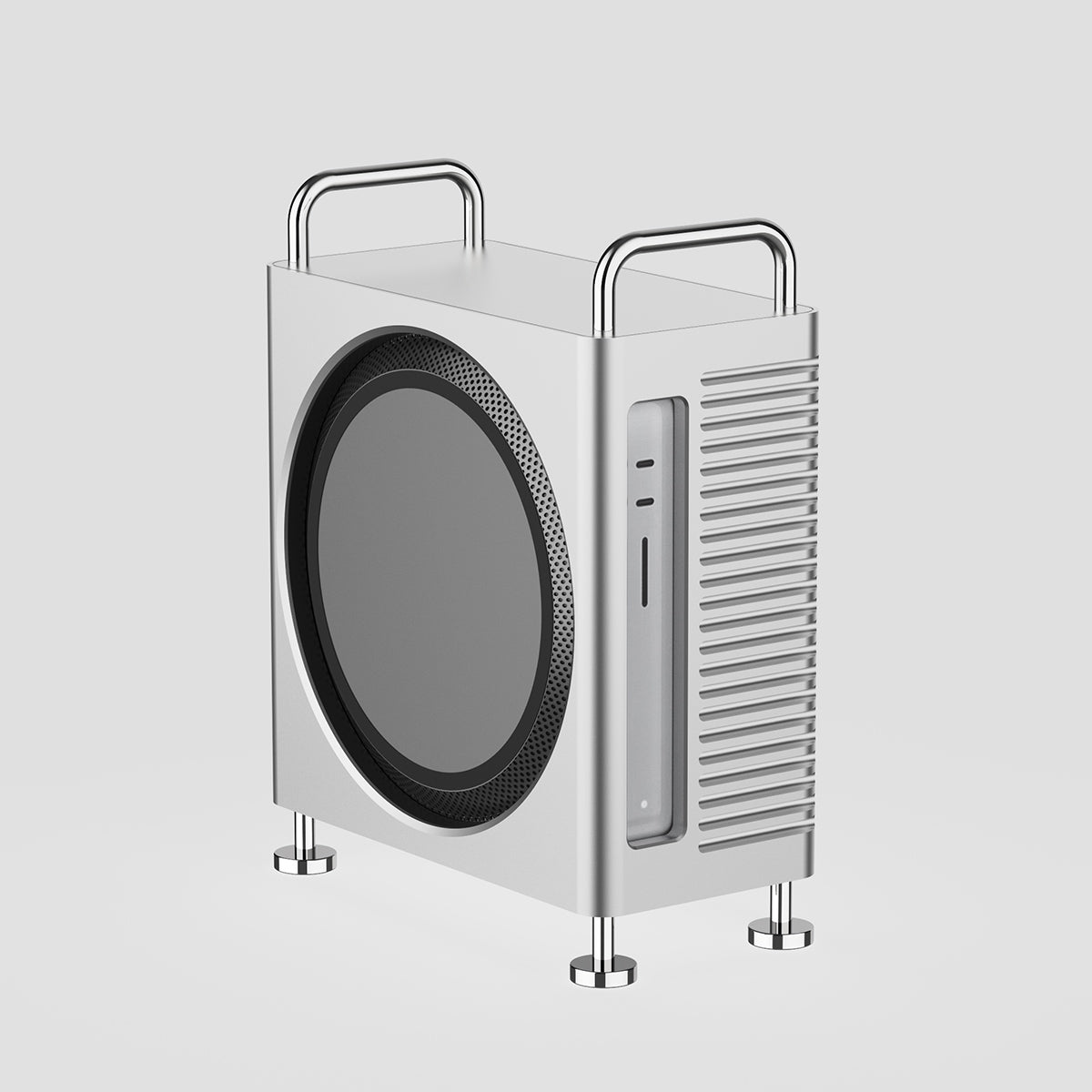
ZEERA MacForge Studio:CNC Aluminum Cooling Case for Mac Studio
CNC Aluminum Cooling Case for Mac Studio with Mac Pro Enclosure Design
Shop NowApple Closes iOS 26.2 Signing Window
Apple has officially stopped signing iOS 26.2 as of February 3, 2026. This means that once users upgrade their devices to iOS 26.2.1, there is no way to downgrade to the previous version through conventional methods. For users experiencing bugs or performance issues after the update, this makes the decision to update particularly critical, as reverting to a more stable version is no longer an option.
Conclusion
Although iOS 26.2.1 brings important security and feature updates, it is not fully stable for all iPhone 17 users. Commonly reported issues include app crashes, battery drain, Face ID delays, and connectivity problems. Users should carefully consider whether to update immediately or wait for future patches









