
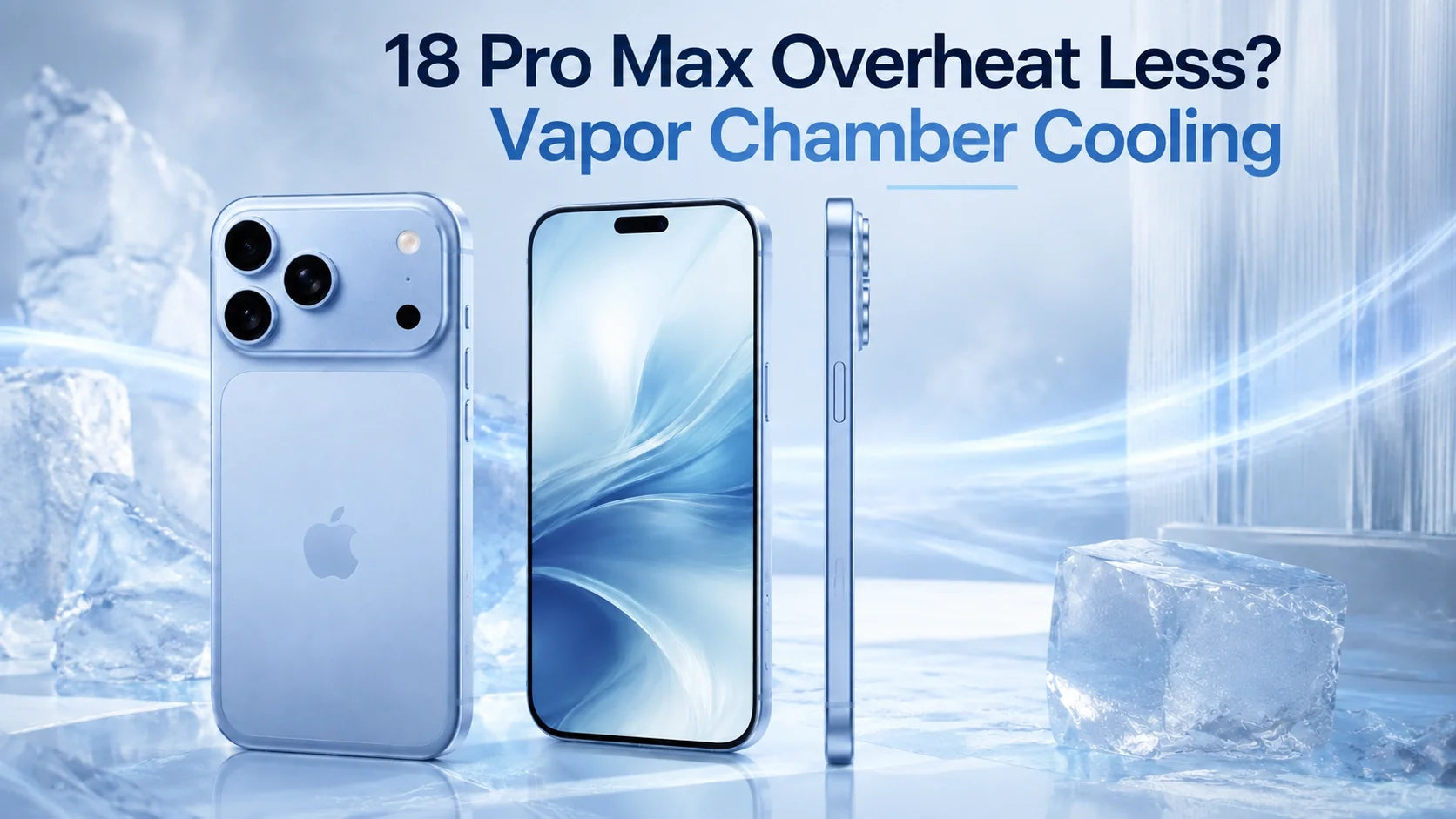
Updated September 6, 2026: This article reflects the latest pre-launch reports. Apple has not officially confirmed the iPhone 18 Pro Max thermal specifications.
The iPhone 18 Pro Max is expected to overheat less and could become the best-cooled iPhone yet. Its rumored A20 Pro chip, new WMCM packaging, vapor chamber and aluminum heat-spreading structure should move heat away from the processor more effectively.
That does not mean it will never get hot. Wireless charging, gaming, 4K video, first-day data transfer, GPS navigation, Wireless CarPlay and direct sunlight can still create more heat than the phone can immediately remove.
For demanding charging conditions, the ZEERA SuVolt Gen5 active-cooling car charger is designed for driving, while the ZEERA MagTri Gen2 active-cooling travel charger is better suited to travel, desks and bedside charging.
Will the iPhone 18 Pro Max Have Better Cooling?
Based on the latest reports, yes. The iPhone 18 Pro Max is expected to combine several thermal improvements instead of relying on a single cooling component.
The biggest change may be deeper than the vapor chamber. A leaked motherboard image suggests the A20 Pro will use a new package layout in which the processor and memory are no longer stacked directly on top of each other.
This matters because a faster chip can generate heat efficiently, but the phone still needs a clear path for transferring that heat away from the processor, memory and battery.
How Will the A20 Pro, WMCM and Vapor Chamber Work Together?
TSMC’s expected 2nm process should improve performance per watt. The chip may complete the same task using less energy, which can reduce the amount of heat produced.
The rumored WMCM design moves DRAM away from directly above the processor, reducing heat concentration and thermal coupling during sustained workloads.
A vapor chamber spreads concentrated heat from the chip across a larger internal area instead of allowing one small section to become excessively hot.
Aluminum conducts heat more effectively than titanium. It can work with the vapor chamber to move heat through the chassis and away from the A20 Pro.
What does “the memory is no longer stacked” actually mean?
Older package-on-package designs place DRAM directly above the application processor. This saves space, but it also places two heat-producing components in the same vertical area.
In the alleged A20 Pro layout, the DRAM sits beside the processor within the broader WMCM package. The components remain tightly integrated, but they are not vertically sandwiched together.
This should give heat a less congested path out of the chip package and may help the iPhone maintain gaming, camera and AI performance for longer before thermal throttling begins.
What does the vapor chamber do?
A vapor chamber is a thin, sealed heat spreader containing a small amount of fluid. Heat causes the fluid to evaporate, move across the chamber and condense in a cooler area.
The cycle distributes heat over a much larger surface. Instead of cooling the phone like a fan or air conditioner, it prevents heat from remaining concentrated around the A20 Pro.
Why does the aluminum body matter?
The vapor chamber needs somewhere to send the heat it collects. An aluminum structure can act as a larger passive heat spreader, helping distribute that energy across the body.
Apple already uses the vapor chamber and aluminum structure together in the iPhone 17 Pro series. If the iPhone 18 Pro Max retains this system and adds the more efficient A20 Pro package, it could offer Apple’s strongest iPhone thermal design so far.
Why Could the iPhone 18 Pro Max Still Get Hot?
No passive smartphone cooling system can eliminate heat. It can only move heat more efficiently and delay the point at which performance or charging must be reduced.
Several everyday situations can generate heat from the processor, display, modem and battery at the same time.
| Situation | Why Heat Builds Up | What You May Notice |
|---|---|---|
| First-day setup | Data transfer, photo indexing, app downloads and background syncing run together. | The phone feels warm and battery drains faster temporarily. |
| Gaming | The CPU, GPU, display and network connection remain under sustained load. | Warm chassis, reduced frame rate or lower brightness. |
| 4K video recording | The camera sensor, image processor, storage and display operate continuously. | Heat around the camera area and possible feature limits. |
| Wireless charging | Energy is lost as heat during power transfer, especially when alignment is poor. | Slower charging or Charging On Hold. |
| Navigation and Wireless CarPlay | GPS, cellular data, the display and wireless charging can run simultaneously. | The battery may charge slowly or continue losing power. |
| Hot cars and direct sunlight | High ambient temperature leaves the phone with little ability to release internal heat. | Dimmed display, paused charging or a temperature warning. |
Apple states that an iPhone can warm up during first-time setup, backup restoration, wireless charging, gaming, camera use and high-quality video streaming. These conditions are normal unless the phone displays a temperature warning.
Does Better iPhone Cooling Protect Battery Health?
Better thermal management can reduce unnecessary heat exposure, but it cannot stop normal battery aging. Every lithium-ion battery gradually loses capacity through time, charging cycles and chemical wear.
Temperature is one of the variables users can influence. Apple warns that using or charging an iPhone in ambient temperatures above 35°C or 95°F can permanently reduce battery lifespan.
Heat during charging is especially important because the battery is already warming as it accepts energy. If wireless charging heat is combined with gaming, video calls, navigation or a hot room, the phone may reduce charging power to protect itself.
This is why starting with a cooler charging routine from the first day makes more sense than waiting until battery health has already declined. Active cooling cannot guarantee a specific battery-health percentage, but it can help reduce one avoidable source of long-term stress.
How Can You Keep the iPhone 18 Pro Max Cooler From Day One?
- Expect extra warmth during initial setup. Allow photo indexing, app downloads and cloud syncing to finish before judging normal battery life or temperature.
- Avoid charging in direct sunlight. In a car, position the phone away from the windshield when possible and never leave it inside a parked vehicle.
- Use active cooling for demanding wireless charging. It is most useful when the phone is charging while navigation, CarPlay, video or other high-load features are active.
- Keep the charging coils properly aligned. Poor magnetic alignment wastes more energy as heat and may reduce charging speed.
- Choose a compatible case. Very thick cases or cases with poorly positioned magnetic rings can trap heat and interfere with charging alignment.
- Do not cover the phone while charging. Avoid placing it under pillows, blankets or other materials that block heat dissipation.
- Use Charge Limit or Optimized Battery Charging. Apple’s charging controls can reduce the time the battery spends fully charged, especially when the phone remains plugged in overnight.
- Respond to Charging On Hold. Move the phone away from heat, stop demanding apps and let it cool naturally before continuing.
Will the iPhone 18 Pro Max Be the Best-Cooled iPhone?
It has a strong chance. The expected combination of a more efficient 2nm A20 Pro, side-by-side processor and memory layout, vapor chamber cooling and an aluminum heat-spreading structure addresses heat at several levels.
The A20 Pro may generate less heat for the same amount of work. The new package layout should make that heat easier to remove. The vapor chamber can spread it, and the aluminum body can transfer it across a larger surface.
That is a more complete thermal path than simply adding a faster chip or a larger piece of graphite.
However, the iPhone 18 Pro Max will still get warm when its performance, cameras, modem and battery are pushed together. Better internal cooling improves thermal headroom; it does not change the temperature of a sun-heated car or eliminate heat created by wireless power transfer.
iPhone 18 Pro Max Overheating FAQ
Does the iPhone 18 Pro Max have a vapor chamber?
It is widely expected to retain the vapor chamber cooling introduced with the iPhone 17 Pro series. Apple has not officially confirmed the final iPhone 18 Pro Max hardware yet.
Will the A20 Pro run cooler than the A19 Pro?
It should be more efficient because of its expected 2nm process and WMCM packaging. Real temperature differences will depend on performance targets, software and the task being performed.
Why does my iPhone get hot during wireless charging?
Wireless power transfer is not perfectly efficient, so some energy becomes heat. Poor coil alignment, a thick case, high charging power and using demanding apps can increase that heat.
Can the iPhone 18 Pro Max overheat while using CarPlay?
Yes. Wireless CarPlay, GPS navigation, cellular data, a bright display, wireless charging and direct sunlight can combine to create a demanding thermal workload.
Does active cooling make an iPhone charge faster?
Active cooling does not increase the iPhone’s maximum supported charging rate. It can create better conditions for maintaining charging performance by reducing heat-related slowdowns.
Can active cooling improve iPhone battery health?
It cannot stop normal battery aging or guarantee a battery-health result. It may help reduce avoidable heat exposure during charging, which is one factor that affects long-term battery lifespan.
Should I worry if my new iPhone 18 Pro Max feels warm?
Mild warmth can be normal during setup, data transfer, software updates, gaming, camera use and fast charging. Stop charging and move the phone to a cooler location if you see a temperature warning or Charging On Hold message.
Sources and reporting:
- MacRumors: Alleged A20 Pro motherboard and WMCM package layout
- Apple: Vapor chamber and aluminum thermal design in iPhone 17 Pro
- Apple Support: iPhone operating temperatures and heat management
- Apple: Maximizing battery performance and avoiding excessive heat
Product specifications and iPhone 18 Pro Max compatibility are subject to final device certification, supported software and Apple’s official launch details.






