Quick Answer
An unfolded iPhone Duo can rotate or sag on a MagSafe car mount because opening it shifts the phone’s center of mass relative to the magnetic attachment point. Look for the first part that moves. The phone can turn or slide across the magnetic face, the charger head can droop at the ball joint, or the base can shift against the vent or dashboard.
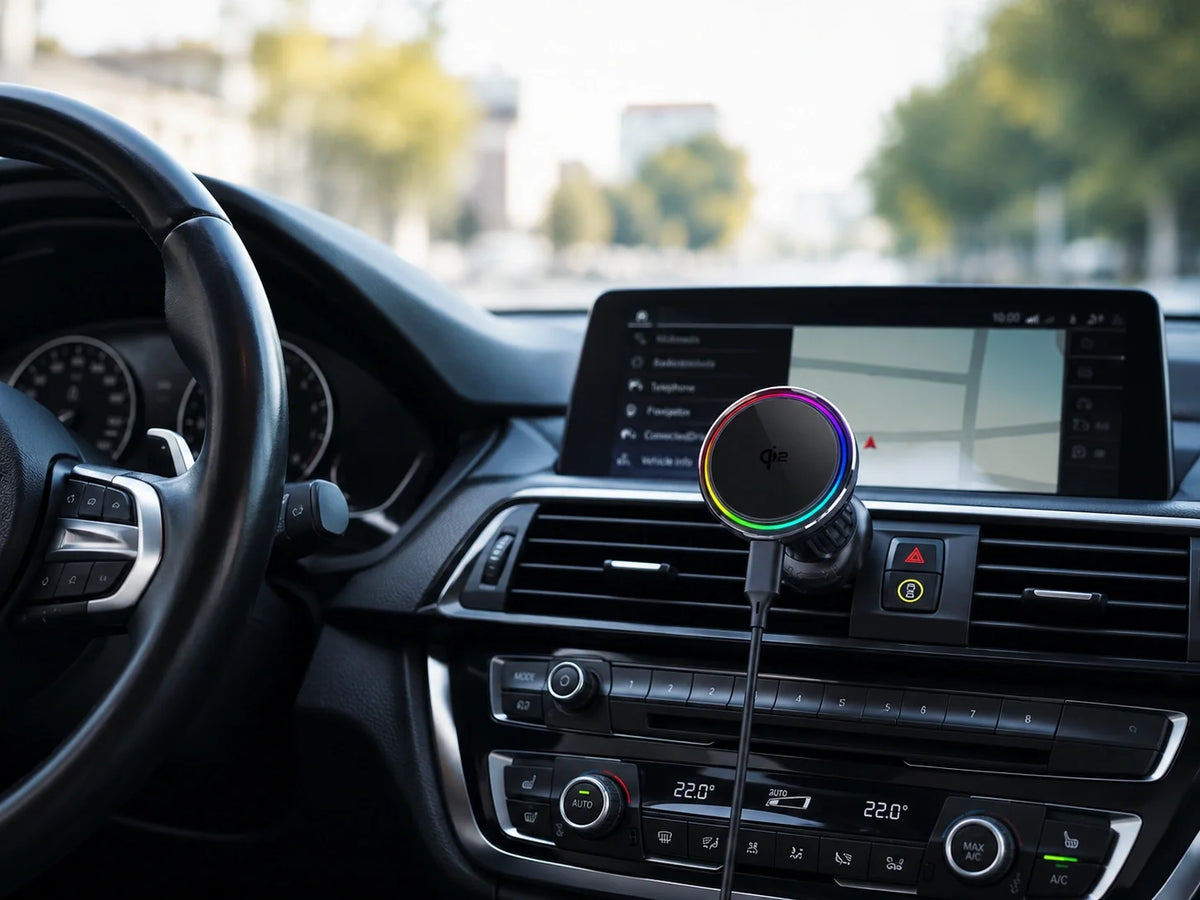
ZEERA SuVolt Gen5 supports folded portrait, folded landscape and unfolded portrait. Unfolded landscape falls outside SuVolt Gen5’s supported positions. Compare the supported positions while parked and check that the phone clears the surrounding trim.
Why the iPhone Duo tilts when you open it
Opening the Duo shifts some of its mass away from the rear magnetic ring. When gravity acts farther to one side of that ring, it has more leverage to turn the phone. The same shift can also change the load on the ball joint and base. That’s how a phone can stay attached while one corner slowly sinks. OpenStax explains torque and lever arms.
In a November 21 Reddit thread, the owner said the open Duo was lightly resting against nearby trim just to the right of its USB-C port. A commenter said their Duo held in landscape on a cup-holder mount but tilted on their other mount. Trim can carry part of the load, and switching mounts changes several variables at once. Neither observation pinpoints a failing part. Read the r/iPhoneDuo discussion.
Check which part of the mount moves first
Phone turns on the magnetic face
The phone changes angle or slides down while the charger head stays put. Seat the case squarely against the pad. Check for a raised camera rim, a protruding stand or a detachable accessory that keeps the surfaces apart.
Ball joint droops
The phone and charging head tip together while the arm and base stay fixed. Remove the phone and reseat or tighten the joint collar according to the mount’s instructions. Check whether the same angle still creeps.
Base or vent slat shifts
The arm moves with the base, a vent slat flexes, or the edge of a dash pad starts to lift. Recheck the vehicle attachment. If it still moves after correct installation, choose a compatible mounting location.

How to film a useful parked comparison
Use the same car, case, mount position and head tilt for each supported position. Keep a fixed piece of trim in the shot for reference and leave a visible gap around the phone. Frame the phone edge and charger head from the front, then film from the side with the ball joint and base visible. Take the phone off the mount before opening it.
- Folded baseline. Film portrait first, then landscape. Use the same observation time for both and watch for any change from the starting angle.
- Unfolded portrait. Reattach the open phone in portrait and repeat the two angles. Watch whether the phone, head or base moves first.
- Unfolded landscape. For a side-by-side on SuVolt Gen5, support the phone by hand and film the extra width and clearance while parked. For a hands-free comparison, use a mount whose manufacturer supports unfolded landscape and identify it on camera.
If something moves, record the first point of movement and whether the phone touches the dash. Change one thing before repeating the shot, such as the case, joint tension or base fit. If any part still shifts in a supported position, correct the setup before driving. Set navigation and adjust the mount while parked. NHTSA guidance on driving distractions.
Which iPhone Duo positions does SuVolt Gen5 support?
Folded portrait and landscape
Supported. The Duo uses its outer screen in either orientation. Check the case’s contact with the charging face and leave room around the controls.
Unfolded portrait
Supported. Check clearance around the full inner display and confirm the head and base hold their angles.
Unfolded landscape
Outside the supported positions. For an open, sideways Duo, choose a holder that explicitly supports that configuration.
The positions refer to how the phone is physically mounted. For case clearance and vent-fit details, see ZEERA’s unfolded iPhone Duo mounting guide. For mounting hardware and charging options, see the iPhone Duo car charger buying guide.
Related Reading
Frequently Asked Questions
Can my iPhone Duo keep charging while it starts to tilt?
Yes. The charging coils can remain close enough to transfer power while the phone pivots on the pad or the entire head slowly drops. Watch the hardware for movement even when the charging indicator stays on.
Why does it only rotate with my case on?
The case changes the contact surface, the spacing at the magnetic ring and sometimes the phone’s clearance. Compare the same supported position with and without the case while parked. Start by removing any detachable ring or wallet so the back can sit flat.
Would a suction base fix sagging on a vent mount?
It can help if the vent slat or clip is the part moving and the suction mount is compatible with your vehicle. If the phone is turning against the magnetic face or the head is slipping at the joint, address that contact point first.