
Quick Answer
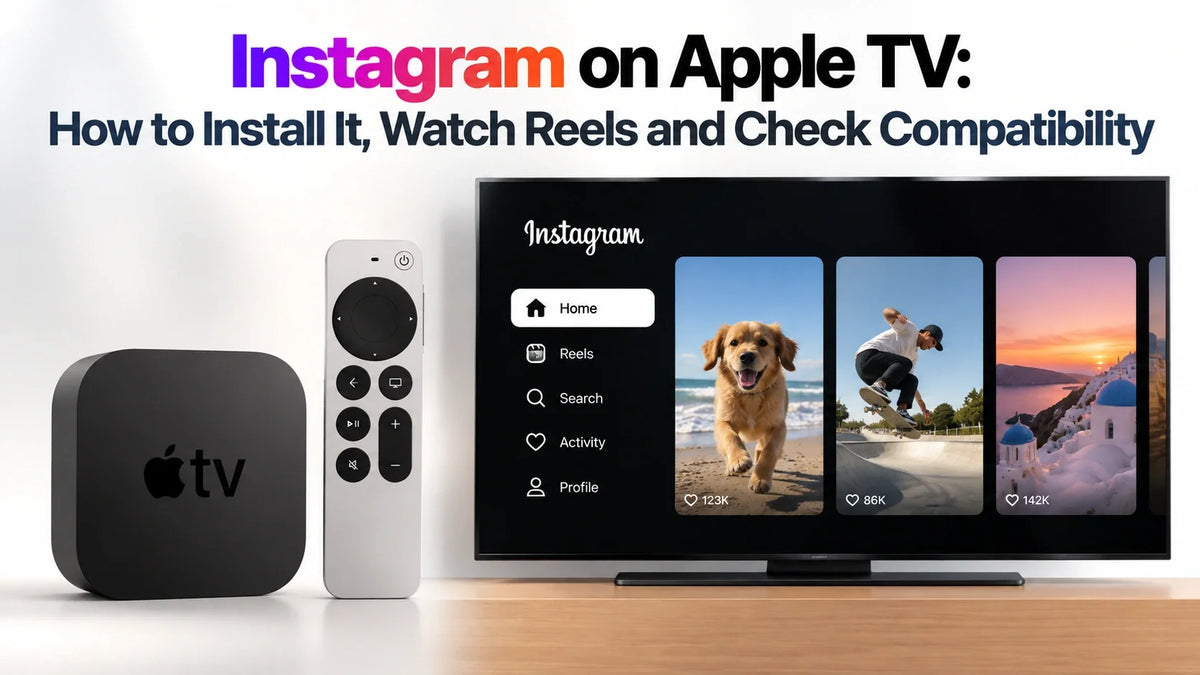
Instagram now has a native Apple TV app for Reels, longer videos and live shows.
Install it from the App Store on your Apple TV, then sign in.
The listed minimum requirement is tvOS 26.0 or later.
Check your device, software and local App Store if it does not appear.
Where Do You Install Instagram on Apple TV?
Use the App Store on the Apple TV box connected to your television. The Apple TV application on a smart TV is a separate app; opening it does not give you access to the tvOS App Store.
This is an on-device installation. You can browse and play videos without starting an iPhone screen-mirroring session. Other Apple home screens have different app rules, as explained in our HomeView app compatibility guide.
Check Apple TV Compatibility and Update tvOS
Start with Settings > General > About to identify your device and software version. If the model name is unclear, use Apple’s model identification guide.
| Your setup | What to check |
|---|---|
| Apple TV 4K or Apple TV HD | It has an App Store. Confirm tvOS 26.0 or later and the Instagram listing’s compatibility on the device. |
| Apple TV with older tvOS | Install an available software update before downloading Instagram. |
| Apple TV (3rd generation or earlier) | No tvOS App Store for installing Instagram. |
| Smart TV with only the Apple TV app | Use the television’s own app store to check for a separate compatible Instagram app. |
To update, go to Settings > System > Software Updates > Update Software. Choose Download and Install if offered, and keep the box powered and connected until it finishes. These are Apple’s update steps.
Instagram’s requirement is separate from Siri AI compatibility; use the app’s own requirement when checking whether you can install it.
How to Download Instagram and Sign In
- Open App Store from the Apple TV Home Screen.
- Search for Instagram. Choose the official app from Instagram, Inc.
- Select Get. Approve the download if prompted. If you see Open, it is already installed.
- Launch Instagram. Follow the sign-in instructions shown on your television using your Instagram account.
- Complete any requested account verification. Keep your phone nearby in case you need to approve the login or retrieve a verification code.
The download is free. You can check the official Instagram Apple TV listing on another device, but complete the installation on the television. Apple also provides a guide to downloading tvOS apps.
If sign-in fails, first check whether the same account works in Instagram on your phone. Resolve any password or verification request there, then try the TV login again.
How to Watch Reels, Longer Videos and Live Shows
After signing in, use your remote to browse the available videos, highlight a thumbnail and select it to begin watching. Use the playback controls shown in the app to pause or move through content.
Reels: Short creator videos for quick viewing on the big screen.
Longer videos and shows: A way to watch creator content that runs beyond a short clip.
Live shows: Live viewing when a creator’s broadcast is available.
Continue across screens: The TV listing also advertises resuming viewing across devices.
Meta’s Instagram for TV introduction describes interest-based channels and automatic playback with sound. Browse the channels available in your app to find a topic or creator you want to watch.
Phone-to-TV casting is a separate feature. Meta’s June TV update specifically named Google TV and Fire TV for Reels casting at that time. Installing the Apple TV app does not by itself confirm the same casting option on tvOS.
Instagram Not Showing Up or Not Playing? Try These Checks
- No App Store: Confirm you are using the Apple TV device’s Home Screen, rather than the Apple TV app inside another television interface.
- Instagram is missing: Check the software requirement and your local storefront. Availability and features can vary by country or region; an iPhone listing alone does not establish TV availability.
- Download is blocked: Check available storage and app restrictions. The US listing carries a 13+ age rating.
- Videos buffer or stay blank: Try another streaming app on the same box. If both fail, check the network first. If only Instagram fails, restart the app, check for updates and retry.
If the native app is unavailable, you can try iPhone screen mirroring: connect both devices to the same Wi-Fi, open Control Center, select Screen Mirroring, choose the television or Apple TV, and open Instagram. Enter the AirPlay code if requested. Some apps can restrict video output; this is a fallback, not a guarantee of identical playback. See Apple’s AirPlay instructions.
FAQ
Can I use my iPhone instead of the physical Apple TV remote?
Yes. Open Control Center, tap Apple TV Remote, select your box and enter the pairing code if asked. Keep both devices on the same Wi-Fi. This controls the Apple TV interface; it is separate from Instagram’s own casting features. Apple’s setup guide explains how to add the Remote control if it is missing.
Does TV viewing count toward an Instagram Teen Account’s time limit?
Meta says Instagram for TV usage contributes to a Teen Account’s limit alongside mobile usage. Reminders and Sleep mode can therefore affect a TV session too.
Related Guides
- Siri AI Compatibility on Older Apple TV 4K Models
- Apple TV Audio Passthrough: TrueHD, DTS and Plex
- HomeView Apps and App Store Limits
- HomePod mini 2: Spotify, AirPlay and Siri
- HomePod mini 2 and Original mini: Stereo and Multiroom
- Set Up Apple TV Remote on iPhone
Updated October 26, 2026 · Guichang Chen · ZEERA WIRELESS






