Apple has quietly rolled out iOS 26.3.1 and iPadOS 26.3.1 to iPhones and iPads worldwide, bringing essential compatibility improvements, bug fixes, and expanded support for the newly announced 2026 Apple Studio Display series. While this point release doesn’t introduce headline‑grabbing features, it plays a crucial role in enhancing external display support — especially for users connecting their mobile devices to Apple’s latest high‑end screens.
In this article, we’ll break down what’s new, why it matters, and how it affects modern Apple devices.

Why This Update Matters: 2026 Studio Display Compatibility
One of the most notable aspects of this release is expanded support for Apple’s 2026 Studio Display lineup — including the standard Studio Display and the higher‑end Studio Display XDR.
Before iOS/iPadOS 26.3.1, external display support from iPhones and iPads was limited and not fully optimized for these advanced Apple displays. With this update:
-
iPhones and iPads required updated system software to properly connect with the new Studio Display models.
-
Connectivity over USB‑C or Thunderbolt is now more stable and capable of higher‑quality output.
-
Devices running the latest iOS/iPadOS can better handle external display features like up‑to‑date color profiles and supported refresh rates, depending on the device’s hardware capabilities.
In short, this release closes the software gap between Apple’s mobile platforms and the latest Studio Display hardware.

iOS & iPadOS 26.3.1 Features: What’s New and Improved
While Apple does not publish a detailed changelog for every minor version, here’s what users can expect from iOS 26.3.1 and iPadOS 26.3.1:
Improved External Display Support
-
More reliable connectivity with 2026 Studio Display units.
-
Enhanced handling of display protocols on compatible iPhones and iPads.
-
Better overall performance when streaming or mirroring content to connected displays.
These improvements make it easier for mobile users to extend their screens for productivity, media, presentations, and more.
Bug Fixes and Stability Enhancements
-
Background system fixes that make everyday use smoother.
-
Compatiblity improvements with certain peripherals and accessories.
-
Addresses smaller issues that were reported by users after iOS 26.3.
Although Apple hasn’t publicly listed specific security patches in this release, updating to the latest version is generally recommended to maintain optimal device performance and security.
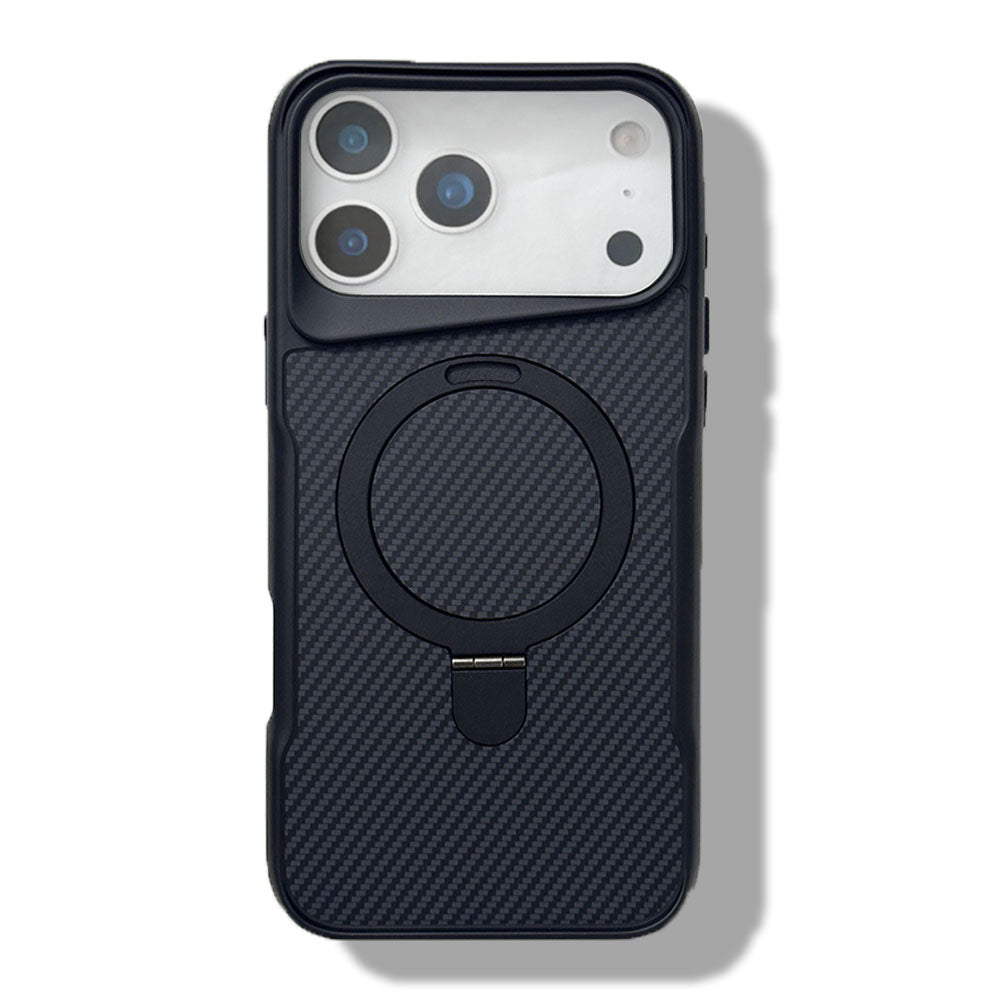
2026 Best MagSafe Case for iPhone 17 Pro Max


Device Compatibility
The update is compatible with all Apple devices that support iOS 26 and iPadOS 26, which generally includes:
-
Recent iPhone models with USB‑C (or supported adapters)
-
iPad Pro, iPad Air, and select iPad models capable of external display output
To benefit from expanded Studio Display support, your device must be running iOS/iPadOS 26.3.1 or later.
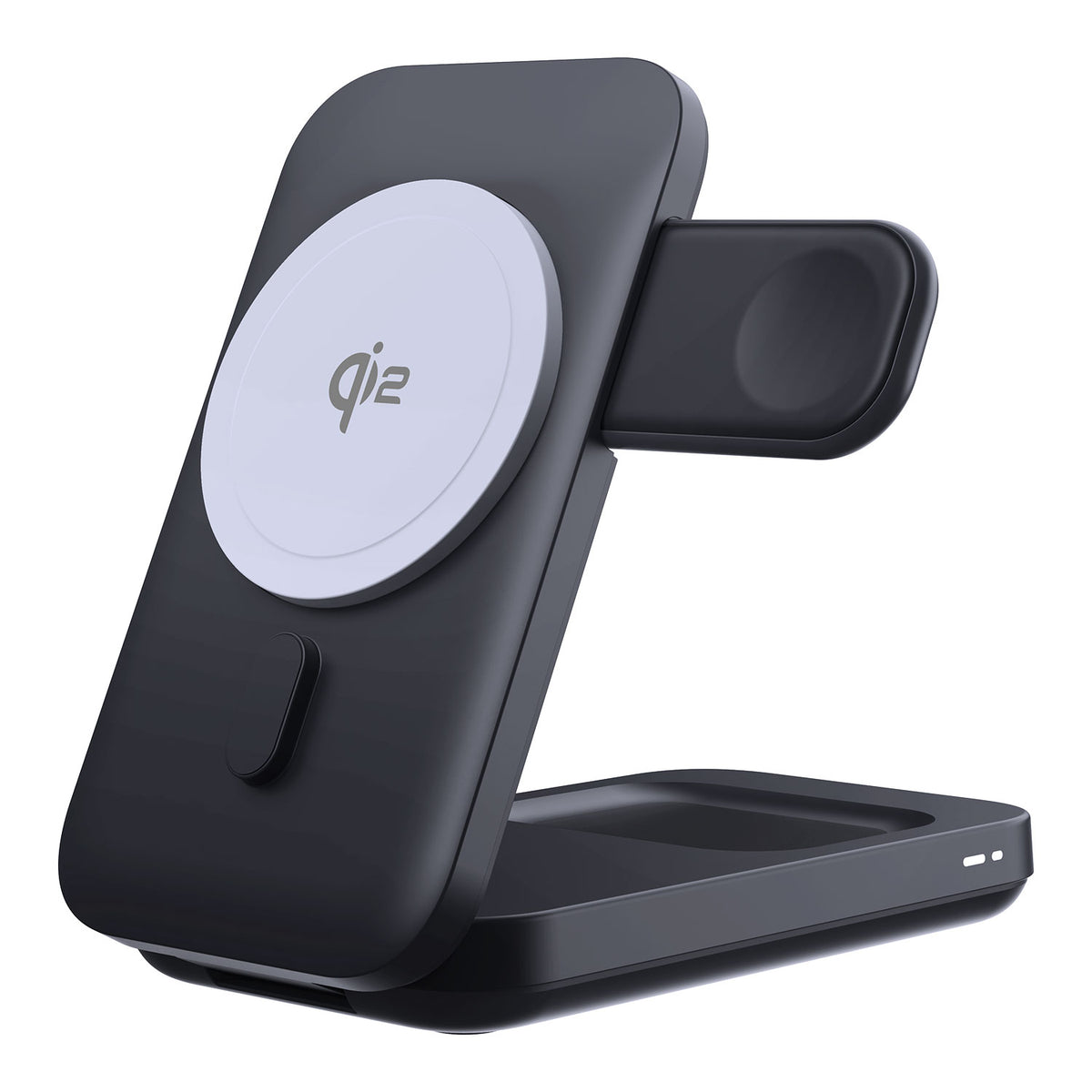
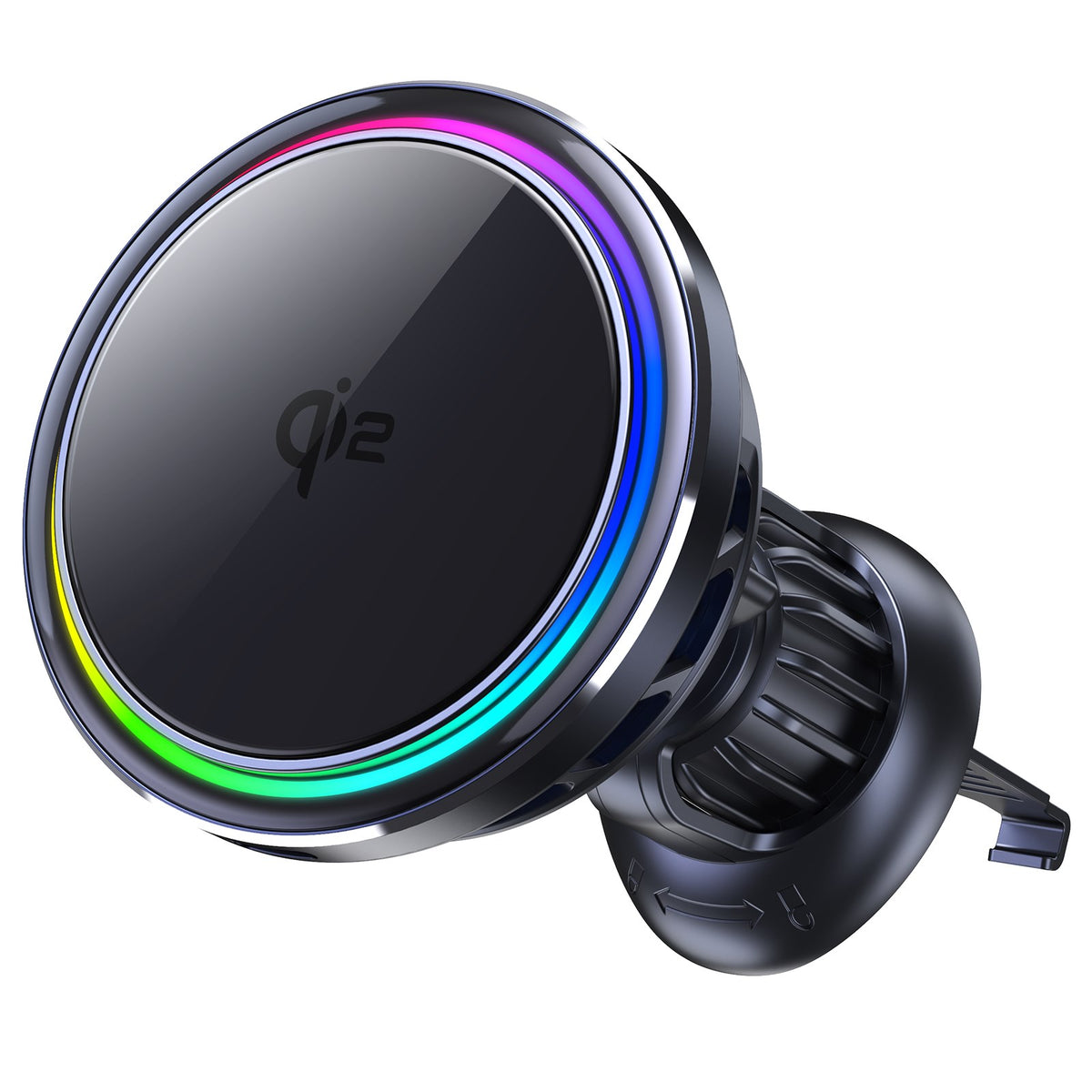
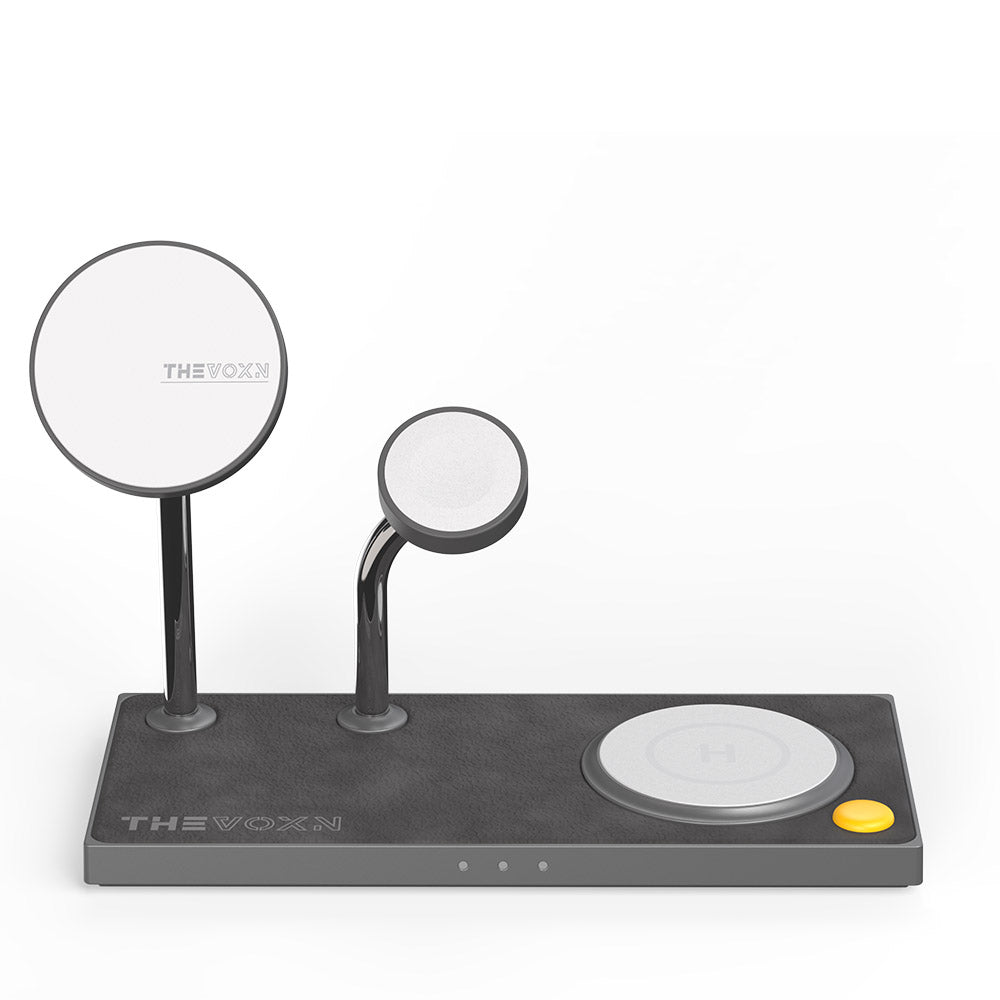
2026 Best MagSafe Chargers for iPhone 17 Pro Max
Final Thoughts
Although iOS & iPadOS 26.3.1 may look like a modest update on the surface, its expanded support for Apple’s 2026 Studio Display lineup gives it real practical value — especially for users who use iPhones and iPads as part of a desktop‑style setup.
If you own or plan to use one of the new Studio Displays with a mobile Apple device, updating to the latest operating system version is essential.