
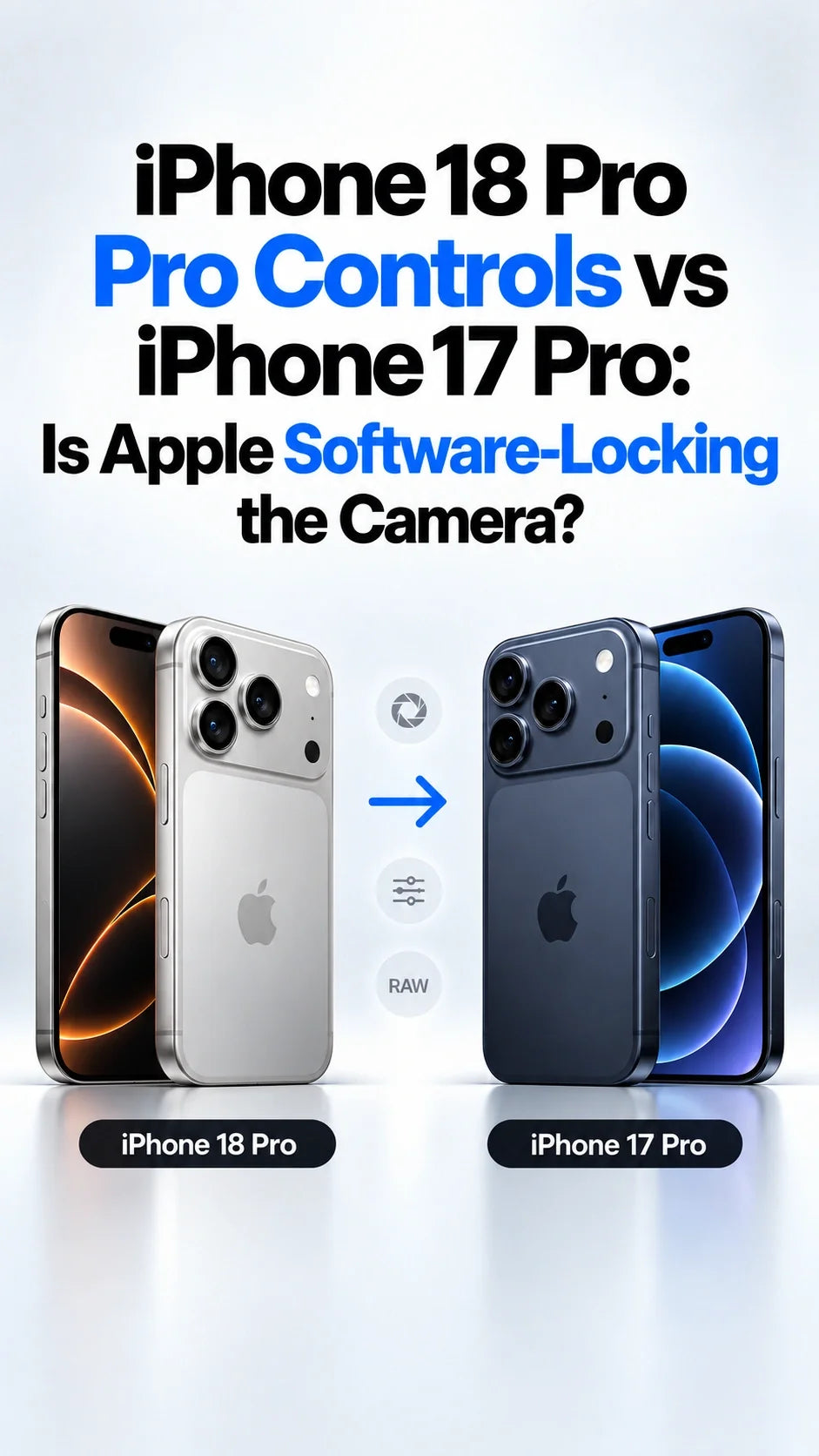
Quick Answer
Apple's Camera app offers its new Pro Controls on iPhone 18 Pro and 18 Pro Max, but not iPhone 17 Pro.
The 17 Pro can already use third-party apps for several manual camera adjustments. That is why owners question the software restriction.
The 18 Pro's four physical aperture settings require its new lens hardware; an app cannot add that mechanism to the 17 Pro.
Apple has not publicly established that every other part of its stock Camera experience can—or cannot—run on the older phone. “Deliberate software lock” remains an inference, not a proven motive.
Updated September 29, 2026. The debate is really about two different things: what the cameras can physically do and which controls Apple chooses to build into its own app. Conflating them makes the argument sound simpler than it is.
What Pro Controls are exclusive to iPhone 18 Pro?
Apple's iPhone user guide names manual lens aperture, shutter speed and white balance, plus a live histogram, for iPhone 18 Pro models. It says those settings can be accessed from Camera Controls and added above the viewfinder. The manual aperture, shutter speed and white balance controls apply across Photo, Video, Cinematic, Slo-mo and Time-Lapse modes where supported.
Apple also documents a manual focus-distance slider, camera selection and focus peaking outlines on iPhone 18 Pro models. Its separate focus guide notes that the Focus tool is not available in every mode. Do not confuse that slider with the tap-to-focus and AE/AF Lock controls available on older iPhones.
Clearly tied to new hardware
The 18 Pro Main camera physically switches among ƒ/1.48, ƒ/1.8, ƒ/2.8 and ƒ/4. The iPhone 17 Pro Main camera has a fixed ƒ/1.78 aperture. No iOS update or third-party app can reproduce four real lens openings on the 17 Pro.
The disputed part
Manual shutter speed, white balance, focus adjustment and a histogram are software-facing tools whose underlying capabilities overlap with existing camera APIs. The exact stock Camera app workflow and image-processing integration are separate questions.
Can iPhone 17 Pro already shoot with manual controls?
Yes, to an extent. Apple provides camera developers with controls for focus, exposure and white balance through AVFoundation. Third-party camera apps use those controls to offer manual shooting on supported iPhones. This means a 17 Pro owner does not have to upgrade solely to set focus or exposure manually in some app. Apple's developer documentation describes the configurable hardware properties; the ranges and behavior depend on the device, capture format and app.
But a third-party slider is not a guarantee of identical results. Apple's stock Camera app can combine its user interface with its own automatic lens switching, HDR, Night mode, Photographic Styles and video workflows. A fair comparison tests the same camera, format, mode and lighting rather than assuming every “manual” label means the same processing path.
Is this a software lock or a hardware limit?
Both explanations apply to different features. Aperture selection is a hardware limit for the 17 Pro. The presence of manual exposure and focus functions in third-party apps makes the absence of comparable controls in Apple's own 17 Pro Camera app a reasonable product-policy question. It does not reveal Apple's internal engineering decision or prove that the complete 18 Pro implementation can simply be switched on.
What is confirmed
Apple documents the new advanced Camera tools for 18 Pro models. Its 17 Pro specifications list a fixed ƒ/1.78 Main lens, while the 18 Pro specifications list four physical aperture values. Third-party APIs expose several manual camera properties.
What remains unconfirmed
Apple has not provided a feature-by-feature technical explanation for withholding the new stock Camera interface from 17 Pro, nor announced an iOS 27 update that will add it. Claims that the entire feature is “just a toggle” or “impossible on A19 Pro” go beyond the public evidence.
The distinction matters most when you see an edited iPhone 18 Pro image showing newer Photographic Styles controls in Photos on an older device. Reddit users have reported this behavior, but editing a file produced on an 18 Pro does not demonstrate that a 17 Pro can capture an equivalent file with the same live processing. It is a useful observation, not proof of identical capture support. See the firsthand Reddit report.
Should iPhone 17 Pro owners upgrade for Pro Controls?
For most people, the controls alone are a weak reason to upgrade. First try a reputable manual camera app and check whether you actually use manual focus, shutter speed and white balance after the novelty wears off. If you usually shoot in Auto, the stock app difference may barely affect your photos. Our camera settings guide starts with the simpler settings that matter most.
Keep the 17 Pro
You want manual exposure or focus occasionally and are comfortable opening a separate app. You do not specifically need a physical variable aperture or the integrated Apple Camera workflow.
Consider the 18 Pro
You repeatedly need the physical aperture choices, want Apple’s controls directly in its Camera app, and value the 18 Pro’s broader camera changes enough to justify the full upgrade cost. Test your own shooting scenes before deciding.
ZEERA's real-world variable-aperture test also illustrates why manual control is not automatically a better photo: a narrower opening can improve depth of field while costing light. Choose the tool for a specific scene, not merely because the control is available.
What can 17 Pro users do now?
- Use the stock Camera app's tap-to-focus, exposure compensation and AE/AF Lock for quick adjustments.
- Try a manual camera app for focus distance, shutter speed, ISO or white balance, and confirm the feature works in the specific photo or video mode you use.
- Compare identical scenes at the same lens and output format. Check motion blur, highlight retention and whether HDR or Night mode behavior changes.
- Watch Apple's release notes for any 17 Pro feature expansion. Do not install an unofficial profile promising to “unlock” 18 Pro camera hardware.
FAQ
Will iOS 27 bring Pro Controls to iPhone 17 Pro?
Apple has not announced that. The public iPhone guide currently labels the advanced tools as iPhone 18 Pro features. A future change is possible, but there is no confirmed date or commitment.
Can Halide or another app add ƒ/2.8 or ƒ/4 to 17 Pro?
No. An app may simulate shallow background blur or alter exposure, but it cannot create a physical aperture mechanism inside a fixed-aperture lens.
Is manual focus part of the new 18 Pro experience?
Yes. Apple separately documents a focus-distance slider with in-focus outlines for iPhone 18 Pro models; availability varies by camera mode. Older phones still offer tap-to-focus and AE/AF Lock.
Are Photographic Styles 3 and Pro Controls the same feature?
No. Styles affect the photo’s look, while Pro Controls adjust capture settings and show exposure information. An older device editing a newer photo does not establish equivalent capture support.
Related ZEERA guides
- iPhone 18 Pro Max Variable Aperture: Real-World Test
- Which Aperture Should You Use on iPhone 18 Pro Max?
- iPhone 18 Pro Max Camera Settings: 48MP and 4K
- How to Reduce iPhone 18 Pro Camera Glare
- 18 Pro Max vs 17 Pro Max: 4K/60 Camera Comparison
- iPhone 18 Pro Max vs 17 Pro Max: Should You Upgrade?
- Is a Three-Year Upgrade Worth It?
Sources: Apple advanced camera tools; Apple focus guide; iPhone 17 Pro specifications; iPhone 18 Pro specifications; Apple developer documentation; Reddit discussion. Reddit reports are individual observations, not controlled compatibility tests.









