Quick Answer
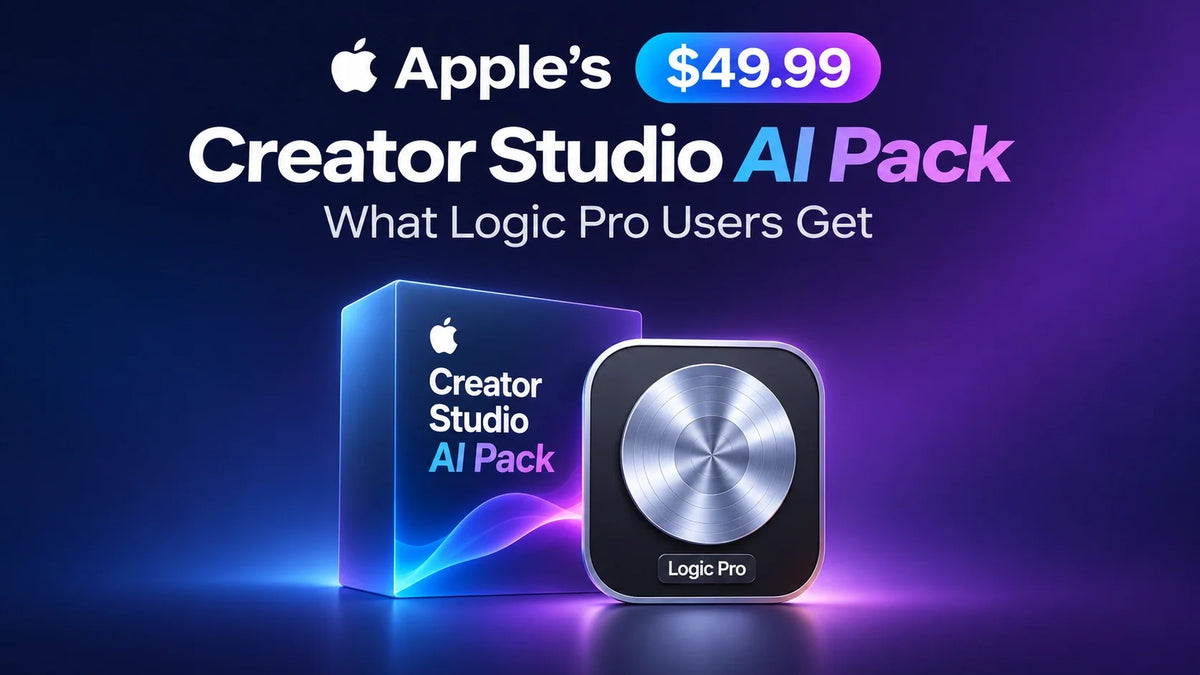
Apple’s $49.99 Intelligence Usage Pack is a one-time purchase that gives Apple Creator Studio subscribers extra usage for eligible AI features after they reach their included monthly limit. 9to5Mac reported seeing the U.S. purchase option in Logic Pro for Mac on November 9.
The subscription allowance resets every month. Unused purchased usage rolls forward for up to 12 months from the purchase date and stays with the iCloud account used to buy it.
The pack covers select Creator Studio features, starting with the Logic Pro assistant. Apple Support explains the usage rules.
What did Apple add to Logic Pro?
Logic Pro for Mac is the first Creator Studio app with a Buy More Usage option. Its beta assistant can help set up a vocal track from a prompt or guide you through changes to a project. Apple says the complexity of those conversations affects how quickly you reach the monthly limit. See Apple’s Creator Studio update.
If you’re choosing a Mac for Logic Pro, see our Mac mini M6 guide for music production.
Included monthly AI usage vs. the $49.99 pack
Included with the subscription
Apple Creator Studio costs $12.99 a month or $129 a year on the standard U.S. plan. Both billing options include an allowance for eligible AI features that resets monthly. Apple draws from that allowance first. See Apple’s subscription pricing.
Extra usage you purchase
The $49.99 one-time purchase adds a balance that Apple uses after your included allowance runs out. Any balance you have left rolls into later months until the pack expires, 12 months after you bought it. Each purchase is nonrecurring. See Apple’s pack terms.
For example, say you hit your included limit while finishing a song in November and buy a pack. The assistant draws from that pack for the rest of November. When your allowance resets for December, Apple uses the December allowance first and draws on your remaining paid balance again only if you hit the new limit.
Apple’s terms say the amount used depends on the feature, the complexity of the request, and demand. That means $49.99 has no guaranteed equivalent in Logic Pro prompts. See how Apple measures pack usage.
How to check usage and buy a pack in Logic Pro
Logic Pro → Intelligence Features → Show Usage → Buy More Usage
Start in the Logic Pro menu on your Mac. Show Usage lets you check your status before you decide whether to buy. The assistant requires an Apple silicon Mac on macOS 27 or later, an Apple Account with iCloud enabled, and U.S. English. See Apple’s purchase steps and assistant requirements.
Where can you buy a pack, and can your family use it?
Apple lists eight markets for eligible active Creator Studio subscribers: Brazil, Canada, France, Germany, India, Mexico, the United Kingdom, and the United States. Check the price shown in the app for your market. See Apple’s list of supported markets.
Apple offers Family Sharing for the standard Creator Studio subscription. Purchased usage is tied to the Apple Account signed in to iCloud at checkout, so each family member who needs extra usage must buy it on their own eligible account. See subscription sharing details. See Apple’s account rules for packs.
Related Reading
- Mac mini M6 for Local AI: 16GB vs. 24GB vs. 32GB
- How to Set Up a Mac mini M6 Workstation
- Mac mini Case Guide for M6, M4, and M2
- ZEERA MacFrost Pro Cooling for Mac mini M6
FAQ
Can I buy a pack with the standalone version of Logic Pro?
Apple requires an active Creator Studio subscription to buy extra usage. If you own the standalone Mac app, that purchase alone does not make you eligible. See Apple’s eligibility rules.
Where can I see my past usage in Logic Pro?
Open Logic Pro → Intelligence Features → Show Usage, then select History. See Apple’s usage-history instructions.