
Quick Answer
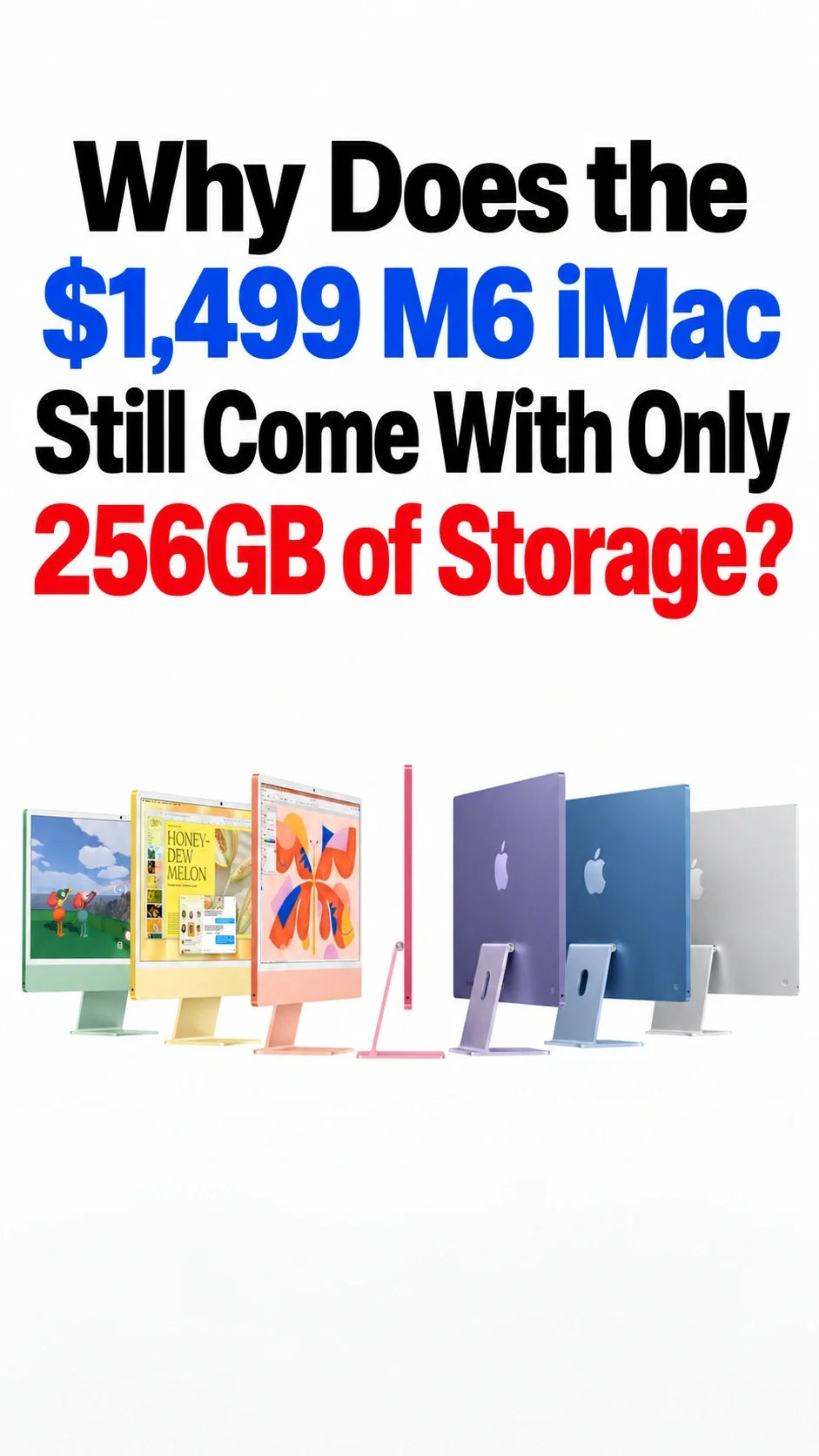
The $1,499 M6 iMac still starts with a 256GB SSD. That can work for browsing, office documents and streaming, but 512GB is the more comfortable choice for growing local libraries.
Apple has not explained the capacity decision. Keeping a lower entry price and encouraging paid upgrades are plausible commercial reasons, rather than confirmed explanations.
The practical question is how much you keep on the Mac itself: macOS, apps and working space all share that SSD.
Choose 256GB if your local needs are small and you are comfortable managing storage. Choose more internal capacity for convenience, or use an external SSD for large files.
What storage does each M6 iMac include?
Apple lists a $1,499 US starting price for the 10-core CPU and 10-core GPU model, and $1,699 for the 12-core version. Both start with 16GB of unified memory and a 256GB SSD. Moving to the four-port model alone does not double your storage. See Apple’s announcement and technical specifications.
The two-port model offers 512GB or 1TB; the four-port version also offers 2TB. Our M6 iMac launch guide covers the wider hardware differences.
Why hasn’t Apple raised the base capacity?
The most convincing explanation is the way Apple prices and separates configurations. The points below are buying analysis, not an account of Apple’s internal decision.
A smaller SSD supports a lower entry configuration
Putting more storage into every unit would add a component cost. Keeping 256GB gives Apple room to sell the complete all-in-one at its chosen starting price. That does not establish what Apple pays for flash memory or how much a 512GB base model would cost.
Storage remains a reason to spend more
The configuration ladder lets buyers pay separately for capacity. Someone who wants all their files inside the iMac has a clear reason to upgrade, even if they do not need more CPU or GPU cores.
Some buyers genuinely keep little locally
A reception desk, browser-based office or family streaming computer may never build a large local library. A smaller base SSD can serve that workload, although it is less generous for people who keep years of photos and videos on the computer.
Apple also advertises up to twice the SSD read and write performance for the new iMac. Speed and capacity solve different problems: loading files faster does not create room for more of them.
Is 256GB enough for your everyday use?
Start with the files you actually keep, rather than the size of your current drive. A mostly empty 1TB computer does not automatically mean you need another 1TB computer.
256GB is workable for a light local workload
Email, web apps, documents, video calls and streaming are a sensible fit when you keep few downloads and a modest app collection. Occasional photo editing can also work if the main archive lives elsewhere.
512GB is the easier choice for a main home computer
Choose the extra room if you want a growing Photos library, offline media and several years of documents readily available without frequent housekeeping. Multiple family members sharing the iMac make that margin more useful.
Consider 1TB or a planned external workflow for large projects
Video footage, RAW photo archives, games, virtual machines and development tools can dominate the storage budget. Choose capacity around the size of your active projects and archives, rather than assuming a faster M6 chip makes a small SSD sufficient.
A simple planning example: suppose you allocate 60GB to macOS, apps and system data, 120GB to your files, and 50GB as spare working room. That totals 230GB, leaving just 26GB of the advertised 256GB unallocated. These are hypothetical budgeting figures, not measured M6 iMac usage or an Apple free-space requirement. Your actual system footprint and available capacity will vary.
That spare room matters when you import a new project, download an installer or create temporary files. A purchase that fits today’s library exactly leaves little room for tomorrow’s work.
Should you choose 512GB or add an external SSD?
Choose more internal storage for simplicity
A larger internal SSD keeps your everyday files in one place without another drive, cable or occupied port. Compare the price of the same iMac configuration with 256GB and 512GB in the Apple Store; moving between processor tiers is a separate expense.
Choose external storage for a large archive
An external SSD can hold media and project files while the internal drive handles macOS and everyday apps. Apple supports moving a Photos library to external storage, with specific formatting and connection requirements. For that library, use a suitable directly connected drive formatted as APFS or Mac OS Extended (Journaled), rather than a network location or a drive used for Time Machine backups.
Budget for the drive, a suitable cable and any enclosure you need. Compare the full setup cost with Apple’s internal upgrade, and decide whether managing two locations suits you.
The base M6 iMac has two Thunderbolt/USB4 ports, supporting up to 40Gb/s with compatible hardware. An SSD will still be limited by its own interface, enclosure and cable. Our USB-C versus Thunderbolt SSD guide explains that connection bottleneck; check the iMac’s own port specifications when choosing a drive.
Check your current Mac before ordering
Open System Settings > General > Storage. Apple’s storage management guide explains how to review usage and move or remove large files.
Then separate files you need locally from archives you would happily keep elsewhere. Include new apps and projects you expect to add. If fitting into 256GB requires deleting things you routinely use, choose more storage at checkout. If your needs are already small, the base model can be a reasonable deliberate choice.
FAQ
Does buying iCloud storage increase the iMac’s SSD capacity?
No. Cloud storage is separate from the physical SSD. Optimization can reduce local file storage, but files you download for offline use still need room on the Mac.
Is 16GB of unified memory part of the 256GB SSD?
No. Unified memory is working memory for running software; the SSD stores apps and files. Increasing one does not increase the other.
Does an external SSD replace a backup?
No. If you move your only copy of a photo library or project onto an external SSD, it is still only one copy. Keep a separate backup of important files on both the internal and external drives.
Related reading
- M6 iMac: price, specifications and release date
- External SSD speeds: USB-C versus Thunderbolt
- M6 Mac mini: another Apple desktop option
- M6 MacBook Pro: 16GB versus 24GB versus 32GB memory
- Mac mini setup guide: MacForge Gen3 and MacFrost Pro
- Explore ZEERA Mac mini and Mac Studio accessories
Updated October 28, 2026. Prices refer to Apple’s US starting configurations.






