
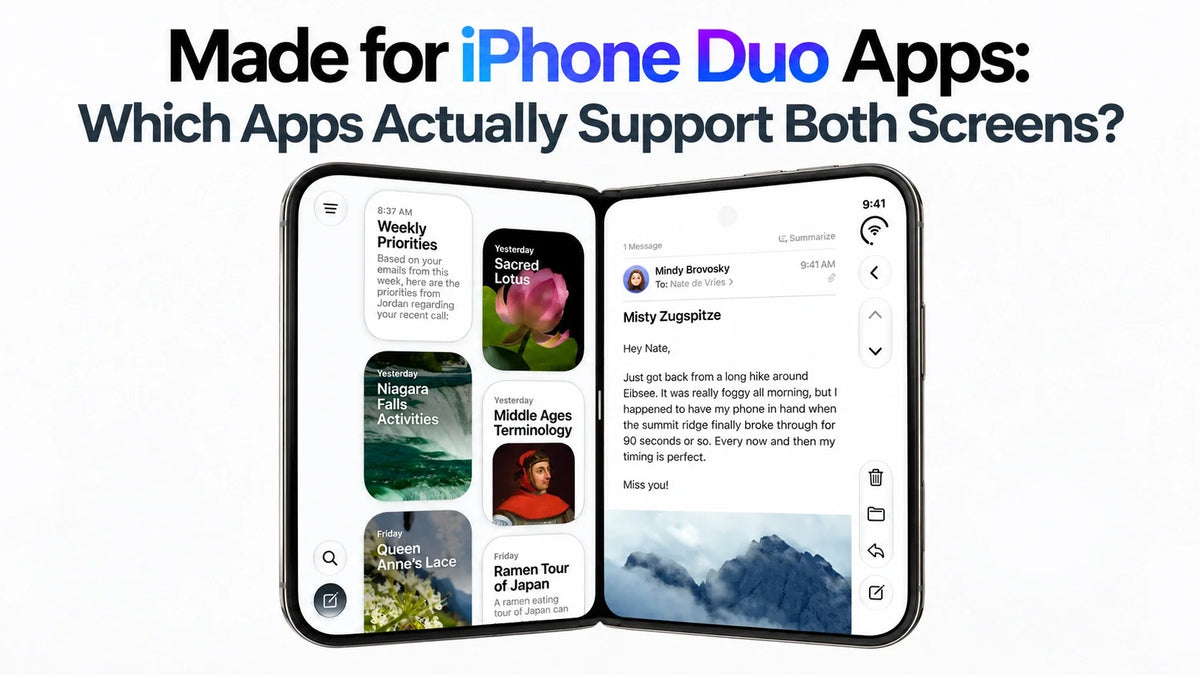
Quick Answer
YouTube, Netflix, Fantastical, Cardhop, Inoreader and Bear have published iPhone Duo support evidence.
Look for the Made for iPhone Duo badge and Apple’s dedicated App Store collections.
A larger layout, smooth folding transition and special tabletop controls are different features; the list below identifies what is documented.
Word and Outlook have announced updates still to come.
Updated October 24, 2026. “Both screens” here means support when folded and unfolded; simultaneous inner-and-outer display use is a separate capability.
What Does the Made for iPhone Duo Badge Mean?
Apple’s developer guidance explains that submitting iPhone Duo screenshots adds a badge to the app’s product page. It is a useful discovery signal, but it does not tell you which individual features an app implements. Check the app’s screenshots and update notes for that detail.
Older builds can run in a smaller compatibility window. Newer builds can use more of the display, while carefully adapted apps also rearrange controls and content. Our earlier iPhone Duo app ecosystem analysis covers that broader problem; this guide focuses on named apps and their published support.
iPhone Duo App Compatibility List: What Is Confirmed?
How to read this list: “Apple-featured” means Apple presents a Duo experience in its launch announcement or editorial collection. “Developer-confirmed” means the developer explicitly documents support. These are published compatibility records, rather than a claim that every feature below has been tested on the same device build.
Streaming and sports apps
| App | Published iPhone Duo feature |
|---|---|
| YouTube | Apple-featured. Included in Apple’s dedicated Duo collection. The collection establishes inclusion, without specifying a unique tabletop interface. |
| Netflix | Clips switch across displays. |
| Prime Video | Video above; X-Ray below. |
| Paramount+ | Expanded playback and browsing. |
| MLB | Live video with stats. |
YouTube’s evidence is Apple’s App Store collection. The other four entries are Apple-featured launch examples.
Black bars around a movie can reflect its aspect ratio, even in an adapted app. For the actual picture area, see our iPhone Duo versus Pro Max video-size comparison.
Work, calendars and reading apps
| App | Published iPhone Duo feature |
|---|---|
| Zoom | Shared content beside participants. |
| Slack | Channels and threads together. |
Source: Apple’s launch examples.
Fantastical — developer-confirmed
The closed phone uses the familiar iPhone layout. Unfolding reveals an iPad-style calendar interface with an optional sidebar, and the app can open two instances for comparing schedules. Duo support was added in version 4.2.3. See the developer’s demonstration and release notes.
Cardhop — developer-confirmed
The compact contact view expands into a layout with the contact list and a selected person’s details side by side. Support arrived in version 2.5.1. Flexibits confirms both updates are available; the release notes identify the supporting build.
Inoreader — developer-confirmed
Support began with version 7.11. The inner display shows feeds and folders alongside articles, in portrait or landscape. Folding preserves the article and reading position; Split View uses the compact interface. That makes the developer’s release notes particularly useful: they describe continuity as well as a larger layout.
Bear — developer-confirmed
Bear’s App Store release notes explicitly announce iPhone Duo readiness alongside panel-design and table-sizing improvements. This confirms a Duo-focused update; check the current screenshots for the exact arrangement you need.
Social and video-creation apps
| App | Published iPhone Duo feature |
|---|---|
| More posts and Stories. | |
| Edits | Timeline, tools and video. |
| Detail | Video beside transcript. |
| VLLO | More controls and footage. |
Source: Apple’s creative-app examples.
For a creator, the useful check is whether the preview, timeline and controls remain usable together. Instagram and Edits are separate entries: evidence for one app should not be used to assign a support status to every other Meta app.
Everyday services and regional apps
| App | Published iPhone Duo feature |
|---|---|
| NYT Cooking | Larger recipe presentation. |
| Yelp | Maps beside reviews. |
| Lyft | Routes beside ride options. |
| Flighty | Propped flight-tracking view. |
| WPS Office | Controls adapt. |
| Xmind | Maps beside outlines. |
| KakaoTalk | Chats beside a conversation. |
| rednote | Playback with comments. |
Source: Apple’s everyday and regional app examples.
More apps and games in Apple’s Duo collections
| Apps | Support evidence |
|---|---|
| Things 3, Craft, Reeder, Penbook | Apple editorial picks: productivity, notes and reading. Inclusion is documented; no unlisted layout feature is assumed here. |
| Tripsy, SmartGym, Strava | Apple editorial picks: travel and fitness. |
| Sneaky Sasquatch, Retrocade, Crossy Road Castle, Balatro, Wylde Flowers | Apple editorial picks: games in the Duo showcase. Selection does not establish that every game uses hinge-angle controls. |
Sources: Great Apps on iPhone Duo and Great Apps and Games on iPhone Duo. Editorial selections can differ between storefronts.
Which Apple Apps Support Useful Duo Multitasking?
| Apple apps | Documented capability |
|---|---|
| Safari, Mail, Notes, Files | Apple explicitly names these as examples of apps that support multiple windows. Two windows of a supported app can sit beside each other. |
| Photos and Messages | Apple uses these together as its example of two different apps in Split View. |
Source: Apple’s Split View user guide.
Two apps sharing the inner display and one app displaying two internal columns are different arrangements. For the system’s equal-width split, see our iPhone Duo Split Screen limitations guide.
Which iPhone Duo App Updates Are Still Coming?
Apple’s October 22 schedule separates these from launch examples:
| App | Announced timing and feature |
|---|---|
| Microsoft Word / Outlook | Coming weeks: document tools / inbox-and-message layouts. |
| Zenless Zone Zero | November: Duo update. |
| UnGodly | November: game launch. |
| DoorDash | Later in 2026: larger delivery map. |
Source: Apple’s rollout schedule.
Keep these entries in the upcoming category until the relevant release reaches your App Store account.
What About WhatsApp, TikTok and Other Everyday Apps?
WhatsApp and TikTok remain “needs version-specific confirmation” in this guide. The public WhatsApp listing and TikTok listing reviewed for this update did not provide an explicit Duo feature description in the retrieved text. That leaves their precise layout status unresolved here; it does not establish that either app fails to work.
Check the exact app and build
An iPad version, a recent update date or support for ordinary iPhones is insufficient evidence for a specific Duo layout. For an app missing from this list, look for its Duo screenshots, a developer statement or current release notes before treating it as fully adapted.
How to Check an App on Your Own iPhone Duo
- Update and record the version. Keep the app build and iOS version with your result.
- Start on the outer display. Open a real task: a message draft, article, document or video.
- Unfold, rotate, then fold again. Check for clipped controls, lost typing, changed playback or a reset reading position.
- Try the feature you will actually use. Test a tabletop video layout, document tools or Split View only if that feature matters to you.
If the app fills the display but a website inside it still looks wrong, check the page separately. Our Safari layout troubleshooting guide covers the difference between browser space and website design.
FAQ
Can an iOS update fix an app’s Duo layout by itself?
It can fix system bugs, but the developer may still need to ship an updated app. Apple’s SDK guidance ties the available screen layout to how the app is built; installing a new iOS version does not rebuild an older app. See Apple’s build examples.
Should I delete and reinstall an app with black borders?
Check for an update first. If the app is using a compatibility layout, reinstalling the same build is unlikely to change its design. Avoid deleting an app merely to test screen sizing if it holds unsynced drafts or local files.
Related Reading
- iPhone Duo review hub: specs, problems and real-world tests
- Why iPhone Duo app optimization is still uneven
- Why you cannot resize iPhone Duo Split Screen apps
- Safari desktop mode and website layout fixes
- iPhone Duo versus Pro Max: actual video size
- One-handed use, Reachability and grip tips
- Choose an iPhone Duo case by the problem it solves
Sources
Compatibility records checked October 24, 2026. App-specific evidence is linked beside the relevant entries.
- Apple: iPhone Duo app announcement, October 22, 2026
- Apple Developer: app layouts and the App Store badge
- App Store: Great Apps and Games on iPhone Duo
- App Store: Great Apps on iPhone Duo
- Flexibits: Fantastical and Cardhop on iPhone Duo, October 23, 2026
- Fantastical for iOS release notes
- Cardhop for iOS release notes
- Inoreader: developer release notes on the App Store
- Bear: developer release notes on the App Store
- Apple Support: Split View and apps with multiple windows
Written by Guichang Chen · ZEERA WIRELESS.






