
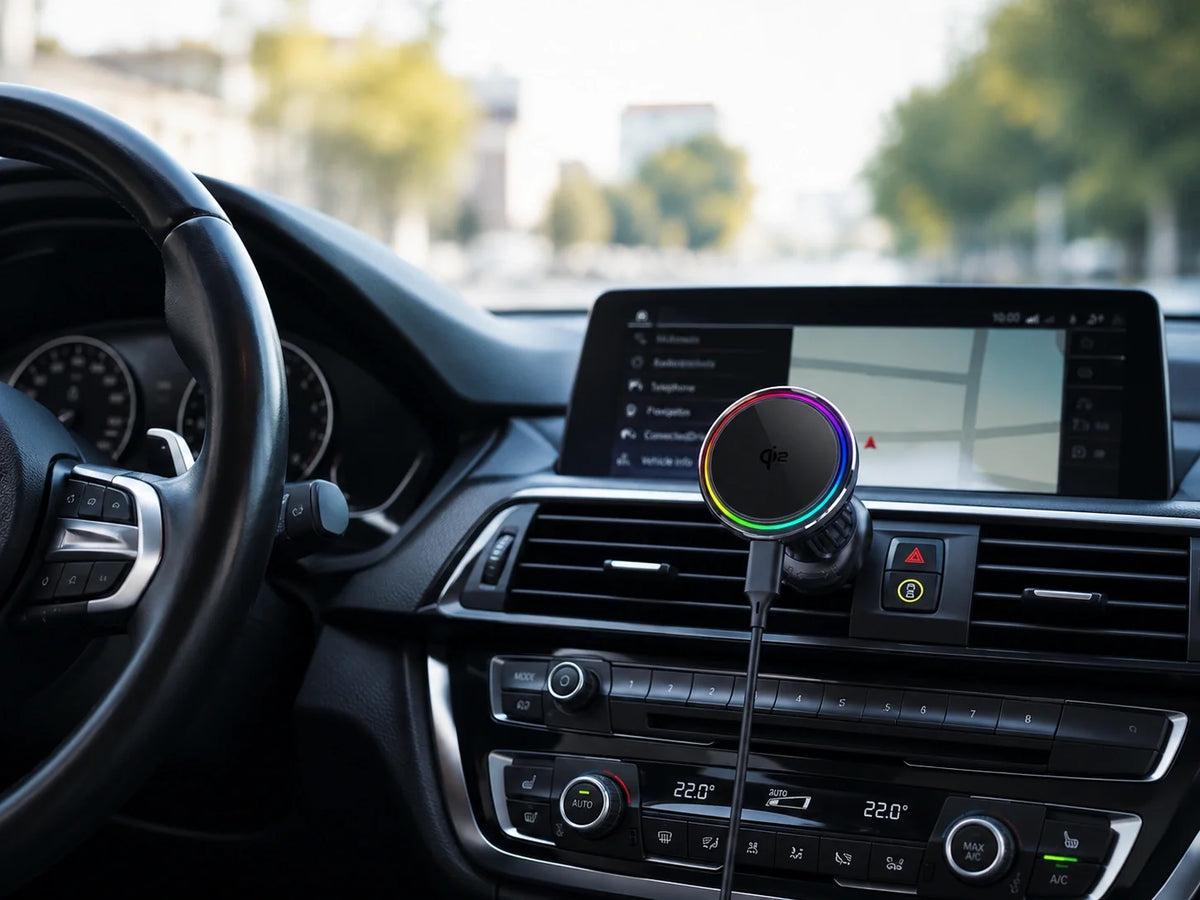
更新日:2026年9月16日
iOS 27が正式に配信され、CarPlayは動画機能だけでなく、動画アプリ、メディア操作、音声ベースのアプリ、ナビゲーションまで大きく進化しました。
車内で実際に使える機能は、iPhoneをiOS 27に更新しただけでは決まりません。機能によってはアプリ側のアップデートが必要で、CarPlay動画には車両側の動画対応も必要です。
この記事では、iOS 27で何が変わったのか、今すぐ確認できること、そしてCarPlay画面に機能が表示されない理由を解説します。

Quick Answer:iOS 27でCarPlayは何が新しくなった?
iOS 27では、CarPlay動画アプリ、MiniPlayer、より充実したメディアブラウズ、ナビアプリ向けの新機能、音声会話型アプリへの対応が追加されています。
すべての車でCarPlay動画が使える?いいえ。 車両が車内動画に対応し、アプリ側も該当するCarPlay機能に対応している必要があります。動画再生は駐車中の利用を前提としています。
iPhoneを更新しても動画アプリが表示されない場合は、まず車両側の対応状況を確認してください。iOS 27に更新しただけで、すべてのCarPlayディスプレイで動画が有効になるわけではありません。
iOS 27のCarPlay新機能はあなたの車で使える?
iOS 27をインストールするとiPhone側は更新されますが、CarPlayの機能は車両と使用するアプリにも左右されます。対応条件は次の3段階で考えると分かりやすいです。
iPhone: 新しいソフトウェア機能を使うにはiOS 27が必要です。
アプリ: 新しい動画ブラウズなどの機能は、アプリ開発者側が対応を追加する必要があります。
車両: CarPlay動画には車両側の動画対応が必要です。通常のCarPlayに対応しているだけでは、そのディスプレイで動画を再生できるとは限りません。
機能が表示されない場合は、iPhoneの更新失敗と判断する前に、アプリの更新情報と自動車メーカーのソフトウェア/対応情報を確認してください。
CarPlay動画アプリ:iOS 27最大の新機能
iOS 27では、Appleが開発者向けにCarPlayで動画を探したり再生したりするための仕組みを提供しています。車両が車内動画に対応していれば、駐車中に車載ディスプレイから対応動画アプリを閲覧できます。
EVの充電待ち、空港での迎え待ちなど、車が停車している時間に特に便利です。
活用しやすい場面:
-
EV充電中
-
長距離ドライブの休憩
-
空港での迎え待ち
-
キャンプ
-
駐車中の待ち時間
Appleはさらに AirPlayによる動画ストリーミング を対応車載ディスプレイで利用できるようにしています。
対応するiPhoneアプリでは、iPhone画面だけでなく、車載ディスプレイへ直接動画をストリーミングできる可能性があります。


iOS 27のCarPlayでYouTubeやNetflixは見られる?
iOS 27では開発者がCarPlay向け動画ブラウズ機能を提供できますが、すべての車にYouTubeやNetflixのアイコンが自動で追加されるわけではありません。
動画アプリを表示・利用するには、アプリ側の対応と車両側の動画対応が必要です。再生は駐車中を想定しています。AirPlay動画に対応するアプリはiPhoneから別の方法で映像を送れる場合がありますが、それは専用のCarPlay動画アプリ対応が確定したという意味ではありません。
特定のサービスが車載画面に表示されると期待する前に、各アプリの最新対応情報を確認してください。
最も重要な制限は、CarPlay動画再生が駐車中の利用向けに設計されていることです。
AppleはCarPlayを走行中の娯楽用画面にするわけではありません。走行中、または車両が動画再生を許可しない場合、対応アプリは音声のみのモードに切り替わる可能性があります。
ポッドキャスト、インタビュー、スポーツ中継、ニュースなど、映像より音声が重要な長時間コンテンツではそれでも便利です。
つまり、iOS 27でCarPlay動画アプリは可能になりましたが、YouTubeやNetflixがすぐにすべての車で使えるとは考えない方がよいでしょう。
CarPlay動画は、待ち時間・充電中・休憩中のための機能であり、走行中に見るためのものではありません。

iOS 27に更新してもCarPlay動画が表示されないのはなぜ?
車両が車内動画に対応していない可能性
通常のCarPlayナビや音楽に対応していても、動画再生には対応していない車があります。自動車メーカーの説明書やソフトウェア更新情報で、動画対応が明記されているか確認してください。
アプリ側がCarPlay動画に未対応の可能性
iOSを更新しても、すべての動画配信サービスにCarPlay用アイコンが追加されるわけではありません。アプリ開発者側の対応が必要で、対応しないアプリもあり得ます。
その時点では車両が動画を許可していない可能性
CarPlay動画は駐車中向けです。走行中、または車両側で動画を利用できない場合、映像が表示されず音声のみで継続することがあります。
CarPlay自体が接続できない場合は別の問題です。下の接続チェックを確認してください。
CarPlayのSiri AI:より賢い音声操作
動画対応が最も注目されやすい一方で、 Siri AIはドライバーが最も頻繁に使う機能になる可能性があります.
iOS 27では、Siriがより会話的になり、文脈を理解しやすくなっています。
決まった音声コマンドだけに頼らず、ドライバーは より自然な言葉で質問し 、 より役立つ回答を得られる可能性があります.
以下は高度な音声操作が車内でどう役立つかの例であり、すべてのiPhoneや地域で必ず使える機能一覧ではありません。
CarPlayで考えられるSiri AIの活用例:
-
以前の会話に出てきた目的地を探す
-
ルート途中に立ち寄り先を追加する
-
自然な言葉でナビを開始する
-
レストラン、ガソリンスタンド、充電スポットを探す
-
iPhoneに触れずに移動情報を確認する
利用可否はApple Intelligence対応、端末、言語、地域によって異なる場合があります。

MiniPlayerと改善されたメディア操作
AppleはCarPlayの日常的なメディア操作も改善しています。
新しいMiniPlayerでは、現在のアプリを離れずに音楽、ポッドキャスト、メディア再生を操作できます。
ナビとエンタメを切り替えやすくしながら、運転中の注意散漫を抑えやすくなります。
CarPlayアプリでは、次のようなより豊富な情報も表示できます。
-
サムネイル
-
再生進捗表示
-
メディアオーバーレイ
-
より詳しいコンテンツ情報
これらの変更により、CarPlayはより現代的で使いやすくなるはずです。
ナビ機能の強化とRoute Sharing
iOS 27ではナビアプリにも新しい機能が追加されます。
Appleは、地図を表示したままルート情報を確認できるナビゲーションパネルを導入しています。
確認しやすくなる情報:
-
ルート詳細
-
立ち寄り先
-
経由地
-
充電スポット
-
移動情報
AppleはRoute Sharingも導入しています。
対応する実装では、ルート情報を車両と共有することで、ナビと車載システムを連携できる可能性があります。実際の使い方はナビアプリと自動車メーカーによって異なります。

iOS 27のCarPlay動画に対応する車種は?
2026年 9月16日時点、CarPlay対応車だからといって動画にも対応すると考えないでください。自分の車種・年式について、自動車メーカーから動画対応の明確な発表やソフトウェア更新があるか確認してください。
つまり、すべてのCarPlay対応車が動画再生に対応するわけではありません。
この機能には通常のCarPlayとは別に、車両側の追加対応が必要です。
CarPlay動画に早く対応しやすいと考えられる車:
-
新しい世代のインフォテインメントシステム
-
大型センターディスプレイ搭載車
-
高度なソフトウェア機能を持つEV
-
OTAアップデート対応車
-
Appleとの連携が深いモデル
自動車メーカーが互換性を正式に確認するまでは、対応状況は車種ごとに異なると考えるべきです。
既存のCarPlay対応車もソフトウェア更新で動画に対応する?
可能性はありますが、保証はありません。
ソフトウェア更新だけで対応できる車もあれば、古いシステムにはないハードウェアが必要な車もあります。
Appleは、どの既存車がCarPlay動画に対応するかをまだ公表していません。
動画再生を期待する前に、車両メーカーからの正式発表を待つのが確実です。
iOS 27後にCarPlayが接続できない?まず確認すること
アップデート後にCarPlay自体が接続できなくなった場合、まず有線またはワイヤレスでiPhoneが接続できるか確認し、iPhoneと車載インフォテインメントシステムの両方を再起動してください。
ワイヤレスCarPlayではWi-FiとBluetoothがオンになっているか確認します。有線CarPlayでは、対応データポートと信頼できるケーブルを試してください。それでも接続できない場合は 設定 > 一般 > CarPlay で車両を削除し、再度ペアリングします。
自動車メーカーのサポートページで車両ソフトウェア更新も確認してください。CarPlayが接続できない問題と、接続はできるが動画非対応という問題は別です。
CarPlay動画アプリ vs Android Auto
CarPlayの動画対応は、当然Android Autoとも比較されます。
Appleの方式は、対応車両と駐車中の動画再生を重視しています。
安全性を保ちながら、自動車メーカーが互換性をより細かく管理できる仕組みです。
そのため当初はCarPlay動画アプリに対応する車種が少ない可能性がありますが、対応車ではより統合された体験になる可能性があります。
ドライバーが最も実感しやすい変更
iOS 27のCarPlay新機能すべてが同じように重要とは限りません。
多くのユーザーが特に実感しやすいのは次の変更です。
-
Siriとの会話性向上
-
メディア操作の改善
-
ナビ機能の強化
-
より見やすいアプリ画面
動画再生はEVユーザーや長距離移動が多い人に便利ですが、引き続き車両側の対応が必要です。
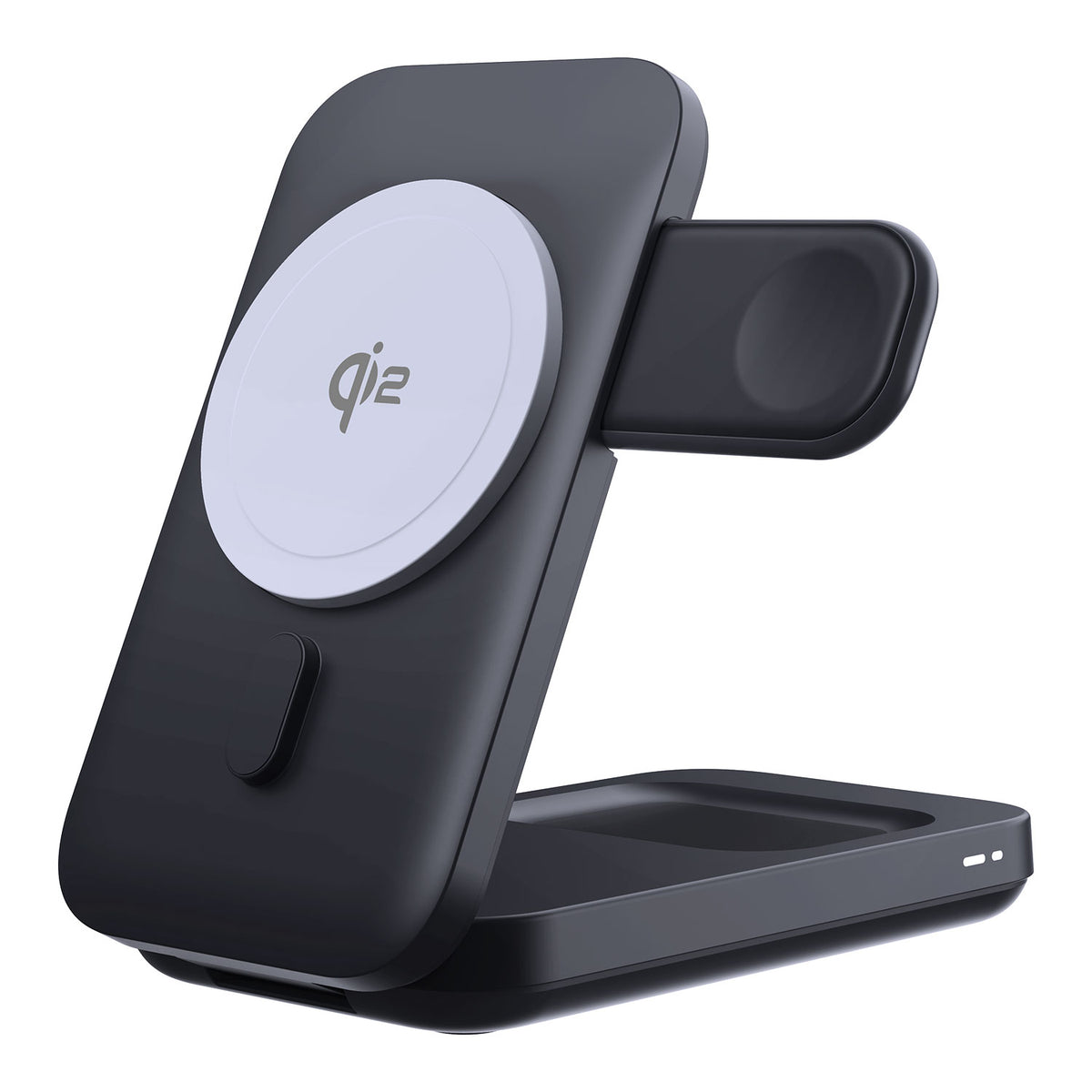
ZEERA MagTri Gen2 Qi2.2 Foldable MagSafe Charger
- 25W Qi2.2
- 3-in-1 折りたたみ
- アクティブ冷却
- 旅行向けサイズ
- 3台同時対応
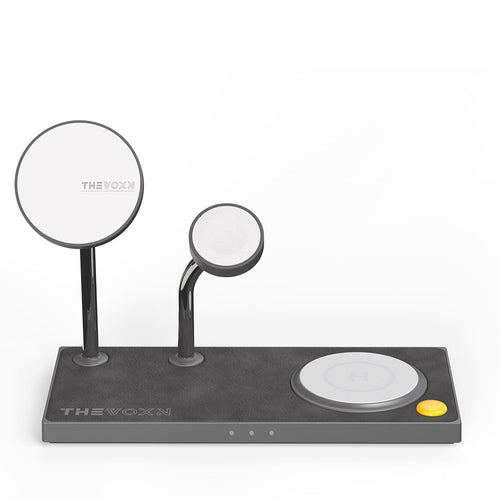
ZEERA MagSion 5-in-1 Dual MagSafe Charger Stand
- デュアルMagSafe
- 5-in-1スタンド
- Apple Watch充電
- 角度調整
- すっきりした設置
ZEERAの視点:CarPlayを長時間使うほど発熱しやすい
CarPlayが高機能になるほど、iPhoneが長時間動作し続ける場面も増えます。
Wireless CarPlay、GPSナビ、Siri AI、メディアストリーミング、駐車中の動画再生はいずれも発熱やバッテリー負荷を増やす可能性があります。
特に夏場の運転やEV充電中は影響が出やすくなります。
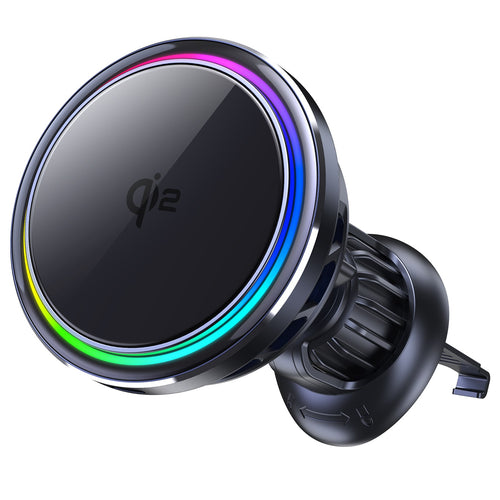
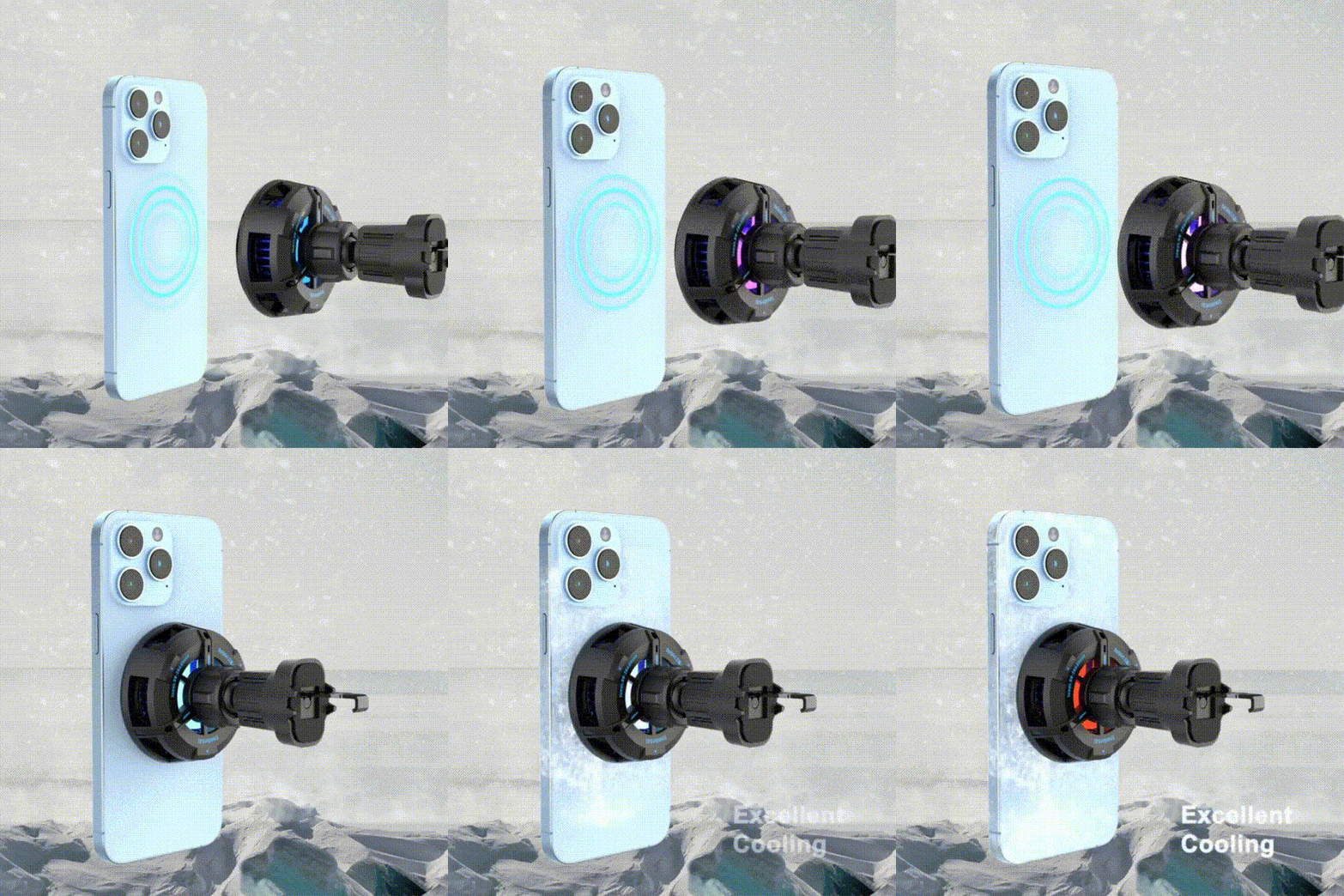
ZEERAの SuVolt Gen5 Qi2.2 25W MagSafe車載充電器 はアクティブ冷却技術で充電時の温度上昇を抑えながら、ナビ、通話、音楽、長時間のCarPlay利用中もiPhoneへの給電をサポートします。
FAQ
iOS 27に更新したのにCarPlay動画が表示されないのはなぜ?
車両が動画非対応、アプリがCarPlay動画に未対応、または走行中で動画再生できない可能性があります。
iOS 27なら既存のCarPlay対応車すべてで動画が使える?
いいえ。通常のCarPlay対応は動画対応を保証しません。自分の車種についてメーカー情報を確認してください。
iOS 27はCarPlay動画アプリに対応している?
はい。Appleは対応車両向けにCarPlay動画アプリの仕組みを導入しています。
走行中にCarPlayで動画を見られる?
いいえ。CarPlay動画再生は駐車中の利用を前提にしています。
iOS 27のCarPlayでYouTubeは使える?
YouTube側がAppleの新しいCarPlay動画フレームワークに対応し、さらに車両が動画再生に対応している場合に限られます。
CarPlayでNetflixは使える?
Netflixを使うには、アプリ側の対応と互換性のある車両ハードウェアの両方が必要です。
CarPlay動画に対応する車種は?
Appleはまだ完全な対応車種一覧を公開していません。
古い車もCarPlay動画に対応する?
一部はソフトウェアアップデートで対応する可能性がありますが、最終的には自動車メーカーによって異なります。
まとめ
iOS 27は近年でも特に大きなCarPlayアップデートの一つです。
動画アプリ、Siri AI、ナビ機能の強化、メディア操作の改善によってCarPlayはこれまで以上に高機能になります。
ただし、注目度の高い機能の多くは車両側の対応に依存します。
動画再生を期待する前に、車両と使用アプリの両方が対応しているか確認してください。
多くのユーザーにとっては、Siri AI、ナビ機能、メディア操作の改善がiOS 27 CarPlayで最も実用的なメリットになりそうです。









