
My wireless charger won’t work with my iphone. If you're facing this frustrating issue, this comprehensive guide will help you understand why wireless charging might not be functioning and offer effective solutions to get you back up and running smoothly.

Common Causes of Wireless Charging Issues
1. Incompatible Devices
Not all devices are compatible with wireless charging. Ensure that your device supports the Qi wireless charging standard, which is the most widely used technology for wireless charging.
2. Incorrect Placement
Wireless chargers require precise alignment between the charging pad and the device’s charging coil. Misalignment can prevent the device from charging. Many chargers have indicators or guidelines to help you place your device correctly.
3. Obstructions
Cases, especially those made of metal or with built-in magnets, can interfere with wireless charging. Thick cases or objects between the device and the charging pad can also obstruct the charging process.
4. Power Source Issues
The power source connected to the wireless charging pad might not provide enough power. Using a power adapter with insufficient wattage can result in slow or no charging.
5. Faulty Charger or Cable
A malfunctioning charging pad or cable can be the culprit. Wear and tear over time can cause chargers and cables to fail, leading to charging issues.
6. Software Glitches
Software problems or bugs in your device's operating system can also interfere with wireless charging. Ensuring your device is up to date can help mitigate these issues.
How to Fix MagSafe Wireless Charging Issues ?🔋
In some cases, wireless charging may work but generate excessive heat due to poor alignment or low efficiency. If your iPhone becomes hot while charging, you can follow this guide to fix iPhone overheating while charging .
1. Ensure Proper Alignment
- Align Your iPhone: Make sure your iPhone is properly centered on the wireless charging pad. Even slight misalignment can prevent charging.
- Reposition the Phone: If it’s not charging, try moving the phone slightly until you find the right spot.
2. Remove Interferences
- Check for Obstructions: Remove any objects between your iPhone and the charging pad, such as metal accessories or cards, that could interfere with charging.
- Use a Compatible Case: If you have a thick or metal phone case, remove it to see if that resolves the issue.
3. Test with Different Equipment
- Use a Certified Charger: Ensure that you’re using a Qi-certified or MFi-certified wireless charger that’s compatible with your iPhone.
- Try Another Charger or Cable: If possible, use a different wireless charger or cable to determine if the issue is with your charger.
4. Restart and Update Your iPhone
- Restart the Device: A quick restart might resolve software issues affecting wireless charging.
- Update iOS: Check for any available iOS updates, as they often include bug fixes that could resolve charging problems.
5. Check for Overheating
- Let It Cool Down: If your iPhone or the charger is warm, take it off the charger and let it cool. Overheating can cause the phone to stop charging.
- Avoid Hot Environments: Ensure your phone isn’t charging in a hot area, such as in direct sunlight.
6. Reset Your Settings
- Reset All Settings: If the issue persists, reset your iPhone’s settings to default (Settings > General > Reset > Reset All Settings). This won’t erase your data but will reset preferences like Wi-Fi passwords.
7. Seek Professional Help
- Check for Hardware Damage: Inspect your iPhone for any physical damage that might be affecting the wireless charging function.
- Contact Apple Support: If none of these steps work, you might need to contact Apple Support for further assistance, as the issue could be hardware-related.
In many cases, wireless charging issues are not caused by the phone itself, but by low charging efficiency, unstable alignment, or poor heat management.
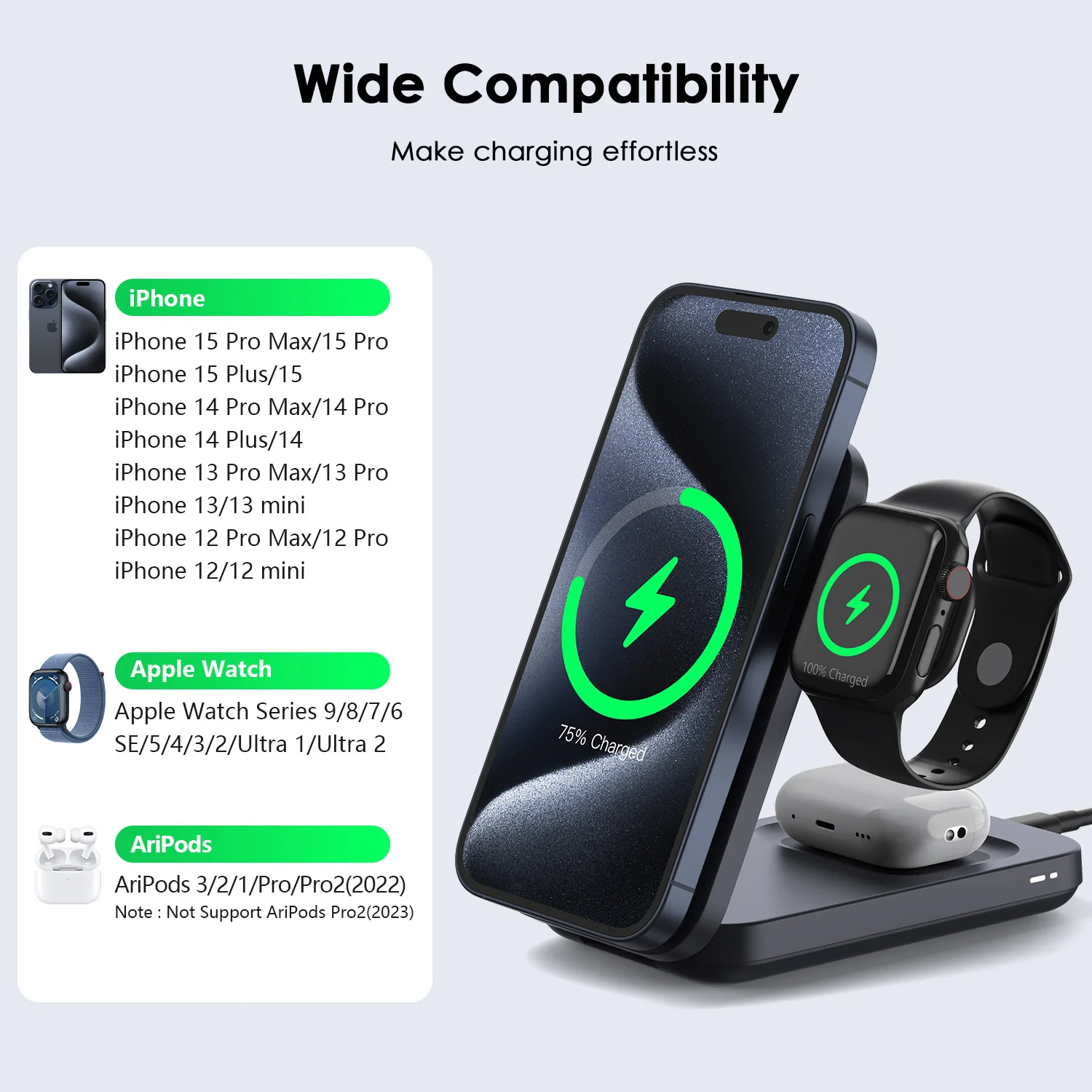
Using a well-designed MagSafe charger can significantly improve charging stability and reduce interruptions. For example, a foldable magnetic charger like the ZEERA MagTri Gen2 Qi2.2 foldable MagSafe charger is designed to provide more consistent alignment and efficient power delivery. With support for up to 25W fast wireless charging, active cooling, and a compact foldable design, it helps maintain stable charging performance whether you're at home, at your desk, or traveling.


Special Offer: Get 20% OFF
Ready to upgrade your wireless charging experience? For a limited time, enjoy 20% off your purchase of the Zeera 3 in 1 MagSafe Charger with the discount code Apple. Don’t miss out on this opportunity to enhance your charging routine with the best in wireless technology.









