
Updated: August 28, 2026
If your iPhone gets hot while charging, stop heavy tasks, move it away from sunlight, remove a heat-trapping case and check the cable, adapter and magnetic alignment. Mild warmth is normal, but charging that slows, pauses or triggers a temperature warning means the phone needs to cool. For long transfers, use stable power and either active cooling or a suitable high-speed cable.
Key Facts
| Question | Direct Answer | What to Do |
|---|---|---|
| Is slight warmth normal? | Yes. Charging naturally creates some heat. | Act only if the phone becomes uncomfortably hot, slows down or pauses charging. |
| Can heat slow charging? | Yes. iOS can reduce or stop charging until the temperature falls. | Lock the screen and move the phone and charger to a cooler place. |
| Can heat slow data transfer? | Yes, indirectly. Thermal protection can limit performance, charging or background activity. | Keep the phone cool, powered and out of direct sunlight during migration. |
| Can repeated heat reduce battery health? | Yes. High temperatures accelerate lithium-ion battery aging. | Avoid charging in ambient temperatures above 35°C / 95°F. |
| Is wired charging always cooler? | Usually, but not always. Fast wired charging and heavy use can still create heat. | Use a certified adapter and a cable rated for the required power and data speed. |
| Should you put a hot iPhone in a refrigerator? | No. Rapid cooling and condensation can damage the device. | Stop charging and let it cool naturally in a shaded, ventilated room. |

Why Does an iPhone Overheat While Charging?
Direct answer: Your iPhone becomes hot when the heat created by charging and processor activity builds faster than the device can release it. Wireless power loss, poor magnetic alignment, a warm room, direct sunlight, a thick case and demanding apps can all add to the same thermal load.
Evidence
Apple states that an iPhone may slow or stop charging when it gets too warm. These thermal protections apply to charging by cable, MagSafe or another wireless charger. Apple also identifies processor-intensive apps, camera use, navigation, high-quality video streaming and device setup as activities that can make an iPhone warmer.
The most common causes are:
- Fast charging: Higher power creates more heat, especially during the faster early stage of charging.
- Wireless charging losses: Energy that does not reach the battery becomes heat. Poor coil alignment makes this worse.
- Heavy simultaneous use: Gaming, video recording, navigation, FaceTime, app downloads and data migration make the processor work while the battery is also charging.
- Heat-trapping accessories: Thick, insulated or poorly ventilated cases can slow heat dissipation.
- Hot surroundings: A dashboard in direct sun or a parked car can push the phone beyond its intended operating range.
- Unreliable power accessories: A damaged cable, unstable adapter or poorly designed charger can waste energy and create excess heat.
What This Means for You
Changing only one accessory may not solve every case. First remove the extra heat source: stop demanding apps, improve ventilation and move the phone out of the sun. Then check whether the charger, cable, adapter or case is contributing to the problem.


Can Overheating Slow iPhone Data Transfer or Damage the Battery?
Direct answer: Yes. Excessive heat can cause iOS to restrict charging and device performance, making a long migration, restore or file transfer less stable. Repeated exposure to high temperatures can also shorten the battery’s useful lifespan.
Data and Comparison
Apple recommends keeping both iPhones near each other and connected to power until a Quick Start migration finishes. However, wireless transfer, app indexing and charging all create heat at the same time. If the phone becomes too warm, charging may slow or stop until the device returns to a safe temperature.
Apple lists 0°C to 35°C (32°F to 95°F) as the intended ambient operating range for iPhone and warns that using or charging the device above 35°C / 95°F can permanently reduce battery lifespan. The phone’s protection system helps prevent an immediate safety problem, but it cannot make frequent high-temperature charging harmless.
Transfer speed is often a thermal-stability problem, not only a network-speed problem. Active cooling does not increase the theoretical speed of Wi-Fi, Quick Start or USB. Its practical value is helping the iPhone avoid temperature-related charging pauses and performance limits during a long transfer. That can produce a faster, more consistent real-world completion time when heat would otherwise become the bottleneck.
Conclusion
If your iPhone is only slightly warm and transfer progress continues normally, let it work. If it becomes very hot, shows “Charging On Hold,” dims the display or stalls, pause the process if possible, improve cooling and restart only after the phone returns to a normal temperature.
How to Fix iPhone Overheating While Charging
1. Stop Processor-Heavy Tasks
Pause gaming, 4K video recording, long FaceTime calls, navigation and large cloud sync jobs. Lock the screen for several minutes so the processor and display produce less heat.
2. Move the iPhone and Charger to a Cooler Place
Take the phone out of direct sunlight and away from a hot dashboard, window or heating vent. Charge it on a hard, open surface rather than a bed, sofa or blanket.
3. Remove a Thick or Heat-Trapping Case
Charge once without the case. If the temperature improves noticeably, the case may be limiting airflow or preventing full magnetic alignment. You may not need to remove every case—only one that traps heat or causes poor contact.
4. Reposition the MagSafe Charger
Make sure the charger snaps into the center of the magnetic ring and sits flat. Remove cards, metal plates and non-MagSafe accessories between the phone and charger. Misalignment increases power loss and heat.
5. Check the Power Adapter and Cable
Use a reputable USB-C power adapter with sufficient output for the charger. Replace any frayed, loose or unusually hot cable. A higher wattage label alone does not guarantee better efficiency or a faster charge.
6. Use Active Cooling During Long Wireless Transfers
Wireless Quick Start is convenient, but it can keep both iPhones busy for a long time. The receiving phone may be processing data, downloading content and charging simultaneously. Active cooling is most useful here because it addresses the added thermal load while keeping the device powered.
7. Switch to a Wired Transfer When Stability Matters Most
For two USB-C iPhones, Apple supports direct migration over a USB-C cable. A wired connection avoids relying entirely on wireless conditions and is a better choice for very large transfers, repeated Quick Start failures or professional media workflows.
8. Turn On a Charge Limit or Optimized Battery Charging
On supported iPhones, go to Settings > Battery > Charging. A lower charge limit can reduce the time the battery spends at a very high state of charge, while Optimized Battery Charging reduces unnecessary time at 100%.
9. Stop Charging If a Temperature Warning Appears
Disconnect the charger, lock the screen and let the phone cool naturally. Do not place it in a refrigerator, freezer or against ice; sudden cooling can create condensation. Charging should resume automatically after the battery returns to a safe temperature.
iPhone 18 Pro Max MagSafe Charger & Stand
ZEERA MagTri Gen2 Qi2.2 Foldable MagSafe Charger
- 25W Qi2.2
- 3-in-1 fold
- Active cooling
- Travel size
- 3-device ready
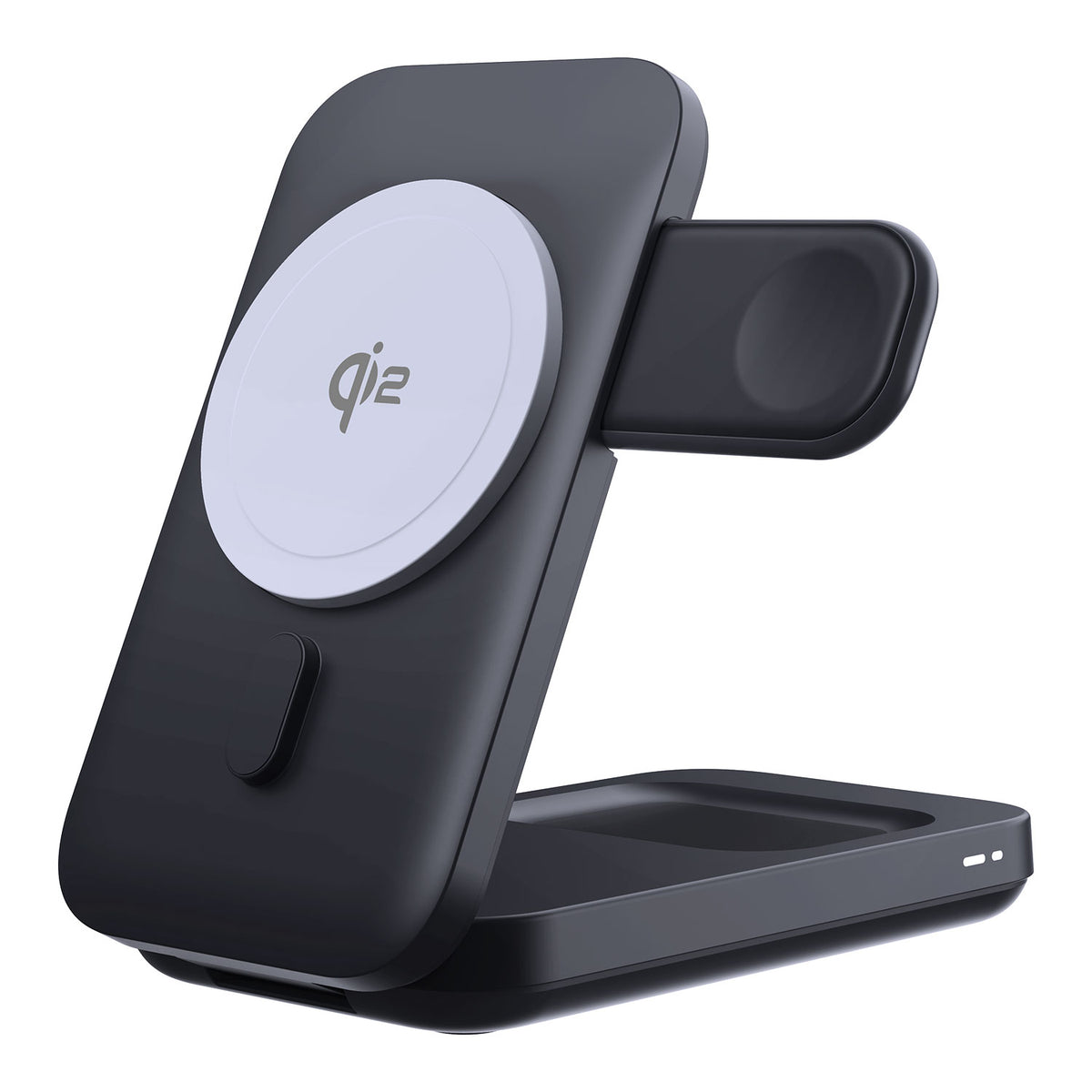
ZEERA MagSion 5-in-1 Dual MagSafe Charger Stand
- Dual MagSafe
- 5-in-1 stand
- Watch charging
- Angle adjust
- Clean setup

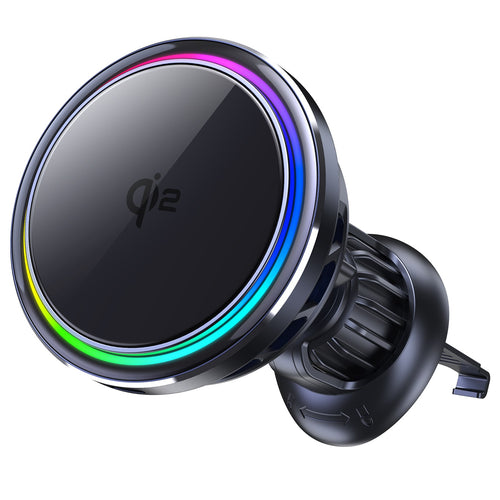
ZEERA SuVolt Gen5 Qi2.2 Active Cooling Car Charger
- 25W Qi2.2
- Active cooling
- Strong magnet
- CarPlay ready
- Heat control
MagSafe vs Active-Cooling Wireless vs Wired Charging
| Method | Heat Control | Data Transfer | Best Use | Main Limitation |
|---|---|---|---|---|
| Standard magnetic wireless charger | Depends on efficiency, alignment and airflow | No | Simple daily charging | Can accumulate heat during heavy use |
| Active-cooling wireless charger | Best of the wireless options | No; it powers and cools the phone during wireless transfer | Quick Start, navigation, CarPlay, gaming and hot cars | Needs fan power and may produce some fan noise |
| USB-C wired charging | Usually lower heat than wireless charging | Only if the cable supports data | Charging at a desk or while traveling | Fast charging can still create heat |
| High-speed USB-C data cable | Avoids wireless charging losses; device workload still creates heat | Yes, up to the limit of the iPhone and connected device | Large files, ProRes video and wired device migration | The iPhone may support a lower speed than the cable’s maximum rating |
ZEERA Recommendation: Choose the Solution That Matches the Heat Source
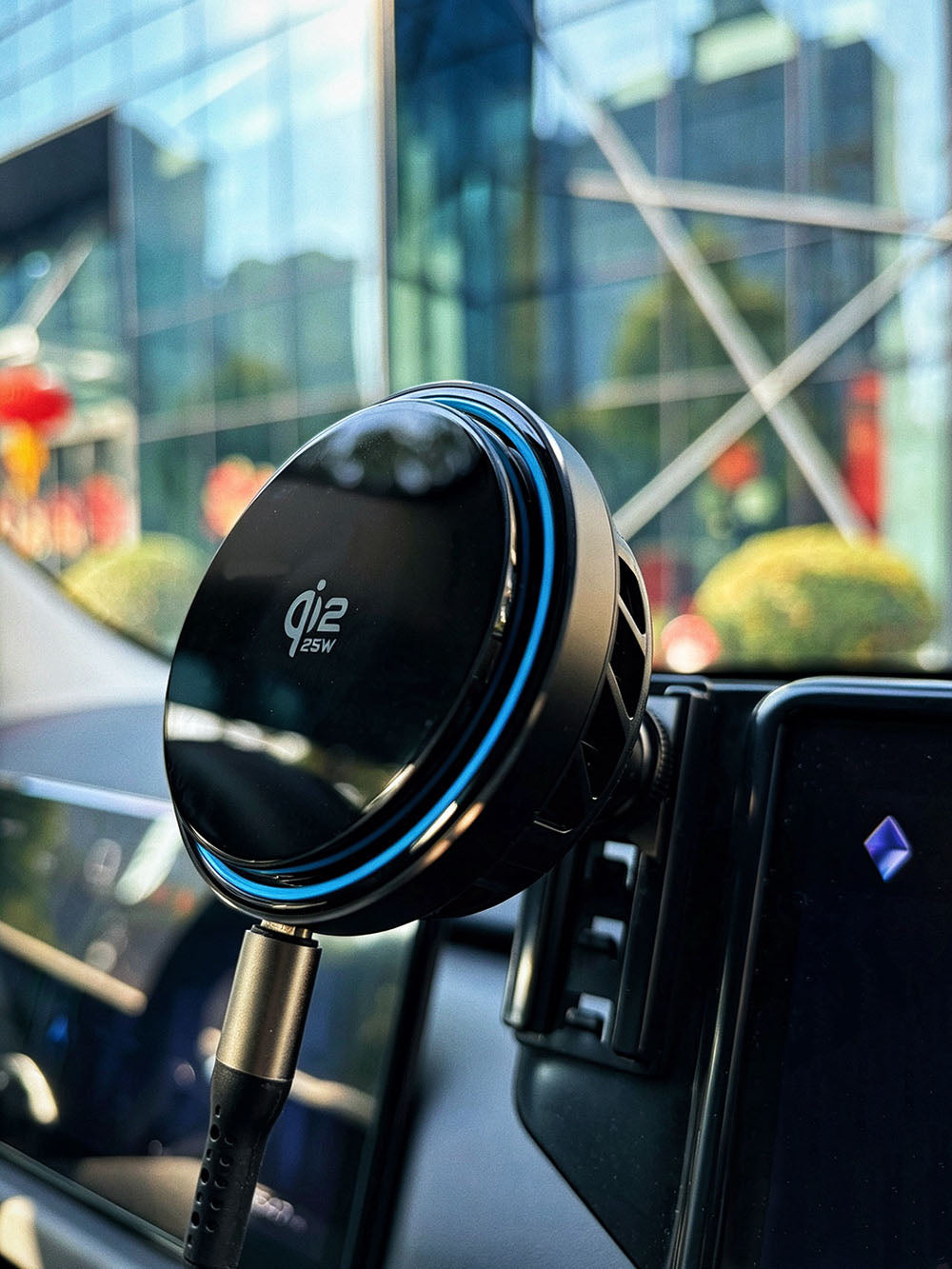
ZEERA SuVolt Gen5 – 25W Qi2.2 Active-Cooling Wireless Car Charger
Best when: Your iPhone gets hot during wireless Quick Start, navigation, wireless CarPlay, gaming or charging in a warm vehicle.
SuVolt Gen5 combines magnetic wireless power with active cooling. During a wireless iPhone migration, it can keep the receiving phone powered while removing heat from the back of the device. Cooling does not raise the transfer protocol’s maximum speed, but it can help maintain a steadier transfer by reducing temperature-related charging pauses and performance limits.
Lower charging temperature also reduces one important source of lithium-ion battery stress. Over months and years, avoiding repeated high-temperature charging can help preserve battery capacity compared with an otherwise identical routine that regularly overheats the phone.

ZEERA FlexUSB Pro 240W USB-C Cable – USB4, 40Gbps Data Transfer and 8K Display
Best when: You need a wired device migration, transfer large ProRes files or connect an iPhone, Mac or external SSD with one full-function cable.
FlexUSB Pro supports up to 240W charging and USB4 data transfer up to 40Gbps on compatible hardware. Current USB-C iPhone Pro models may support a lower maximum USB data rate, so the final speed is determined by the slowest device, port, storage drive and cable in the connection. The benefit is broad compatibility and enough bandwidth for the iPhone’s supported wired speed.
FAQ
Is it normal for an iPhone to get warm while charging?
Yes. Mild warmth is normal during wired or wireless charging. It becomes a concern when the phone is painful to hold, repeatedly dims, slows down, stops charging or displays a temperature warning.
Why does my iPhone get hotter with MagSafe?
Wireless charging loses more energy as heat than a direct wired connection. Poor magnetic alignment, a thick case, simultaneous heavy use or a warm room can increase the temperature further.
Can iPhone overheating make Quick Start take longer?
Yes. Heat can cause iOS to limit charging or performance. Active cooling may help Quick Start remain stable when temperature is the bottleneck, although it cannot increase the maximum Wi-Fi transfer rate.
Should I stop charging when “Charging On Hold” appears?
Yes. Move the phone and charger to a cooler place, lock the screen and wait. Apple says charging resumes automatically when the battery returns to a safe temperature range.
Does active cooling protect iPhone battery health?
It can help by reducing repeated exposure to high charging temperatures, one factor that accelerates battery aging. Battery health still depends on charge cycles, state of charge, environment, usage and time, so no charger can prevent all degradation.
Can a 40Gbps USB-C cable make an iPhone transfer at 40Gbps?
Only if every connected device and port supports that speed. Current USB-C iPhone Pro models support USB 3 speeds up to 10Gbps, while some non-Pro iPhones are slower. A 40Gbps cable provides headroom but cannot override the iPhone’s port limit.
Sources
- Apple Support: Understand Thermally Limited Charging on iPhone
- Apple Support: Charge and maintain your iPhone battery
- Apple Support: If your iPhone or iPad gets too hot or too cold
- Apple Support: Use Quick Start to transfer data to a new iPhone or iPad
- Apple Support: Charge and connect with the USB-C connector on your iPhone
Related Articles









