
A slow and lagging iPhone after an iOS 18 update is usually temporary and can be resolved with some basic troubleshooting. By following the steps outlined above, you can restore your device’s performance and enjoy the new features iOS 18 has to offer. If the issue persists, consider contacting Apple Support for further assistance.

Why Is My iPhone So Slow After iOS 18 Update?
After downloading and installing iOS 18 beta update, you might notice your iPhone is running slow. There are a few common reasons for iPhone lagging issue:
- Background Processes 🛠️:our iPhone is busy re-indexing files and apps after the update.
- Low Storage Space 📦:Not enough free space on your device can cause it to slow down.
- Outdated Apps 🕒:Apps not optimized for iOS 18 can run poorly.
- Battery Health 🔋:Older batteries might trigger performance management features that slow down your iPhone.
- iOS 18 Bugs 🐞:New software can have bugs that affect performance.
- Too Many Background Apps 📱:Multiple apps running in the background can consume resources.
- Network Issues 🌐:Poor connectivity can make your iPhone seem sluggish.
- Overheating 🔥:High temperatures can cause your iPhone to throttle its performance.
- Too Many Widgets 📊:Excessive widgets refreshing data can slow down your device.
- Old Settings Conflicts ⚙️:Previous settings might not work well with iOS
How to Fix A Slow/Lagging iPhone After iOS 18 Update?
Whether your iPhone is slow, freezing, sluggish ,or experiencing random glitches, update issues, try these solutions:
- Let Background Processes Finish ⏳:Give your iPhone some time to complete background tasks. Restart your device to refresh the system.
- Free Up Storage Space 🗑️:Go to Settings > General > iPhone Storage. Delete unused apps, large files, and old photos to clear space.
- Update All Apps 🔄:Open the App Store and tap your profile icon. Select Update All to get the latest versions of your apps.
- Restart Your iPhone 🔄;Go to Settings > General > Reset > Reset All Settings to fix potential conflicts without losing your data..
- Close Background Apps 🚪:Swipe up from the bottom and close unnecessary apps by swiping them away.
- Reset Network Settings 🌐:Go to Settings > General > Reset > Reset Network Settings to fix connectivity issues.
- Cool Down Your iPhone ❄️:Avoid using your iPhone in hot environments. If it overheats, let it cool down naturally.
- Remove Unnecessary Widgets 📉:Swipe to the widget screen, scroll down, and tap Edit to remove what you don’t need.
Tips: How Do I Speed Up Software Update on iPhone?
📝 Conclusion
While it can be frustrating to experience a slowdown after updating your iPhone to iOS 18, there are several steps you can take to resolve the issue. 🎉Share this blog and use code APPLE to get 20% Discount now ! 🎉
Meet the ZEERA MagTri MagSafe Charger🎉
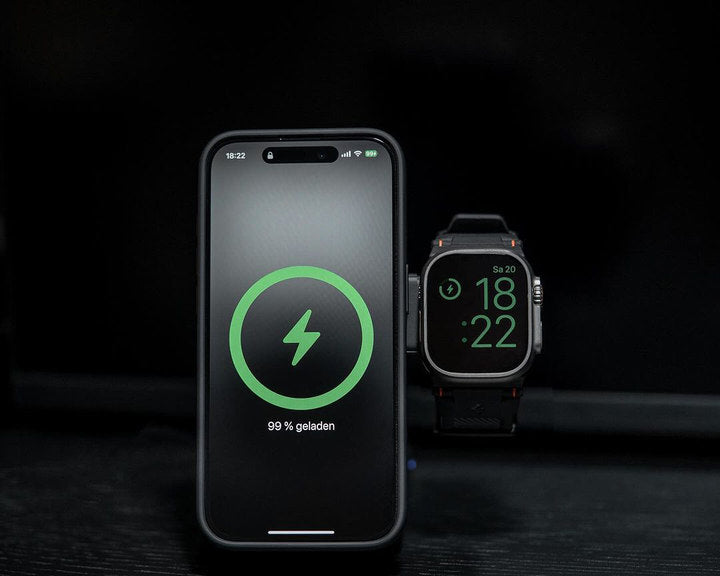
Are you still frustrated with slow charging speeds for Your iPhone 16 Pro Max ?The Zeera MagTri Qi2 MagSafe Charger an ideal choice for iPhone users looking for fast wireless charging, convenience, portability, and compatibility with multiple devices.

- Strong Compatibility: It supports all MagSafe-enabled iPhone models, especially the iPhone 12 series and newer iPhone 16 Pro Max .
- 3 in 1 design: This charger can power up to three devices simultaneously , it supports to charger the newest iPhone 16 pro max , AirPods 4 and Apple Watch Series 10.
- Qi2 Technology: Equipped with the latest Qi2 technology, it ensures 15W faster and more efficient wireless charging, delivering reliable power to your iPhone.
- Portable Design: The compact, foldable design makes it easy to carry, perfect for travel or keeping your workspace tidy.
- Durability: Built with premium materials, it’s designed to withstand daily use while maintaining its sleek look.

Is my phone compatible with Qi2 wireless charging?
Here is a full list of all devices that support Qi2.
-
iPhone 16,iPhone 16 Pro,iPhone 16 Plus,iPhone 16 Pro Max
-
iPhone 15,iPhone 15 Pro,iPhone 15 Plus,iPhone 15 Pro Max
-
iPhone 14,iPhone 14 Pro,iPhone 14 Plus,iPhone 14 Pro Max
-
iPhone 13,iPhone 13 mini,iPhone 13 Pro,iPhone 13 Pro Max
-
iPhone 12,iPhone 12 mini,iPhone 12 Pro,iPhone 12 Pro Max


- English: Why is My iPhone Slow and Lagging After the iOS 18 Update?
- Italian: Perché il mio iPhone è lento e in ritardo dopo l'aggiornamento iOS 18?
- Spanish: ¿Por qué mi iPhone está lento y retrasado después de la actualización de iOS 18?
- German:Warum ist mein iPhone nach dem iOS 18-Update langsam und weist Verzögerungen auf?
- Turkish : iOS 18 Güncellemesinden Sonra iPhone'um Neden Yavaşlıyor ve Gecikiyor?
- Hungarian: Miért lassú és késik az iPhone-om az iOS 18 frissítése után?
- Arabric: لماذا أصبح هاتف iPhone الخاص بي بطيئًا ومتأخرًا بعد تحديث iOS 18؟






