
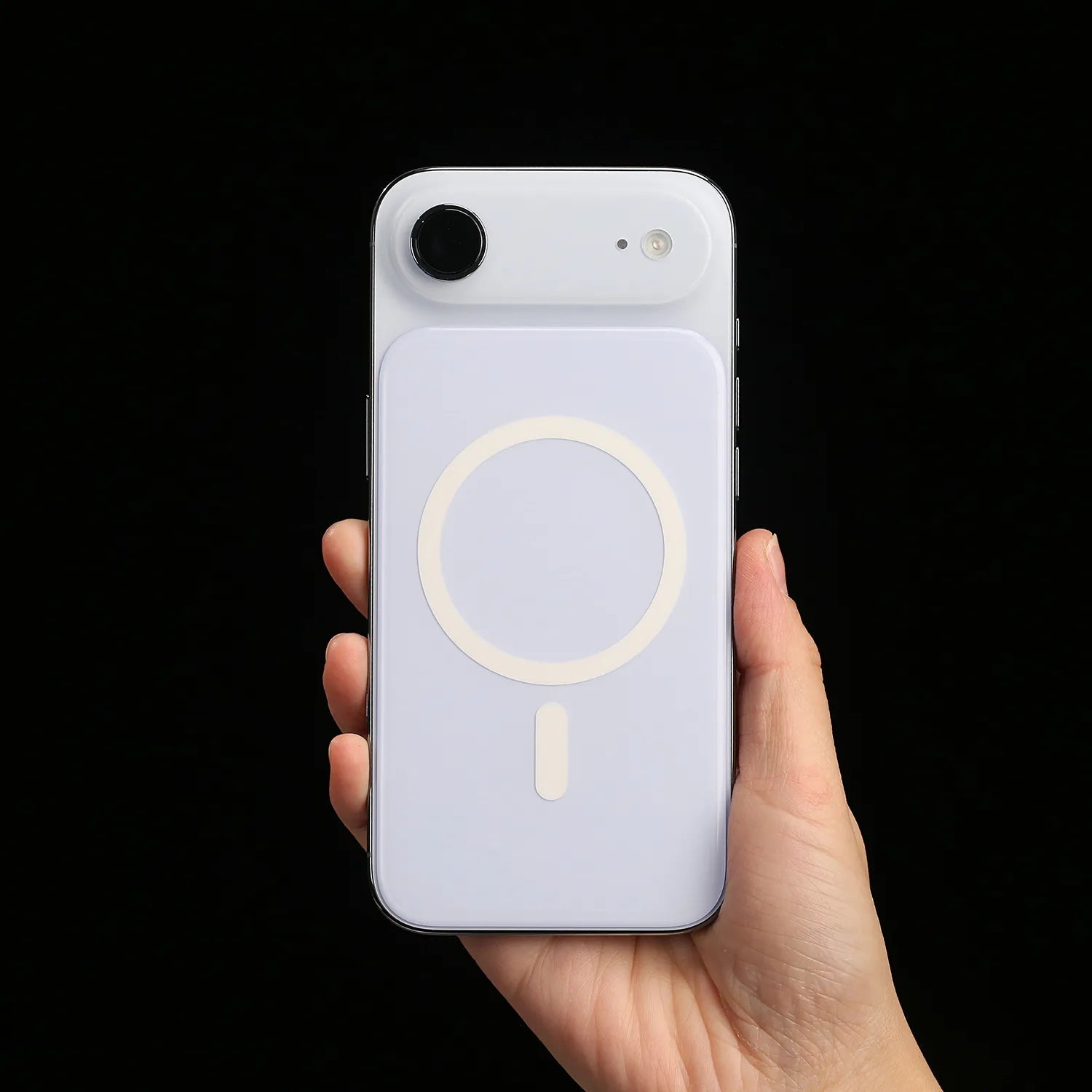
Apple has released iOS 26.5.1, but this is not a major iPhone update with new features, interface changes, or visible app improvements.
Instead, iOS 26.5.1 is a small but important bug-fix update for a specific group of users: people using iPhone Air or an iPhone 17 model.
The update addresses a wired charging issue that could affect some devices when the battery is nearly drained. If your iPhone has ever fully died and then refused to wake up normally when plugged in, this is the kind of issue Apple appears to be targeting.

Quick Answer
iOS 26.5.1 is a targeted bug-fix update for iPhone Air and iPhone 17 models.
Apple says the update fixes an issue where a small number of users may be unable to use wired charging when the battery is nearly drained.
It does not appear to be a major feature update, and Apple’s security page lists no published CVE entries for iOS 26.5.1.
What Is iOS 26.5.1?
iOS 26.5.1 is a minor software update released after iOS 26.5.
Unlike iOS 26.5, which included features such as end-to-end encrypted RCS messaging beta, a Pride Luminance wallpaper, and Maps improvements, iOS 26.5.1 is much narrower.
Apple’s release note focuses on one fix:
This update addresses an issue for a small number of users that may prevent wired charging on iPhone Air and iPhone 17 models when the battery is nearly drained.
That means users should not expect a redesigned interface, new Apple Intelligence features, new wallpapers, or major app changes from this update.
The purpose is practical: make sure affected iPhone Air and iPhone 17 devices can recover properly when the battery gets extremely low.

Which iPhones Get iOS 26.5.1?
This is one of the most important details.
iOS 26.5.1 does not appear to be a normal update for every iPhone that supports iOS 26. Apple’s security update page lists iOS 26.5.1 for:
- iPhone 17
- iPhone 17 Pro
- iPhone 17 Pro Max
- All iPhone 17 models listed by Apple
- iPhone Air
For older supported iPhones, Apple still lists iOS 26.5 as the latest version.
So if you are using an iPhone 16, iPhone 15, iPhone 14, or another older model and you do not see iOS 26.5.1 in Software Update, that does not necessarily mean something is wrong with your device.
This update appears to be limited to newer iPhone hardware affected by this specific charging bug.
What Problem Does iOS 26.5.1 Fix?
The main fix is related to wired charging.
According to Apple, a small number of iPhone Air and iPhone 17 users may experience a problem where the device does not charge properly through a cable when the battery is nearly drained.
This is not the same as everyday battery drain.
It is also not the same as slow charging during normal use.
The issue matters most when the battery is very low or almost empty. In that situation, some affected devices may fail to start wired charging as expected.
For most users, this may sound like a small fix. But in real life, it can be stressful.
If your iPhone dies while traveling, commuting, working, or sleeping overnight, you expect it to wake up once you plug in a cable. A charging bug at that exact moment can make the phone feel completely unresponsive.
ZEERA MagSafe Wireless Charging Series
ZEERA MagTri Gen2 Qi2.2 Foldable MagSafe Charger
- 25W Qi2.2
- 3-in-1 fold
- Active cooling
- Travel size
- 3-device ready
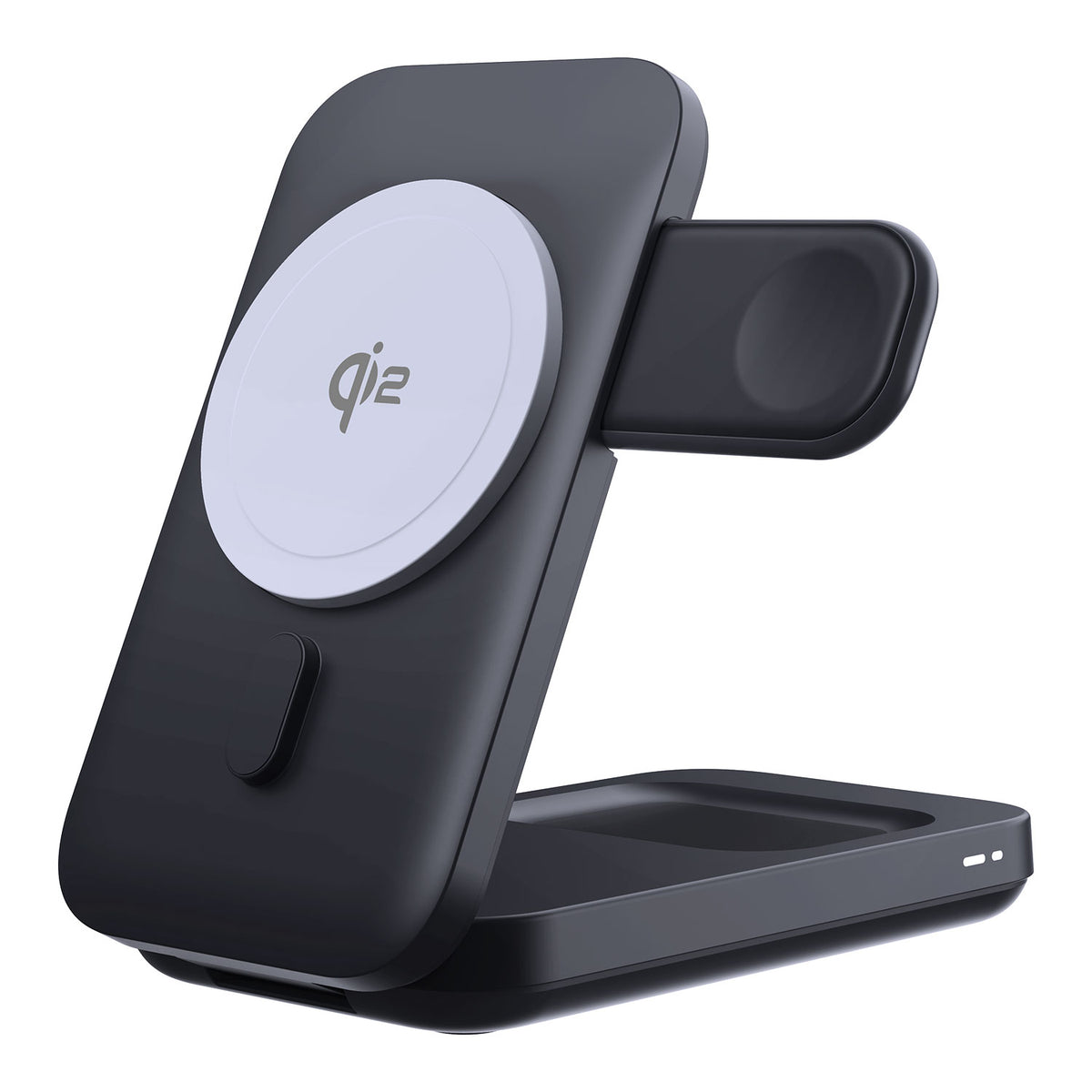
ZEERA MagSion 5-in-1 Dual MagSafe Charger Stand
- Dual MagSafe
- 5-in-1 stand
- Watch charging
- Angle adjust
- Clean setup

ZEERA SuVolt Gen5 Qi2.2 Active Cooling Car Charger
- 25W Qi2.2
- Active cooling
- Strong magnet
- CarPlay ready
- Heat control

Is iOS 26.5.1 a Security Update?
Apple lists iOS 26.5.1 on its security updates page, but the company also states that the update has no published CVE entries.
That means Apple has not publicly associated this release with a disclosed security vulnerability.
For users, the safest way to describe iOS 26.5.1 is this:
It is a targeted bug-fix update, not a major public security patch.
This distinction matters because some headlines may make every iOS update sound urgent or security-related. In this case, the official information points more clearly to a charging reliability fix.
Should You Install iOS 26.5.1?
If you use iPhone Air or an iPhone 17 model, yes, installing iOS 26.5.1 makes sense.
Even if you have not personally experienced the charging issue, the update is small and focused. It is designed to prevent a specific failure scenario that could become annoying at the worst possible time: when your phone is almost dead.
You should especially update if:
- Your iPhone Air or iPhone 17 has ever had trouble turning back on after reaching very low battery.
- You rely on wired USB-C charging more than MagSafe charging.
- You often let your iPhone battery drop close to 0%.
- You travel often and need reliable charging when the battery is low.
If you use an older iPhone and do not see the update, there is probably nothing you need to do. Your device may simply remain on iOS 26.5 for now.
ZEERA Pick for iPhone Air and iPhone 17 Pro Max Users
iOS 26.5.1 fixes a wired charging issue, so eligible iPhone Air users should install the update first.
Ultra-Thin MagSafe Back Plate Series
ZEERA MagSkin Air Ultra-Thin Magnetic Plate
- Only 0.3mm thin
- MagSafe compatible
- Preserves Air feel
- Light back guard
- Case-free carry

ZEERA MagSkin Pro Ultra-Thin Magnetic Back Plate
- Ultra-thin Pro fit
- MagSafe compatible
- Bare-phone feeling
- Camera deco guard
- Minimal daily carry

ZEERA AirFlat Lens Cover for iPhone Air
- Makes back flat
- Stops desk wobble
- Protects camera lens
- Slim matching look
- Easy clean design

For daily use, ZEERA MagSkin Air can also improve how your iPhone Air feels on MagSafe chargers, desk stands, and flat surfaces.
ZEERA AirFlat Lens Cover design helps reduce phone wobble when your iPhone is placed on a table, while adding stronger magnetic support for everyday MagSafe accessories.


How to Check for iOS 26.5.1
To check whether iOS 26.5.1 is available on your iPhone:
- Open Settings.
- Tap General.
- Tap Software Update.
- If iOS 26.5.1 appears, follow the on-screen steps to install it.
Before updating, make sure your iPhone has enough battery, is connected to Wi-Fi, and has enough available storage.
It is also a good idea to back up your iPhone before installing any iOS update, even when the update is small.
Why This Update Matters More Than It Looks
Small iOS updates are easy to ignore.
Most users only pay attention when Apple adds new features, new wallpapers, or big interface changes. But reliability updates can matter more in daily use.
Charging is one of those things users rarely think about until it fails.
If your iPhone is already at 60%, a charging issue may not feel urgent. But if your phone is dead and you need to make a call, unlock a payment app, check a flight, or navigate home, wired charging reliability becomes much more important.
That is why iOS 26.5.1 is worth installing for eligible devices even though it does not bring new features.
Does iOS 26.5.1 Fix Battery Drain?
Apple’s release note does not say that iOS 26.5.1 fixes battery drain.
The update is about a wired charging issue when the battery is nearly drained, not about general battery life, overheating, background activity, or power consumption.
If your iPhone battery has been draining faster after a recent update, iOS 26.5.1 may not directly address that unless your issue is specifically related to low-battery wired charging.
For battery drain problems, it is still worth checking Battery settings, app activity, cellular signal strength, background app refresh, and whether your phone is still indexing after a recent update.
iOS 26.5.1 vs iOS 26.5: What Changed?
| Version | Main Purpose | Who It Matters For |
|---|---|---|
| iOS 26.5 | Feature update with RCS encryption beta, wallpaper, Maps enhancements, bug fixes, and security updates | Broad iPhone user base |
| iOS 26.5.1 | Targeted wired charging bug fix | iPhone Air and iPhone 17 models |
The difference is simple.
iOS 26.5 was a broader update. iOS 26.5.1 is a smaller correction focused on a specific problem.
Why Some iPhones May Not See iOS 26.5.1
If you are checking for iOS 26.5.1 on an older iPhone and the update does not appear, do not panic.
Apple’s current software listing separates iOS 26.5.1 from iOS 26.5 by device group. iPhone 17 models and iPhone Air are listed with iOS 26.5.1, while iPhone 11 through iPhone 16e remain listed with iOS 26.5.
That suggests Apple is not pushing this update to every iOS 26-compatible iPhone.
In other words, your iPhone may already be on the latest version available for your specific model.
What This Means Before WWDC 2026
iOS 26.5.1 arrives shortly before WWDC 2026, where Apple is expected to introduce the next major iPhone software generation.
That timing may make the update seem more interesting than it really is.
But based on Apple’s release note, iOS 26.5.1 should not be treated as a preview of iOS 27, Apple Intelligence changes, or future iPhone features.
It is better understood as a late-cycle maintenance update for iOS 26.
Apple is still cleaning up device-specific issues before the next major software announcement cycle begins.


FAQ: iOS 26.5.1
What does iOS 26.5.1 fix?
iOS 26.5.1 fixes a wired charging issue that may affect a small number of iPhone Air and iPhone 17 users when the battery is nearly drained.
Is iOS 26.5.1 available for all iPhones?
No. Apple lists iOS 26.5.1 for iPhone Air and iPhone 17 models. Older supported iPhones may remain on iOS 26.5.
Does iOS 26.5.1 add new features?
No major new features are listed. This update is focused on a specific charging bug fix.
Is iOS 26.5.1 a security update?
Apple lists the update on its security releases page, but it says iOS 26.5.1 has no published CVE entries.
Should iPhone 17 users install iOS 26.5.1?
Yes. If you use iPhone 17, iPhone 17 Pro, iPhone 17 Pro Max, or iPhone Air, installing the update is recommended because it fixes a charging reliability issue.
Why can’t I see iOS 26.5.1 on my iPhone?
Your iPhone model may not be eligible for this targeted update. Apple lists iOS 26.5 as the latest version for iPhone 11 through iPhone 16e.
Final Thoughts
iOS 26.5.1 is not the kind of update that changes how your iPhone looks or feels every day.
But for iPhone Air and iPhone 17 users, it fixes a problem that could become serious at the wrong moment: wired charging when the battery is nearly empty.
If your device is eligible, this is a practical update to install.
If your older iPhone does not show iOS 26.5.1, that is likely because Apple has limited this release to the newer models affected by the charging bug.






