
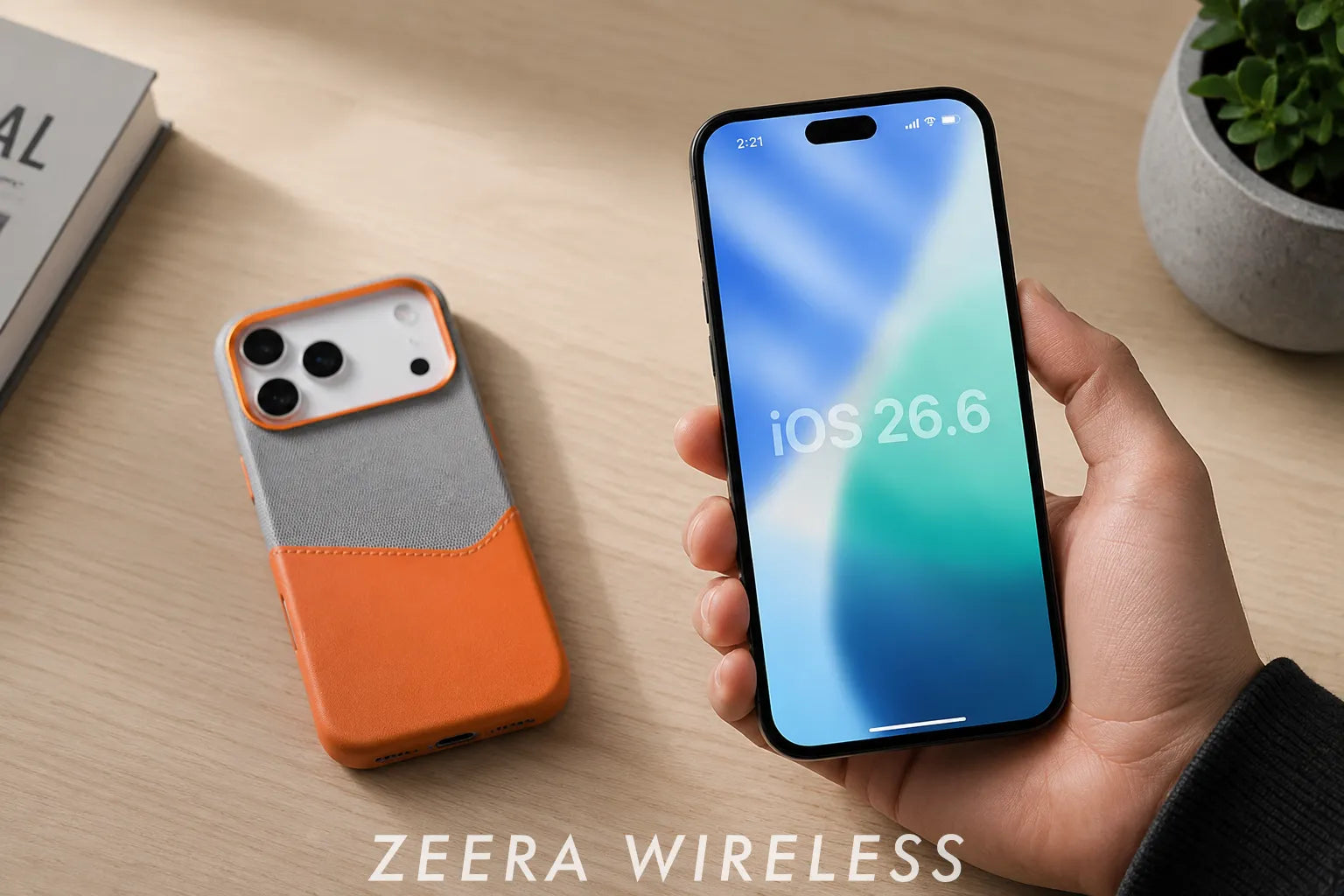
Apple has officially released iOS 26.6 and iPadOS 26.6. This late-cycle maintenance update does not add many visible features. Its main changes are security patches, bug fixes and a Spotlight indexing optimization ahead of iOS 27.
That makes iOS 26.6 different from updates built around new apps or interface changes. Users searching for what is new will find a relatively short list of visible changes, but a much larger set of security corrections working behind the scenes.

Quick Answer
iOS 26.6 was released on July 27, 2026, with build number 23G71. Apple says it includes bug fixes, security updates and an optimized Spotlight index to prepare for iOS 27.
Developer notes also confirm fixes for HealthKit, HDR screenshots in Messages, Object Capture and Stickers. For most supported iPhone and iPad users, installing iOS 26.6 is recommended because of its security fixes.
Table of Contents
- iOS 26.6 Release Date and Build Number
- What’s New in iOS 26.6?
- Spotlight Improvements Ahead of iOS 27
- Security Updates
- Bug Fixes and Improvements
- iPadOS 26.6 Changes
- Battery Life and Performance
- Should You Update?
- FAQ
iOS 26.6 Release Date and Build Number
Apple released iOS 26.6 and iPadOS 26.6 on July 27, 2026. Both versions use build number 23G71.
The Release Candidate arrived on July 20 with the same build number. Users who installed the RC may therefore already be running the final public version.
iOS 26.6 vs iOS 26.5.2
| Difference | iOS 26.5.2 | iOS 26.6 |
|---|---|---|
| Release date | June 29, 2026 | July 27, 2026 |
| Build | 23F84 | 23G71 |
| Main focus | Security fixes | Spotlight indexing, bug fixes and security updates |
| Major visible features | None announced | None announced |
Read our earlier guide: iOS 26.5.2 Released: Should You Update or Wait for iOS 26.6?
Before updating, connect the iPhone to power and use a stable Wi-Fi connection.
Ultra-Thin MagSafe Back Plate Series
ZEERA MagSkin Air Ultra-Thin Magnetic Plate
- Only 0.3mm thin
- MagSafe compatible
- Preserves Air feel
- Light back guard
- Case-free carry

ZEERA MagSkin Pro Ultra-Thin Magnetic Back Plate
- Ultra-thin Pro fit
- MagSafe compatible
- Bare-phone feeling
- Camera deco guard
- Minimal daily carry

ZEERA AirFlat Lens Cover for iPhone Air
- Makes back flat
- Stops desk wobble
- Protects camera lens
- Slim matching look
- Easy clean design

What’s New in iOS 26.6?
iOS 26.6 does not introduce major new apps, interface changes or Apple Intelligence features. Apple highlights three main areas:
- Spotlight: An optimized search index ahead of iOS 27.
- Security: Fixes across WebKit, image processing, networking and core system services.
- Reliability: Documented corrections for HealthKit, Messages, Object Capture, Stickers and managed Wi-Fi settings.
Most of these changes work in the background, so users should not expect a major visual difference after installation.
Spotlight Indexing Improvements Ahead of iOS 27
Apple specifically says iOS 26.6 optimizes the Spotlight index to prepare for iOS 27. Spotlight organizes searchable information from apps, contacts, messages, mail, files and other supported content.
This is an underlying indexing change, not a new Spotlight interface. Search results may continue to look the same, even though the database used to organize searchable content has been adjusted.
Apple has not promised faster searches, better battery life or a shorter iOS 27 installation. Those possible benefits should remain analysis rather than confirmed features. The most accurate conclusion is simply that Apple is preparing Spotlight data for the next major operating-system version.

iOS 26.6 Security Updates
Security is the strongest reason to install iOS 26.6. Apple’s published document contains more than 75 security-related entries, although totals can vary depending on whether entries or individual CVE numbers are counted.
Apple fixed vulnerabilities affecting components including WebKit, ImageIO, Wi-Fi, code-signing services and kernel-related processes.
| Area | What the Fixes Address |
|---|---|
| WebKit | Malicious websites, browser attacks and Safari stability |
| Image processing | Crafted images that may cause memory corruption or code execution |
| Wi-Fi | Attacks from a nearby device or network |
| Kernel and system services | Unauthorized access or elevated privileges |
| Code signing | Malicious apps attempting to bypass security checks |
Apple did not state that any of the listed vulnerabilities were being actively exploited at the time of publication. However, fixes involving kernel privileges, code signing, malicious web content and memory corruption are still important reasons to update.
Users do not need to understand every technical component or CVE. In normal use, these vulnerabilities can involve opening a website, viewing a crafted image, installing an app or connecting near another device. Installing the update closes known weaknesses before they become more useful to attackers.
Bug Fixes and System Improvements
Apple’s developer notes identify several specific corrections that are not explained in the short public update description.
- HealthKit: Fixes missing blood-pressure authorization screens and incorrect time-weighted statistics caused by overlapping samples.
- Messages: Fixes an issue that could make HDR screenshots appear garbled after being sent.
- Other system fixes: Resolves problems affecting Object Capture, Stickers and Private Wi-Fi Address restrictions on managed devices.
Software updates protect the system, while a properly fitted ZEERA MagSafe case can add everyday protection without giving up magnetic charging compatibility.


Does iOS 26.6 Improve Battery Life and Performance?
Apple does not claim that iOS 26.6 improves battery life. Some iPhones may temporarily use more power or feel warmer after the update while Spotlight and other background processes finish indexing.
If battery drain continues, check Settings > Battery for unusual app activity, weak signal, background apps or battery health issues.
Performance should be judged after normal use. Temporary warmth or slower response immediately after installation does not necessarily mean iOS 26.6 reduces performance.
Keeping the iPhone connected to a reliable charger during updates and post-update processing can help avoid interruptions and maintain stable charging performance.

What’s New in iPadOS 26.6?
iPadOS 26.6 uses the same 23G71 build and has the same main focus: bug fixes, security updates and Spotlight index optimization ahead of iPadOS 27.
Users searching for iPadOS 26.6 features should not expect a major interface change, as this update focuses on stability, security and Spotlight indexing.
There is no new multitasking system or other major visible iPad feature. However, the security patches and developer-documented fixes make the update worthwhile for supported iPad Pro, iPad Air, iPad and iPad mini models.
Should You Update to iOS 26.6?
Most users should update. The release is not visually exciting, but its security patches and targeted reliability fixes make it worthwhile.
Back up first, especially if you depend on banking, VPN, vehicle or business apps. Users facing an important trip or work deadline can verify essential app compatibility before installing, but delaying the update indefinitely would mean missing the newest security protections.
Users already running the 23G71 Release Candidate may already have the final build. You can check the installed version under Settings > General > About.
ZEERA MagSafe Wireless Charging Series
ZEERA MagTri Gen2 Qi2.2 Foldable MagSafe Charger
- 25W Qi2.2
- 3-in-1 fold
- Active cooling
- Travel size
- 3-device ready

ZEERA MagSion 5-in-1 Dual MagSafe Charger Stand
- Dual MagSafe
- 5-in-1 stand
- Watch charging
- Angle adjust
- Clean setup

ZEERA SuVolt Gen5 Qi2.2 Active Cooling Car Charger
- 25W Qi2.2
- Active cooling
- Strong magnet
- CarPlay ready
- Heat control

How to Install iOS 26.6 or iPadOS 26.6
- Back up the iPhone or iPad.
- Connect the device to Wi-Fi and power.
- Open Settings.
- Go to General > Software Update.
- Tap Download and Install.
Make sure the device has enough available storage. Beta users should also confirm that Beta Updates is set to the update channel they intend to use.
iOS 26.6 FAQ
Is iOS 26.6 the final public version?
Yes. Build 23G71 is the final public release of iOS 26.6, not a beta. Apple could still issue iOS 26.6.1 or another iOS 26 update if additional fixes are needed.
What is the iOS 26.6 build number?
The iOS 26.6 build number is 23G71. It is the same build number Apple used for the Release Candidate.
Does iOS 26.6 include new features?
iOS 26.6 does not include major visible features. Its main named change is Spotlight index optimization ahead of iOS 27, together with bug fixes and security updates.
Does iOS 26.6 cause battery drain?
No system-wide iOS 26.6 battery problem has been confirmed. Temporary background processing after installation may cause additional power use or warmth on some devices.
Does iOS 26.6 slow down older iPhones?
Apple does not list slower performance on older iPhones as a known issue. Allow Spotlight indexing and other background tasks to finish before judging long-term speed.
Should I install iOS 26.6 now?
Most supported iPhone and iPad users should install iOS 26.6 after making a backup. The broad security update is the main reason not to skip it.
Is iPadOS 26.6 different from iOS 26.6?
The two platforms support different devices, but both updates focus on security, bug fixes and Spotlight indexing ahead of the next major operating-system release.
Bottom Line
iOS 26.6 is a maintenance update rather than a feature-heavy release. Its main benefits are Spotlight indexing improvements, extensive security patches and fixes for HealthKit, Messages, Object Capture, Stickers and managed Wi-Fi settings.
Most supported iPhone and iPad users should install it. Battery life and performance should be judged only after post-update background activity has finished.






