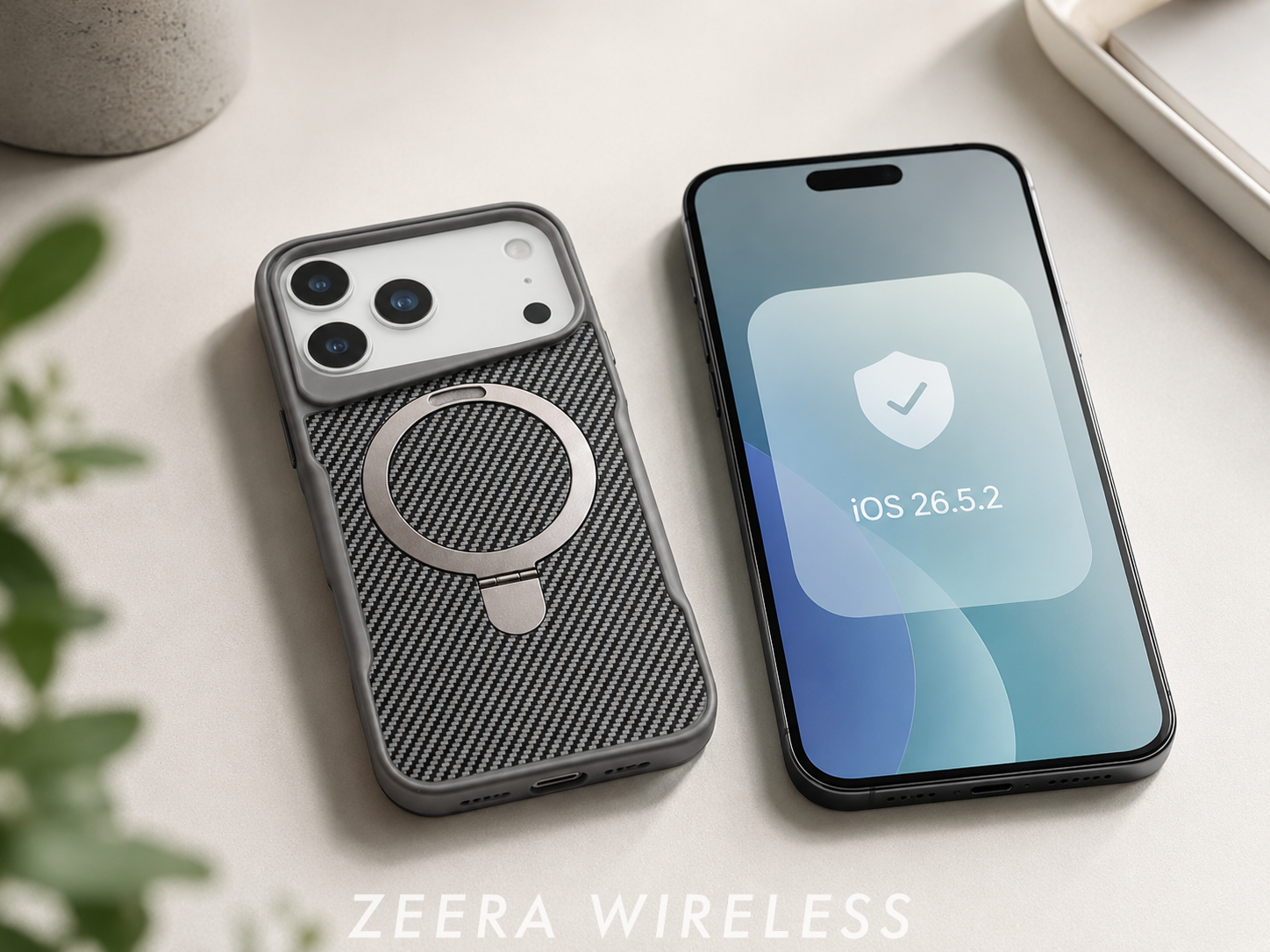
Apple has released iOS 26.5.2 and iPadOS 26.5.2, a public update focused on security fixes rather than new features.
For almost everyone using the public version of iOS, the answer is simple: install iOS 26.5.2 now rather than wait for iOS 26.6. Apple released iOS 26.5.2 specifically to deliver important security fixes before iOS 26.6 finishes beta testing.

iOS 26.5.2 at a Glance
| Release date | June 29, 2026 |
|---|---|
| Build number | 23F84 |
| Release type | Public security update |
| Major new features | None announced |
| Using public iOS? | Update to iOS 26.5.2 now |
| Already on iOS 26.6 beta? | Stay on the beta track unless you intend to leave beta testing |
Should You Update Now or Wait for iOS 26.6?
Short answer: Update now if you use the public version of iOS. Wait only if you intentionally installed iOS 26.6 beta or need it for app testing.
Apple says iOS 26.5.2 includes security fixes that were first made available in the iOS 26.6 and iPadOS 26.6 betas. That means public users do not need to wait for the final iOS 26.6 release to receive those protections.
For most iPhone users, iOS 26.5.2 is the lower-risk choice because it is stable public software rather than a developer beta.

Update to iOS 26.5.2 now if you:
- Use the public version of iOS rather than beta software.
- Regularly open links from Messages, Mail, social apps, or search results.
- Use banking, work, travel, shopping, or authentication apps.
- Want Apple’s latest public security protections without beta-related risks.
Who Should Wait for iOS 26.6?
Only a small group should wait for iOS 26.6: developers testing apps, users already enrolled in Apple’s beta program, and people specifically evaluating upcoming iOS 26.6 changes.
Everyone else should install iOS 26.5.2 now. Waiting for iOS 26.6 does not provide a security advantage if you are on the public release channel.
iOS 26.5.2 vs iOS 26.6 Beta 3
Apple released iOS 26.5.2 and iOS 26.6 Beta 3 on June 29, 2026. They arrived at the same time, but they are intended for different users.
| Question | iOS 26.5.2 | iOS 26.6 Beta 3 |
|---|---|---|
| Is it stable public software? | Yes | No, it is a developer beta |
| Best for most iPhone users? | Yes | No |
| Main purpose | Public security fixes | Ongoing beta testing |
| Major new features | None announced | Not the reason most users should update now |
| Build number | 23F84 | 23G5052d |
| Recommended for | Most users | Developers and intentional beta testers |
Recommended choice for most users: iOS 26.5.2. If your goal is a secure and stable iPhone, iOS 26.5.2 is the better option because it provides current public security fixes without beta software.
What Changed in iOS 26.5.2?
iOS 26.5.2 is a security update. Apple has not announced new Apple Intelligence tools, redesigned apps, or major visible iPhone features in this release.
Its main purpose is to patch underlying security issues before they affect more users. The build number is 23F84, and Apple released iPadOS 26.5.2 on the same day with the same build number.
For users deciding whether to update or wait for iOS 26.6, this means the decision is not really about new features. It is about whether you want Apple’s current security fixes now. For most people, the answer is yes.
iOS 26.5.2 is available for iPhone 11 and later. The matching iPadOS 26.5.2 update is available for supported iPad Pro, iPad Air, iPad, and iPad mini models, starting with iPad Pro 12.9-inch (3rd generation), iPad Pro 11-inch (1st generation), iPad Air (3rd generation), iPad (8th generation), and iPad mini (5th generation).</p>


Why Did Apple Release iOS 26.5.2 Before iOS 26.6?
iOS 26.6 is still in beta testing, so its final public release is not ready yet. Apple could have waited and included these security fixes in iOS 26.6 later.
Instead, Apple released iOS 26.5.2 so public users could receive the fixes sooner. Apple’s security notes confirm that these protections were first made available in the iOS 26.6 and iPadOS 26.6 beta cycle.
That is why waiting for iOS 26.6 offers little benefit for most people. You can install iOS 26.5.2 now, stay on stable software, and decide later whether the final iOS 26.6 release adds anything you care about.
What Security Fixes Matter to Users?
iOS 26.5.2 fixes security issues involving web browsing, system memory, graphics, browser extensions, and clipboard data.
In everyday use, that matters when you open a link in Messages or Mail, browse in Safari, sign in to a bank account, or use apps with built-in web pages.
- Web browsing: WebKit fixes help protect Safari and in-app browsers from malicious web content that could cause crashes or expose data.
- System protection: Kernel fixes address low-level issues that could allow an app to trigger a shutdown or access sensitive system information.
- Graphics stability: An IOGPUFamily fix addresses a risk that could cause an unexpected system termination.
- Clipboard and extensions: Other fixes cover browser extensions, clipboard data, and web-based communication tools.
These changes work quietly in the background, but they affect parts of iOS many people use every day. That makes iOS 26.5.2 worth installing even though it does not add new features.
For the complete technical list, see Apple’s official iOS 26.5.2 and iPadOS 26.5.2 security notes.
How to Install iOS 26.5.2
- Open Settings on your iPhone.
- Tap General.
- Tap Software Update.
- Select iOS 26.5.2, then tap Download and Install.
Before updating, make sure your iPhone has enough battery power, a reliable internet connection, and sufficient free storage. Backing up your iPhone first is also recommended—see our guide on How to Back Up Your iPhone Before Updating iOS. If you see a beta update option alongside iOS 26.5.2, choose iOS 26.5.2 unless you deliberately want to remain in Apple’s beta program.
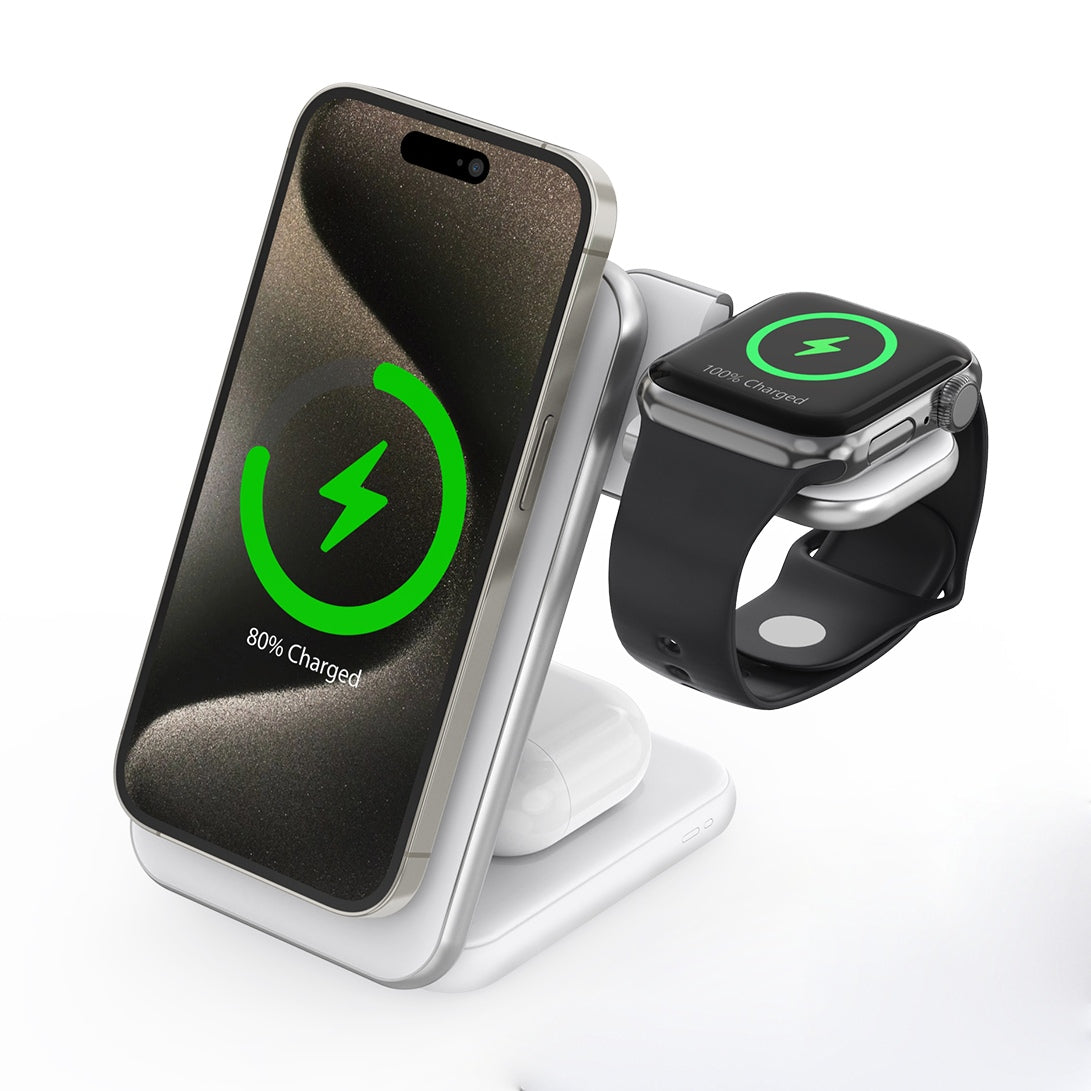
During installation, your iPhone may become temporarily warm, so using an active-cooling charger like the ZEERA MagTri Gen2 Qi2.2 MagSafe Charger Stand can help keep temperatures under control while charging.
Key features include:
-
Built-in semiconductor cooling system that actively helps reduce heat during wireless charging.
-
Integrated cooling fan for continuous active airflow and improved heat dissipation.
Foldable, travel-friendly design that's ideal for both desktop use and taking on the go.
-
3-in-1 charging for your iPhone, Apple Watch, and AirPods simultaneously.


Bottom Line
So, should you update or wait for iOS 26.6? If you are using the public version of iOS, update to iOS 26.5.2 now.
For most users, there is no practical reason to wait for iOS 26.6 if your priority is keeping your iPhone secure. Wait only if you are intentionally testing beta software or evaluating upcoming iOS 26.6 changes.
ZEERA MagSafe Wireless Charging Series
ZEERA MagTri Gen2 Qi2.2 Foldable MagSafe Charger
- 25W Qi2.2
- 3-in-1 fold
- Active cooling
- Travel size
- 3-device ready
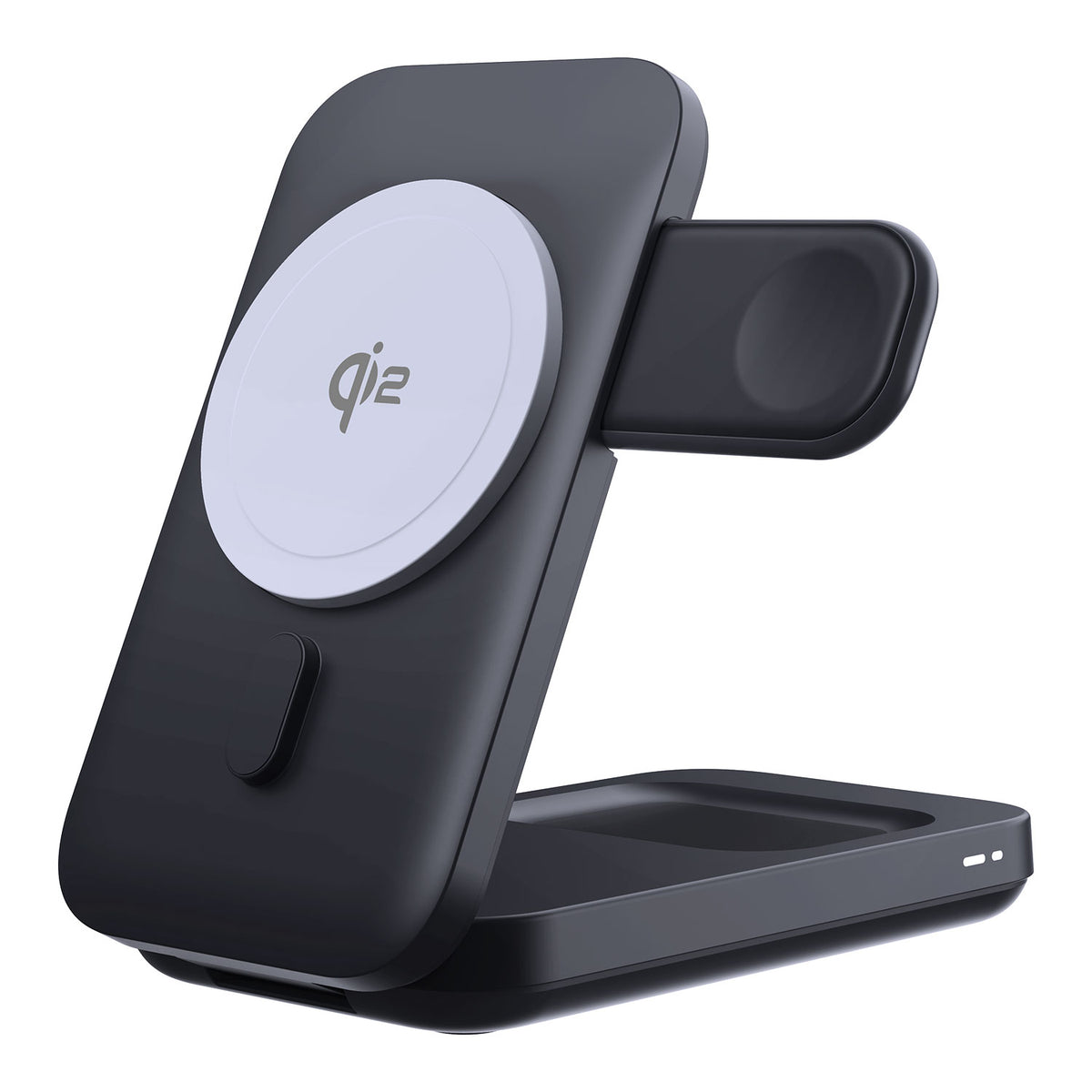
ZEERA MagSion 5-in-1 Dual MagSafe Charger Stand
- Dual MagSafe
- 5-in-1 stand
- Watch charging
- Angle adjust
- Clean setup
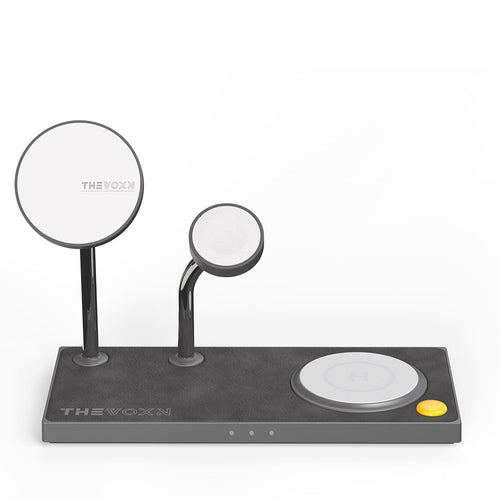
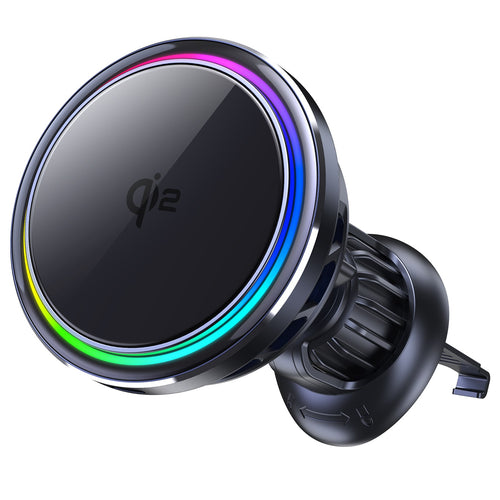
ZEERA SuVolt Gen5 Qi2.2 Active Cooling Car Charger
- 25W Qi2.2
- Active cooling
- Strong magnet
- CarPlay ready
- Heat control
FAQ
Is iOS 26.5.2 worth installing?
Yes. It is a public security update that addresses issues involving web content, graphics processing, browser-related services, and core system components.
Can I skip iOS 26.5.2 and wait for iOS 26.6?
You can, but most public-release users should not. iOS 26.5.2 already provides Apple’s latest public security fixes, while iOS 26.6 is still in beta testing.
Does iOS 26.5.2 fix battery drain or overheating?
Apple’s release notes describe iOS 26.5.2 as a security update. Do not install it expecting a major battery-life or overheating fix.
Related Reading
- iOS 26.6 Beta 2: What’s New, Release Date and Should You Install It?
- iOS 27 Device Compatibility: Supported iPhones and Beta Release Date
- Unable to Check for Update on iPhone? How to Fix the Error