
Updated: August 21, 2026
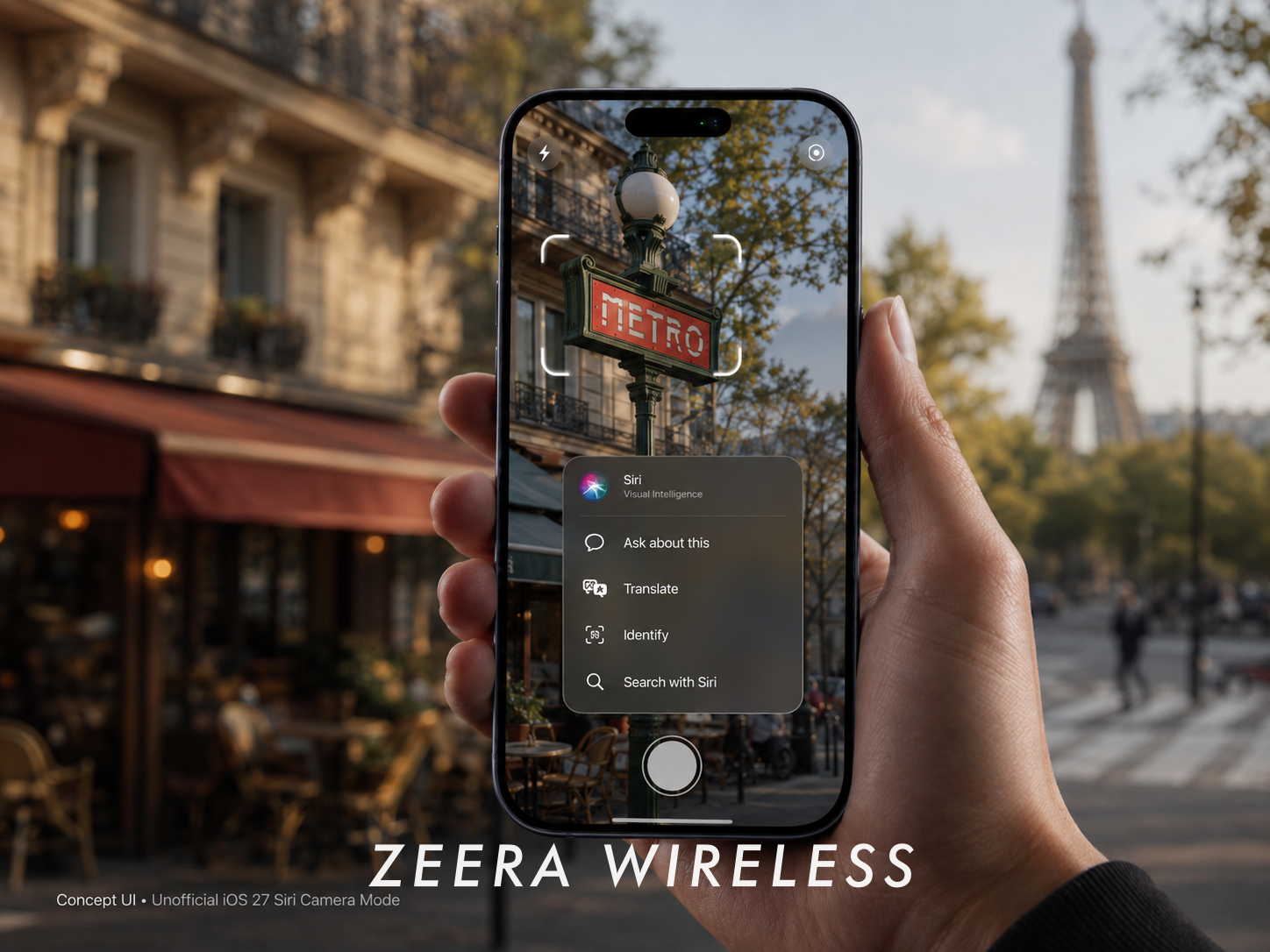
Quick Answer: iOS 27 makes the iPhone Camera much more useful beyond taking photos. The biggest change is a new Siri Mode, which lets compatible iPhones use Visual Intelligence to recognize food, text, objects and other things in front of you, then answer questions or take actions based on what the camera sees.
Apple is also refining Camera controls and introducing RAW 9 image processing. However, not every iPhone that can install iOS 27 will support the full Siri AI Camera experience.

What’s New in the iOS 27 Camera?
The biggest iOS 27 Camera change is not a complete redesign. It is the addition of Siri directly inside the Camera app.
Apple says Siri Mode works with Visual Intelligence to understand what is in front of the camera, answer questions and perform actions. In Apple’s own demonstration, an iPhone recognizes a bowl of food and shows information about the dish and its nutrition.
This means the Camera is starting to work less like a simple capture tool and more like a visual input for Siri.
New Camera controls
The interface itself receives smaller refinements. More commonly used controls are easier to access directly inside Camera, reducing the need to leave the app and open Settings.
The overall Photo and Video experience remains familiar, so users should not expect a completely redesigned Camera app.

Apple is also testing photo authentication
Code found in iOS 27 beta builds points to another feature called Apple Reference Image.
The idea appears to be to prove that a photo was captured by a real iPhone camera using provenance information tied to the capture process.
This is not the same as an AI image detector. Instead of analyzing any random image and guessing whether it was AI-generated, Reference Image appears designed to authenticate the origin of a photo captured in a supported mode.
Apple has not officially announced Reference Image as a shipping iOS 27 feature, so it could still change or arrive later.

RAW 9 brings better image processing
Apple is also introducing RAW 9, its latest RAW image-processing pipeline.
RAW 9 uses Core ML to combine demosaicing and noise reduction, with processing accelerated by the Apple Neural Engine. Apple says it can improve fine detail, sharpness, color separation and high-ISO noise compared with RAW 8.
This change matters much more to photographers working with RAW or ProRAW files than to users who mainly take standard photos.

Which iPhones Support the New Siri Camera?
This is where iOS 27 becomes slightly confusing.
Supporting iOS 27 does not automatically mean supporting every new Camera feature.
iOS 27 itself supports a much wider range of iPhones, including older models. But Siri AI and the latest Apple Intelligence features require newer hardware.
Apple currently lists support for:
- iPhone 17 series
- iPhone 16 series
- iPhone 15 Pro
- iPhone 15 Pro Max
If you use an iPhone 13, iPhone 14 or standard iPhone 15, you may still be able to install iOS 27 and receive general Camera improvements, but you should not expect the complete Siri AI experience.
For newer iPhone owners, the more important question is whether Siri Mode actually gives you something useful that Visual Intelligence could not already do as easily.
Ultra-Thin MagSafe Back Plate Series
ZEERA MagSkin Air Ultra-Thin Magnetic Plate
- Only 0.3mm thin
- MagSafe compatible
- Preserves Air feel
- Light back guard
- Case-free carry

ZEERA MagSkin Pro Ultra-Thin Magnetic Back Plate
- Ultra-thin Pro fit
- MagSafe compatible
- Bare-phone feeling
- Camera deco guard
- Minimal daily carry

ZEERA AirFlat Lens Cover for iPhone Air
- Makes back flat
- Stops desk wobble
- Protects camera lens
- Slim matching look
- Easy clean design

What Can Siri Mode Actually Do?
The easiest way to understand Siri Mode is this:
Point your iPhone at something, ask Siri about it, and use the answer without needing to take a photo first.
Apple has demonstrated several practical uses.
- Food: identify a dish and show nutritional information.
- Plants and objects: recognize what the camera is looking at and answer follow-up questions.
- Text: recognize, translate or explain text in the real world.
- Invitations and flyers: detect event information and add it to Calendar.
- Products: visually search for items or find more information.
- Receipts: use visual information to assist with tasks such as splitting a bill.
Can the iOS 27 Camera really count calories?
Yes, but it is not a dedicated calorie-counting feature.
Apple has officially demonstrated Siri using the Camera to recognize food and provide nutrition information. Calorie estimates are one possible result of that broader Visual Intelligence capability.
So iOS 27 is not adding a separate “Calorie Counter” inside Camera. Siri is interpreting what the camera sees and answering a nutrition-related question about it.
Wasn’t Visual Intelligence already available?
Yes. The underlying idea is not completely new.
Visual Intelligence was already available on supported iPhones, especially through Camera Control. What changes in iOS 27 is that Apple makes it a more natural part of the Camera itself by adding a dedicated Siri Mode.
The difference can be summarized simply:
Before: open Visual Intelligence → identify or search.
iOS 27: open Camera → use Siri Mode → ask about what you see → take an action.
That tighter integration is arguably more important than any single recognition feature.
What about privacy?
Siri AI uses Apple Intelligence processing on the device whenever possible, while more complex requests can use Apple’s Private Cloud Compute infrastructure.
Apple says data processed through Private Cloud Compute is used only to fulfill the request and is not stored or made accessible to Apple.
That distinction is increasingly important as the Camera becomes another way to give AI information about the real world.
ZEERA iPhone Ultra MagSafe Case Series
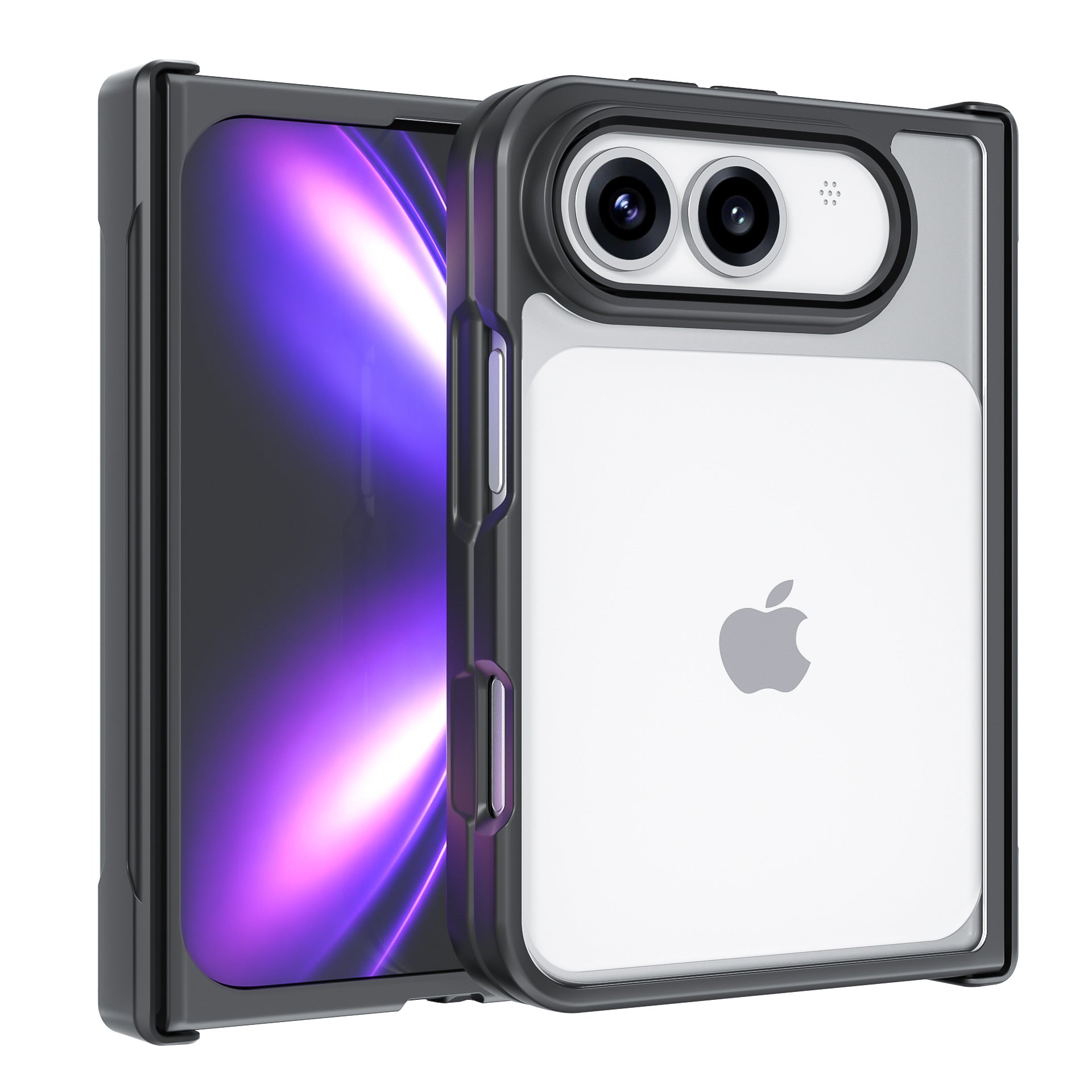
ZEERA ClearGuard Pro Crystal Clear MagSafe Case for iPhone Ultra
- Crystal-clear PC backplate
- Built-in MagSafe compatibility
- Reinforced corners for drop protection
- Raised screen and camera protection
- Responsive independent buttons

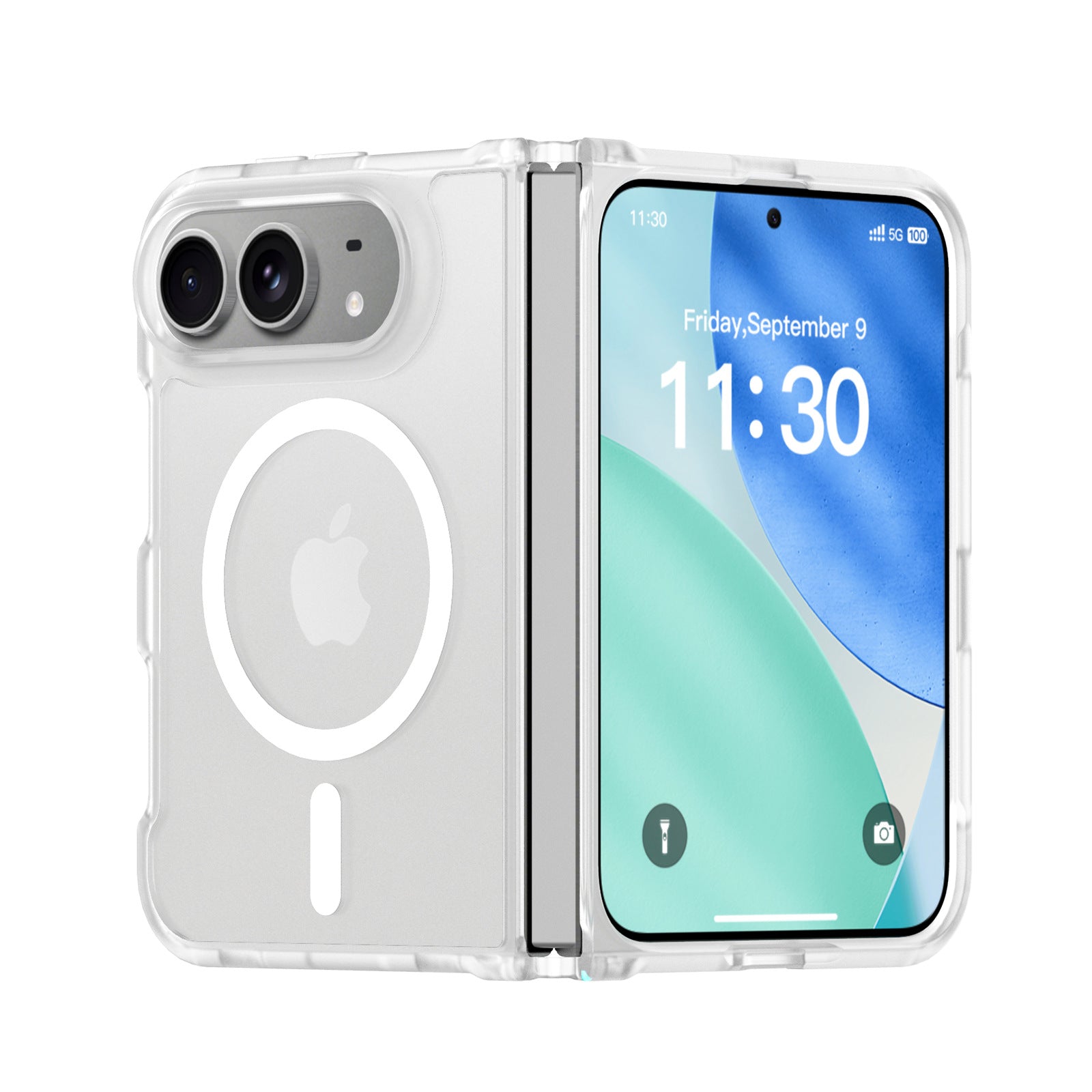
ZEERA FrostGuard Pro Matte Translucent MagSafe Case for iPhone Ultra
- Soft-touch matte translucent back
- 2mm reinforced backplate
- 1.5mm raised camera protection
- Flexible TPU hinge frame
- Built-in MagSafe compatibility
ZEERA ColorGuard Pro MagSafe Vegan Leather Case for iPhone Ultra
- Built-in tempered glass screen protector
- Premium vegan leather finish
- Magnetic hinge protection
- Reinforced shock-resistant frame
- Strong built-in MagSafe magnets

ZEERA FoldGuard Case for iPhone Ultra – 360° Full Protection
- Protects both screens and the hinge
- Flexible shock-absorbing TPU frame
- Durable PC backplate
- Optional N52 MagSafe version
- Optional 360° rotating stand
Is the iOS 27 Camera Upgrade Actually Useful?
For supported iPhones, Siri Mode is the most meaningful Camera change in iOS 27.
If you already use an iPhone 16 or iPhone 17, the update does not suddenly give your device completely new camera hardware. Instead, it makes the existing camera much better at understanding what is in front of you and turning that information into an answer or action.
For older iPhones that do not support the full Siri AI feature set, the Camera upgrade will feel much smaller.
And if you only use the Camera to take ordinary photos and videos, iOS 27 is more refinement than revolution.
Still, the direction is important: Apple is turning the iPhone Camera into an input for Siri, not just an app for capturing images.
That may end up being the most important Camera change in iOS 27.

A MagSafe Charger That Stays Put and Keeps Your iPhone Cool
If you often use your iPhone for navigation, Siri or Visual Intelligence, the ZEERA SuVolt Gen5 Qi2.2 25W Active Cooling MagSafe Charger gives you a more stable hands-free setup in the car or on your desk. The optional Suction Cup Mount holds firmly to a dashboard, windshield or smooth desktop surface, while active cooling helps control heat during fast wireless charging. Its adjustable viewing angle also makes it easy to keep your iPhone visible for navigation, calls or StandBy without constantly picking it up.

FAQ
Does iOS 27 have a completely new Camera app?
No. Apple has refined the interface, but the biggest change is Siri Mode and deeper Visual Intelligence integration rather than a full redesign.
Which iPhones support Siri Mode in Camera?
The full Siri AI and Apple Intelligence experience requires newer hardware, including iPhone 16 models or later and iPhone 15 Pro or iPhone 15 Pro Max.
Can iOS 27 identify food and calories?
Yes. Apple has demonstrated food recognition and nutritional information through Siri Mode. Calorie information is part of the broader Visual Intelligence experience rather than a standalone Camera feature.
Can iOS 27 detect AI-generated photos?
Not in the simple sense of scanning any image and deciding whether it was made by AI. Apple Reference Image appears designed to authenticate that a photo came from a real iPhone camera, but the feature has not yet been officially announced for release.









