
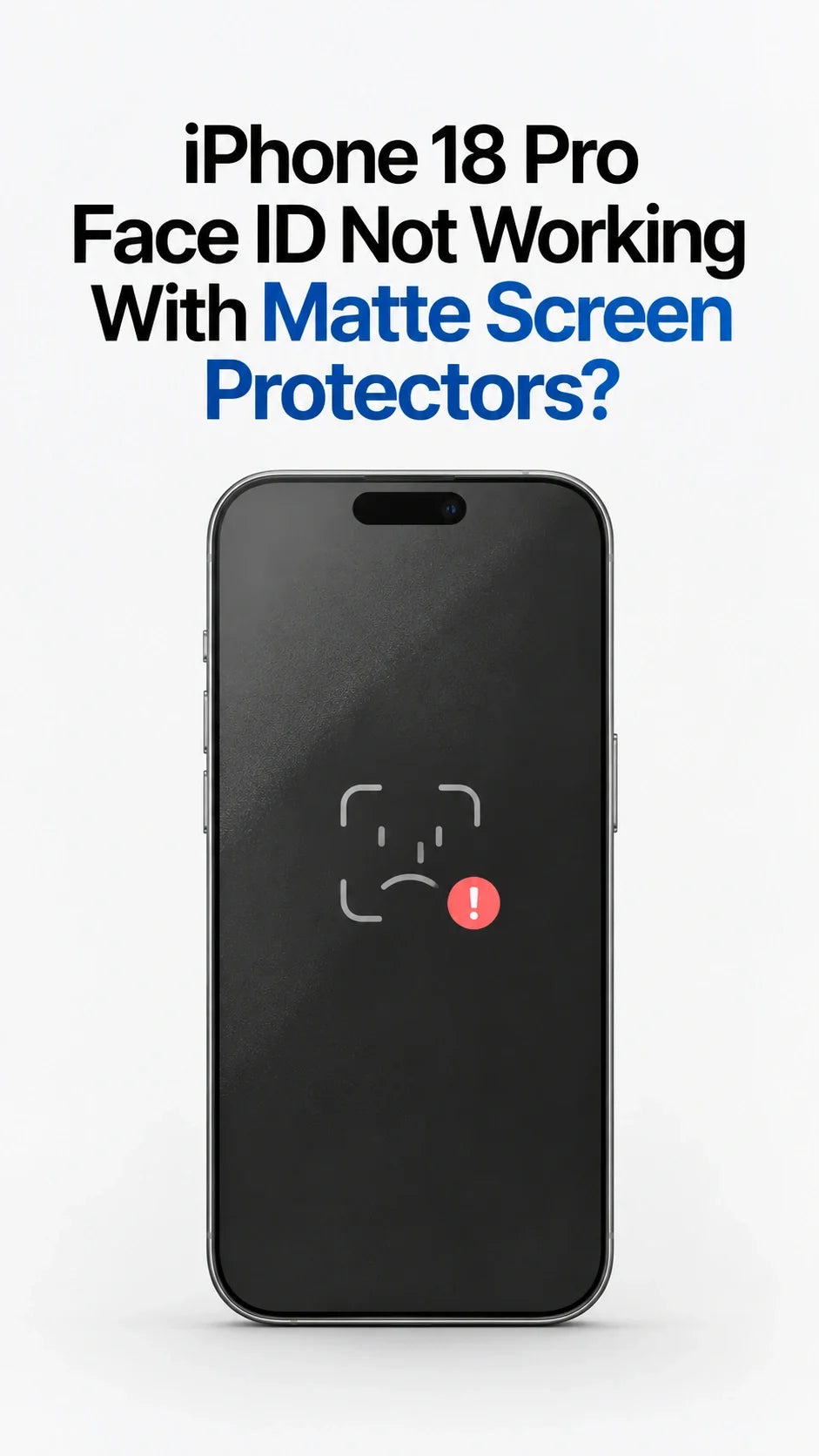
Can a full-coverage matte screen protector make Face ID stop working on the iPhone 18 Pro or iPhone 18 Pro Max? According to information ZEERA received from its supply chain, some matte tempered glass designs may interfere with Face ID.
The reported issue involves matte treatment over an infrared sensor area beneath the display. For now, choose high-clarity glass or a matte design with a properly positioned clear sensor window or cutout. Check for model-specific Face ID testing before buying.
Updated September 16, 2026.
A screen protector can look perfectly aligned and still cause a frustrating problem: your new iPhone asks for a passcode because Face ID cannot complete the unlock. ZEERA has learned that some accessory makers are urgently adjusting their iPhone 18 Pro series matte glass designs to address this possibility.
This is a ZEERA supply-chain report, not an Apple-announced incompatibility list. Here is what may be happening, which screen protector designs make more sense, and how to identify a problem after installation.
Why Might a Matte Screen Protector Interfere With iPhone 18 Pro Face ID?
According to ZEERA’s supply-chain information, the iPhone 18 Pro series places the infrared flood illuminator beneath the display. The dot projector and infrared camera must still work with the light it provides to complete Face ID authentication.
A full-coverage matte layer could scatter or reduce infrared light passing through the relevant area. If the system receives an insufficient or distorted signal, unlocking may become slow, inconsistent, or unsuccessful.
Helps illuminate the face with infrared light. Its reported location beneath the display is central to ZEERA’s supply-chain concern.
Projects an invisible dot pattern that helps Face ID build a depth map.
Captures infrared information that the system uses alongside the depth map.
Apple explains that its TrueDepth system uses a depth map and an infrared image to recognize a face. Apple also advises users to remove a screen protector if it might be covering the TrueDepth camera. Apple has not publicly identified particular iPhone 18 Pro matte protector models that fail.
Confirmed vs. ZEERA insight: Apple confirms how Face ID uses infrared information and that an obstructing screen protector can cause problems. The reported under-display flood illuminator, affected matte designs, and manufacturers’ revisions come from ZEERA’s supply-chain information. The exact optical cause has not yet been established by a published comparison test.
Does This Mean Every Full-Coverage Matte Protector Will Fail?
No. The concern is about some full-coverage matte designs, not every anti-glare screen protector. Coating, material, sensor-window design, and installation alignment may all matter.
A visible cutout for the selfie camera is not automatically enough. If a sensor uses an area beneath the display, the protector also needs to leave that area optically usable.
Likewise, a clear protector is not guaranteed to work simply because it looks transparent to your eyes. What matters is whether the finished protector preserves the light path Face ID needs.
Which iPhone 18 Pro Screen Protector Should You Buy?
If reliable Face ID is the priority, start with a high-clarity tempered glass protector whose maker explicitly lists your exact model and has checked Face ID performance. A revised matte protector with a clear sensor window or correctly placed cutout is another option when its compatibility has been verified.
The straightforward choice if you want full-screen coverage without an unverified matte coating over the sensor area.
May preserve the anti-glare feel across most of the display while leaving the required sensor path clear.
Can avoid covering a sensor area, provided the cutout is positioned for the finished iPhone 18 Pro or Pro Max.
Before purchasing an “iPhone 18 Pro Face ID compatible” screen protector, ask whether the seller tested Face ID unlocks on the finished phone. A listing that only says “camera clear” does not answer the same question.
Face ID Stopped Working After Installing Matte Glass—What Should You Do?
First, check whether Face ID worked normally before installation. A change immediately after applying glass makes the protector worth investigating, but timing alone does not prove the cause.
- Clean the top of the display. Check for fingerprints, dust, bubbles, or a misaligned opaque border.
- Try unlocking again. Note whether Face ID fails consistently or only in certain conditions.
- Remove the protector if failures continue. Test Face ID again with the screen unobstructed.
- Contact the protector seller if removal fixes it. Ask for a revised, model-specific design or a refund.
- Follow Apple’s troubleshooting guidance if it still fails. Check Face ID settings and software updates, then seek support if necessary.
Apple’s Face ID troubleshooting guide specifically tells users to remove anything that might cover the TrueDepth camera, including a screen protector. Resetting Face ID should not be your first attempt to work around a protector that may be blocking the system.
What Is ZEERA Watching Next?
ZEERA has heard that some manufacturers are working on clearer glass and window or cutout designs. The next useful evidence will be tests that name the exact protector, phone model, and Face ID results before and after installation.
Until those results are available, avoid assuming that every matte protector has a problem—or that every product advertised as “Face ID compatible” has been tested on both iPhone 18 Pro sizes.
Related Reading
FAQ: iPhone 18 Pro Screen Protectors and Face ID
Do matte screen protectors stop Face ID on iPhone 18 Pro?
Some full-coverage matte designs may interfere, according to information ZEERA received from its supply chain. There is no basis to say all matte protectors fail.
Is iPhone 18 Pro Max affected too?
ZEERA’s report concerns the iPhone 18 Pro series, including Pro Max. Check compatibility for the exact size you own; the two models require different protectors.
Will a cutout fix the Face ID problem?
A correctly positioned cutout or clear sensor window may help. A selfie-camera cutout alone may be insufficient if another Face ID component uses a different area.
Is clear tempered glass guaranteed to work with Face ID?
No. High clarity is a useful starting point, but choose a protector whose maker has verified Face ID on your exact iPhone model.
Why did Face ID stop working right after I applied a protector?
The protector might be misaligned, dirty, or obstructing part of the TrueDepth system. Test Face ID after removing it, then follow Apple’s troubleshooting steps if the problem remains.
Can resetting Face ID make an incompatible protector work?
A reset cannot remove a physical obstruction. Check and, if necessary, remove the protector before resetting Face ID.






