Quick Answer
If your iPhone Duo clicks only with the case installed, the case or its fit is the likely source. If the phone still folds smoothly, compare one slow pass with and without the case at the same angle, using the same grip. Watch for a hinge cover returning to position, a front-frame corner shifting, or the frame touching the outer-screen protector. If the click persists with the phone bare, follow Apple’s hinge troubleshooting guide. Stop testing and contact Apple if you feel grinding, stiffness or looseness, or if the phone suddenly stops opening or closing fully.
Why does an iPhone Duo case click mid-fold?
The folding motion can move a case cover or shift a frame that sits unevenly. A tap at the same angle tells you where to look. If it coincides with the cover settling, inspect the cover. If a corner jumps at that moment, inspect the front frame and its clearance around the outer-screen glass.
Where to look when you hear the click
Hinge cover and case shell
Look along the folding edge from the side. A moving cover may tap its stop or meet a shell edge as it returns. Watch both ends for a cover that catches or arrives unevenly.
Front frame and phone edge
Sight along the outer-display frame. A corner that lifts or drops back as your grip shifts points to how the frame is seated. Check the front-frame fit guide.
Front frame and outer-screen glass
Look for a glass edge touching the frame’s inner lip, especially where a corner lifts or a bubble appears. An open front frame needs clearance around separately applied glass. Check case and protector compatibility.
How to compare the same fold with and without the case
- Start with the case on. Take the phone off any mount or charger, detach wallets or magnetic rings, and stow built-in stands. If the fold feels smooth, move slowly through the angle where you heard the click. Note whether it happens on opening, closing or both. Stop if the phone or case catches.
- Remove the entire case. Follow the case maker’s removal instructions for the front frame and rear shell. Take off any separate hinge guard. Keep separately applied outer-screen glass in place for this first comparison so you change one part of the setup at a time.
- Repeat once at the same angle. Keep the direction, grip and speed as close as possible. If the click remains, Apple’s next troubleshooting step also removes third-party screen protectors. Follow the protector maker’s instructions for any aftermarket outer glass. Leave the factory inner-display layer in place. Apple’s guidance on the inner-display cover layer.
What the case-off result tells you
The sound disappears. Check the removed parts for a lifted corner or misaligned cover. Refit the case as directed if the parts sit flush and the fold stays smooth. If the sound returns exactly as the frame or cover shifts, show that contact point to the case seller.
The sound persists with the phone bare. Ask Apple to assess a recurring unexpected click. Skip further tests if the hinge grinds, feels loose or stiff, or either half binds or looks misaligned. Apple treats unexpected folding noise and incomplete travel as hinge troubleshooting symptoms. Apple’s iPhone Duo hinge troubleshooting guide.
What to watch in ZEERA’s case demos
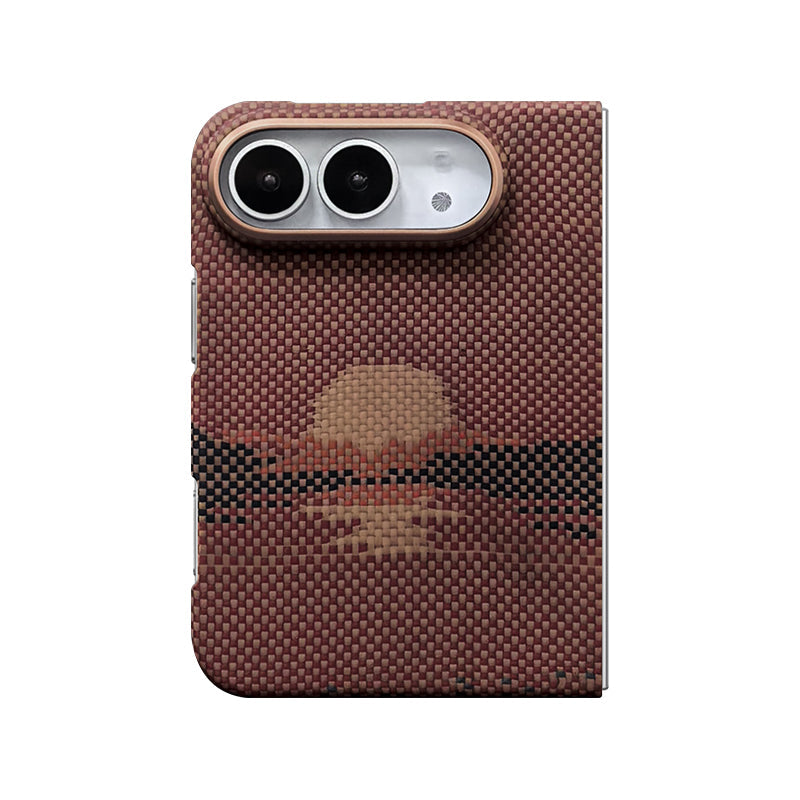
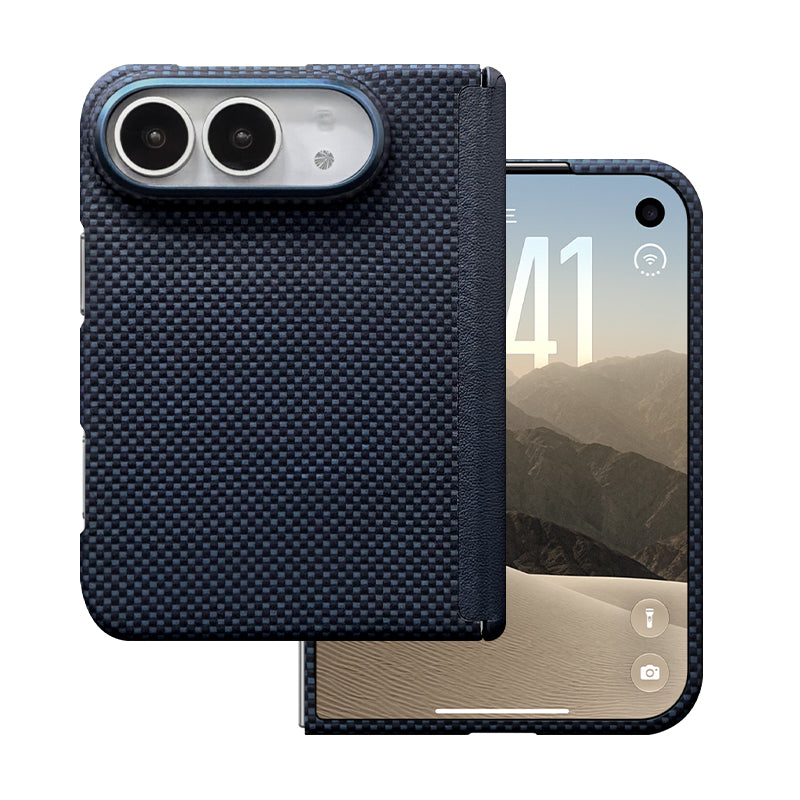
Compare the folding edges in ZEERA’s 10-case fit and weight test. FoldAero Pro leaves the hinge exposed, so focus on the front-frame corners. FoldShield Pro adds an auto-return leather hinge cover, so watch where both ends settle. FoldArmor Pro adds a hinge stand and integrated outer-screen glass. Stow the stand and inspect the front assembly as a single piece.
Related Reading
FAQ
Can I reuse the adhesive on my front frame after the test?
Check the installation instructions for your exact case. If the strips tear, pick up lint or lose grip during removal, use the maker’s replacement strips if available. Extra tape can lift a frame and change the clearance you’re trying to check.
What should I record for the case seller or Apple?
If the phone still moves freely, take a short side-on clip with the audio on. Show where in the fold the sound occurs and note whether removing the case changes it. If the hinge binds or grinds, describe what you felt and send a still photo instead of repeating the motion for a video.