
Quick Answer
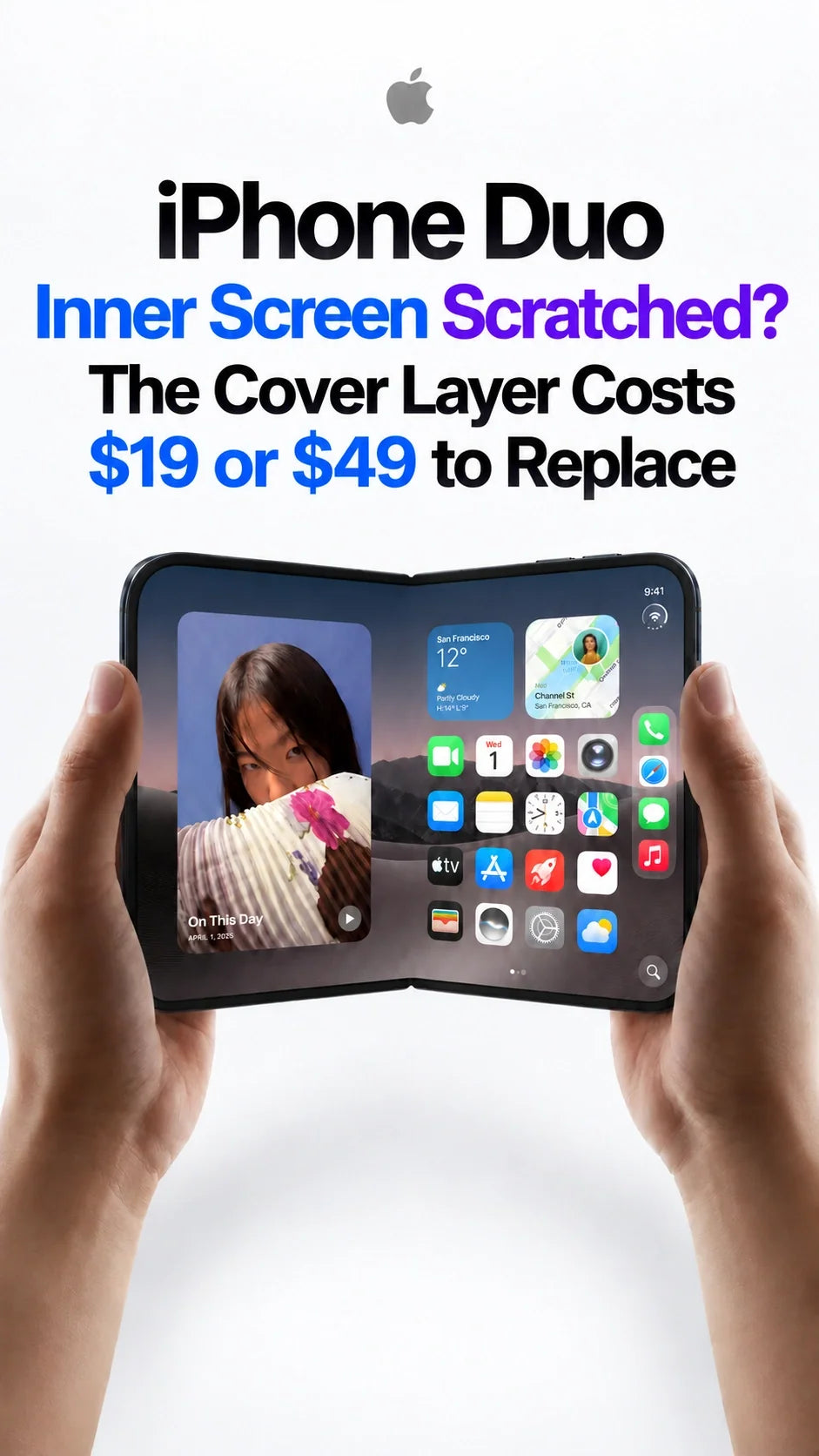
A scratch on the iPhone Duo's inner surface is less alarming than it first looks: the nano-texture cover layer can be replaced separately.
Apple's U.S. cover-layer service estimate is $19 with AppleCare+ or $49 without AppleCare+.
If the damage is limited to that layer, you can arrange replacement at an Apple Store or Apple Authorized Service Provider.
Mediastorm's comparison found stronger reflection control than the tested iPad nano-texture glass and better clarity than the tested matte screen protector.
The trade-off is cleaning: the Duo's more pronounced surface texture can hold on to some sweat, skin oils and cosmetic residue.
A Surface Scratch Does Not Have to Mean a Whole New Display
The first mark on an expensive folding screen can feel disastrous. The reassuring detail on iPhone Duo is that its nano-texture surface is a serviceable cover layer. When the damage is in that layer, Apple can replace it without replacing the entire inner display.
That makes everyday surface wear much easier to live with. You can enjoy the large matte screen and deal with a damaged cover layer through a relatively inexpensive service, rather than treating every visible mark as the end of the screen.
How Much Does iPhone Duo Cover Layer Replacement Cost?
| Coverage | Cover layer replacement |
|---|---|
| With AppleCare+ | $19 |
| Without AppleCare+ | $49 |
Apple's U.S. estimates for cover-layer damage, before applicable tax. Apple confirms the repair category when inspecting the phone.

You can start through Apple's iPhone repair page and take the phone to a store for assessment and replacement. Check appointment and parts availability with the location you plan to visit. Our full iPhone Duo repair-price guide covers the other repair categories.
The practical distinction is where the damage sits. Surface scuffs belong in a cover-layer assessment; black patches, lines or touch problems call for a display assessment. The $19/$49 price is for the cover-layer service.
What Exactly Is the Nano-Texture Cover Layer?
The matte finish you touch sits above the folding display. Its job is part optical and part tactile: it softens reflections and gives the open screen a more paper-like appearance, especially when reading books, comics or long articles.

Although it is often called a nano coating, cover layer is the useful term when asking for service. It identifies the replaceable surface rather than the complete OLED assembly underneath. Our iPhone Duo cover-layer guide explains its place in the display stack.
Have Apple or an authorized provider remove and replace it. In the review, Mediastorm specifically says Apple emphasized professional replacement. Lifting the edge yourself can damage the display beneath it.
iPad Nano-Texture Glass vs iPhone Duo vs a Matte Screen Protector

Mediastorm put all three surfaces side by side, then examined them under magnification. The Duo did not look like a smaller copy of the iPad's nano-texture glass. Its microscopic pattern was more irregular, with small lens-like forms across the surface.
Reflection control
In this comparison, the Duo controlled reflections more strongly than the iPad nano-texture glass. That helps explain why the inner screen feels comfortable for reading around windows and room lighting.
Clarity and contrast
The Duo retained better clarity than the tested matte protector, placing it between the two reference surfaces in the review's assessment. The cost is a less vivid look than a glossy screen under strong light, with some loss of perceived contrast.
For a phone that opens into a reading screen, that balance makes sense. You gain a calmer surface without taking the full clarity hit of the matte film used in the comparison. It is one reason the Duo's inner display feels different from a conventional glossy phone.
Why Sweat, Skin Oils and Makeup Can Be Harder to Wipe Off

Most fingerprints in the review wiped away quickly. The surprising part was that a few colleagues' sweat and skin oils, along with some cosmetics, left marks that were much harder to remove.
To investigate, the team worked with a microscopy specialist who replicated the surface texture and had it characterized using an atomic force microscope. The resulting height profiles showed substantially larger peaks and valleys on the Duo than on the other comparison surfaces.

The review's explanation is that oily residue and sweat can settle into those deeper surface valleys. A quick dry wipe may then move the residue around instead of lifting it away. This also explains why different people can have very different experiences with the same screen.
If your hands tend to be oily, or you often touch your phone after applying skincare or makeup, cleaning may be a more noticeable part of Duo ownership. A lingering cloudy patch is a reason to clean gently before deciding the surface is scratched.
What to Do When You Notice a Mark
Start with a gentle clean
Use a clean, soft, lint-free cloth and light pressure. For residue that persists, follow the cleaning method supplied for the Duo's inner surface or ask Apple which solution to use. The review needed a cleaning solution and cloth for its stubborn marks; rubbing harder is not a useful substitute.
Let a technician assess a persistent scratch
If the mark remains after appropriate cleaning, take the phone in and ask about cover-layer replacement. Leave the factory layer in place so the technician can inspect it.
For everyday care, keep grit off the open screen and check for trapped debris before closing the phone. A case can help with carrying and handling, but choosing the right model still matters; our iPhone Duo case comparison separates materials, stands and protection features.
The Reassuring Part: You Have a Practical Repair Option
The nano-texture finish has a clear appeal: fewer distracting reflections, a paper-like reading experience and good clarity compared with the tested matte film. Its textured surface asks for a little more care with certain residues.
The replaceable cover layer makes that easier to accept. A surface scratch does not automatically mean losing the whole inner display. With a $19 AppleCare+ service fee or $49 without coverage, there is a practical route back to a fresh cover layer when replacement is needed.
Frequently Asked Questions
Can I walk into an Apple Store for cover-layer replacement?
You can take it to an Apple Store for in-person service. Booking through Apple Support first helps confirm a suitable appointment and local parts availability. An Apple Authorized Service Provider is another option.
Can I peel it off to make the screen glossy?
Leave removal to Apple or an authorized provider. This is a factory display layer, and peeling it yourself can damage the inner screen.
Does a stubborn fingerprint mean the layer is damaged?
Not necessarily. The review found some sweat, oils and cosmetic residue unusually difficult to clean. Try the appropriate cleaning method before treating the mark as a scratch.
Is Duo's nano-texture surface the same as iPad nano-texture glass?
No. The review showed a different microscopic pattern and greater surface-height variation on Duo, along with a different balance of reflection control and clarity.
Video Source
The optical comparison, microscopy investigation and screen close-ups are from Mediastorm / 影视飓风's iPhone Duo in-depth review.
Related Articles






