
Apple’s biggest iOS 27 change may not be a redesigned icon, a new wallpaper, or a small control-center update.
It may be Siri.
With iOS 27, Apple is giving Siri its biggest AI upgrade yet.
For many iPhone users, the most confusing part is the new Siri App. Is it a real app? Is it replacing the old Siri? Why do some users not see it yet? And which iPhones can actually use the full Siri AI experience?
This guide explains the new iOS 27 Siri App features, how Siri AI is different from old Siri, why access may require a waitlist, why Apple labels the experience as Beta, and what you should know before updating your iPhone.

Quick Answer: What Is the New Siri App in iOS 27?
The new Siri App in iOS 27 is a dedicated place for Siri AI conversations. Instead of using Siri only as a quick voice command tool, users can start, continue, and revisit Siri AI conversations in one place.
That means Siri is no longer limited to short commands like setting a timer, checking the weather, or calling a contact. With Siri AI, Apple is making Siri feel closer to a modern AI assistant: more conversational, more personal, and more connected to the apps and information already on your iPhone.
The important detail is that iOS 27 support and full Siri AI support are not the same thing. Some iPhones may be able to install iOS 27 but may not support every Apple Intelligence or Siri AI feature. Availability can also depend on language, region, beta access, waitlist status, and device model.

What Apple Announced About Siri AI at WWDC 2026
At WWDC 2026, Apple officially introduced Siri AI, a major upgrade to Siri powered by Apple Intelligence. Apple positioned the new Siri experience as more conversational, more personal, and more capable across iPhone, iPad, Mac, Apple Watch, and Apple Vision Pro.
The biggest changes are not just visual. Apple demonstrated Siri AI features including personal context understanding, on-screen awareness, visual intelligence, and app actions that can work across multiple apps.
In practical terms, this means Siri is being rebuilt around three ideas: understanding what you are asking, understanding relevant information on your device, and helping you take action instead of only answering a question.
Apple also made it clear that Siri AI will not arrive for every user at the same time, which is why Beta access, device support, language, and region all matter.
Ultra-Thin MagSafe Back Plate Series
ZEERA MagSkin Air Ultra-Thin Magnetic Plate
- Only 0.3mm thin
- MagSafe compatible
- Preserves Air feel
- Light back guard
- Case-free carry

ZEERA MagSkin Pro Ultra-Thin Magnetic Back Plate
- Ultra-thin Pro fit
- MagSafe compatible
- Bare-phone feeling
- Camera deco guard
- Minimal daily carry

ZEERA AirFlat Lens Cover for iPhone Air
- Makes back flat
- Stops desk wobble
- Protects camera lens
- Slim matching look
- Easy clean design

iOS 27 Siri App Features at a Glance
| Feature | What It Means | Why It Matters |
|---|---|---|
| Siri App | A dedicated place for Siri AI conversations and history. | Makes Siri feel more like a modern AI assistant. |
| Conversational Siri | You can ask follow-up questions more naturally. | Useful for planning, writing, learning, and daily tasks. |
| Personal Context | Siri can use relevant information from your apps when supported. | Helps you find messages, emails, notes, photos, and calendar details faster. |
| On-Screen Awareness | Siri can understand what is currently on your screen. | Makes it easier to act on messages, webpages, photos, and app content. |
| App Actions | Siri can complete more tasks across supported apps. | Turns Siri into more than a voice shortcut tool. |
| Siri Mode in Camera | Siri can help analyze what you are looking at through the camera. | Useful for visual search, food, objects, places, and real-world questions. |
What the iOS 27 Siri App Is Designed to Do
The new Siri App is designed to make Siri feel less temporary.
Old Siri often felt like a single-use command box. You asked a question, got an answer, and the interaction disappeared. That worked for alarms, weather, calls, and quick reminders, but it did not feel like a real assistant.
The iOS 27 Siri App changes the experience by making Siri conversations easier to continue, revisit, and use as part of a longer workflow.
For example, you might ask Siri to help plan a weekend trip. Then you could follow up with restaurant ideas, weather questions, packing reminders, hotel details, and a message to send to a friend. Instead of treating each request as a separate command, Siri AI is meant to understand the conversation more naturally.
This matters because AI assistants are most useful when they remember context. The Siri App gives Apple a cleaner place to organize that experience across iPhone and other Apple devices.

What You Can Actually Do With Siri AI in iOS 27
More Natural Conversations
The most obvious change is conversation. Siri AI is designed to handle more natural back-and-forth questions. You can ask open-ended questions, brainstorm ideas, request explanations, and continue the same topic without starting over every time.
For everyday users, this could make Siri more useful for tasks like writing a polite reply, summarizing a note, comparing travel options, or planning a shopping list.
Instead of saying exact commands, you should be able to speak or type more naturally. That is a major change from the old Siri experience, where users often had to guess the correct phrasing.

Personal Context Understanding
Siri AI can also use personal context when supported. This means Siri may help you find information already stored across your Apple apps, such as messages, emails, notes, calendar events, and photos.
A realistic example: you remember that someone sent you a restaurant recommendation, but you cannot remember whether it was in Messages or Mail. Instead of searching manually, you could ask Siri to find the recommendation.
Another example: you are leaving for a trip and need your hotel confirmation number. Siri AI may help surface it from an older email without forcing you to dig through your inbox.
This is the type of feature that could make Siri feel truly useful, because it connects AI with the information people already have on their iPhone.
ZEERA MagSafe Wireless Charging Series
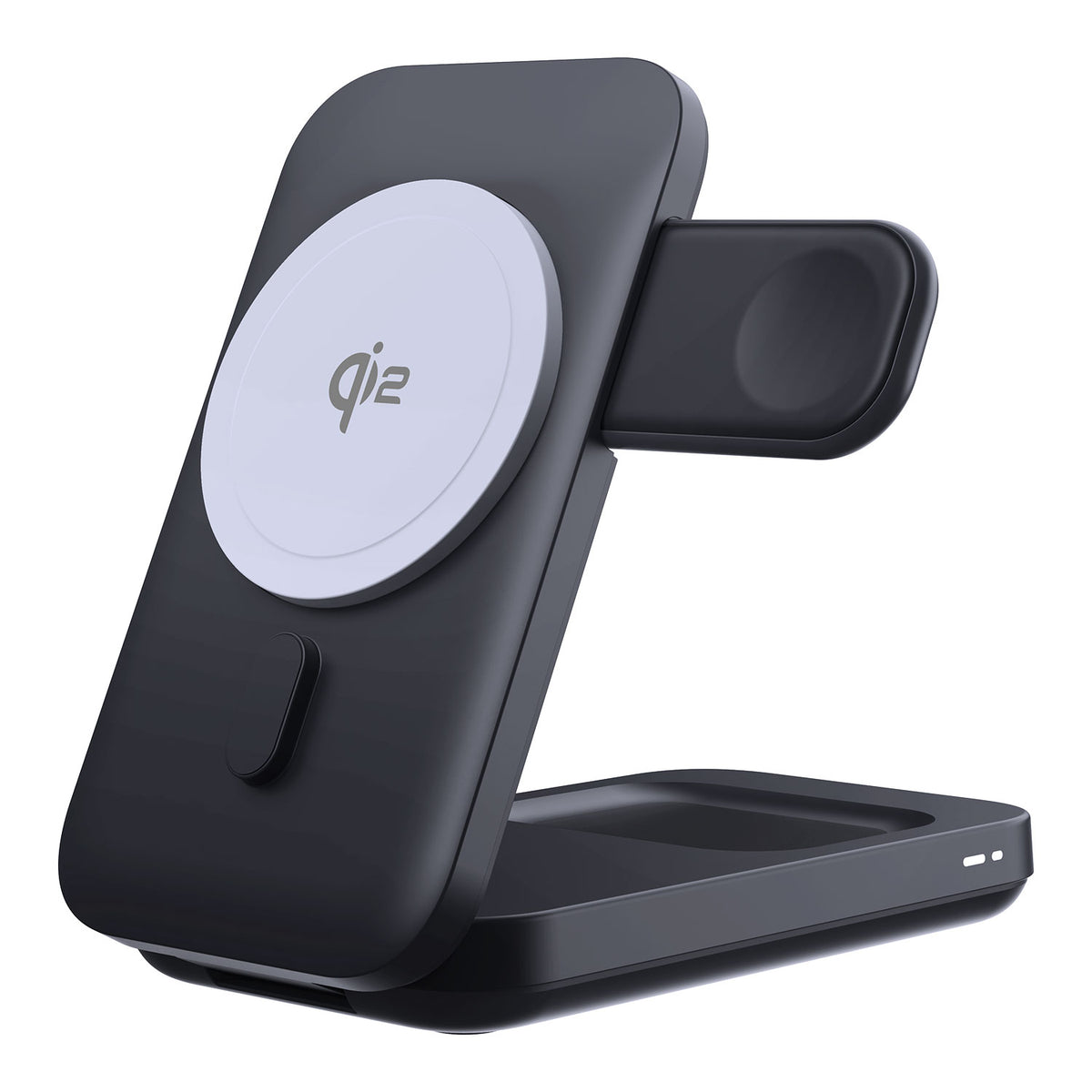
ZEERA MagTri Gen2 Qi2.2 Foldable MagSafe Charger
- 25W Qi2.2
- 3-in-1 fold
- Active cooling
- Travel size
- 3-device ready
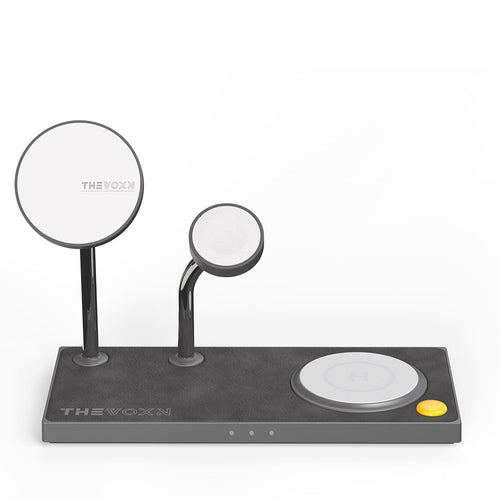
ZEERA MagSion 5-in-1 Dual MagSafe Charger Stand
- Dual MagSafe
- 5-in-1 stand
- Watch charging
- Angle adjust
- Clean setup
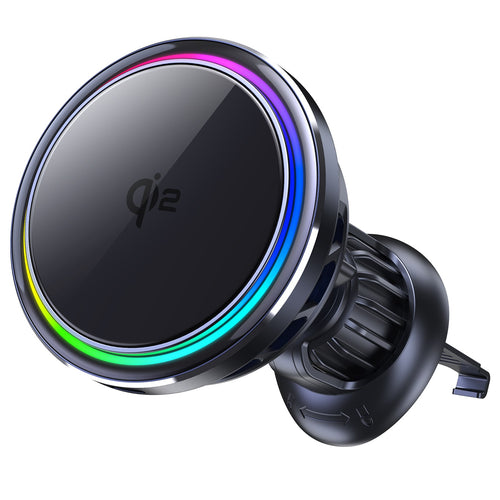
ZEERA SuVolt Gen5 Qi2.2 Active Cooling Car Charger
- 25W Qi2.2
- Active cooling
- Strong magnet
- CarPlay ready
- Heat control
On-Screen Awareness
On-screen awareness is another major Siri AI feature. Siri can understand the content currently displayed on your screen and help you take action.
If a friend texts you an address, you may be able to ask Siri to add it to their contact card. If you are reading a long webpage, you may ask Siri to summarize the key points. If you are looking at a message, you may ask Siri to help rewrite your reply.
The goal is simple: Siri should understand what you are looking at, not just what you say.

Cross-App Actions
The old Siri could perform some app actions, but the experience was limited. Siri AI in iOS 27 is designed to work more deeply across apps through Apple Intelligence and App Intents.
This could make everyday tasks faster. For example, if someone sends you a dinner time in Messages, you may ask Siri to add it to Calendar and remind you before leaving. If an email includes a meeting detail, Siri may help turn it into an event. If you are looking for a photo from a trip, Siri may help find it without forcing you to scroll manually.
For users, the benefit is not just AI answers. The real value is action. A useful assistant should not only explain something. It should help you get the task done.

Siri Mode in Camera
iOS 27 also brings Siri closer to the Camera experience. With Siri Mode in Camera, users can ask questions about the real-world objects, food, places, or text they are looking at.
This can be useful when traveling, shopping, studying, or trying to understand something quickly. For example, you might point your iPhone camera at a dish and ask about ingredients, or look at an object and ask what it is used for.
This is one reason Siri AI could become more important for Pro iPhone users, who often rely on the camera throughout the day for travel, work, content creation, and quick visual search.

Siri App vs Old Siri: What Actually Changes?
| Old Siri | iOS 27 Siri AI |
|---|---|
| Mostly short voice commands | More natural AI conversations |
| Limited follow-up ability | Better back-and-forth conversation flow |
| Less aware of personal context | Can use relevant personal information when supported |
| Limited screen understanding | Can understand and act on screen content |
| No dedicated conversation app | New Siri App for conversations and history |
| Mainly answers or shortcuts | Designed to answer, reason, and take action across apps |
The biggest change is not that Siri has a new look. The biggest change is that Siri AI is designed to understand more context and help complete more tasks.
If Apple executes this well, Siri could finally move from a basic voice assistant to a daily AI layer across iPhone, iPad, Mac, Apple Watch, and Vision Pro.
Siri AI vs ChatGPT: Are They the Same?
Siri AI may feel more conversational than old Siri, but it is not the same thing as ChatGPT.
ChatGPT is mainly a general AI assistant for answering questions, writing, brainstorming, coding, and research-style conversations. Siri AI is designed as a system-level assistant built into Apple devices.
The difference is context and action.
Siri AI’s advantage is that it lives inside the Apple ecosystem. It can connect answers with what you are seeing, what is saved on your device, and what supported apps can do.
For example, ChatGPT can help you write a travel plan. Siri AI may help find the hotel confirmation in your email, check the address on your screen, create a reminder, and help you send a message without leaving the Apple ecosystem.
So the better comparison is not “Is Siri AI better than ChatGPT?” The better question is “Can Siri AI become more useful inside iOS than old Siri ever was?”
Does Siri AI Require a Waitlist?
Yes, early access to Siri AI may require joining a waitlist. This is important because users may install iOS 27 and still not see the full Siri AI experience immediately.
The waitlist does not necessarily mean your iPhone is unsupported. It may simply mean Apple is controlling the rollout while Siri AI remains in beta.
For users, this creates three different situations:
- Your iPhone supports iOS 27, but Siri AI is not available yet.
- Your iPhone supports Apple Intelligence, but you still need waitlist access.
- Your region or language is not included in the first Siri AI rollout.
Many users may search for terms like “iOS 27 Siri AI waitlist,” “why don’t I have Siri AI,” or “Siri App not showing after iOS 27 update.” If you do not see Siri AI after installing iOS 27, check your iPhone model, language, region, Apple Intelligence settings, and whether Siri AI access is currently available for your account.
Why Apple Labels Siri AI as Beta
Apple is treating the new Siri AI rollout as a beta experience because it depends on more than a new voice interface. Features like personal context, on-screen awareness, and app actions require privacy protection, accuracy, device performance, and developer support to work reliably.
For early users, this means Siri AI may feel powerful in some situations but incomplete in others. Some features may arrive gradually through future iOS 27 updates.
Apple has chosen to keep Siri AI in Beta while expanding feature availability throughout the iOS 27 cycle. For more context, read our full breakdown of Siri Beta in iOS 27 and what it means for iPhone 18 buyers.
Which iPhones Support iOS 27 Siri AI?
| iPhone Model | iOS 27 Support | Siri AI Support |
|---|---|---|
| iPhone 18 series | Expected | Expected full support, but not confirmed before launch |
| iPhone 17 series | Yes | Full Siri AI support expected |
| iPhone 16 series | Yes | Full Siri AI support expected |
| iPhone 15 Pro / iPhone 15 Pro Max | Yes | Supported |
| iPhone 15 / iPhone 15 Plus | Yes | Limited; full Siri AI support is not expected |
| iPhone 14 Pro / iPhone 14 Pro Max | Yes | Not expected to support full Siri AI |
| iPhone 11 to iPhone 14 series | Yes, depending on model | Basic Siri only; full Siri AI is not expected |
If you are using an older iPhone, the question is not only “Can I install iOS 27?” The better question is “Can my iPhone run the Siri AI features I actually care about?”
For example, an older iPhone may still get iOS 27, security updates, interface changes, and basic Siri functions, but it may not get the full Siri AI experience with personal context, on-screen awareness, and deeper app actions.

Real-Life Ways the New Siri App Could Help
While Traveling
Travel is one of the clearest Siri AI use cases. Siri could help find hotel details, restaurant suggestions, flight information, photos from a trip, or directions based on what you already have in your apps.
For example, you may ask Siri to find the hotel confirmation your airline or booking app sent you, summarize the address, check your calendar, and help you send an arrival time to a friend.
In the Car
Siri AI could also become more useful with CarPlay. Drivers often need directions, messages, music, and location details without touching the phone. A smarter Siri may make those moments easier, especially when the iPhone is mounted safely and charging.
This is where a stable MagSafe car charging setup matters. If you use navigation, music, CarPlay, and Siri during long drives, keeping your iPhone visible, secure, and powered can make the experience smoother.
For Camera and Visual Search
With Siri Mode in Camera, the iPhone becomes more useful as a visual assistant. Instead of taking a photo first and searching later, users may ask questions about what they are seeing in the moment.
That could make Siri AI especially useful for travelers, students, creators, and anyone who often uses the iPhone camera to understand the world around them.
Should You Upgrade Your iPhone for iOS 27 Siri AI?
For most users, Siri AI alone is probably not enough reason to buy a new iPhone immediately.
If your current iPhone already supports Apple Intelligence, you may be able to try many Siri AI features without upgrading hardware. In that case, it makes more sense to wait and see how useful Siri AI becomes in daily use.
But if you are using an older iPhone that can install iOS 27 but cannot run the full Siri AI experience, the new Siri App may become one more reason to consider upgrading later.
The decision should depend on your real use. If you rely on your iPhone for travel, photos, CarPlay, and long screen-on time, Siri AI may become more valuable. If you mostly use your iPhone for messages, social apps, and basic browsing, the upgrade pressure is lower.
Before buying a new iPhone just for AI, it may be more practical to improve the way you use your current iPhone every day. A cleaner MagSafe desk charger, a stable car mount, or a travel charging setup can make your current device easier to use now and still remain useful when you upgrade later.
What to Do Before Installing iOS 27 for Siri AI
- Back up your iPhone before installing beta software.
- Check whether your iPhone supports Apple Intelligence.
- Confirm that Siri AI is available in your language and region.
- Join the Siri AI waitlist if it appears in Settings.
- Make sure you have enough free storage before updating.
- Use a stable charger during the update process.
- Do not install beta software on your only work phone unless you accept bugs.
iOS updates can take time, and beta software may cause battery drain, heat, app crashes, or missing features. If your iPhone is essential for work or travel, waiting for a more stable release may be the safer choice.

The Bottom Line
The new Siri App in iOS 27 is not just another icon on the Home Screen. It represents Apple’s attempt to make Siri more conversational, more personal, and more useful across the iPhone experience.
The most important changes are personal context, on-screen awareness, cross-app actions, visual understanding, Siri AI Beta access, and a dedicated place for Siri AI conversations.
But availability matters. Not every iOS 27 device will get the same Siri AI experience, and some users may need to wait because of beta access, waitlist status, language support, region limits, or hardware requirements.
The new Siri App could become one of the most important iPhone software changes in years, but its real value depends on how quickly Apple expands Beta access and feature support.
FAQ
Does iOS 27 have a new Siri App?
Yes. iOS 27 introduces a dedicated Siri App experience for Siri AI conversations and history.
What can the iOS 27 Siri App do?
The Siri App can support more natural conversations, personal context, screen-aware questions, app actions, writing help, and visual search features.
Why is Siri AI labeled Beta?
Siri AI is labeled Beta because the new experience depends on complex features such as personal context, on-screen awareness, app actions, developer support, and privacy-focused processing. Apple is expected to expand feature availability throughout the iOS 27 cycle.
Does Siri AI require a waitlist?
Early access to Siri AI may require joining a waitlist. This depends on Apple’s rollout, your device, language, and region.
Why can’t I see the Siri App after installing iOS 27?
If the Siri App is not showing, check whether your iPhone supports Apple Intelligence, whether Siri AI is available in your region and language, and whether your account has received Beta access.
Do all iOS 27 iPhones support Siri AI?
No. Some iPhones may support iOS 27 but may not support the full Apple Intelligence or Siri AI feature set.
Is Siri AI the same as ChatGPT?
No. Siri AI may feel more conversational, but it is designed as Apple’s system-level assistant. It focuses on iPhone apps, personal context, on-screen awareness, and actions across the Apple ecosystem.
Should I upgrade my iPhone just for Siri AI?
Most users should not upgrade only for Siri AI. But if you are using an older iPhone that cannot run the full Apple Intelligence experience, Siri AI may become one reason to consider upgrading later.









