
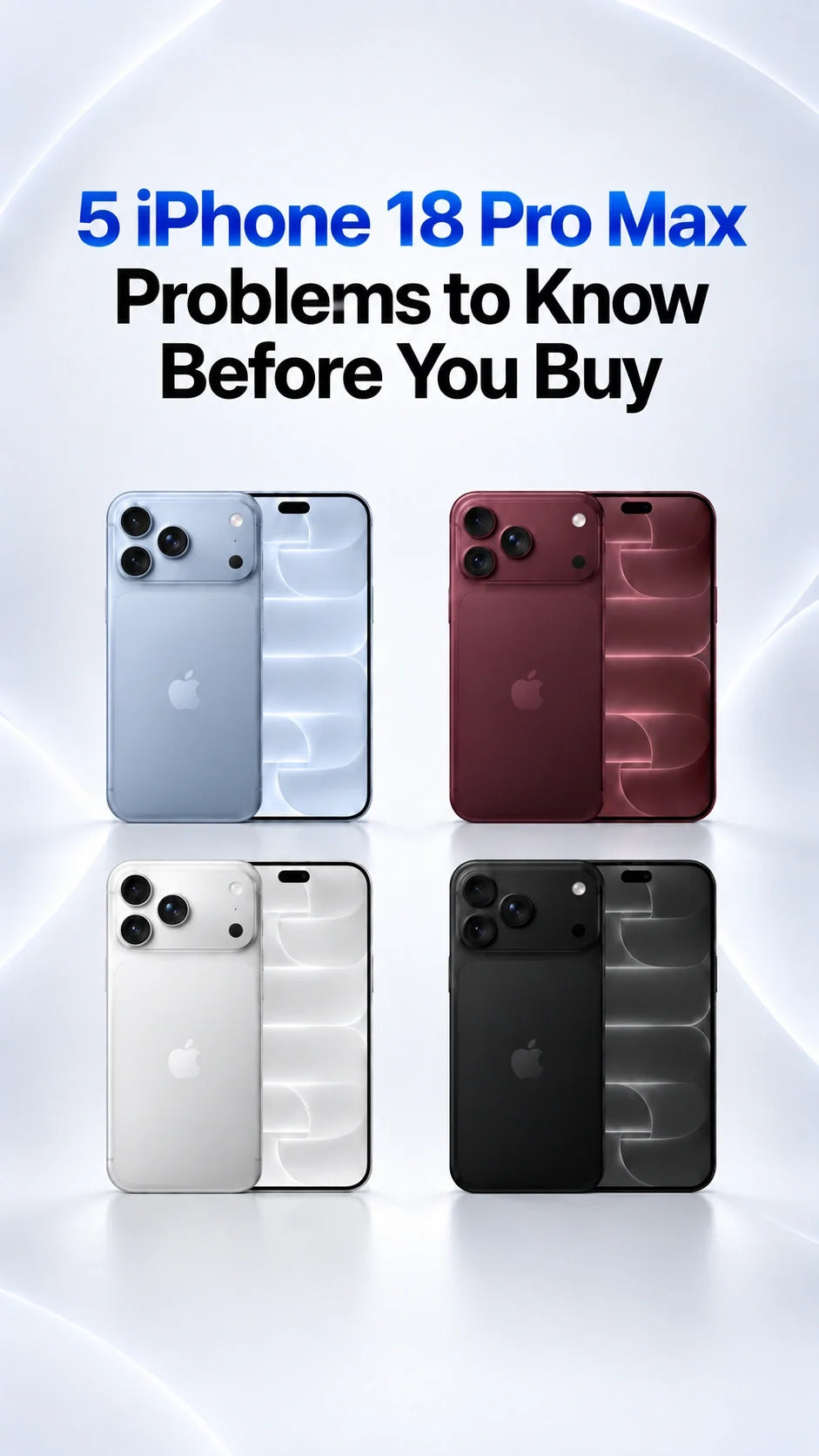
Five iPhone 18 Pro Max concerns deserve a check before you buy: Face ID-related restarts, speaker popping, AT&T SOS/no service, marks around the camera plateau, and uneven-looking back-glass alignment.
Apple lists a fix for the Face ID restart in iOS 27.0.1; it has not announced a speaker fix in those notes.
The confirmed AT&T issue affects a small number of Pro Max phones, and an already affected device may need replacement.
The two cosmetic concerns come from owner observations, including the video transcript supplied for this article; they are not established defects across every unit.
Update, test calls and media, and inspect your particular phone within its return period.
Updated October 7, 2026. The US iPhone 18 Pro Max starts at $1,299. ZEERA reviewed the five claims in a supplied owner-video transcript against Apple's current release notes and available support information. A report about one phone is a reason to inspect yours, not a defect rate for the entire model. Apple's announcement and pricing provide the official baseline.
1. Does Face ID fail or restart the iPhone 18 Pro Max?
Install iOS 27.0.1 or a later public update, then test Face ID several times in normal lighting.
Apple's iOS 27.0.1 notes say iPhone 18 Pro and Pro Max could unexpectedly restart when Face ID failed to authenticate. The update specifically addresses the restart. It does not establish that every occasional failed unlock has the same cause or that a relocated sensor is responsible.
If Face ID repeatedly misses after updating, clean the front camera area, check whether a screen protector blocks it, restart, and follow Apple's Face ID troubleshooting steps. Record any repeatable restart and request diagnostics if it continues.
2. Are the speakers crackling or popping?
Test music, calls and video at several volumes before the return window closes.
Some iPhone 18 Pro and Pro Max owners describe intermittent crackles or pops, often around the earpiece. The supplied video describes similar symptoms, but it does not prove a manufacturing defect. Apple's iOS 27.0.1 notes do not identify a speaker repair.
Try the same audio in another app, compare speaker output with headphones, and remove a case briefly to rule out a covered grille. If you can reproduce the noise across apps, save a recording and ask Apple to inspect it. ZEERA's speaker troubleshooting guide walks through the checks. A charger or case is not a fix for a defective speaker.
3. Can the iPhone 18 Pro Max lose AT&T service or show SOS?
Update first for prevention; if an activated phone repeatedly loses service, contact AT&T and Apple promptly about diagnostics and replacement.
This is the issue with the highest practical cost for an AT&T buyer: SOS can mean no normal calls, texts or mobile data. Apple's public comments, as reported in ZEERA's replacement guide, distinguish preventive iOS/carrier updates from an already affected phone that requires hardware replacement. Do not wait for another iOS update to restore a diagnosed failed unit.
Before transferring your line, back up your old phone and keep it available. After activating the Pro Max, test a call, text and mobile data away from Wi-Fi. Check Settings → General → About for a carrier settings update. Do not delete your eSIM without a clear reactivation path. The confirmed bulletin concerns iPhone 18 Pro Max on AT&T; it does not establish the same hardware issue for every Pro or every carrier. Apple lists US models as eSIM-only.
4. Do dark finishes show smears around the camera plateau?
Inspect the color you actually want under normal light, before fitting a case.
The video narrator shows persistent-looking marks around the lenses on a dark phone and mentions reports involving Black and Burgundy. A photo or video cannot establish whether a mark is skin oil, residue, lighting, coating wear or a finish defect. ZEERA's assessment: dark colors can make handling marks more visible, but the video alone cannot support a failure-rate claim.
Check the new phone in daylight, gently clean it using Apple's care guidance, then photograph any mark that remains from the day you unbox it. If the finish looks damaged on arrival, ask the seller about a return or inspection. A raised camera surround can reduce contact with a desk, but a case cannot repair an existing finish issue.
5. Is the back glass misaligned or uneven?
Inspect the perimeter for a visible gap, raised corner or sharp edge before deciding to keep the unit.
The supplied video shows a slight difference in how the rear glass appears to meet the frame on one phone. The narrator says it is difficult to see on camera. This is not evidence that all iPhone 18 Pro Max rear panels are the wrong size or that Apple has acknowledged a batch defect.
A subtle visual seam and a panel that lifts, snags or admits debris are different situations. Photograph any concern under even light, avoid pressing or prying at the glass, and have Apple or the retailer assess the actual device. A case may hide a small cosmetic variation; it is not a substitute for inspecting a suspect assembly.
Should you buy the iPhone 18 Pro Max now or wait?
Consider waiting if: AT&T reliability is critical to your work, you cannot easily arrange a replacement, or you want more owner data on intermittent audio and finish reports.
At $1,299 before tax for the US base model, a short arrival-day check is worthwhile. Confirm the exact Pro Max case variant, MagSafe compatibility, and camera clearance if you buy accessories. Neither a case, a magnetic charger nor a camera filter resolves Face ID, cellular, speaker or back-glass faults.
FAQ
Does iOS 27.0.1 fix every Face ID problem?
No. Apple's published fix is specifically for unexpected restarts when Face ID authentication fails. A separate persistent unlock problem needs its own troubleshooting.
Does the AT&T SOS problem affect every iPhone 18 Pro Max?
No. The confirmed issue concerns a small number of devices on AT&T. An already affected, diagnosed phone may need replacement.
Should I return a phone for a faint back-glass seam?
Ask the retailer or Apple to assess your unit. A visible lift, sharp edge or accumulating debris deserves prompt inspection; photos alone cannot establish tolerance.
Can a MagSafe case fix camera marks or speaker popping?
No. A case can protect against daily contact and cover a cosmetic mark, but it cannot repair a faulty finish or speaker.
Related reading
- iPhone 18 Pro speaker crackling: causes and checks
- AT&T SOS: when a hardware replacement is needed
- iPhone 18 Pro Max eSIM transfer and activation
- Worst iPhone 18 Pro color for caseless users
- iPhone 18 Pro camera glare and lens flare
- Best iPhone 18 Pro Max MagSafe cases
- iPhone 18 Pro and Pro Max price, specs and colors









