
Quick Answer
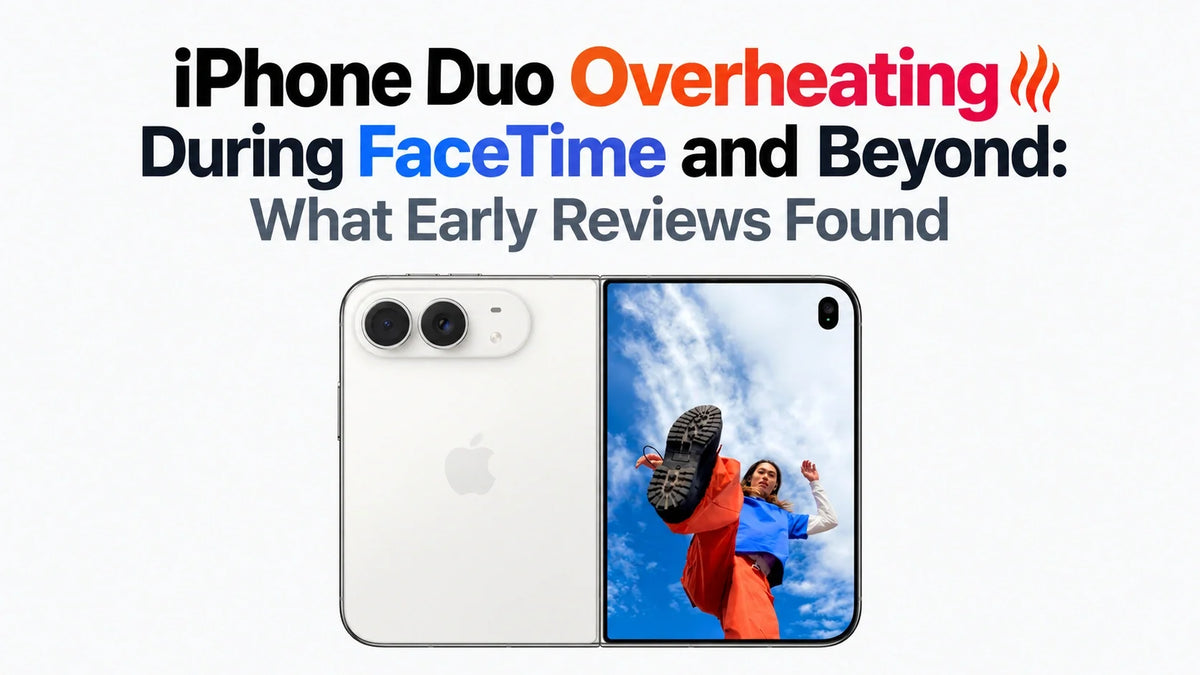
Early iPhone Duo reviews found noticeable heat during FaceTime, camera use, some third-party apps and demanding graphics tasks.
New-phone transfers, indexing and cloud sync can add temporary background work.
Poor app adaptation is worth investigating, but an awkward layout alone does not prove an app causes overheating.
Start by checking Battery activity, disconnecting the charger and testing the same task after setup finishes.
A temperature warning, repeated interruptions or persistent heat at idle needs closer attention.
Why is the iPhone Duo overheating during FaceTime?
FaceTime keeps the camera, video processing, display and network connection working together. A long call can therefore create sustained heat, especially while charging or using a weak cellular connection. These are plausible contributors; the cause of a particular call getting hot needs to be checked.
The concern comes from real review use: MacRumors reported that Joanna Stern ended a FaceTime call because her iPhone Duo became too hot to hold comfortably. That describes her experience, rather than a confirmed automatic thermal shutdown or a universal FaceTime fault.
What did early reviews find beyond FaceTime?
Heat was also reported in workloads that had nothing to do with video calls.
Third-party apps and extended camera use
The Verge’s review identified video apps and Google apps as heat-producing scenarios. Extended camera use with features involving both displays, including Duo Preview and Kid Cue, also made the phone hotter; adding Smart Take could bring noticeable lag. These observations broaden the issue beyond FaceTime.
MediaStorm: updates helped, but demanding tasks still ran hot
In the supplied MediaStorm / 影视飓风 review, the team described a very hot launch demo unit and improved thermal behavior after a later software update. Its subsequent testing reported a peak of about 49°C (120°F), with the unfolded phone around 2°C (3.6°F) warmer than when closed. These figures came from its thermal testing, not a FaceTime temperature measurement.
Similar CPU results did not mean identical sustained performance
MediaStorm found similar CPU benchmark performance to the iPhone 18 Pro, while GPU-heavy work fell behind the Pro series and ran hotter. The reviewer also noticed a large temperature difference between the two halves, with the chip concentrated on one side. That helps explain why an unfolded Duo can feel particularly hot in one hand.
For the wider benchmark context, see our iPhone Duo vs iPhone 18 Pro Max: performance, heat and network tests. One test’s open-versus-closed result does not establish that folding or unfolding always cools the phone: the active display and workload change the outcome.
Video source: MediaStorm / 影视飓风 — iPhone Duo deep review. Thermal observations above also draw on the supplied English review transcript.
Why can a new iPhone Duo get hot after transferring data?
Reaching the Home Screen does not mean a new phone has finished setting up. Downloads, cloud syncing and indexing can continue while you start using it. A FaceTime call or game then adds a foreground workload to that background activity.
Data migration and backup restoration
A phone-to-phone transfer or backup restore can involve substantial downloading and data processing. Apple lists first-time setup and restoration among normal reasons an iPhone may feel warm. If the heat started during migration, check whether restoration is still running before judging everyday behavior.
Messages indexing and search preparation
Apple explains that Messages can keep indexing after a software update or data transfer. Depending on the amount of saved data and other background tasks, that process can take up to a few days. The phone may look ready while this work continues; indexing is a possible contributor to setup-period load, not proof of the cause of every hot phone.
Photos, files and app synchronization
Photo uploads, cloud-file downloads and apps retrieving account data can overlap. If the phone warms up while apparently idle, look for active syncing and background battery use. Distinguish an ongoing transfer from a device that remains hot after that activity has ended.
Check Settings > Battery for “Ongoing Device Setup” or “Ongoing iOS Update,” when shown. Apple says these background tasks can temporarily affect thermal performance. Its guidance on battery activity and Messages indexing provides useful clues. Let the phone finish on reliable Wi-Fi, with the screen locked when practical; avoid repeatedly restarting a transfer.
Can apps that are not optimized for iPhone Duo cause heat?
An inefficient or malfunctioning app can contribute to heat, but display adaptation and power efficiency are separate issues. Black bars, oversized controls or a stretched layout show that an app needs interface work. They do not reveal how much processing it is doing.
MediaStorm found uneven adaptation across apps, while The Verge’s heat observations point to specific app workloads worth checking. A rendering bug, repeated processing or excessive background activity is a possible explanation when one app consistently reproduces the problem; those mechanisms were not established by the reviews.
Update the affected app, then compare it with another app doing a similar task under similar conditions. If only one app repeatedly makes the phone hot, note the app version, activity and Battery entry before contacting its developer. Our iPhone Duo app optimization and ecosystem challenges guide covers the separate layout and multitasking problems.
What else can make the iPhone Duo run hot?
Gaming, video recording and editing
Sustained graphics and camera workloads deserve separate attention from setup heat. Lower a game’s graphics settings or frame-rate target, and take a break from long recordings if the phone becomes uncomfortable. A quick benchmark score does not predict how it will feel during an extended session.
Charging while using the phone
Charging adds another source of heat to a call, game or transfer. For troubleshooting, disconnect power and repeat the task after the phone cools. A charger with active cooling may help manage charging-related heat, but it cannot fix an app bug or eliminate the processing load of a video call.
Weak reception, navigation and hot surroundings
Poor reception can increase connection-related energy use. Navigation, streaming and charging can also overlap in a car, while sunlight adds external heat. Try reliable Wi-Fi for calls and keep the phone shaded; avoid placing it against a hot dashboard or in a parked car.
Charging behavior has its own limits and regional differences; see our iPhone Duo wired vs wireless charging speeds guide before comparing advertised power with an observed session.
How to narrow down an iPhone Duo overheating problem
Change one condition at a time. That makes it easier to tell whether the trigger is an app, ongoing setup, charging or the connection.
- Stop and let it cool if necessary. If a temperature warning appears, turn the phone off and move it out of sunlight. If it is uncomfortable during a call, end the call and disconnect charging.
- Record the pattern. Note the app, task, charging state, connection, room conditions and whether the phone was folded. Check which apps or system tasks were active in Settings > Battery.
- Separate setup from routine use. Check for unfinished restoration, syncing or indexing. Compare again after those jobs complete, rather than assuming every first-day symptom will persist.
- Retest FaceTime under simpler conditions. Start with a cool phone on strong Wi-Fi, unplugged, at comfortable brightness, without another demanding app running. Stop if the heat becomes uncomfortable again.
- Update, then isolate the app. Install available stable iOS and app updates. If an app is unresponsive or misbehaving, close and reopen that app; restart the phone if the problem persists. Compare with another app before considering more disruptive steps.
- Escalate repeatable problems. Contact Apple if substantial heat continues during light use or idle time after setup completes, or if warnings and interruptions recur. Provide the pattern you recorded.
A useful support report is specific: “FaceTime on Wi-Fi, unplugged, setup complete, heats up after this amount of time.” That gives support more to investigate than “the phone runs hot.”
Frequently asked questions
Does a hot back mean the cooling system has failed?
Not by itself. Heat reaching the enclosure can be part of normal heat dissipation. Comfort, repeatability and behavior matter more than touch alone: a warm back during a demanding task is different from recurring warnings or severe heat during light use.
Is 49°C the iPhone Duo’s overheating threshold?
No. MediaStorm’s reported figure is a review measurement under its test conditions, not an Apple thermal cutoff. It should not be treated as a target, a guaranteed daily temperature or a measurement of the chip’s internal temperature.
Should I factory-reset the phone first?
Start with the app and Battery checks above. A reset is disruptive and can begin another round of restoration and indexing. Back up important data before any reset, and use Apple’s guidance if the problem remains unexplained.
For Apple’s explanation of warnings, paused charging and cooling down, see If your iPhone or iPad gets too hot or too cold.
Related reading
- iPhone Duo review hub
- iPhone Duo vs iPhone 18 Pro Max: performance, heat and network tests
- iPhone Duo app optimization and ecosystem challenges
- iPhone Duo battery test: video recording vs playback
- iPhone Duo wired vs wireless charging speeds
- iPhone Duo MagSafe ring and magnetic-strength comparison
- Why does my iPhone get hot? General causes and fixes






